Amplenote is a modern note-taking and task management platform designed for users who value security, precision, and efficiency. Built to support deep thinking and daily execution, Amplenote brings notes, to-do lists, and planning together in a single, streamlined system without unnecessary complexity.
Security First by Design
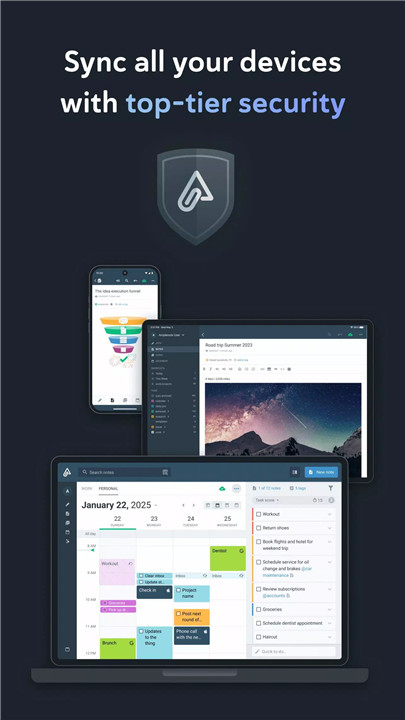
Data security is a defining feature of Amplenote. All note content is encrypted at rest on servers, ensuring strong protection against unauthorized access. For an added layer of privacy, notes can be Vault Encrypted with a password that is never transmitted or stored on servers. Note content remains fully portable, with the ability to download data at any time.
Seamless and Reliable Syncing
Accurate syncing is at the core of Amplenote’s architecture. Designed for heavy usage across mobile and desktop, the platform ensures notes stay consistent when switching devices. Vault Notes are fully supported during syncing, even though their contents remain unreadable to the service itself.
Powerful Expression Tools
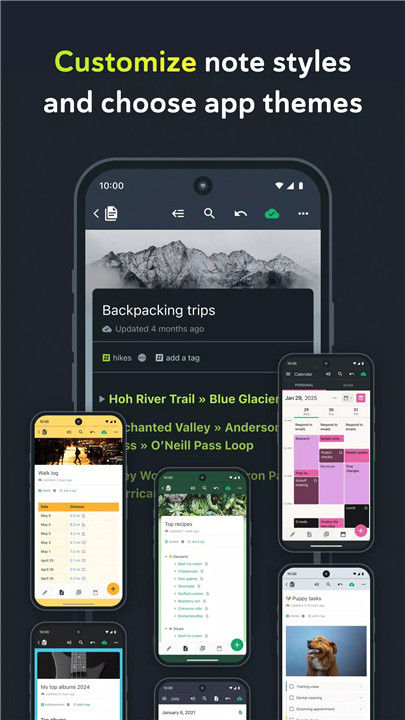
Amplenote is built for expressive and structured thinking. Rich Footnotes allow embedding text, code, images, or combinations of all three. Images can be pasted directly into notes or inline within text. A refined set of Markdown styling options enables clean, readable formatting without distraction.
Notes and Tasks Working Together
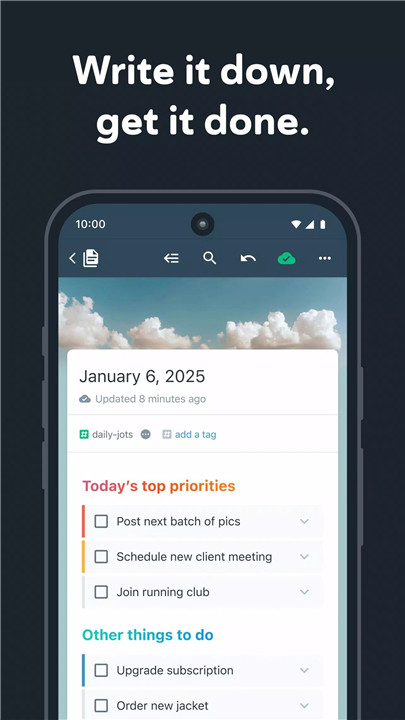
Notes and tasks coexist seamlessly within the same workspace. Text, code blocks, images, and to-do items can all live inside a single note. Tasks can be customized to recur at flexible intervals, remain hidden until relevant, and automatically disappear from the to-do list once completed.
Advanced Organization with Tags
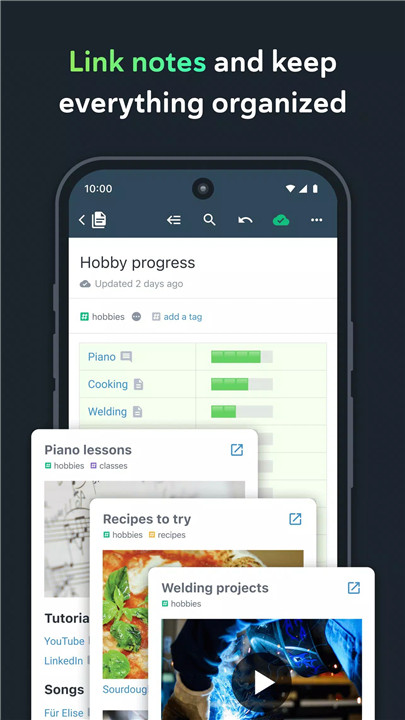
Multi-level note tags enable flexible and powerful organization. Notes can be grouped into hierarchical taxonomies and browsed like directories. This structure makes it easy to recreate familiar notebook-style systems similar to OneNote while maintaining modern flexibility.
Sharing and Collaboration
Any note can be shared instantly and edited collaboratively. Notes—including Rich Footnotes—can be published to the web with a single click. Shared task lists support teamwork by keeping responsibilities visible and organized.
Productivity Insights and Prioritization
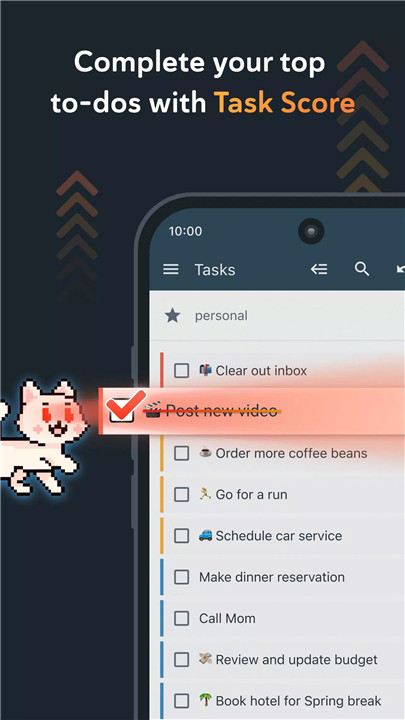
Amplenote supports proven productivity techniques by allowing tasks to be marked as Urgent or Important. Tasks can repeat relative to the last completion date, and automatic task graphs visualize productivity trends over time.
Built for Power Users
A clean, efficient interface keeps the focus on work. Keyboard shortcuts are available for nearly every action, with hotkeys displayed on hover. The quick opener makes it possible to access recently used notes in just a few keystrokes.
Offline-Ready and Cross-Platform
Work continues uninterrupted without an internet connection using cached or newly created notes. Changes sync automatically once back online. Amplenote works across mobile and web, with native desktop support in development.
FAQs
1. How does Amplenote protect note data?
All notes are encrypted at rest, and optional Vault Encryption allows password-protected notes that are never decrypted on servers.
2. Can Amplenote be used offline?
Yes. Cached and new notes can be edited offline and will automatically sync when an internet connection is restored.
3. Does Amplenote support tasks and notes together?
Yes. Tasks, text, images, and code can all exist within the same note for integrated planning and execution.
4. Is it possible to import notes from other apps?
Yes. Amplenote includes an Evernote importer that brings notes and tags into the platform.
5. Is a subscription required to use Amplenote?
Yes. After the free trial period, an active subscription is required, with monthly and yearly plans available across multiple tiers.
Version History
v3.138—3 Jul, 2025
- Add mood tracking option (press the emoji at the bottom of the drawer menu)
- Misc. note editor improvements and bug fixes
- Misc. plugin support improvements
v3.137—22 Jun, 2025
- Add graph of completed tasks to tasks screen
- Add option for plugins to install full-screen sections
- Show pinned notes and plugin sections in drawer menu when calendar screen is selected
- Misc. note editor improvements and bug fixes
v3.136—12 Jun, 2025
- Add option to show completed tasks in tasks mode
- When filtering tasks with a tag, tasks with links to notes with that tag are also shown
- Fix images pasted into quick to-do showing as uploading indefinitely
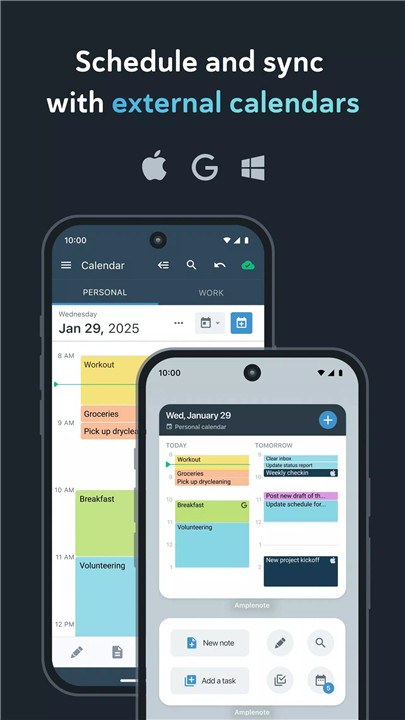
- Remove tasks from connected external calendars when the task is completed or dismissed
- Add option to set relative recurring tasks to repeat only on weekdays or weekends