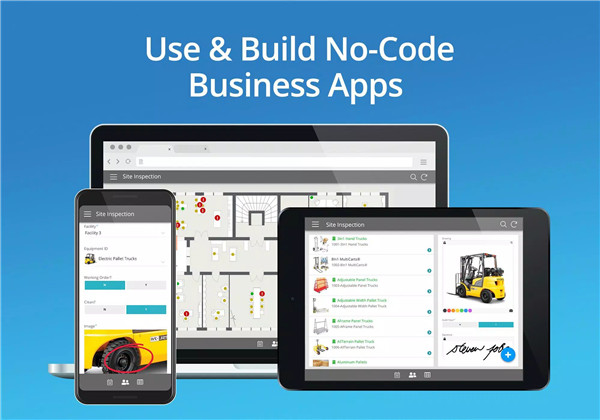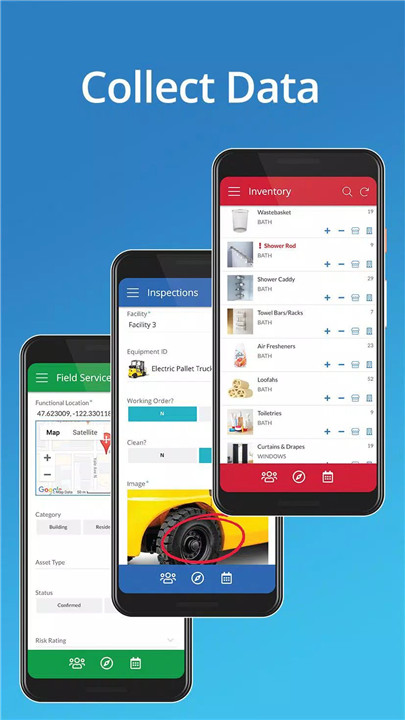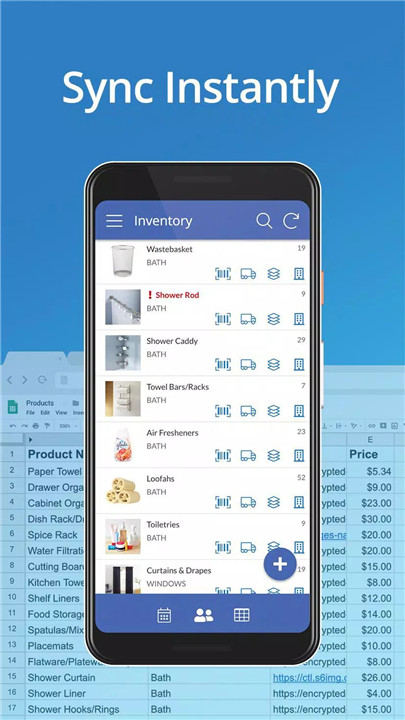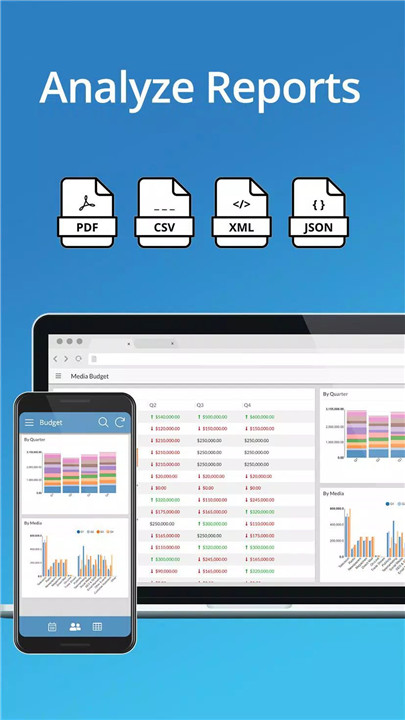
AppSheet is an intelligent, no-code app development platform trusted by over 200,000 creators worldwide, including organizations like Clearlink, Enterprise, ESPN, Pepsi, and Husqvarna. It enables users to turn cloud-based spreadsheets and databases into fully functional apps without any programming knowledge. By connecting with data sources such as Google Sheets, Excel, Smartsheet, mySQL, PostgreSQL, and AWS DynamoDB, AppSheet simplifies complex workflows, boosts team collaboration, and streamlines business operations.
No-Code App Creation
Apps can be created through four simple methods:
- Connect existing data sources directly.
- Copy a sample app and customize it.
- Use AppSheet add-ons for Google Sheets, Forms, or Excel.
- Start from SPEC, the platform’s natural language declarative programming tool.
This flexibility allows organizations to quickly develop apps tailored to specific business needs without writing code.
Remote Team Collaboration
AppSheet helps remote teams work seamlessly by connecting spreadsheets stored in Google Drive, Box, or Dropbox. Users can access, edit, and add data through the AppSheet app, ensuring workflows remain synchronized regardless of location. The platform provides rich and simplified views of data for remote users, enhancing productivity and reducing the need for multiple file exchanges.
Project Management
Project managers using Google Sheets, Excel, or Smartsheet can centralize project data in a single spreadsheet. AppSheet enables mobile display and sharing of project information with team members and stakeholders while controlling access to specific data sets. This reduces confusion from managing multiple files and streamlines reporting.
Education Applications
Educational institutions leverage AppSheet to manage study plans, school rosters, grading, and group work. Interactive apps display data as charts, maps, text summaries, and image galleries, which can be shared with students and colleagues. Notable users include Harvard and the University of Michigan, demonstrating the platform’s scalability for complex educational workflows.
Customer Support and Engagement
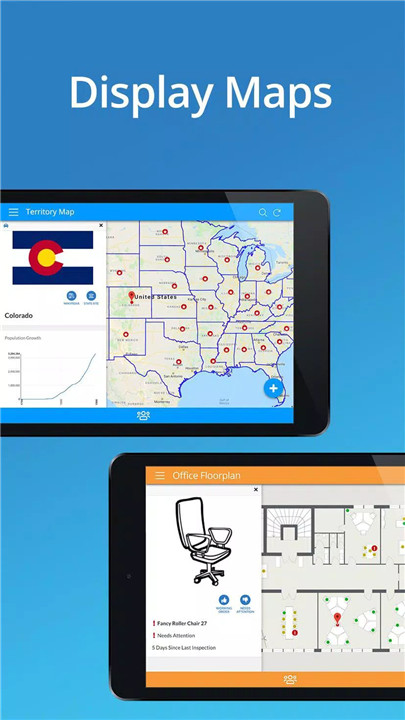
AppSheet enhances customer management by providing a dynamic interface for spreadsheet data. Users can track pipelines, generate maps, initiate calls, send emails, and build image-based catalogs. This functionality transforms standard spreadsheets into interactive apps for better customer engagement and operational efficiency.
FAQs
Q1: What types of data sources does AppSheet support?
AppSheet works with cloud-based spreadsheets like Google Sheets, Excel, and Smartsheet, as well as databases including mySQL, PostgreSQL, and AWS DynamoDB.
Q2: Can remote teams collaborate using AppSheet?
Yes, AppSheet enables remote users to access, edit, and add data from spreadsheets stored in cloud services such as Google Drive, Box, and Dropbox.
Q3: How quickly can an app be created on AppSheet?
Apps can be built quickly using four methods: connecting data sources, copying sample apps, using add-ons, or leveraging SPEC for natural language programming.
Q4: Is AppSheet suitable for education or academic institutions?
Absolutely. Schools and universities can manage study plans, rosters, grading, and group projects using interactive apps. Harvard and the University of Michigan are among its users.
Q5: How does AppSheet improve project management?
AppSheet centralizes project data in spreadsheets while allowing controlled mobile access and sharing with team members and stakeholders, eliminating multiple file versions and simplifying reporting.
Version History
v17.6.1—6 Nov, 2025
Fixed an issue causing errors when trying to create new shortcuts.
v17.6—31 Oct, 2025
v17.5—27 Sep, 2025
Bug fixes