Why Download Brilliant?
Effective, Hands-On Learning
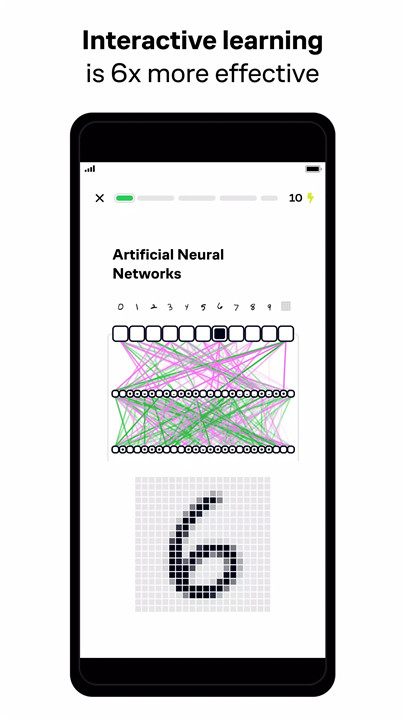
Visual and interactive lessons make even the most complex concepts intuitive and easy to grasp. With real-time feedback and simple explanations, learning becomes efficient and engaging. Research shows that interactive learning is six times more effective than traditional lecture videos.
Guided, Bite-Size Lessons
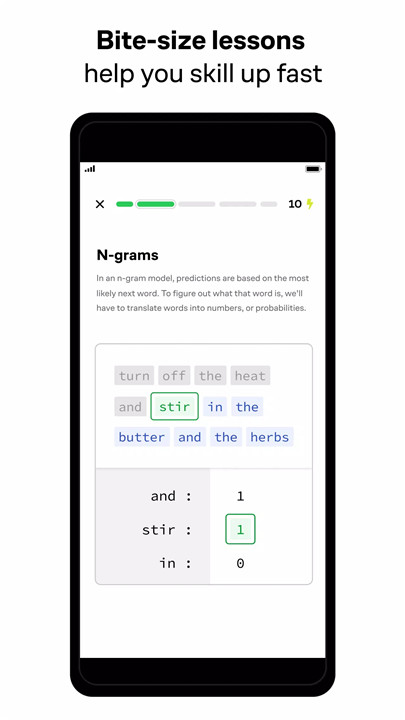
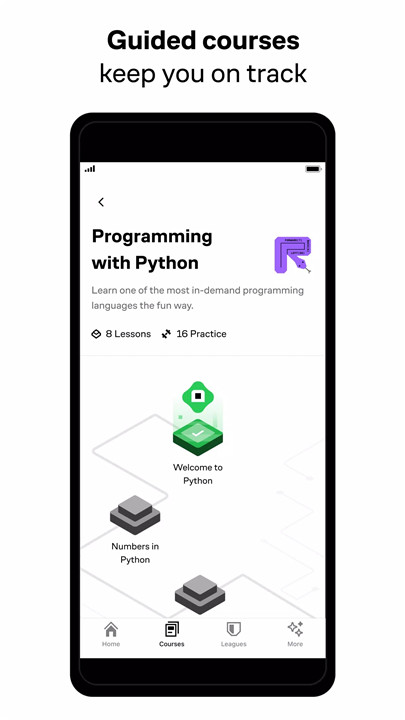
Brilliant helps you stay on track with your learning goals. Spend just 15 minutes a day to build your problem-solving skills, one concept at a time. Track your progress and see how far you've come with each lesson.
Learn at Your Own Level
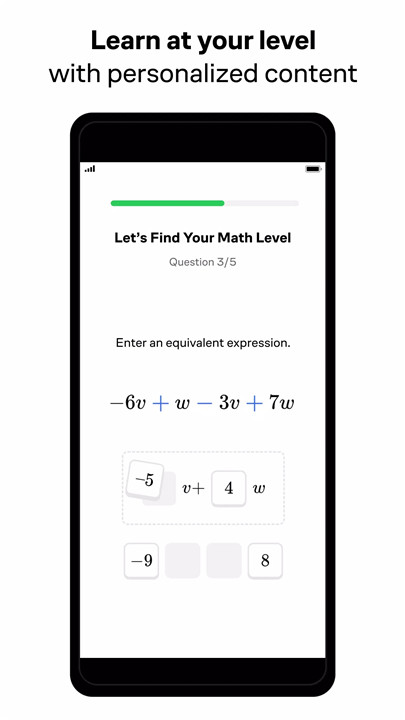
Whether you're a beginner or advanced learner, Brilliant offers courses tailored to your level. From basic algebra to advanced quantum mechanics, you can progress at your own pace and level up your skills.
Stay Motivated
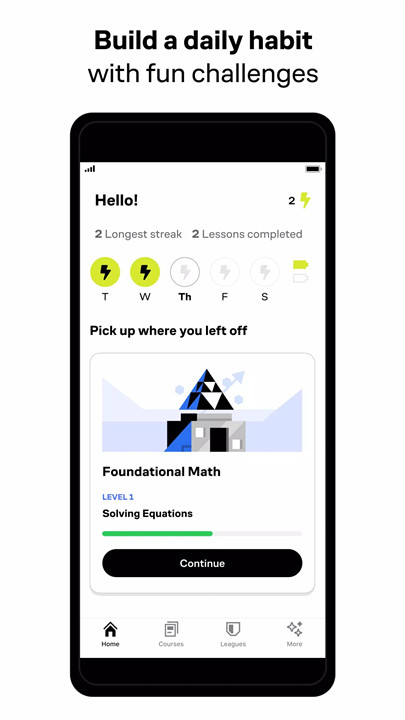
Build a real learning habit with engaging content, game-like progress tracking, and friendly reminders that keep you on track.
How Does Brilliant Work?
Interactive Lessons
Each lesson on Brilliant is designed to be interactive and engaging. You'll work through problems step-by-step, getting instant feedback on your progress. This hands-on approach helps reinforce your understanding of key concepts.
Wide Range of Topics
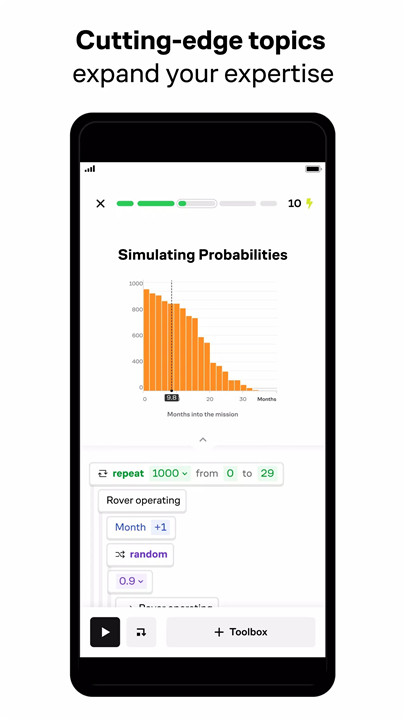
Brilliant offers courses in a variety of STEM subjects, including algebra, geometry, calculus, logic, statistics, probability, scientific thinking, physics, quantum mechanics, AI, neural networks, algorithms, Python, and more. No matter what you're interested in, you'll find a course that suits your needs.
Learn Anytime, Anywhere
With the Brilliant app, you can learn on the go. Whether you have a few minutes between classes or a long commute, you can fit learning into your busy schedule. The app is available on both iOS and Android, making it easy to access your lessons anytime, anywhere.
What Are People Saying About Brilliant?
"Brilliant has taught me mathematical concepts that I previously struggled to understand. I now feel confident approaching both technical job interviews and real-world problem-solving situations." —Jacob S.
"I am using this app while taking CS classes, and it often does a better job at explaining concepts than my professors." —Erald C.
"Well-organized, well-explained, well-designed. Brilliant is absolutely a good choice if you want to learn or relearn anything objective." —Joel M.
FAQ
Is Brilliant suitable for beginners?
Absolutely! Brilliant offers courses for all levels, from beginners to advanced learners. You can start with basic concepts and work your way up to more complex topics.
How much time do I need to spend on Brilliant each day?
You can make significant progress in just 15 minutes a day. The bite-size lessons are designed to fit into your busy schedule, making it easy to build a consistent learning habit.
What subjects can I learn on Brilliant?
Brilliant offers a wide range of STEM subjects, including math, data science, computer science, physics, and more. You can explore topics like algebra, calculus, AI, algorithms, and quantum mechanics.
Can I access Brilliant on multiple devices?
Yes, you can access Brilliant on both iOS and Android devices, as well as on your computer. Your progress syncs across all devices, so you can pick up where you left off anytime, anywhere.
What's New in the Latest Version 8.5.0
Last updated on Jul 15, 2024
The best way to learn math and computer science, now even better. What’s new:
• An issue was stopping some lessons from loading. That’s been fixed.
• Another issue made a black screen appear when the app was opened. That’s also been fixed.
• Updates to the end of lessons to let you set goals and personalized your experience.