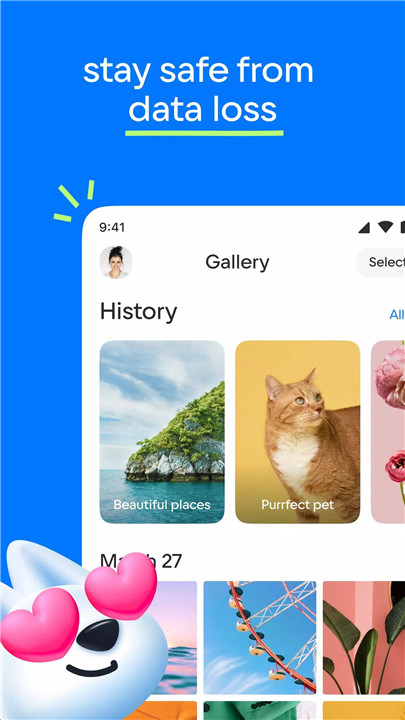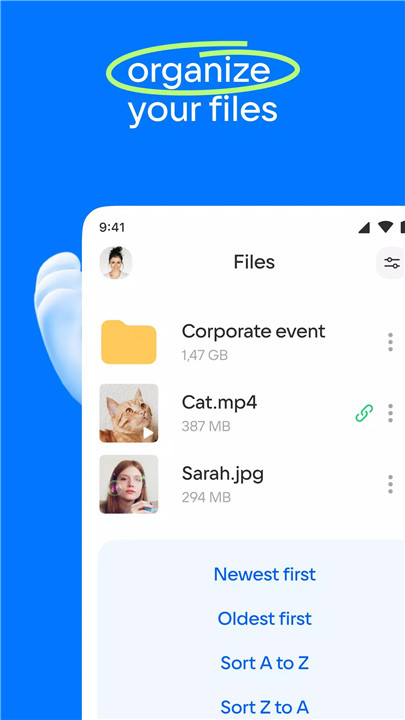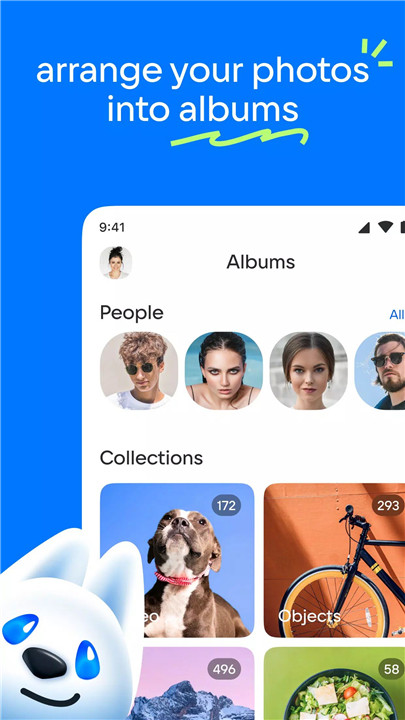
Cloud provides a reliable and efficient solution for managing digital content in one centralized location. Designed for convenience and accessibility, it allows photos, videos, documents, and other files to be uploaded, transferred, and organized within a single cloud drive. Files remain accessible from smartphones, tablets, and other devices with an internet connection, eliminating the need for wires, flash drives, or memory cards.
Automatic Backup and Sync
Cloud makes it easy to upload photos directly from a mobile device. The Camera Upload feature can be adjusted to automatically save images to the cloud drive. For optimized bandwidth usage, downloads can be configured to occur over Wi-Fi connections. Once files are backed up, they are safely stored and synchronized across devices, freeing up valuable storage space.
Free Up Device Storage
All uploaded images, videos, and documents are securely stored in the Cloud, reducing the need for local storage. This helps maintain device performance while keeping essential files readily available whenever needed.
Simple and Advanced File Sharing
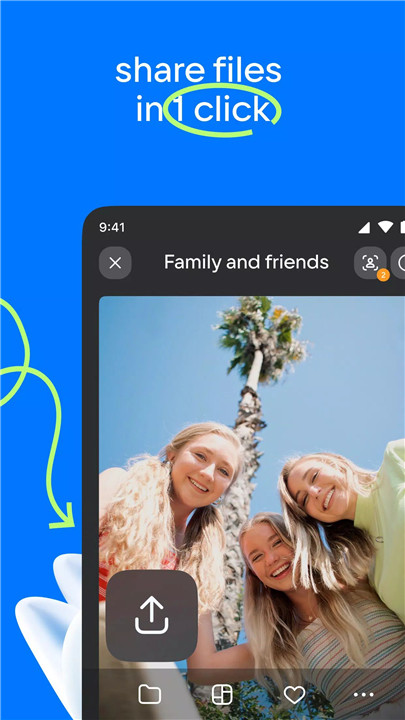
Files and folders can be shared instantly with just one click. Links to photos, videos, or documents can be sent via SMS, email, instant messaging apps, or social networks. Instead of transferring large files directly, sending a secure link helps save bandwidth while ensuring quick and efficient sharing.
Built-in Media Playback
Cloud for Android supports streaming popular video formats such as AVI, MKV, MP4, MOV, and WMV without requiring full downloads. Music playback is also supported directly within the app. Additionally, video files can be opened in an external player if preferred, providing flexible viewing options.
File Management from Anywhere
Cloud allows complete control over stored content. Files can be renamed, deleted, or moved between folders at any time. All storage management tasks can be handled directly within the app, creating a streamlined experience for organizing digital content.
Shared Folders for Collaboration
Shared folders enable multiple users to upload and manage files together. This feature is ideal for collecting travel photos, organizing event memories, collaborating on work documents, or building shared family albums. Every participant can add files, ensuring smooth collaboration and centralized storage.
Secure and Expandable Storage
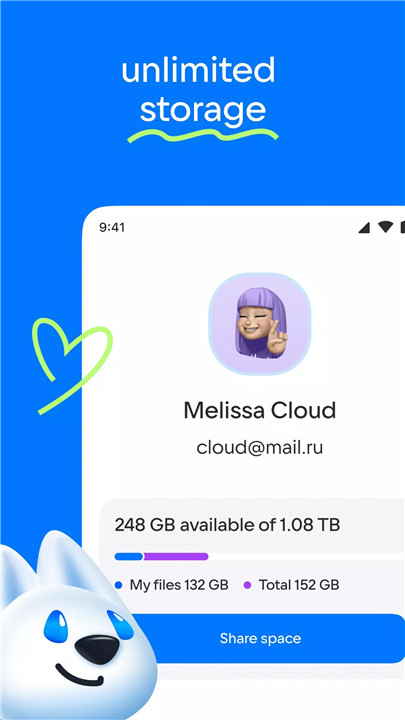
Files stored in the Cloud remain protected regardless of what happens to a personal device. Additional storage plans are available within the app, allowing storage capacity to expand as needed. All plans can be viewed conveniently in the application’s side menu.
FAQs
Q1: Can photos be uploaded automatically to the Cloud?
Yes. The Camera Upload feature allows automatic photo backups, with options to adjust settings and optimize for Wi-Fi usage.
Q2: Is it possible to stream videos without downloading them?
Yes. Cloud supports streaming popular video formats directly within the app, and videos can also be opened in external players.
Q3: How can files be shared with others?
Files and folders can be shared via secure links sent through SMS, email, messaging apps, or social networks.
Q4: What happens if a device is lost or damaged?
All files stored in the Cloud remain safe and accessible from other devices with an internet connection.
Q5: Is the Cloud app compatible with Android devices?
Yes. The application is compatible with Android version 4.0 and later on smartphones and tablets.
Version History
v5.50.0.10053990—23 Jul, 2025
In the new version of the app we fixed little things that no one even knew about. But everyone will notice that it got better. Update the app and see for yourself
v5.46.0.10052582—1 Jul, 2025
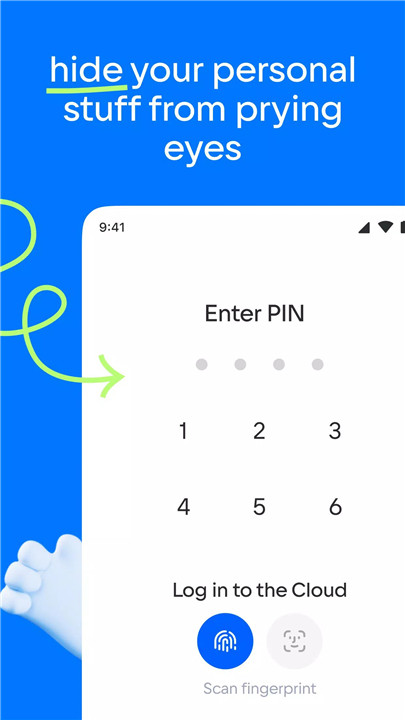
The new version of the app works a touch faster. And if you enable PIN protection in Settings — also safer. You can enable fingerprint logon and facedown lock. All for the sake of safety