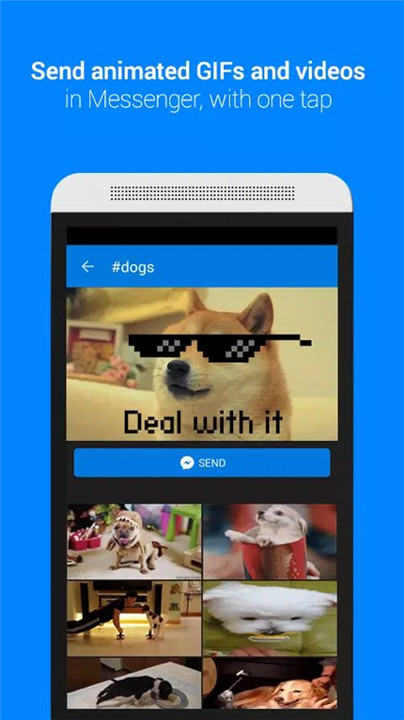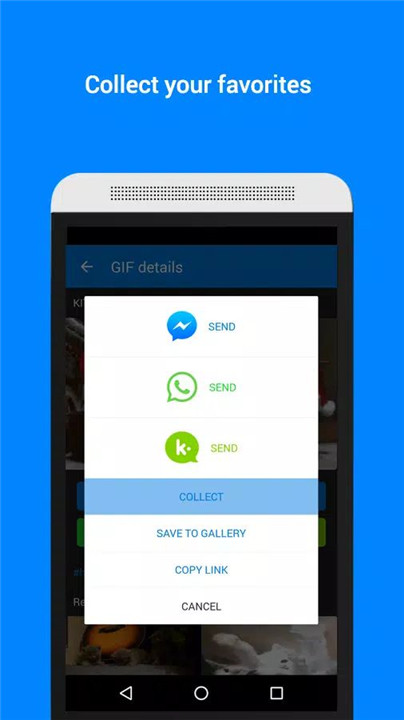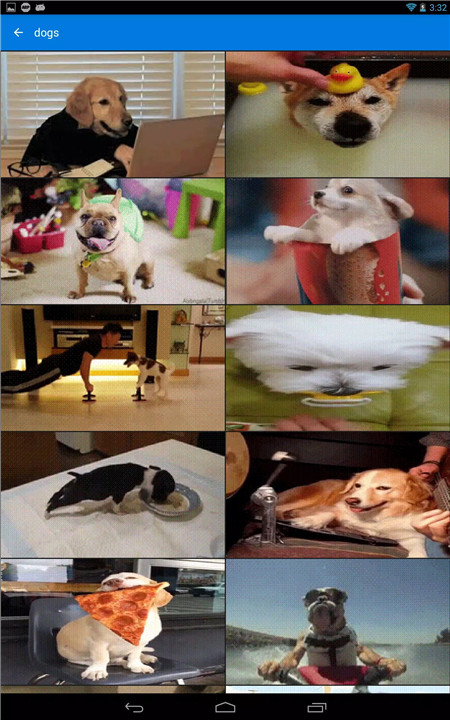
In today's fast-paced digital world, words sometimes fail to fully express our emotions, reactions, or clever responses. This is where Tenor's GIF Keyboard comes in, allowing users to say more with visuals. The app provides access to millions of GIFs and videos that can perfectly capture the mood of any conversation.
Instant GIF and Video Sharing
With Tenor’s GIF Keyboard, sending the right GIF or video to sum up exactly what you want to express is just a tap away.
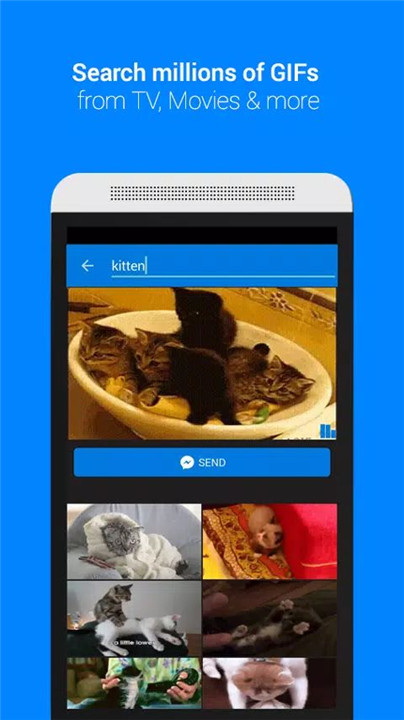
Search Millions of GIFs and Videos
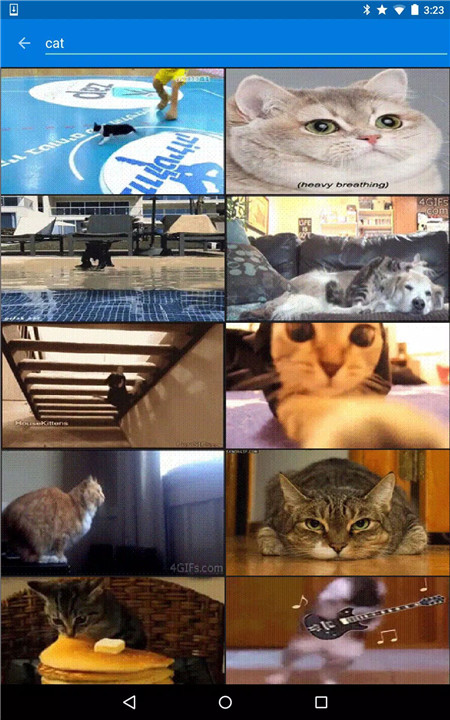
Tenor’s database of millions of GIFs and videos makes it simple to find the one that perfectly fits your moment. You can search by keyword or even use emojis to help narrow down your options, making it faster to find the perfect visual.
Explore by Categories
Need some inspiration or help finding the right GIF? Tenor offers an easy-to-use category system that organizes GIFs into popular categories like reactions, trending topics, and more. This allows users to browse and discover trending or situational GIFs based on their needs.
Emoji Search
Tenor makes it even easier to find the perfect GIF by offering emoji-based search. This innovative feature lets you search for GIFs or videos that match the emoji you’re using in your message, making it easier than ever to find the exact expression you need.
Developer-Friendly Integration
For developers interested in integrating GIFs into their apps, websites, or services, Tenor offers a GIF API. By visiting tenor.co/gifapi, developers can access an easy-to-use API key to incorporate Tenor's GIF search functionality into their digital platforms, enhancing the user experience with fun and relevant visuals.
FAQs
1. What is the Tenor GIF Keyboard?
The Tenor GIF Keyboard is a keyboard app that allows users to search and send GIFs and videos directly in their messages. It enables users to express emotions, inside jokes, and clever responses through visuals, making communication more fun and expressive.
2. How do I search for a GIF using the Tenor GIF Keyboard?
Simply open the Tenor GIF Keyboard in your messaging app, and type a keyword, phrase, or even emoji to search for GIFs. You can browse millions of GIFs and videos, or explore categories like reactions and trending topics to find the perfect visual for your conversation.
3. Can I use the Tenor GIF Keyboard on all my devices?
Yes! The Tenor GIF Keyboard is available for both iOS and Android devices, ensuring that you can enjoy seamless access to its features across your smartphones and tablets.
4. How does the emoji search feature work?
The emoji search feature allows you to search for GIFs and videos that match the emoji you're using in your messages. Simply add an emoji in your text, and Tenor will provide a list of related GIFs or videos for you to share instantly.
5. Is Tenor's GIF API available for developers?
Yes, Tenor offers an easy-to-integrate API for developers who want to incorporate GIF search functionality into their apps, services, or websites. Visit tenor.co/gifapi to get an API key and start integrating Tenor's vast collection of GIFs into your digital platform.
Version History
v2.1.78—18 Dec, 2025
Version 2.1.78
* Fixes the camera preview being stretched.
* Fixes the camera freezing when switching to selfie cam or rotating the phone.
* Fixes a rare issue where nothing happens after a recording has finished.
* Fixes the crop editor going out-of-bounds on non-portrait recordings.
* Recording editor now works better with Android gesture navigation.
v2.1.77—27 Sep, 2025
Version 2.1.77
* Resolves loading errors for some GIFs.
* Fixes captioning for uploaded GIFs.
* Removes screen capture feature.
* Adds support for latest versions of Android.
v2.1.76—16 Apr, 2024
Bug fixes and other improvements.