CV Engineer is a free resume builder app designed to help job seekers create professional, high-quality PDF resumes quickly and easily. Featuring expertly crafted templates, step-by-step guidance, and practical examples, this resume maker ensures that every CV stands out to hiring managers. With millions of users worldwide and recognition on the Play Store in 21 countries, CV Engineer has proven to be a trusted tool for anyone looking to secure their next job opportunity.
Professional CV Templates
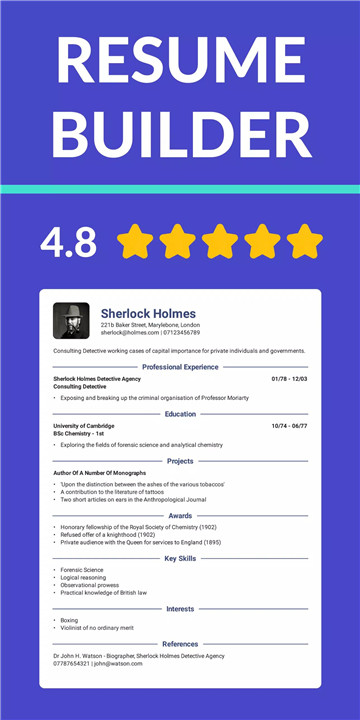
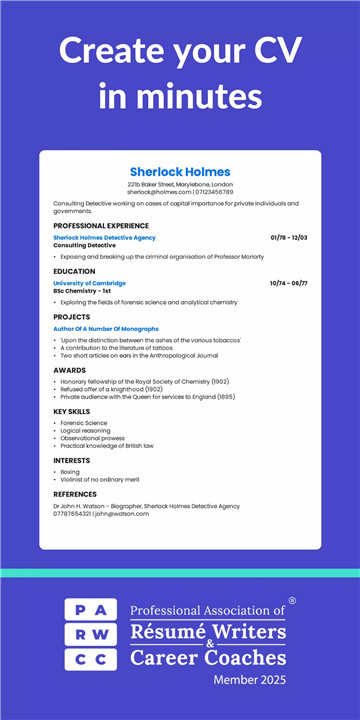
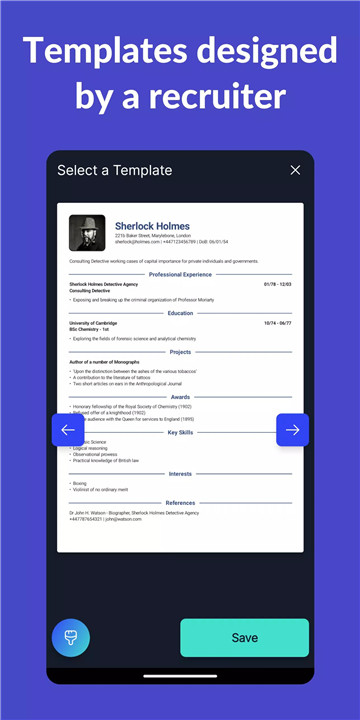
CV Engineer offers a wide selection of resume templates created by a professional recruiter. Each template is formatted for readability and effectiveness, making it easy for employers to scan and understand your experience.
AI Assistant
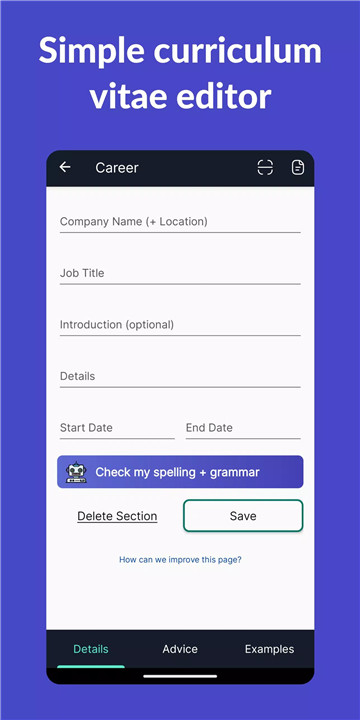
The built-in AI Assistant helps rewrite CV sections according to best practices, while also correcting spelling and grammar. This feature ensures each section of your resume is polished and professional.
Easy Resume Editing and CV Writing Tools
The app provides intuitive tools to quickly write, edit, and format your CV. Bullet points, formatting options, and simple editing features make it easy to highlight your skills and experience.
Custom CV Sections
Add personalized sections to your resume with custom titles. Perfect for unique experiences that don’t fit traditional CV formats, allowing every candidate to present their qualifications clearly.
Step-by-Step Guidance
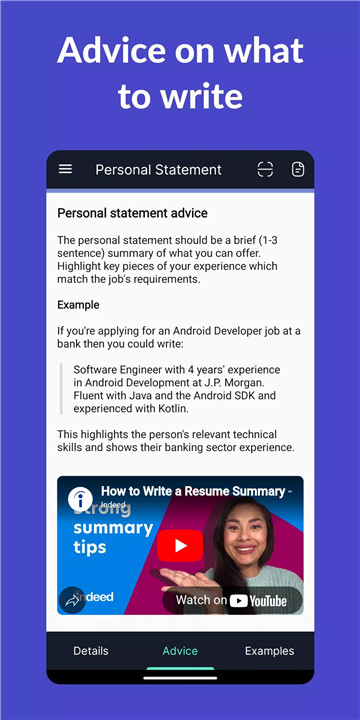
Receive detailed advice from a professional recruiter on writing each section of your resume. This guidance helps avoid common mistakes and ensures your CV is easy to read and impactful.
Example CV Sections
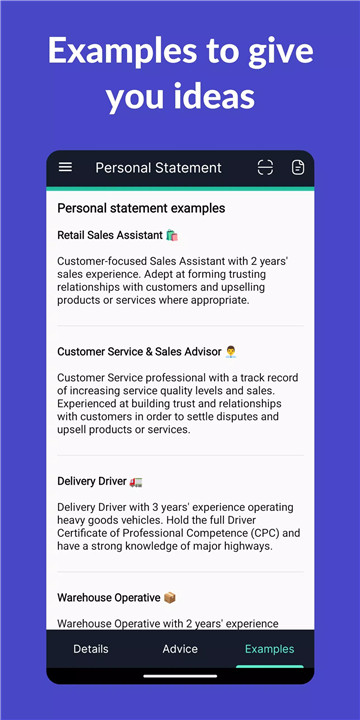
CV Engineer offers sample sections for a variety of professions, including healthcare, nursing, construction, data science, programming, students, graduates, executives, and sales managers. These examples serve as inspiration and help tailor your CV to your career path.
Formatting Options
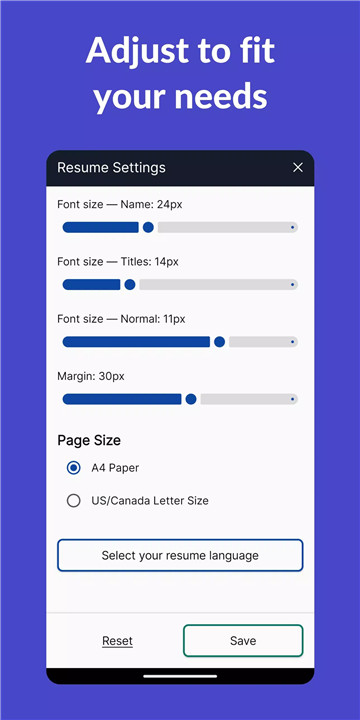
Customize font sizes, margins, and layouts to fit your experience onto one or two pages—the recommended length for a CV.
Download and Share PDF Resumes
Easily save your resume as a PDF, share it via email, or upload it to cloud storage like Google Drive. The CV maker streamlines the process of sending your resume to potential employers.
Additional Features
· Add a professional headshot to your CV
· Create resumes in multiple languages including English, Spanish, German, French, Indonesian, Italian, Polish, Portuguese, and Turkish
· Access interview questions and example answers to prepare for job interviews
· Dark mode for comfortable viewing during extended editing sessions
FAQs
1. Is CV Engineer free to use?
Yes, CV Engineer is completely free. Users can create professional resumes and download them without any cost.
2. Can I use CV Engineer for any profession?
Absolutely. The app includes templates and example sections for a wide range of careers, from healthcare and engineering to sales and student resumes.
3. Does CV Engineer support multiple languages?
Yes, resumes can be created in English, Spanish, German, French, Indonesian, Italian, Polish, Portuguese, and Turkish.
4. Can I customize my resume sections?
Yes, the app allows users to add custom sections with unique titles to highlight non-traditional experiences.
5. Does CV Engineer offer help for interviews?
Yes, the app includes interview questions and example answers to help prepare for job interviews after creating a resume.
Version History
v18.01.19—28 Nov, 2025
Bug fixes and performance improvements.
v18.01.18—27 Nov, 2025
Bug fixes and performance improvements.
v18.01.17—21 Nov, 2025
We've updated the app to take full advantage of edge-to-edge displays!