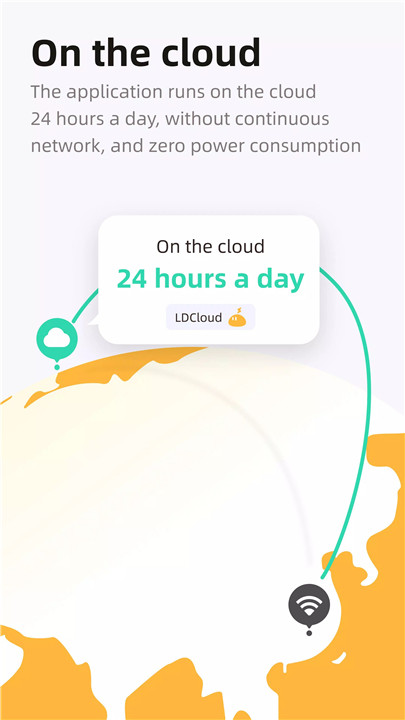
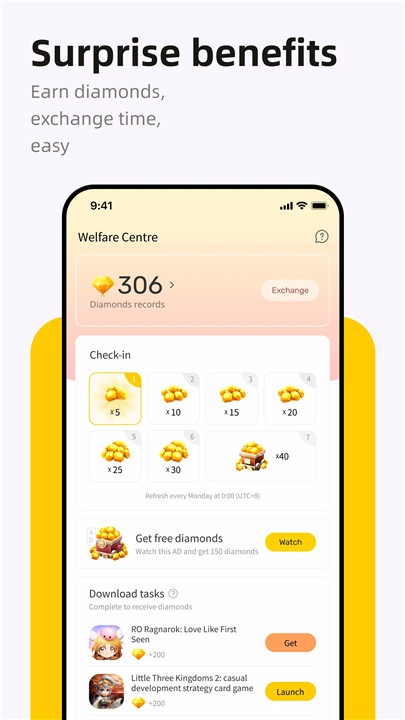
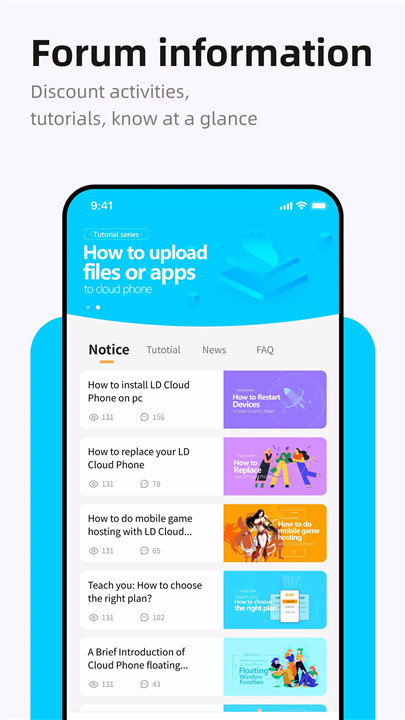
LDCloud is a powerful cloud-based Android phone solution that delivers a complete virtual Android experience without consuming local storage, battery power, or device performance. By running apps and games entirely in the cloud, LDCloud ensures smooth, stable operation anytime and anywhere. With multiple global server locations—including Singapore, Taiwan, the United States, Korea, Japan, and the Netherlands—LDCloud provides reliable connections optimized for performance and low latency.
Cloud Gaming Emulator Running 24/7
LDCloud functions as a cloud gaming emulator that keeps apps and games running online around the clock. Games continue operating even after closing LDCloud, making it ideal for AFK gameplay and long-running tasks. Popular titles such as Ragnarok, Roblox, ODIN: Valhalla Rising, LineageM, MapleStory, Honkai: Star Rail, and many more are fully supported across all genres, including RPG, strategy, action, and adventure.
No Local Resource Consumption
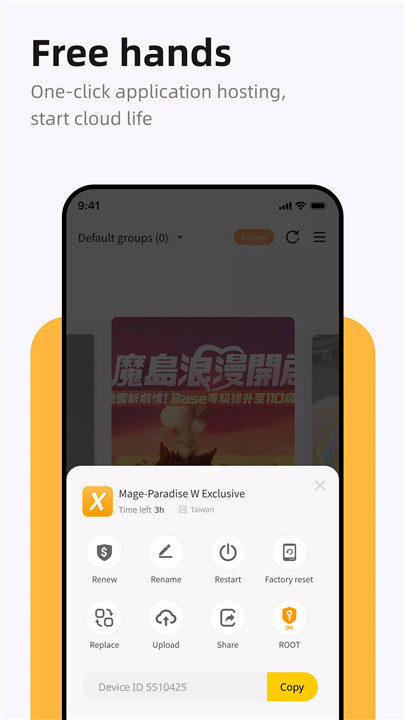
All applications run directly on cloud-based Android systems, freeing local storage, battery, and hardware resources. This allows large or demanding apps to run smoothly even on low-spec or memory-limited devices. LDCloud also includes a free cloud disk feature, enabling file, app, and image uploads for convenient cloud storage.
Multi-Device Management
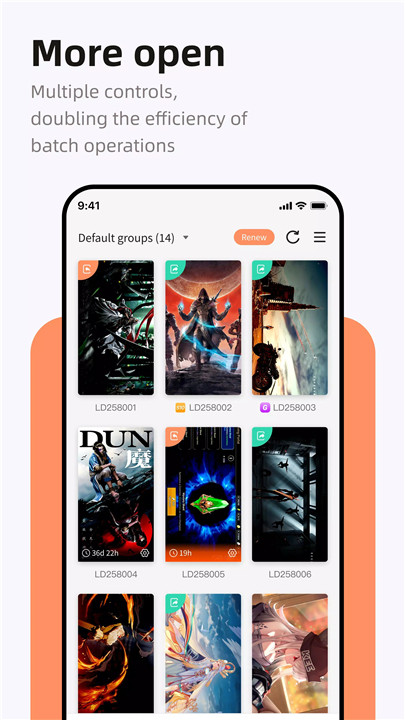
LDCloud allows simultaneous management of multiple cloud phone devices using a single account. Multiple apps or games can run at the same time, and multiple characters from the same game can be operated in parallel across different cloud devices, significantly improving efficiency and flexibility.
One-Click Synchronous Control
With synchronous operation, LDCloud enables one-click control across multiple cloud phones. Actions performed on one device can be instantly replicated on others, saving time and increasing productivity.
Seamless Android Compatibility
LDCloud uses a pure cloud-based Android OS and supports direct installation from the Google Play Store. It is fully compatible with a wide range of Android applications and adapts smoothly across different device types and operating systems.
Cross-Platform Accessibility
LDCloud works on Windows, Android, iOS, and web browsers. The lightweight installation and lack of hardware requirements make it easy to access cloud phones from PCs, laptops, tablets, or smartphones anytime and anywhere.
Safe, Stable, and Reliable
Built with security in mind, LDCloud operates in a cloud-hosted Android environment that minimizes the risk of data leakage and malicious software.
FAQs
1. What is LDCloud used for?
LDCloud provides a virtual Android phone in the cloud for running apps and games 24/7 without using local storage or device resources.
2. Which games and apps are supported?
LDCloud supports most Android apps and games, including popular titles like Ragnarok, Roblox, LineageM, MapleStory, Black Desert, and Honkai: Star Rail.
3. Can multiple cloud phones be used at the same time?
Yes, LDCloud allows multiple cloud phone devices to be managed and operated simultaneously with one account.
4. Does LDCloud work on different devices and systems?
Yes, LDCloud is accessible on Windows, Android, iOS, and web browsers, offering cross-platform compatibility.
5. Is LDCloud safe to use?
Yes, LDCloud uses a secure, cloud-hosted Android system designed to prevent data leakage and provide a stable, reliable experience.
Version History
v3.3.5—13 Jul, 2024
1. Added email binding feature, supports login with email and password;
2. Fixed some known issues.
v3.2.0—7 Apr, 2024
1. Optimized some interfaces;
v3.1.6—22 Mar, 2024
1. Optimize sharing records and make information clearer;
2. Optimize the interaction of floating window menu in cloud mobile phone;
3. Optimize some interfaces;