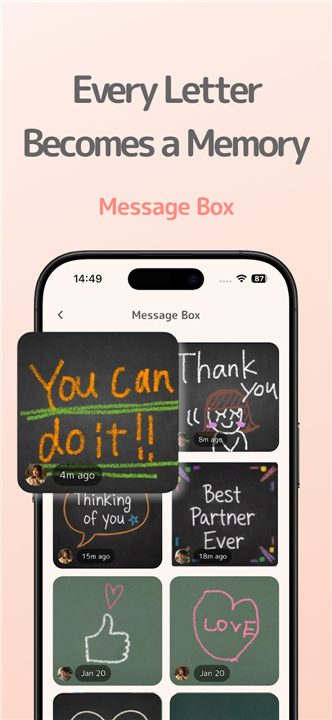
Chalk Message Widget - Chalkee
Reconnect Through the Art of Handwriting
• Generic text messages often fail to capture the warmth of a personal touch.
• Chalkee transforms your smartphone into a shared blackboard, allowing you to bridge the distance between you and your loved ones with meaningful, hand-drawn notes.
Core Features
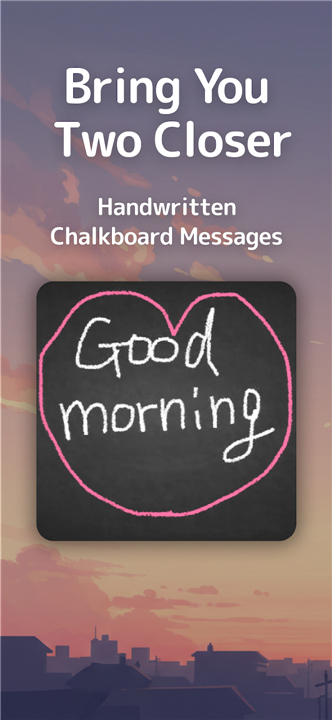
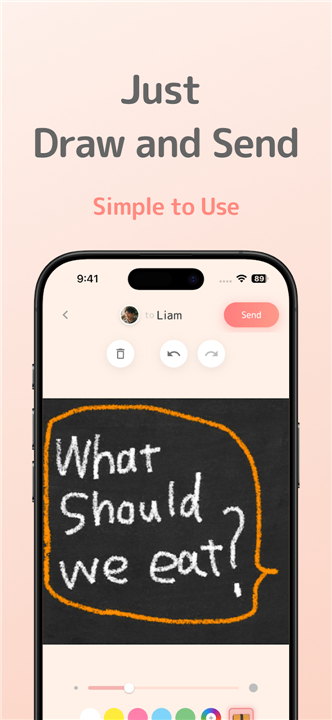
• Authentic Chalk Aesthetic: Create nostalgic, hand-drawn messages using various chalk colors and blackboard textures to make every note unique.
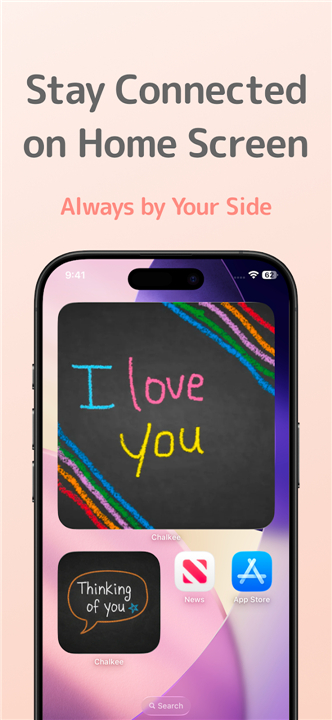
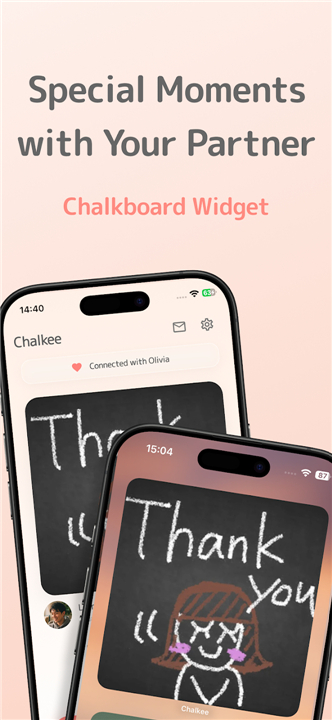
• Home Screen Presence: Your latest received message sits directly on your home screen widget, offering a heartfelt surprise every time you check your phone.
• Instant Synchronization: Push notifications and automatic widget updates ensure you stay connected in real time.
• Effortless Connection: Skip the complicated setups and link with your inner circle instantly using a simple invite code.
Chalkee Pro Benefits
• Shared Membership: Only one person needs to subscribe for both users to enjoy the full premium experience together.
• Limitless Communication: Remove message caps to send as many notes and sketches as you desire.
• Expanded Creativity: Unlock twelve specialized chalk colors for more vibrant and natural expression.
• Exclusive Backgrounds: Access a full library of premium blackboard designs and textures.
The Perfect Connection For
• Couples and partners looking to keep the spark alive through daily gestures.
• Best friends wanting a private, creative space to share inside jokes.
• Families who want to stay present in each other's lives despite busy schedules.
• Anyone who believes that a handwritten note carries more weight than a standard text.
+ Terms: https://ryuckle.com/app/chalkee/terms.html
+ Privacy: https://ryuckle.com/app/chalkee/privacy.html
FAQ
Q: How does the home screen widget function during my daily routine?
A: The widget acts as a constant, living connection point by displaying the most recent message you have received right on your home screen. This means you do not have to open an app to feel close to someone, as a heartfelt drawing or a quick "I love you" will be the first thing you see every time you check your device.
Q: Is the process for connecting with my partner or best friend complicated?
A: Connecting is remarkably easy and avoids the frustration of complex setups or social media linking. You simply use a unique invite code to pair your device with your inner circle, allowing you to start sharing sketches and notes almost instantly after installation.
Q: What defines the "Authentic Chalk Aesthetic" mentioned in the app description?
A: The app is designed to mimic the nostalgic feel of writing on a real blackboard by using specialized textures and chalk-like strokes. You can choose from various chalk colors and board designs to ensure that every note you send carries a distinct, hand-crafted look that feels much more meaningful than a generic font.
Version History
v1.0.14——7 Apr 2026
Connect with Friends & Family Download the latest version of Chalk Message Widget - Chalkee 1.0.20 to enjoy new features and updates immediately!
*1.0.14
Thank you for using Chalkee!
- Send to everyone at once! New broadcast feature lets you message all your connections in one tap
- Swipe through messages in detail view
- Various bug fixes and improvements
*1.0.13
We've made improvements for a better experience.
- Fixed an issue with sending messages
*1.0.12
Thank you for using Chalkee!
- Connect with everyone who matters! Friends, partners, family — up to 10 people (Premium: 20). Swipe to switch!
- Send more messages every day
- Your chalk color, thickness & background are now saved
- Smoother drawing experience