Secure passwords with Zoho Vault—generate, store, and autofill logins safely with encryption and sync. Protect your data—get started now! Zoho Vault is a powerful password manager designed to simplify and secure password management for individuals and organizations. It enables safe storage, easy access, and seamless sharing of sensitive information while maintaining the highest levels of security.
Secure Storage for All Sensitive Data
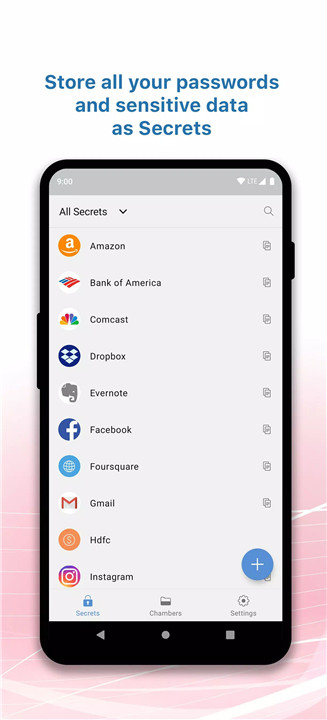
Zoho Vault allows storage of unlimited passwords, secure notes, bank details, and other confidential information. All data is encrypted and organized for easy access, ensuring a safe and centralized repository.
Strong Password Generator
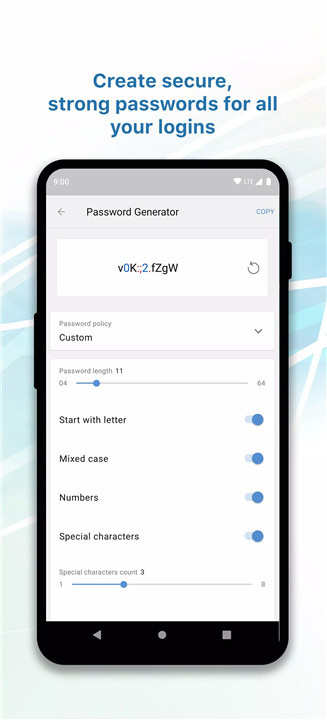
The built-in password generator creates unique and complex passwords for every account. This reduces the risk of weak or reused passwords, enhancing overall security.
Seamless Autofill Experience
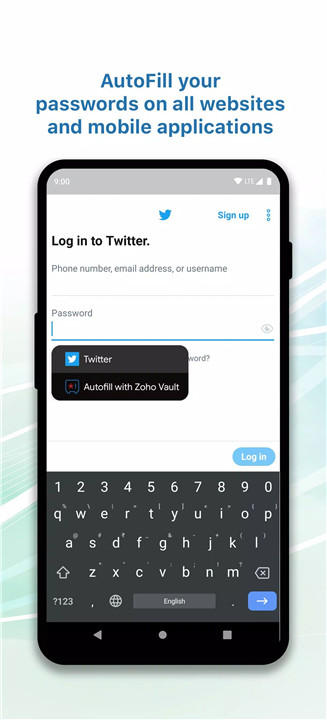
Login credentials can be autofilled across websites and mobile apps, saving time and eliminating the need to remember multiple passwords. The in-app browser provides a secure environment for accessing accounts.
Cross-Device Sync and Offline Access
Passwords sync automatically across all devices, ensuring access anytime, anywhere. Offline access is also supported, allowing users to retrieve stored credentials even without an internet connection.
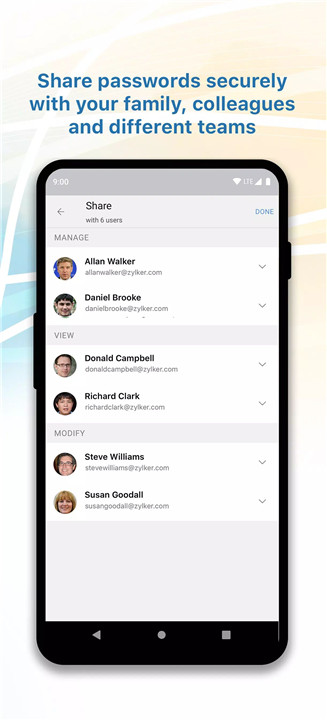
Secure Sharing and Team Collaboration
Zoho Vault enables secure password sharing among users and teams. Access requests can be approved with additional layers of protection, making it ideal for organizations managing shared credentials.
Advanced Security Measures
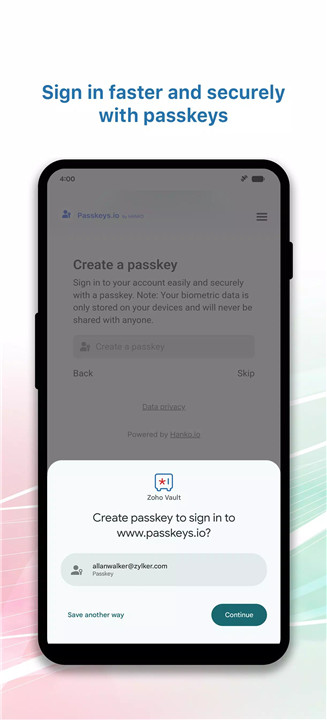
Data is protected with AES-256 encryption, one of the most secure encryption standards available. Multi-factor authentication adds an extra layer of security, while login options include fingerprint, face recognition, device lock, or custom PIN.
Complete Privacy Control
Each user creates a master password that is never stored on Zoho’s servers. This ensures that only the user has access to their vault, maintaining complete privacy and control over sensitive information.
Organized Password Management
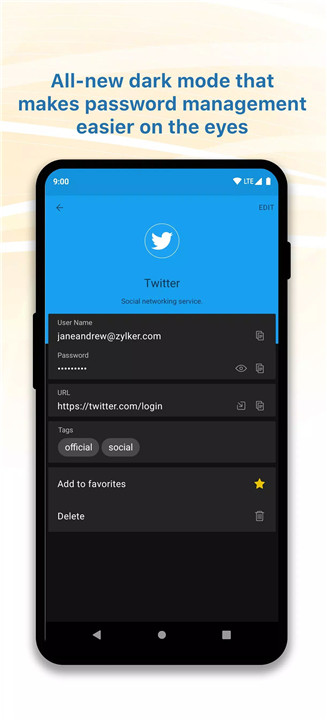
Passwords can be categorized into folders and tagged for quick retrieval. This structured organization simplifies management, especially for users handling multiple accounts.
Custom Security Settings
Users can configure inactivity timeouts and session validity settings to enhance account protection. These controls help maintain security even when devices are left unattended.
Easy Onboarding and Access
Getting started is simple with account creation via email or authentication through platforms like Google, Facebook, LinkedIn, or Twitter. Enterprises can also log in using Active Directory credentials.
FAQs
Q1: How does Zoho Vault keep passwords secure?
Zoho Vault uses AES-256 encryption and does not store the master password, ensuring that only the user can access their data.
Q2: Can passwords be accessed without an internet connection?
Yes, Zoho Vault supports offline access, allowing users to view stored credentials even when offline.
Q3: Is it possible to share passwords securely with others?
Yes, passwords can be shared securely with teams, and access requests can be approved with additional security controls.
Q4: Does Zoho Vault support autofill for logins?
Yes, it autofills login details across websites and apps, simplifying the sign-in process.
Q5: What authentication methods are supported?
Zoho Vault supports multi-factor authentication, fingerprint, face recognition, device lock, and custom PIN for secure access.
Version History
v7.3—1 Jan, 2026
• Password reuse restriction: Prevent using previous passwords to strengthen security
• Minor security enhancement
v7.2.1—25 Nov, 2025
• Minor security enhancement and bug fixes
v7.2—16 Nov, 2025