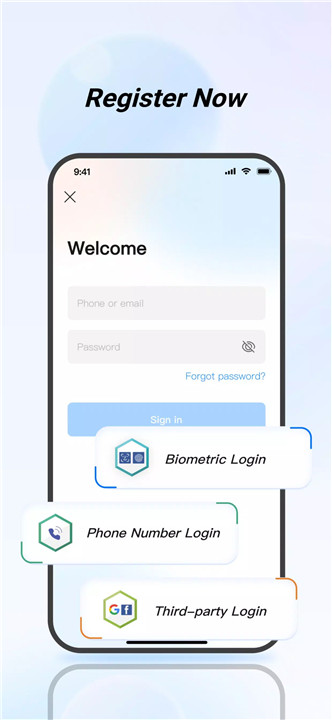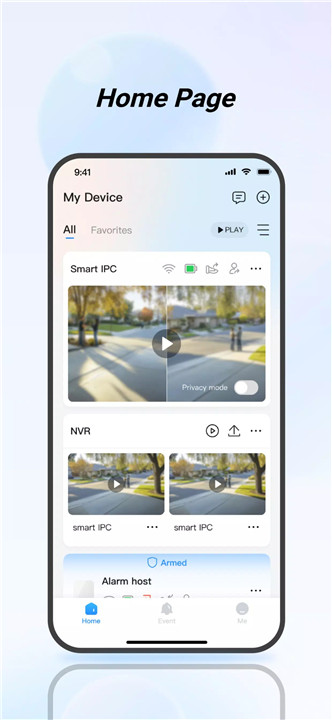
DMSS is a powerful mobile security management app designed to give users real-time control over their surveillance systems. Compatible with Android 5.0 and above, DMSS provides seamless operation over Wi-Fi or cellular networks, ensuring reliable security coverage at all times.
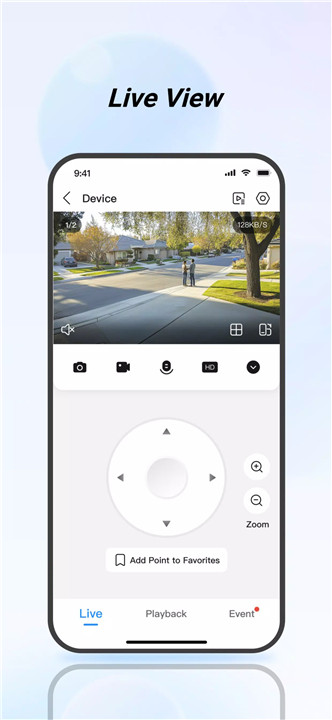
Real-Time Live View
DMSS allows immediate access to real-time surveillance footage from connected devices. Users can check their home, office, or shop anytime, anywhere—making it easy to maintain awareness and respond to situations even when physically away. Smooth, high-quality streams help users stay informed and confident in their security system.
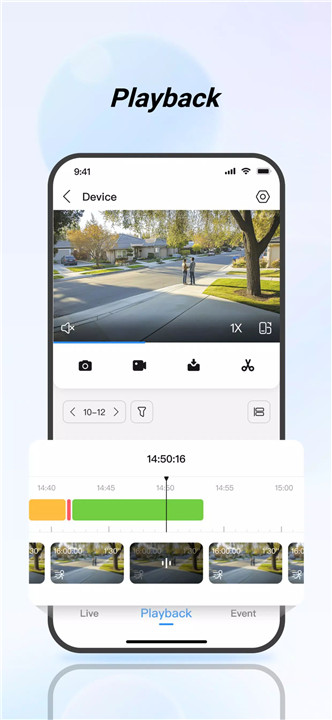
Video Playback
Historical events can be quickly reviewed using the playback feature. Videos can be filtered by date or event type, enabling users to locate crucial footage in seconds. Whether verifying an incident or reviewing activity trends, playback tools make managing recorded content efficient and intuitive.
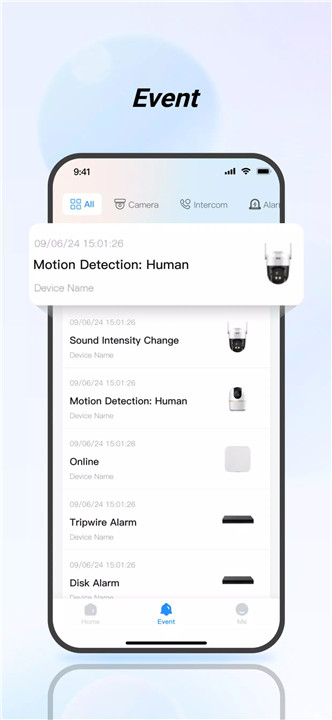
Instant Alarm Notifications
DMSS provides immediate push notifications when subscribed alarms are triggered. Users can select specific event types—such as motion detection, intrusion, tampering, or other alerts—ensuring they receive the precise notifications that matter most.
Device Sharing
The app supports secure sharing of devices with family members or trusted users. Each person can receive customized permissions, ensuring they only access the features or cameras designated for them. This enables collaborative monitoring without compromising privacy or control.
Alarm Hub Integration
DMSS connects with various alarm hub accessories, offering early warnings for threats such as burglary, intrusion, fire, flooding, and more. The system can trigger loud alarms and send immediate danger alerts through the app, giving users critical time to react and safeguard their property.
Visual Intercom
By adding visual intercom devices, users can participate in two-way video calls directly through the app. Functions such as remote locking and unlocking add convenience and improve safety during interactions with visitors or service personnel.
Access Control
Access control devices can be integrated to monitor door status, view unlocking history, and perform remote unlocks. This feature enhances entry management for households, businesses, and shared spaces, ensuring full transparency and control.
FAQs
1. What devices can be connected to DMSS?
DMSS supports compatible cameras, alarm hubs, access control systems, and visual intercom devices, offering a complete security management ecosystem.
2. Does DMSS work without Wi-Fi?
Yes. DMSS operates over both Wi-Fi and cellular networks, allowing users to monitor and control devices anywhere with an internet connection.
3. Can multiple people access the same devices?
Yes. Devices can be shared with family or trusted individuals, and each user can be assigned different permission levels.
4. How quickly are alarm notifications sent?
DMSS sends immediate push notifications when a subscribed alarm is triggered, helping users react as soon as an event occurs.
5. Is DMSS suitable for business use?
Yes. The app supports multi-device management, access control, alarm integration, and remote monitoring, making it ideal for both home and business environments.
Version History
v2.3.0—25 Nov, 2025
1. Optimized the Process of Adding Devices to DMSS
2. Optimized the Tool for Resetting Device Password
3. Optimized the Settings of Microphone and Speaker Volume of the Device
4. Supports OSD Settings Including Device Name and Date
5. Supports Displaying the Device Name During Video Intercom
v2.2.10—11 Oct, 2025
Squashed bugs for better experience.
v2.2.2—23 Sep, 2025
Squashed bugs for better experience.