Access and manage business data on the go with Zoho Creator—track tasks, visualize insights, and boost productivity. Get started today! The Zoho Creator mobile app brings the power of custom-built business applications directly to Android devices, enabling seamless data access, management, and analysis from anywhere. Designed for businesses and field teams, it ensures that critical information is always within reach, helping streamline operations and improve efficiency.
Real-Time Data Access and Updates
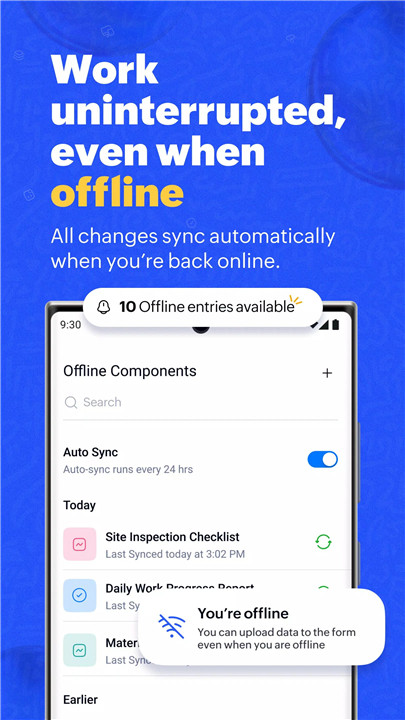
Zoho Creator allows instant access to business data, enabling users to view, edit, and update information anytime. This ensures workflows continue uninterrupted, even while working remotely or in the field.
Advanced Data Capture Tools
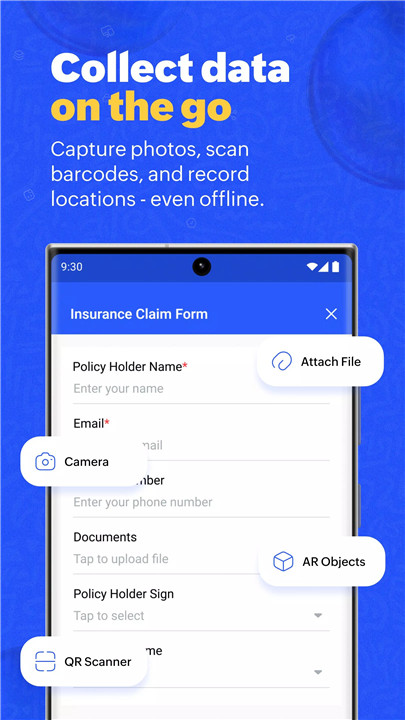
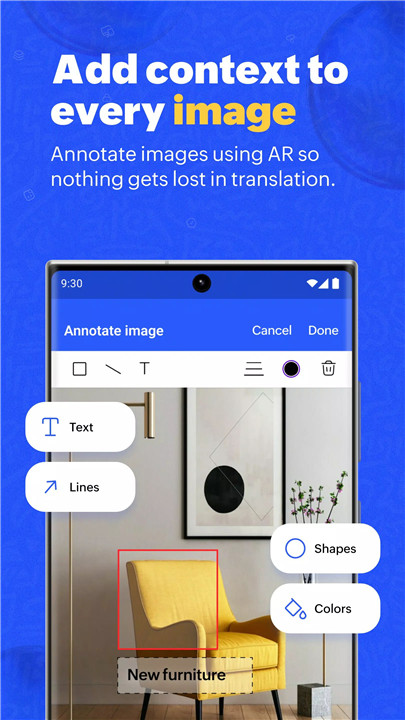
The app supports input of images and videos, barcode and QR code scanning, as well as geo-tagging and geo-location features. These tools simplify data collection and accelerate task completion, especially for field operations and on-site reporting.
Powerful Data Visualization
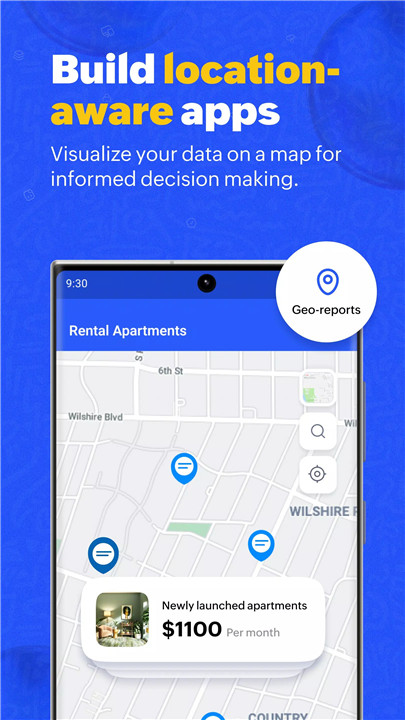
Users can view critical data through multiple formats such as Kanban boards, location maps, and charts. These visual tools make it easier to interpret complex information and monitor progress effectively.
Insightful Dashboards
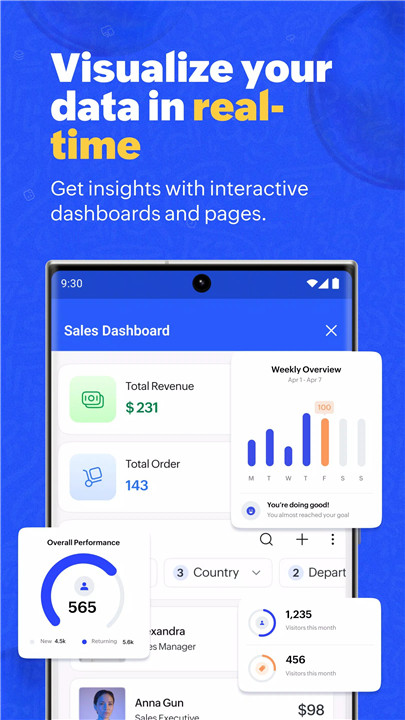
Interactive dashboards provide a comprehensive view of key business metrics and trends. With real-time insights, teams can make informed decisions and track performance with clarity.
Push Notifications and Alerts
Built-in push notifications keep users updated on important changes, approvals, or task completions. This ensures timely responses and better coordination across teams.
Task and Schedule Management
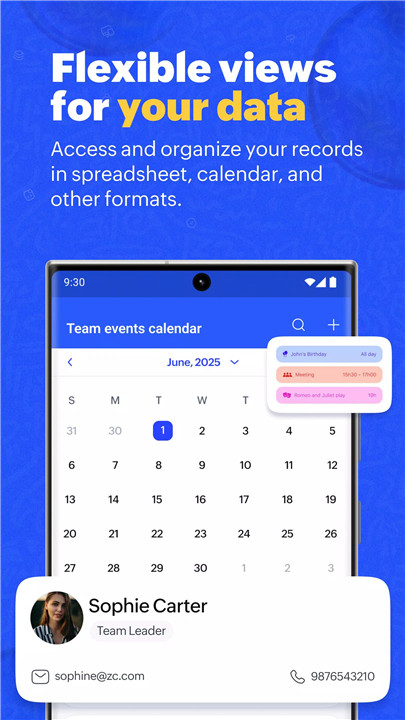
Calendar and timeline reports help organize and monitor events, tasks, and activities. This feature enhances planning and ensures deadlines are met efficiently.
Pre-Built Applications Gallery
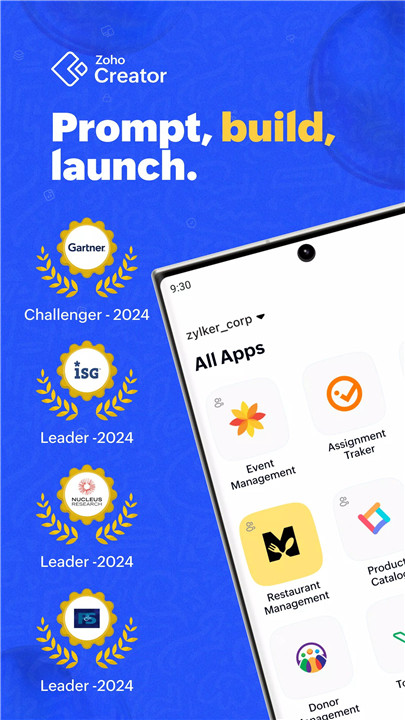
Zoho Creator offers access to a gallery of over 50 industry-specific apps. These ready-to-use applications enable quick deployment of solutions without the need for extensive development.
Custom App Development
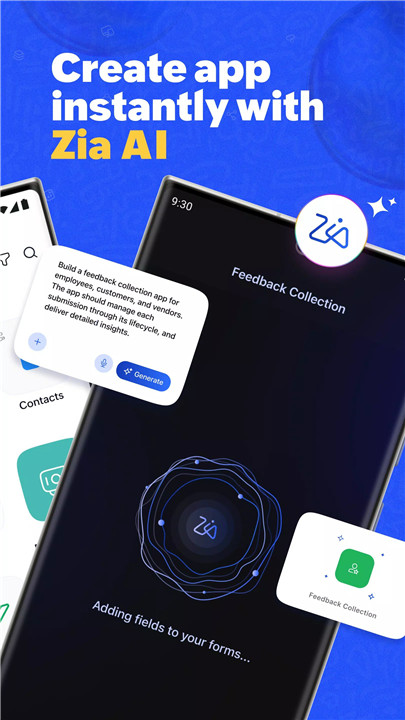
For businesses with unique requirements, Zoho Creator provides an intuitive interface to build custom applications. This flexibility allows organizations to tailor workflows and processes according to their needs.
FAQs
Q1: What can be done with the Zoho Creator mobile app?
The app allows access, management, and visualization of business data, along with task tracking and workflow execution on mobile devices.
Q2: Can data be updated while working remotely?
Yes, users can view and update data in real time from anywhere, ensuring continuous workflow without being at a desk.
Q3: Does the app support data collection tools?
Yes, it includes features like barcode and QR code scanning, image and video uploads, and geo-tagging for efficient data capture.
Q4: Are there ready-made apps available?
Yes, Zoho Creator provides a gallery of 50+ pre-built apps that can be installed and used immediately.
Q5: Is it possible to build custom applications?
Yes, the platform includes an intuitive interface for creating custom apps tailored to specific business needs.
Version History
v6.24.1—6 Jun, 2025
We have rolled out a few minor bug fixes and a few updates for an overall performance enhancement.
v6.19.5—23 Dec, 2024
QR code and barcode generator
We’ve introduced an in-built QR code and barcode generator, enabling you to create scannable codes based on the data input in your fields.
v6.15.4—6 Apr, 2024
This version brings a few minor bug fixes along with a couple of updates to improve the overall performance.