Hola Browser: private browsing, ad blocker, video downloader & data saver with smart news. Browse faster and safer—download now! Hola Browser is a multifunctional mobile and desktop browser designed to deliver a secure, efficient, and personalized browsing experience. It combines privacy protection with performance optimization, helping users navigate the web without interruptions while saving mobile data. With integrated tools such as a built-in ad blocker, incognito browsing, and intelligent news recommendations, Hola Browser ensures that online activities remain fast, private, and convenient.
Smart Video Downloader
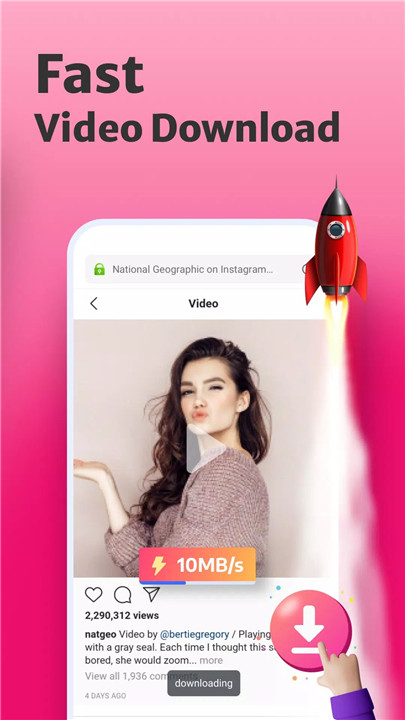
Hola Browser includes a fast and easy video downloader that detects media automatically. It allows users to download videos and movies from popular platforms and social media applications such as Instagram, WhatsApp, Telegram, Snapchat, and Facebook. This feature ensures quick access to favorite content for offline viewing without complicated steps.
Ad Blocker
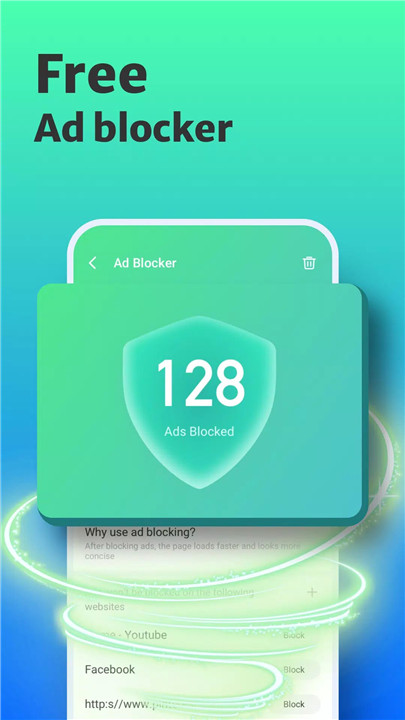
The built-in ad blocker improves browsing speed and protects privacy by preventing intrusive ads. It works without additional plug-ins, reducing distractions while ensuring a smoother and safer online experience. By limiting unwanted content, it also helps conserve mobile data.
Fast Web Page Search
Hola Browser offers a convenient quick search function accessible from the notification panel. This enables fast and private searches without opening the full browser, saving time and improving accessibility for everyday tasks.
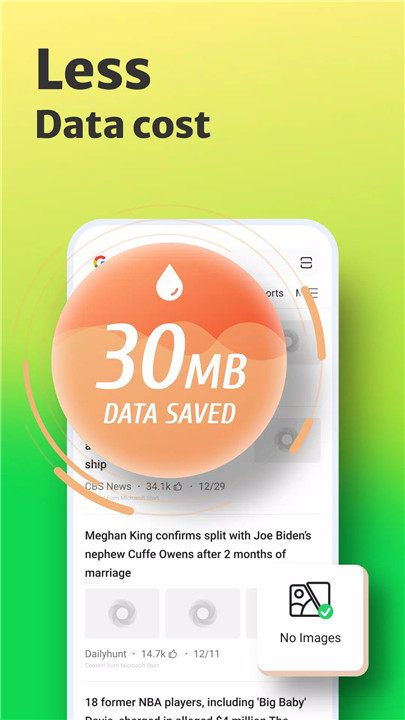
No Images Mode
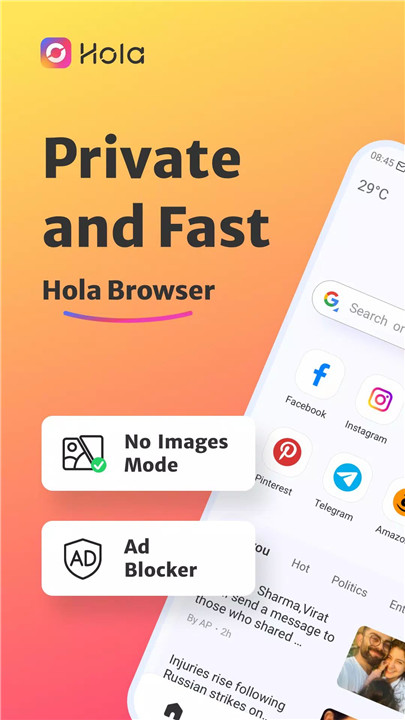
To optimize data usage, the No Images mode disables image loading on web pages. This reduces bandwidth consumption and speeds up browsing, making it ideal for users looking to save mobile data and costs.
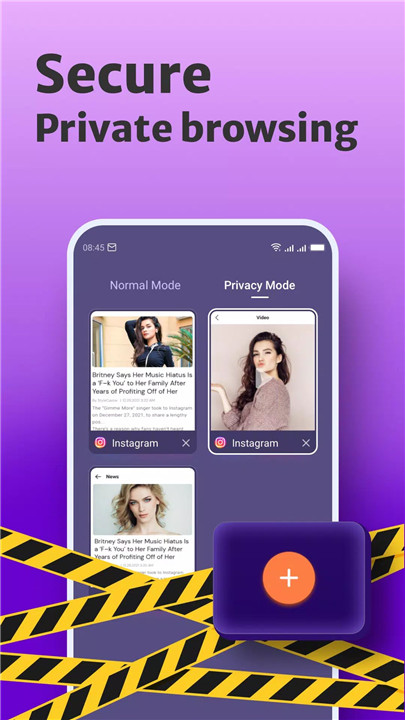
Incognito Mode
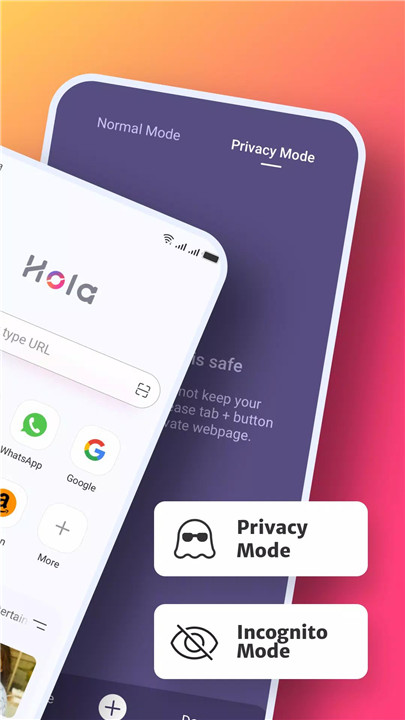
The incognito browsing feature allows private searches without storing history or tracking activity. It ensures that browsing sessions remain confidential, offering enhanced security for sensitive searches.
Bookmark Management
Users can easily save and organize favorite websites with the bookmark feature. This allows quick access to frequently visited pages with a single tap, improving browsing efficiency.
Night Mode
Night mode provides a comfortable viewing experience in low-light environments. It reduces eye strain while maintaining clarity, making it suitable for extended browsing sessions at night.
FAQs
Q1: How can incognito mode be activated in Hola Browser?
Open the “Me” tab in the browser, locate the “Incognito” option, and toggle the button to enable private browsing mode for secure and history-free usage.
Q2: How does the video downloader work?
Search for a video or movie, then tap the download button displayed below the content. The downloader will process the file, allowing it to be saved and viewed directly within the browser.
Q3: Why is using an ad blocker beneficial?
An ad blocker improves browsing speed, removes disruptive ads, enhances privacy protection, and reduces data consumption, leading to a more efficient browsing experience.
Q4: What types of videos can be downloaded?
The browser can detect and download videos from various sources, including social media platforms like Instagram, Facebook, and WhatsApp, as well as other web-based media content.
Q5: Does Hola Browser help save mobile data?
Yes, features such as No Images mode and ad blocking reduce unnecessary data usage, helping optimize browsing performance and lower mobile data costs.