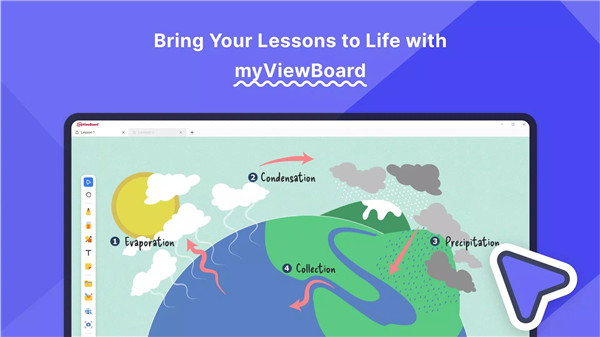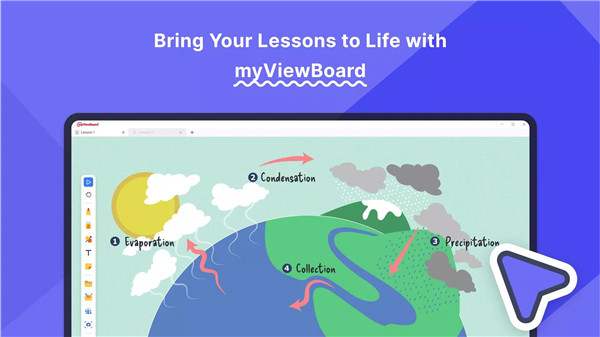
myViewBoard is a central part of ViewSonic’s education and collaboration ecosystem, designed to turn traditional teaching and presentations into dynamic, interactive experiences. Built for both educational and professional use, myViewBoard empowers users to create, present, and collaborate anytime, anywhere. By seamlessly combining multimedia tools, cloud integration, and interactive features, it transforms static slides into lessons and presentations that evolve with user engagement and comprehension.
Multi-Tab Functionality
The multi-tab layout allows users to open and toggle between multiple whiteboards within a single session. This feature makes it easy to organize content, manage activities, and switch lessons quickly without losing momentum. Educators can run simultaneous sessions or move between topics smoothly, enhancing classroom or meeting efficiency.
Participate Mode
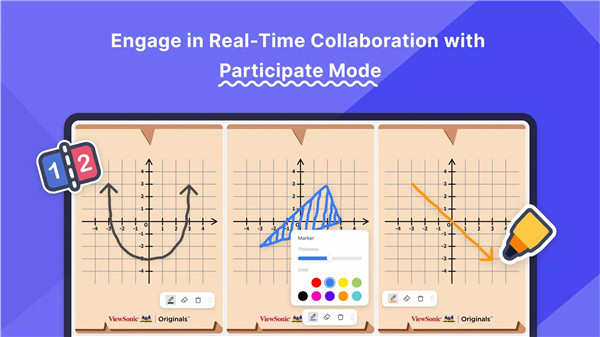
This mode turns any session into a collaborative environment. Users can start with a blank canvas or a custom background and divide the screen into smaller canvases, giving each participant a dedicated space to contribute. Annotations and grading can then be applied directly to each participant’s work, keeping everything organized in one place for review or sharing.
AI Pen
The AI Pen instantly transforms sketches into visually polished graphics, removing the stress of “I’m not an artist” moments. By simply drawing an image, users can choose from a gallery of ideal matches, creating professional-quality visuals in seconds.
Magic Box
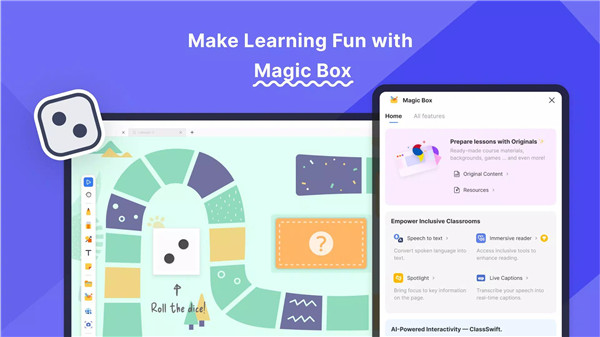
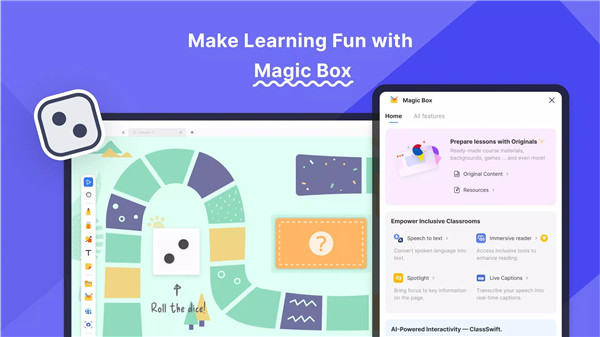
The Magic Box integrates a variety of interactive resources, including a document camera, image search, YouTube viewer, animated widgets, and ViewSonic Originals content. It also offers pop quizzes, polls, math tools, and customizable 3D dice to bring lessons to life and make presentations more engaging.
Embedded Browser
Users can explore, annotate, and import content directly from the web, including YouTube videos, images, text, and ViewSonic Originals content. Favorite resources can be saved as widgets for easy access, streamlining lesson preparation and delivery.
Slide Import and Lesson Export
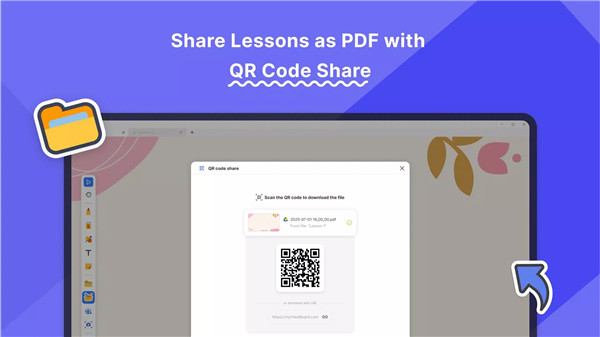
PowerPoint, Google Slides, and PDF files can be imported directly from the cloud and transformed into interactive lessons. Once completed, lessons can be exported in multiple formats, such as PDF, PNG, or PPTX, for easy sharing or student access via QR codes.
Inclusive Teaching Support
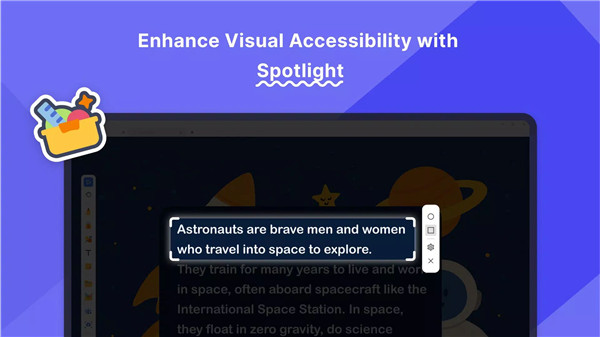
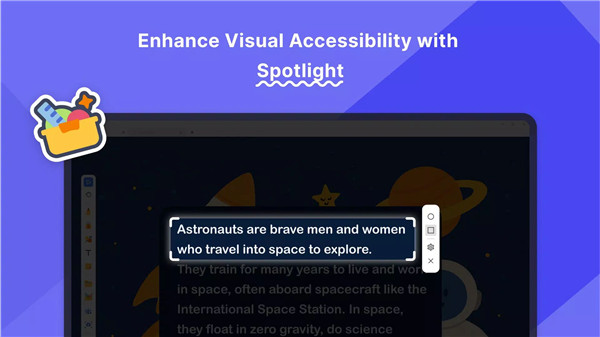
myViewBoard supports all learners with built-in accessibility tools, including Immersive Reader, Irlen background, Spotlight, live captions, and speech-to-text functionality. These features are ready to use with no additional setup required.
System Requirements
myViewBoard runs on devices with Android 11 or later, supporting screens 10 inches or larger with 1080p resolution for optimal visibility and functionality.
FAQs
1. What devices are compatible with myViewBoard?
myViewBoard supports devices running Android 11 or later with a screen size of 10 inches or larger and 1080p resolution for optimal use.
2. Can myViewBoard import lesson materials from other platforms?
Yes, it allows importing PowerPoint, Google Slides, and PDF files from the cloud, which can then be edited and transformed into interactive lessons.
3. How does Participate Mode work?
Participate Mode splits the canvas into multiple smaller workspaces for each participant, allowing collaborative contributions that can be graded and saved in one place.
4.What accessibility features does myViewBoard offer?
Built-in tools include Immersive Reader, Irlen background, Spotlight, live captions, and speech-to-text to support all learners without extra setup.
5. Can lessons created in myViewBoard be shared or exported?
Yes, lessons can be exported in PDF, PNG, or PPTX formats, or shared with students via QR codes for instant access.
Version History
v3.1.3—28 Jun, 2025
New myViewBoard introduces a completely redesigned UI/UX, delivering a seamless and consistent experience across Windows, Android, and iOS.
1. New Multi-Tab Lesson Management
Teachers can now open and switch between multiple .olf lessons in one session.
2. New Canvas Features
• Irlen Filter Backgrounds
• Long-Press Actions
v2.21.16—20 Jun, 2025
Bug fixes
v2.21.15—19 Jun, 2025