AppLock Pro is a powerful, fast, and easy-to-use app locker designed to protect your personal data, photos, and private apps from unwanted access. Trusted by millions of users, it offers advanced security features like fingerprint unlock, spy camera capture, fake error screens, and customizable lock styles. With multiple lock types and smart tools built for privacy, it ensures your information stays safe at all times.
Lock Any App
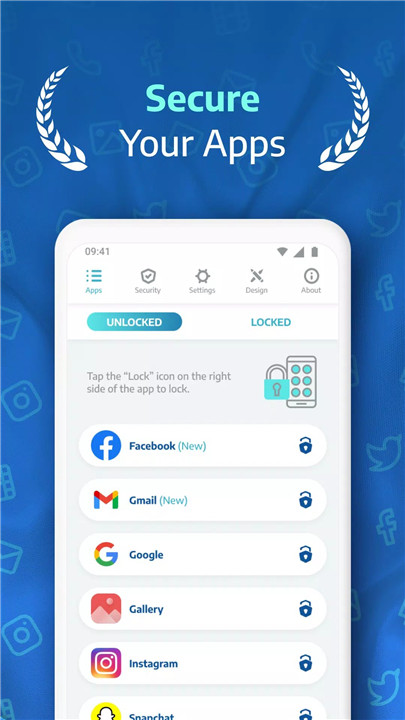
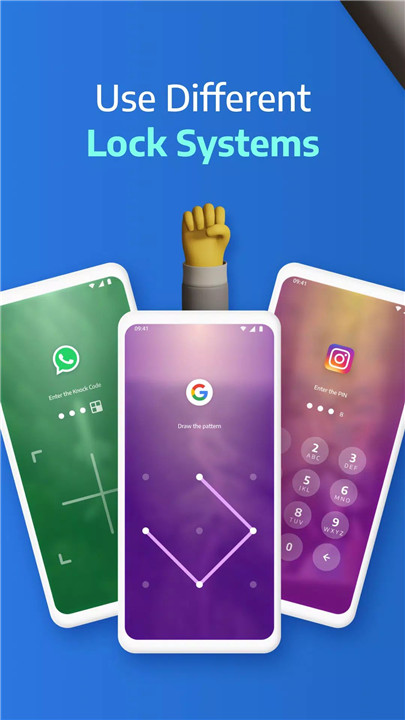
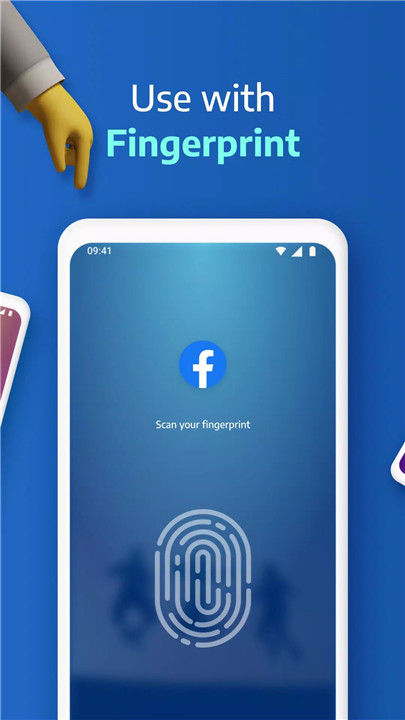
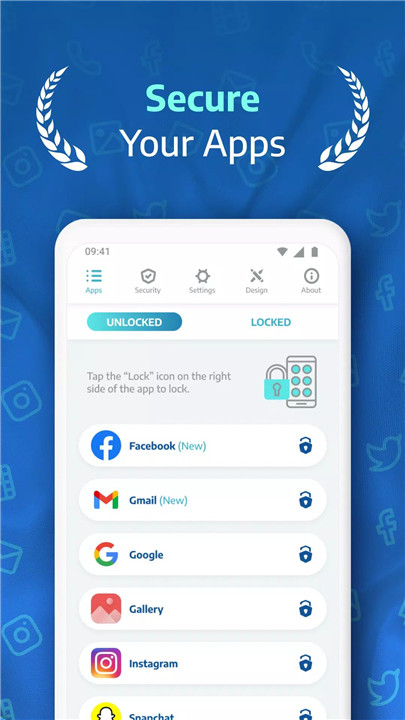
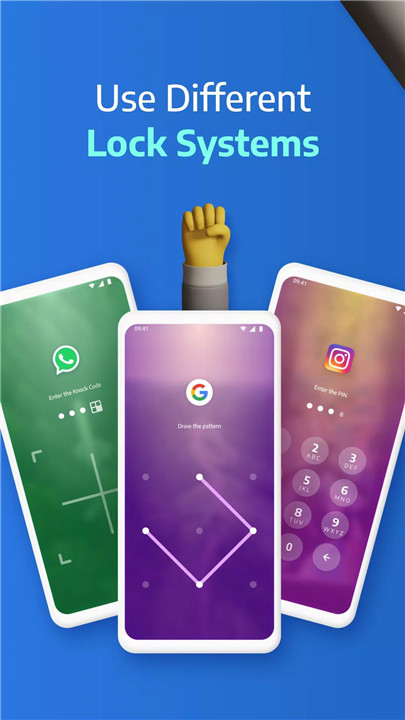
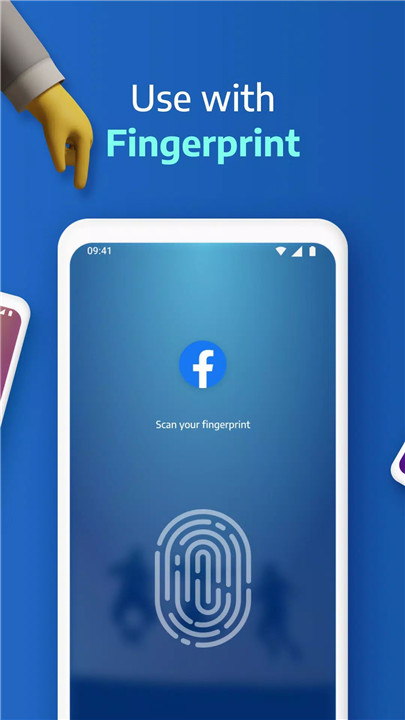
AppLock Pro allows users to secure virtually any application on their device. Apps like WhatsApp, Messenger, Instagram, Gallery, and Settings can be protected using a PIN, pattern, fingerprint (for supported devices), or the secure KnockCode method. This gives users total control over who can access sensitive or personal apps.
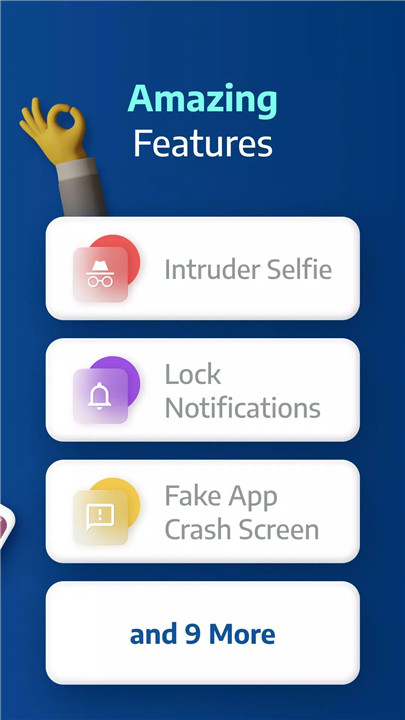
Spy Camera Protection
Designed to catch snoopers in action, the spy camera automatically takes a secret front-camera photo whenever the wrong password is entered. This image is saved discreetly, allowing users to identify unauthorized attempts without alerting the intruder.
Fake Error Message
AppLock Pro enhances privacy with a clever disguise feature. Instead of showing that an app is locked, users can activate a fake error screen that tricks intruders into thinking the app is malfunctioning or unavailable. It keeps the lock hidden while maintaining the illusion of normal system behavior.
Hide Notifications
Sensitive information can still appear through notifications—unless they’re hidden. AppLock Pro can block or mask notifications from locked apps to ensure private messages and alerts remain completely unseen by others.
Lock Timer & Auto Re-Lock
To provide more flexibility, AppLock Pro includes a lock timer that temporarily disables protection during chosen hours, such as at home or during work. For enhanced security, the auto re-lock feature immediately reactivates locks after a break, ensuring apps remain protected even if the device is left unattended.
Spy Alarm
When multiple incorrect password attempts are detected, AppLock Pro can activate a loud alarm to deter unauthorized access. This serves as an instant warning system that stops intruders and protects sensitive information.
Custom Themes & Personalization
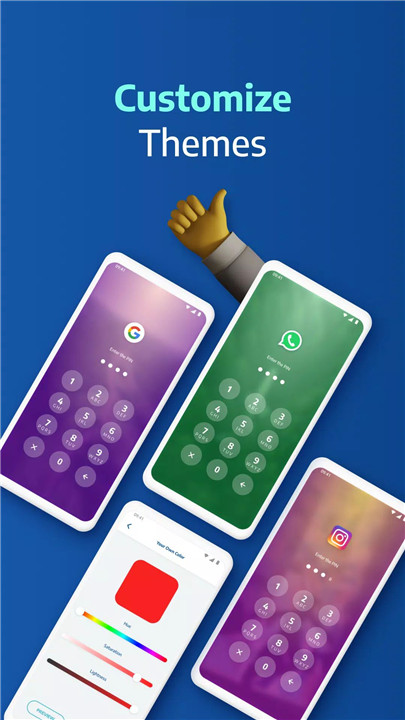
Users can change the app’s appearance using customizable themes or set their own images as backgrounds. This allows for a personalized lock screen that matches individual style and enhances usability.
Smart Settings & Optimization
AppLock Pro is optimized for smooth performance, consuming minimal battery and RAM. Features include vibration control, new app notifications, recent-apps lock, and additional smart settings that enhance overall protection and device stability.
FAQs
1. How can I stop someone from uninstalling AppLock Pro?
Enable “Hide Icon” and lock important system settings to prevent unauthorized uninstallation.
2. Why does AppLock Pro require certain permissions?
Permissions are requested only for features such as custom lock backgrounds and proper app-locking functionality.
3. What happens if I forget my password?
You can easily reset access by answering the secret security question set during setup.
4. Can AppLock Pro hide my photos or videos?
Yes. By locking the Gallery app, others are prevented from viewing your images and videos.
5. How does the spy camera feature work?
After five incorrect password attempts, AppLock Pro captures a photo from the front camera and stores it securely for review.
Version History
v5.5.3—20 Sep, 2025
v5.5.1—19 Aug, 2025
v5.4.7—12 Jul, 2025