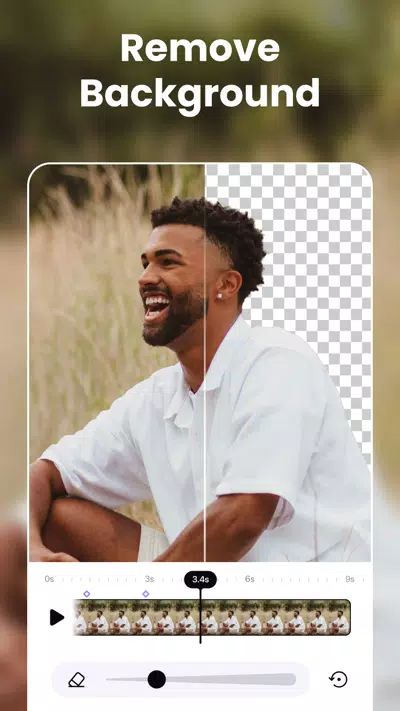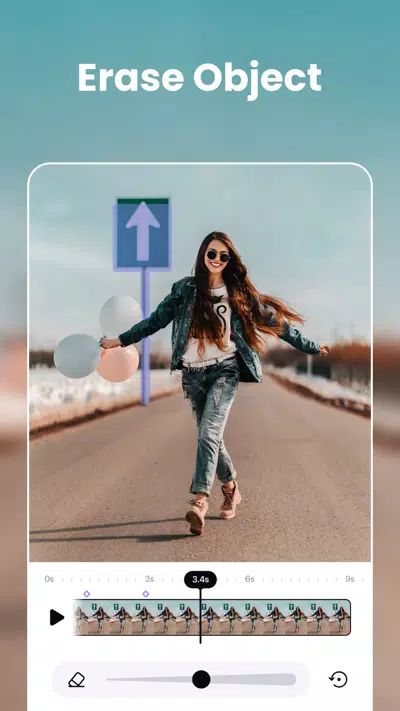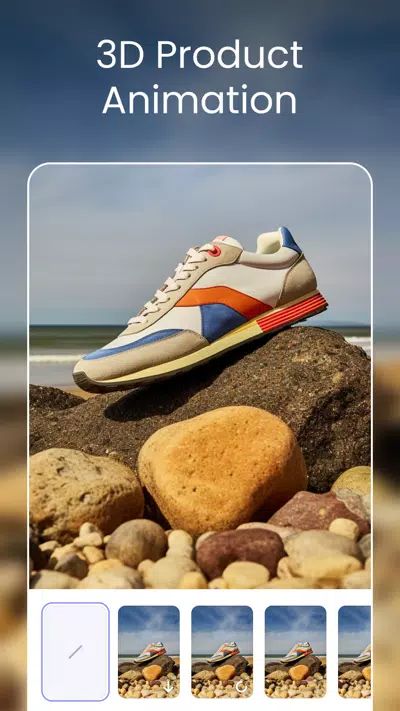
AirVid is a versatile and feature-rich video editing app designed to elevate video content creation for both casual users and professional creators. It provides an all-in-one solution to enhance, transform, and perfect videos with precision and creativity. From professional-quality adjustments to subtle touch-ups, AirVid equips creators with the tools needed to bring every video to life.
Video Enhancement
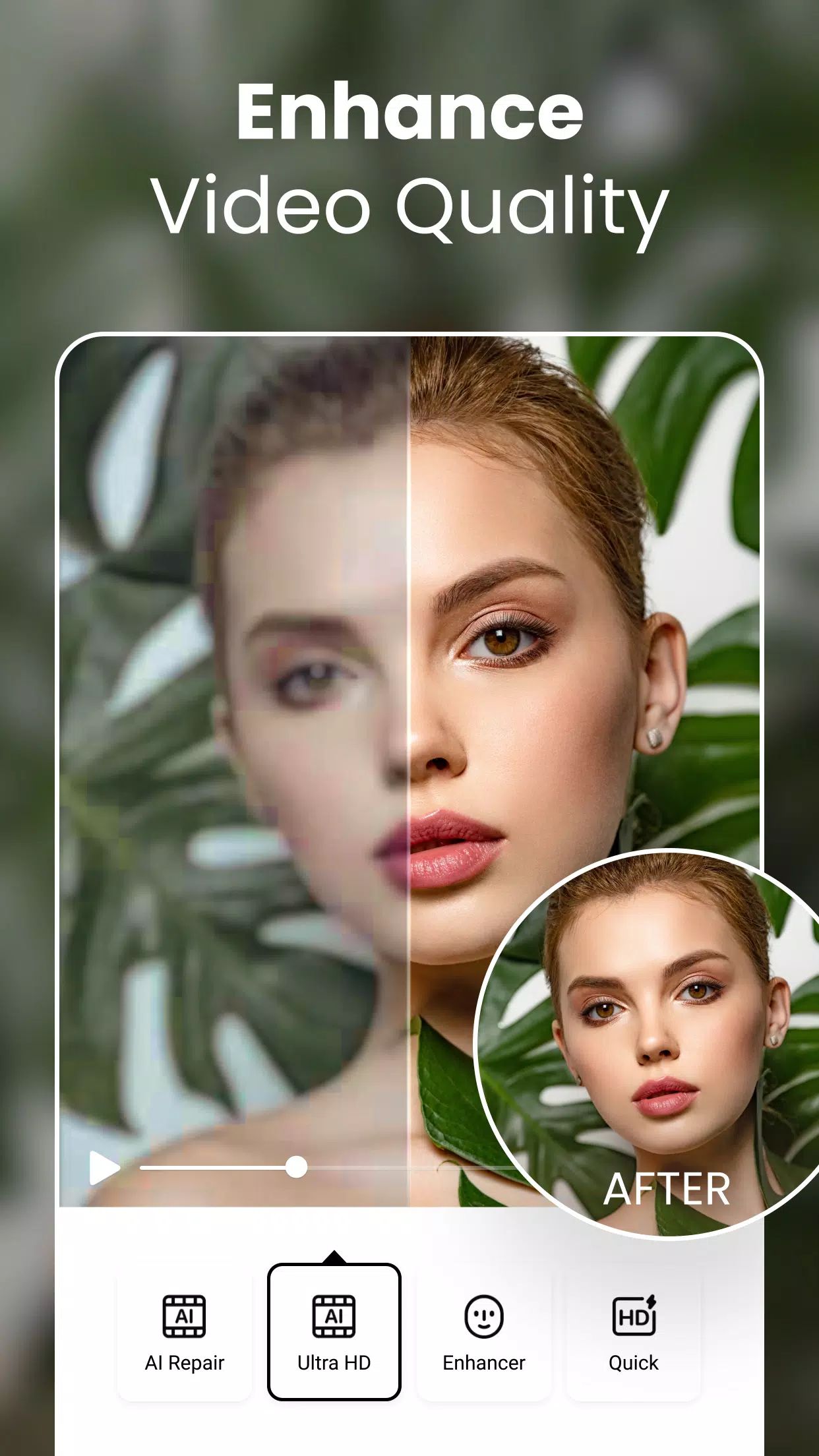
AirVid offers advanced video enhancement tools that significantly improve video quality. Users can boost video resolution for stunning clarity and detail, ensuring every frame looks sharp and vibrant. The app enhances all aspects of a video, including colors, brightness, and overall visual appeal. Special features like eye and hair illumination allow subjects to truly stand out, adding depth and brilliance to every scene.
Precision Retouching and Reshaping
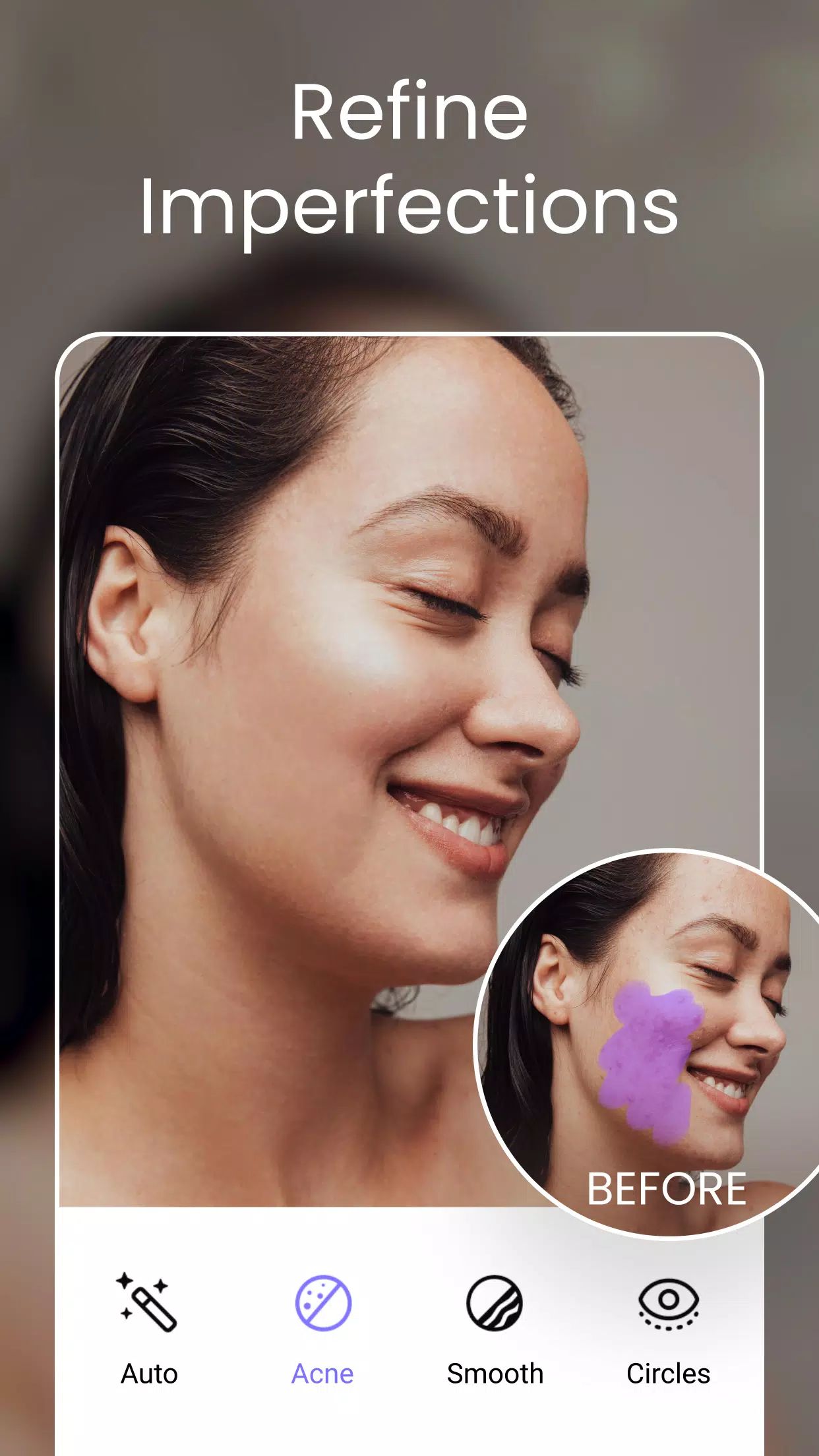
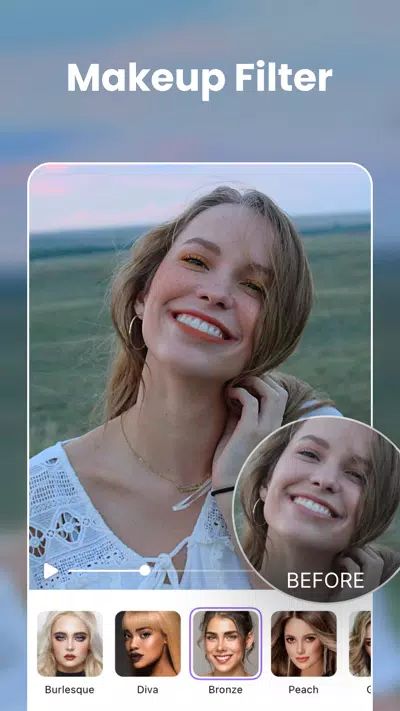
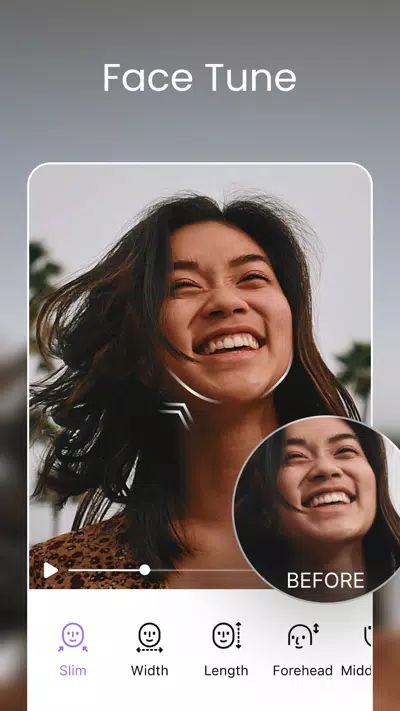
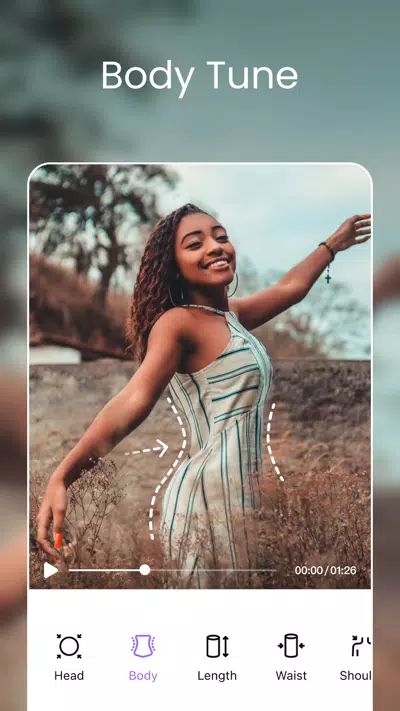
AirVid provides precise retouching and reshaping tools that allow creators to adjust subjects with exceptional accuracy. Head, waist, and shoulder sizes can be customized for ideal proportions, while height adjustments can stretch or compress subjects for perfect balance. The app also allows magnification or reduction of specific areas, enabling meticulous fine-tuning. Additionally, built-in makeup filters add instant glamour and polish, transforming ordinary footage into visually stunning content.
Seamless Social Connectivity
AirVid fosters a vibrant community of video creators. By connecting with social media platforms like Instagram, Facebook, and Twitter, users can share their creations, stay updated on new features, and engage with fellow enthusiasts. This seamless integration enhances the collaborative and social aspect of video creation.
Easy Download and Accessibility
AirVid is designed for ease of use without compromising on professional capabilities. Whether creating personal content or professional projects, the app provides a user-friendly interface and powerful editing options. Downloading AirVid unlocks a world of creative possibilities, allowing users to turn every video into a true masterpiece.
FAQs
Q1: What devices are compatible with AirVid?
AirVid is available on both iOS and Android devices, ensuring compatibility with most smartphones and tablets for seamless video editing on the go.
Q2: Can AirVid enhance video resolution without losing quality?
Yes, AirVid uses advanced algorithms to boost video resolution while maintaining clarity, detail, and natural visual appeal.
Q3: What editing tools does AirVid offer for reshaping subjects?
AirVid provides precise adjustments for head, waist, shoulders, and height, along with magnification or reduction of specific areas for detailed retouching.
Q4: Are there makeup or visual filters included in AirVid?
Yes, AirVid includes professional makeup filters that enhance subjects’ appearance, adding polish, glamour, and visual appeal effortlessly.
Q5: How can users share their videos with others?
Users can connect AirVid to Instagram, Facebook, and Twitter to share creations, engage with other creators, and participate in a vibrant video editing community.
Version History
v1.6.5—26 Jun, 2024
Hello! This is version V1.6.5. In this update, we have optimized user experience and fixed several bugs. Hope everyone can enjoy AirVid and create something you love. :) Team AirVid
v1.6.4—18 Jun, 2024
Hello! This is version V1.6.4. In this update, we have optimized user experience and fixed several bugs. Hope everyone can enjoy AirVid and create something you love. :) Team AirVid
v1.6.3—27 May, 2024
Hello! This is version V1.6.3.
In this update, we have optimized user experience and fixed several bugs.
Hope everyone can enjoy AirVid and create something you love. :)
Team AirVid