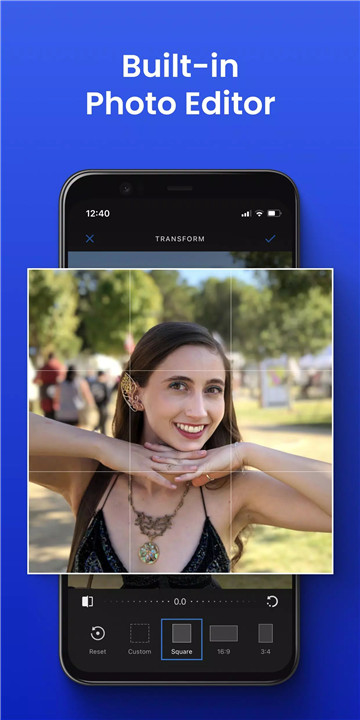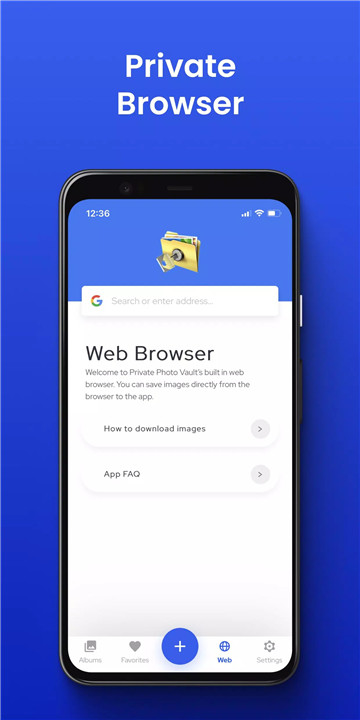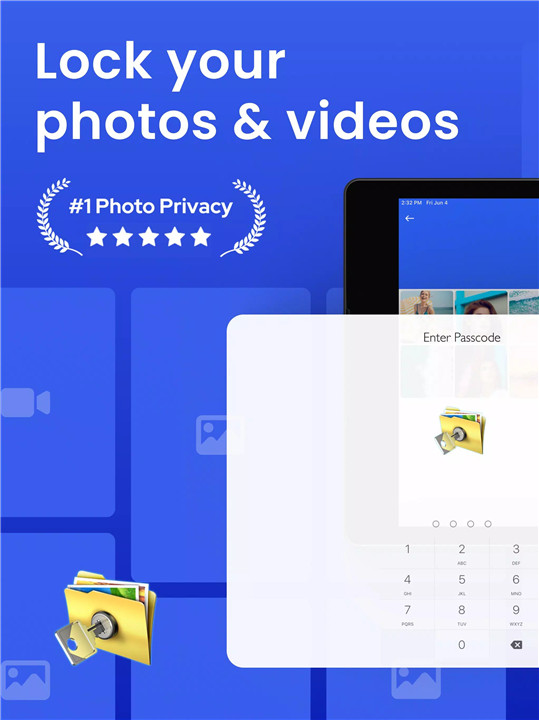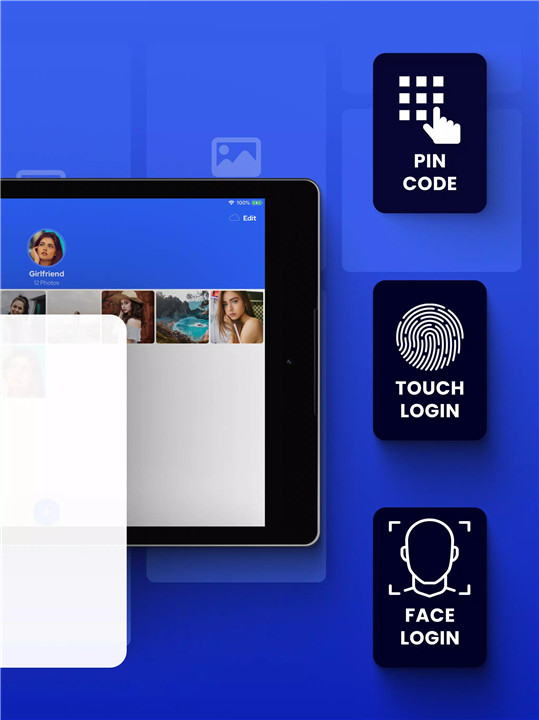
Keep your private photos and videos safe with Private Photo Vault, the trusted app used by millions to protect personal memories and sensitive content. With advanced security features like PIN protection, fingerprint authentication, and encryption, your private media stays hidden from prying eyes. Private Photo Vault allows you to organize your photos, videos, and important documents in one secure vault, giving you peace of mind and complete control over your privacy.
Secure Your Photos and Videos
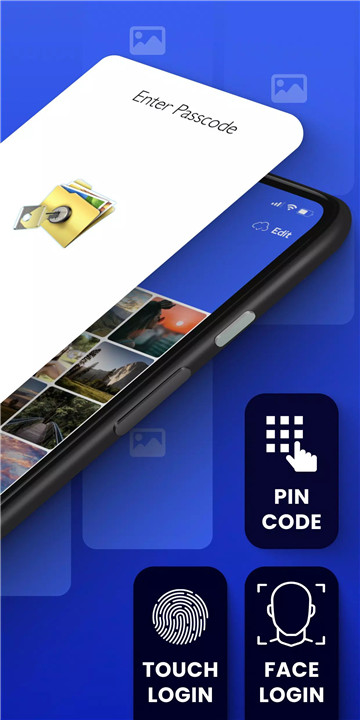
Lock your private content behind a secure PIN, pattern, or fingerprint. Private Photo Vault ensures that only you can access your personal memories.
Hide Personal Media
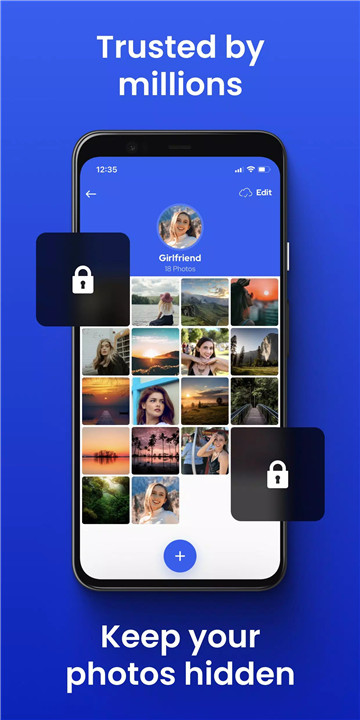
Easily import photos and videos into the vault and remove them from your public gallery. Keep your sensitive media hidden and organized without leaving traces on your device.
Protect Important Documents
Store IDs, credit cards, and other private documents securely in the vault. Private Photo Vault acts as a safe locker for your digital essentials.
Organize Personal Albums
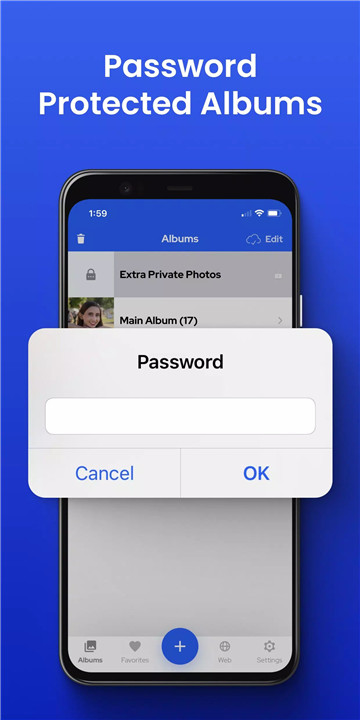
Create custom albums for your media, keeping them organized while maintaining strong security. Assign unique PINs to specific albums for added protection (Premium feature).
Face Down Lock
For instant privacy, enable the Face Down Lock feature to automatically lock the vault when your device is placed face down, keeping your content safe in any situation.
Break-In Alerts and Fake PIN (Premium)
Get alerts with photos and location tracking if someone tries to access your vault. Use a Fake PIN to create a decoy vault and mislead intruders, adding another layer of privacy.
Cloud Vault – Encrypted Storage
Store up to 50GB of media securely in Private Photo Vault’s encrypted cloud. Access your content across multiple devices and ensure you never lose important files.
Space Saver
Compress photos while storing originals in the Cloud Vault to save device storage without losing quality.
Personalize Your Vault
Customize album covers to conceal content and enjoy an ad-free experience for uninterrupted privacy. Private Photo Vault lets you create a vault that suits your style and preferences.
About Private Photo Vault
Private Photo Vault is designed to safeguard your most private content, offering a combination of ease-of-use and advanced security.
For support, visit the Help & Support tab in the app or contact support@privatephotovault.com.
FAQs
1. How do I hide photos and videos in Private Photo Vault?
Import your photos and videos into the app and delete them from your public gallery. Your media will remain secure in the vault.
2. Can I protect individual albums separately?
Yes. With Premium, you can assign unique PIN codes to individual albums for extra security.
3. What happens if someone tries to access my vault?
Break-in alerts capture a photo and location of anyone attempting unauthorized access, so you’ll know who tried to enter.
4. How does Cloud Vault work?
Cloud Vault allows you to securely store up to 50GB of media online, providing encrypted backups and access across all your devices.
5. What is the Face Down Lock feature?
When enabled, the vault locks automatically if your device is placed face down, giving you instant privacy in any situation.
Version History
v5.4.4—28 Nov, 2025
Minor bug fixes and improvements. Install or update to the newest version to check it out!
v5.4.3—27 Nov, 2025
v5.4.2—13 Nov, 2025
Thanks for using Private Photo Vault! If you ever need support, please reach out to support@privatephotovault.com
+ UI Improvements and bugfixes