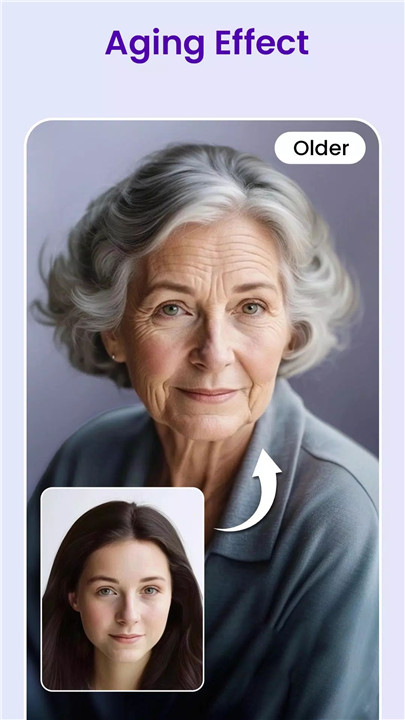
Picify AI Art Editor transforms photos with AI styles, object removal, and image enhancement in seconds. Create stunning AI artwork effortlessly with a powerful AI-driven editing platform designed to unlock creativity and simplify digital photo editing.
Powered by advanced artificial intelligence, Picify allows images to be transformed into visually striking artwork through a simple and intuitive process. With only a few taps, photos can be stylized, enhanced, expanded, or refined into professional-looking visuals. The application combines multiple AI tools in one place, making it easy to explore artistic ideas while maintaining high-quality image results.
AI Yourself – Transform Photos into Artistic Styles
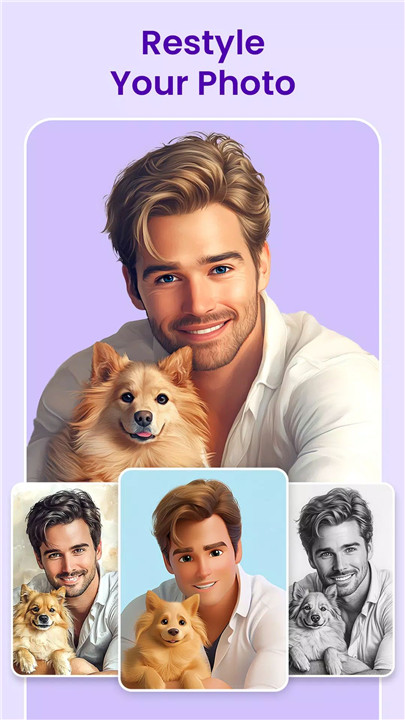
The AI Yourself feature allows photos to be transformed into imaginative visual styles. After uploading an image, a wide variety of concepts and artistic themes can be applied to generate unique results.
Images can be reimagined in many creative forms, including fantasy characters, anime-inspired portraits, futuristic warriors, or stylish modern looks. Advanced AI technology analyzes the photo and generates a visually rich transformation that maintains recognizable details while adding artistic flair.
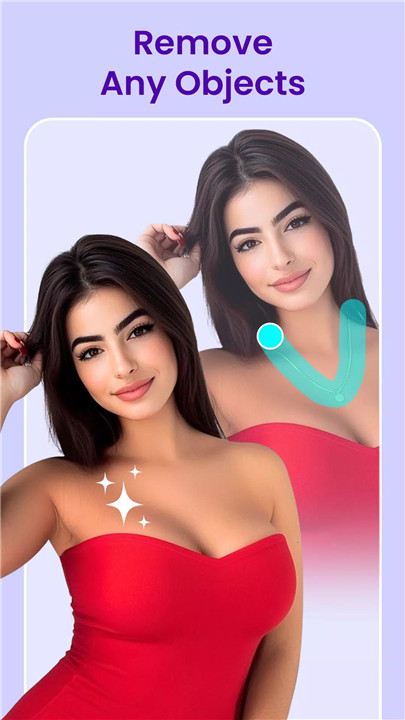
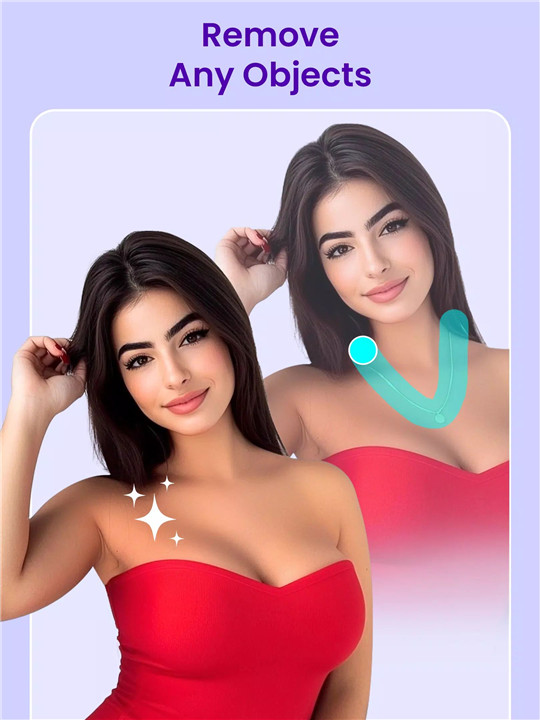
AI Object Removal Tool
Unwanted objects or people can easily appear in photos, affecting the final image quality. Picify includes an AI-powered object removal tool that allows these elements to be erased quickly and seamlessly.
Using intelligent detection and reconstruction technology, the tool fills the removed area naturally, creating a clean and polished result. The editing process requires only a few simple steps, making it accessible even for beginners.
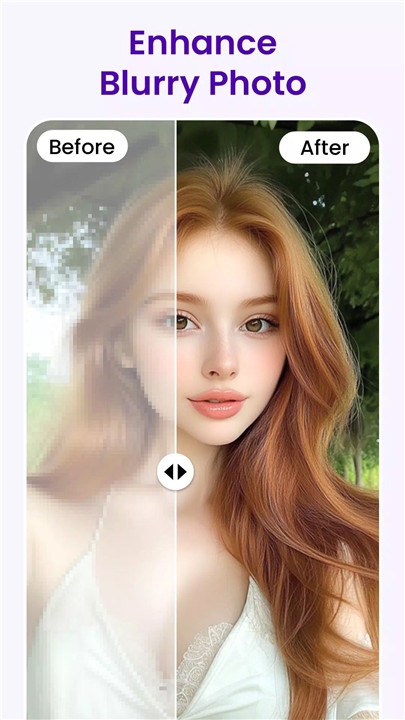
AI Image Enhancement Tool
Picify’s image enhancement feature improves resolution and overall image clarity. AI algorithms analyze the photo and automatically enhance sharpness, color balance, and detail.
In addition to resolution improvements, editing controls allow brightness, contrast, and other visual parameters to be adjusted. These adjustments ensure that photos appear vibrant, clear, and visually appealing across different devices and platforms.
All-in-One AI Photo Editing Platform
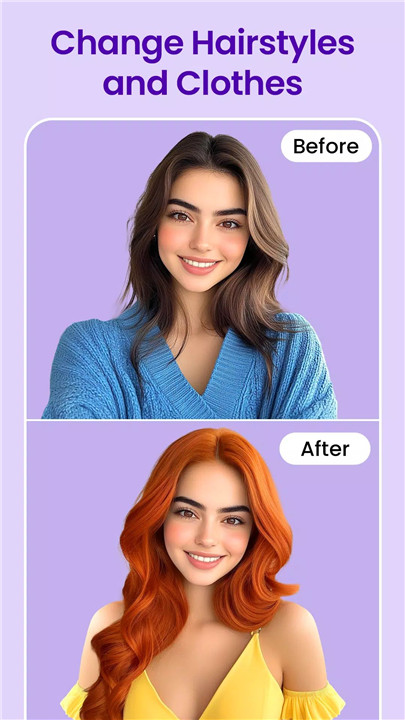
Picify combines multiple AI editing features within a single application. From artistic transformations to object removal and image enhancement, the platform provides a complete toolkit for creative photo editing without requiring multiple apps.
Fast and Efficient Image Processing
The application is designed with speed and simplicity in mind. The intuitive interface guides the editing process, allowing images to be uploaded, processed, and generated quickly. Advanced AI processing delivers impressive results within seconds.
Continuous Updates and Improvements
Picify continues to evolve through regular updates and feature enhancements. These updates introduce new artistic styles, improved AI algorithms, and additional editing capabilities to keep the application modern and powerful.
Simple Editing Process
Creating AI artwork with Picify follows a straightforward workflow:
- Select the desired editing feature
- Upload an image
- Tap “Generate” to apply AI processing
- Download the finished artwork
This streamlined process makes AI-powered creativity accessible to anyone interested in digital art and photo editing.
FAQs
Q1: What is Picify AI Art Editor?
Picify AI Art Editor is an AI-powered photo editing application that transforms images into artistic creations while offering enhancement and object removal tools.
Q2: What types of edits can be done with Picify?
Photos can be stylized with AI art effects, enhanced for better quality, and edited to remove unwanted objects or people.
Q3: How does the AI transformation feature work?
Users upload a photo, choose an artistic style or concept, and the AI generates a transformed version of the image automatically.
Q4: Can image quality be improved using Picify?
Yes, the AI enhancement tool increases resolution, sharpens details, and allows adjustments to brightness, contrast, and overall clarity.
Q5: Is Picify easy to use for beginners?
Yes, the app uses a simple step-by-step process with an intuitive interface, making AI photo editing accessible to both beginners and experienced creators.
Version History
v1.0.53—11 Oct, 2025
We are excited to announce the launch of face animation feature.
Create animation photos with Picify's AI image generator. Try face filters for photos and create fun videos with our face app.
v1.0.52—28 Jul, 2025
We are excited to announce the launch of face animation feature.
v1.0.42—4 Jul, 2025
We are excited to announce the launch of face animation feature.
Create animation photos with Picify's AI image generator. Try face filters for photos and create fun videos with our face app.