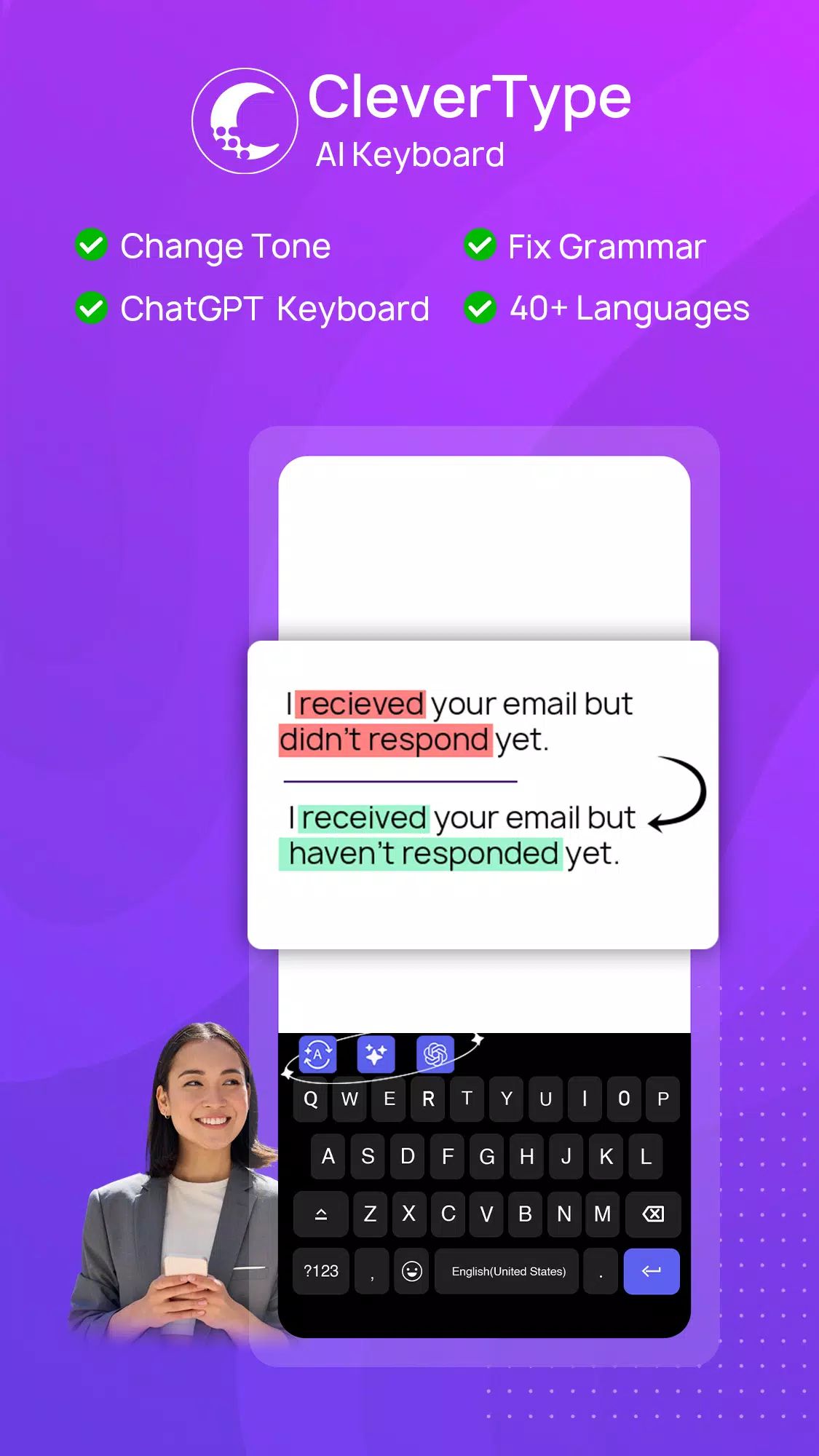
CleverType AI Keyboard transforms everyday typing into a smarter, more efficient experience through advanced artificial intelligence. Designed as a powerful Android keyboard, it combines grammar correction, AI writing assistance, paraphrasing, translation, and ChatGPT access directly inside the keyboard.
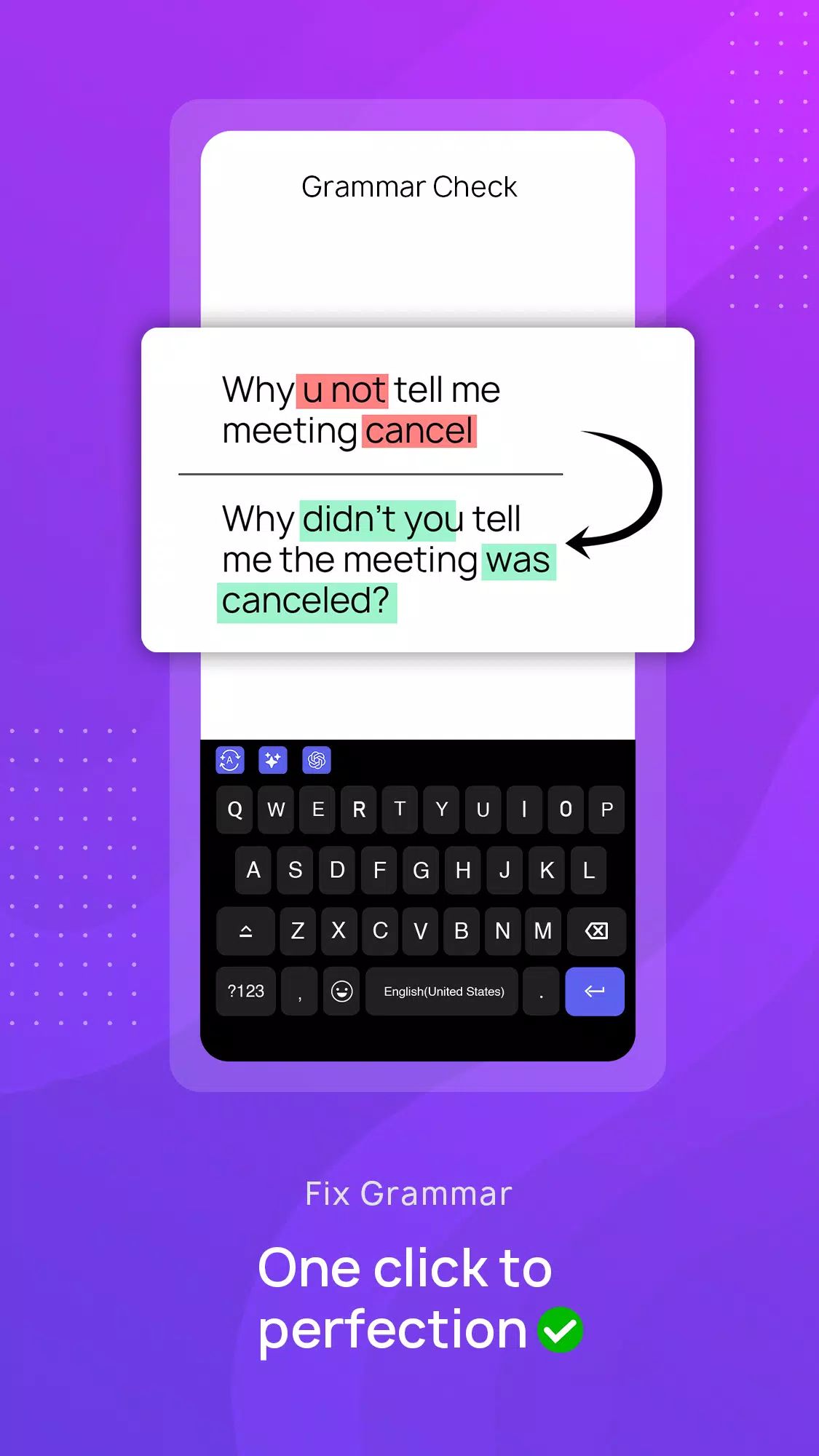
Smart Grammar Correction & Spell Check
CleverType includes an intelligent grammar keyboard that instantly detects and fixes grammar and spelling errors. Supporting over 40 languages, the AI grammar assistant improves sentence clarity, punctuation, and structure while typing.
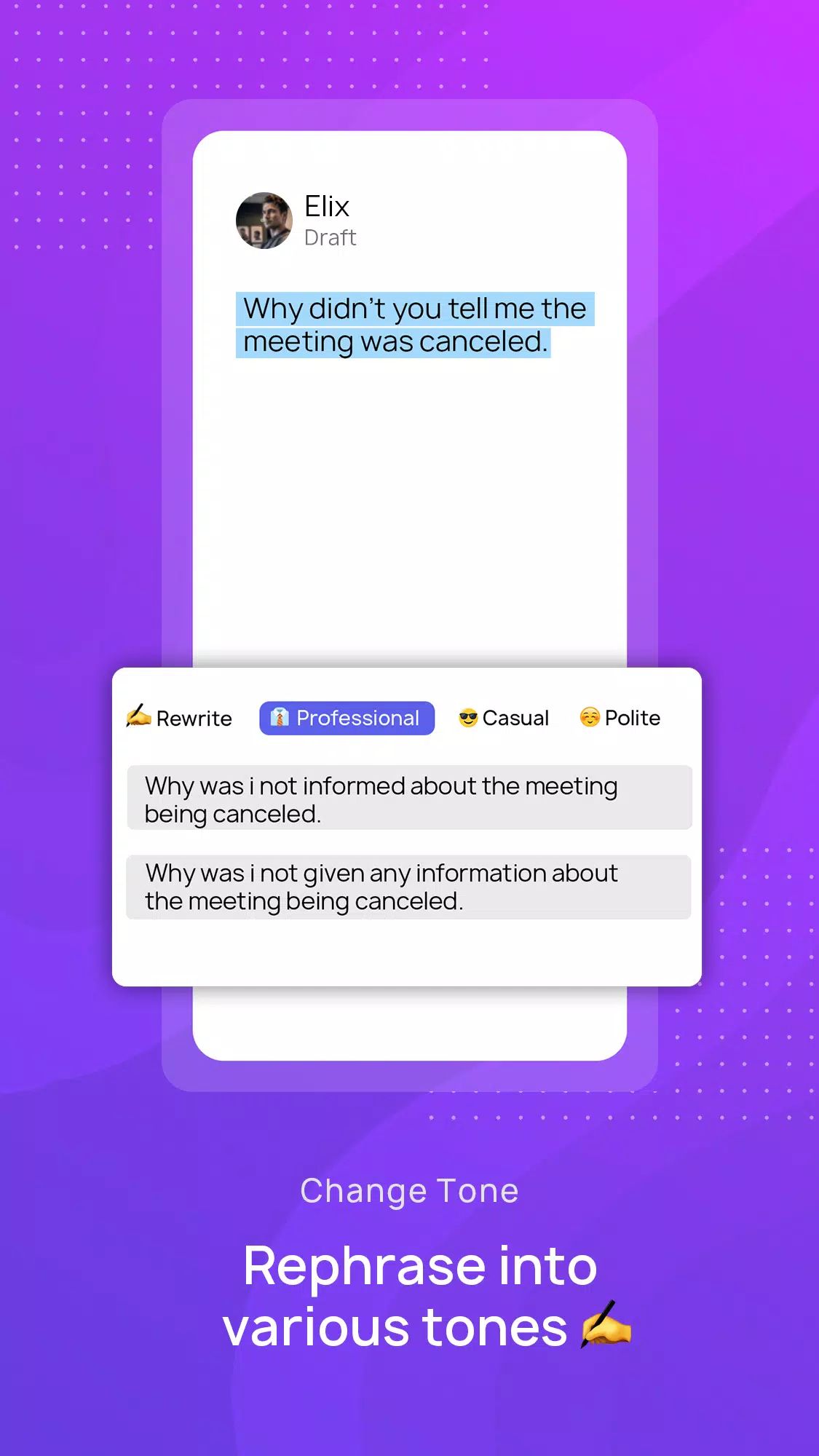
AI Paraphrasing & Rephrase Tools
The built-in paraphraser allows sentences to be rewritten with different tones, including professional, casual, funny, or formal. This AI rephrase tool is ideal for refining emails, social media captions, and messages while maintaining natural language quality. CleverType provides paraphrasing capabilities comparable to leading writing tools, all within the keyboard.
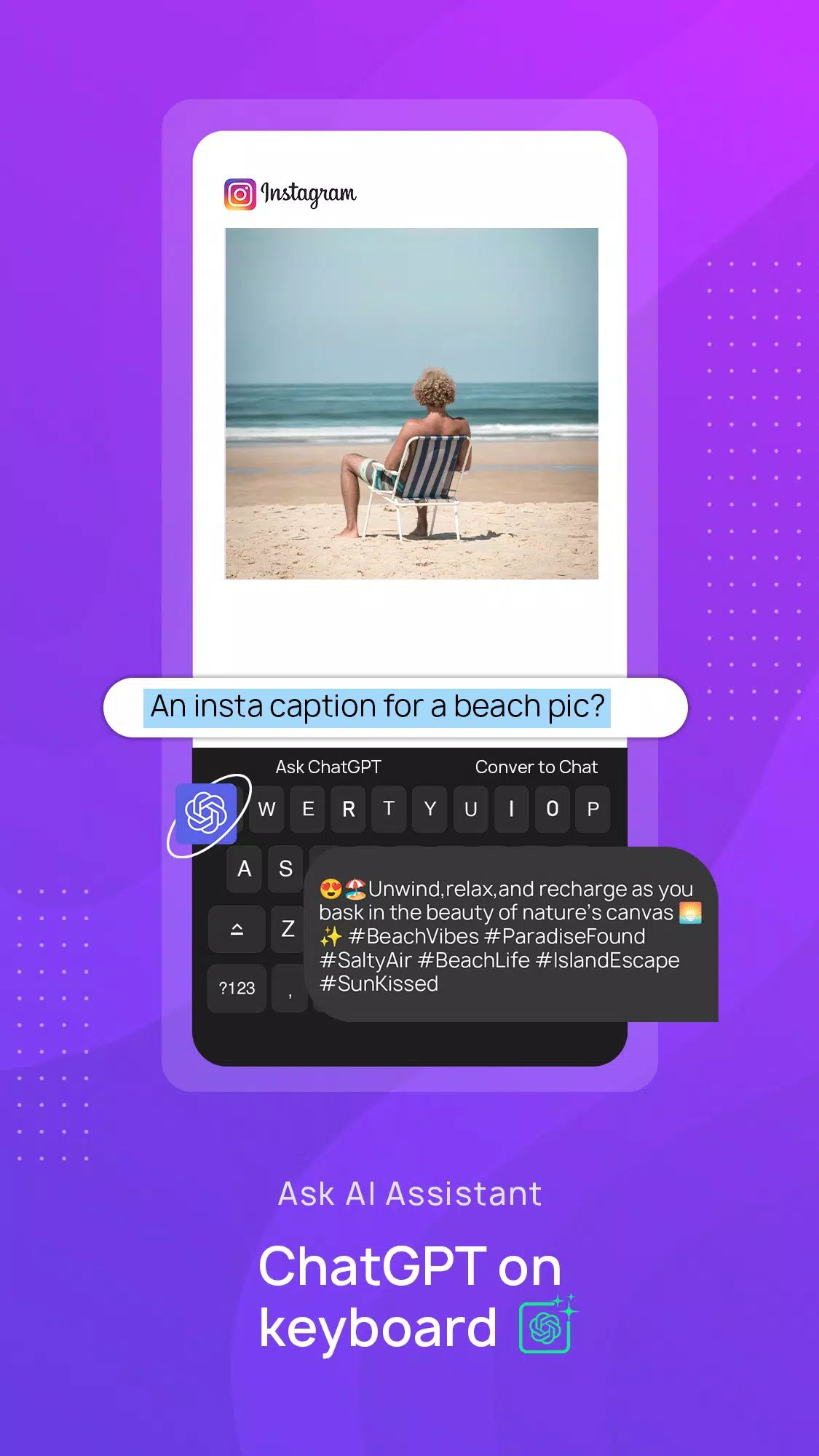
ChatGPT Keyboard Access
CleverType integrates ChatGPT directly into the keyboard, enabling instant access to AI assistance while typing. The ChatGPT keyboard helps generate ideas, answer questions, and improve content without switching apps.
Instant AI Reply & Email Writing
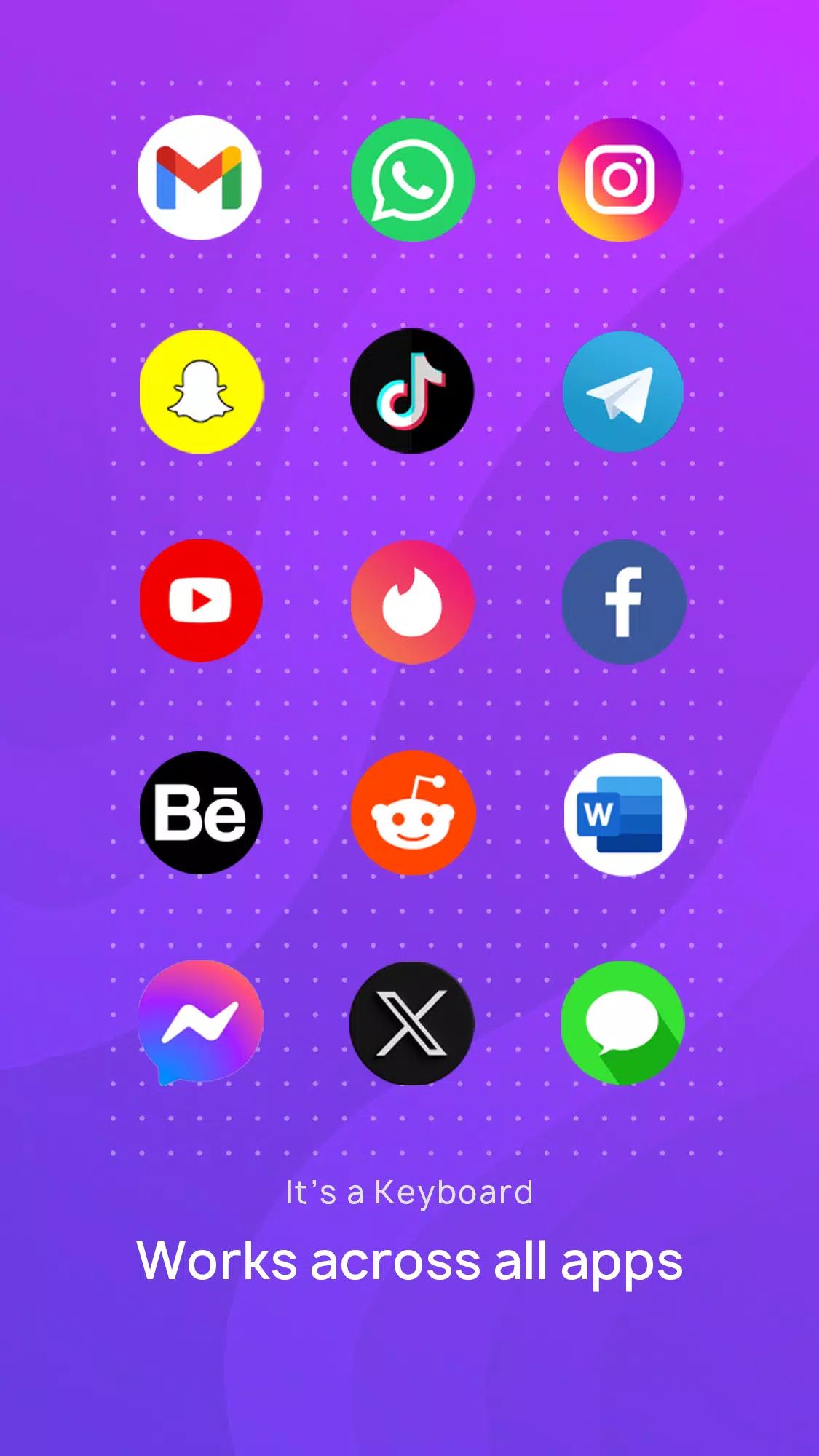
The AI reply and email writing feature analyzes recent messages to generate relevant responses. From messaging apps to professional emails, CleverType offers context-aware reply suggestions that save time and improve communication quality. Accessibility permission is required to read the last message for accurate response generation.
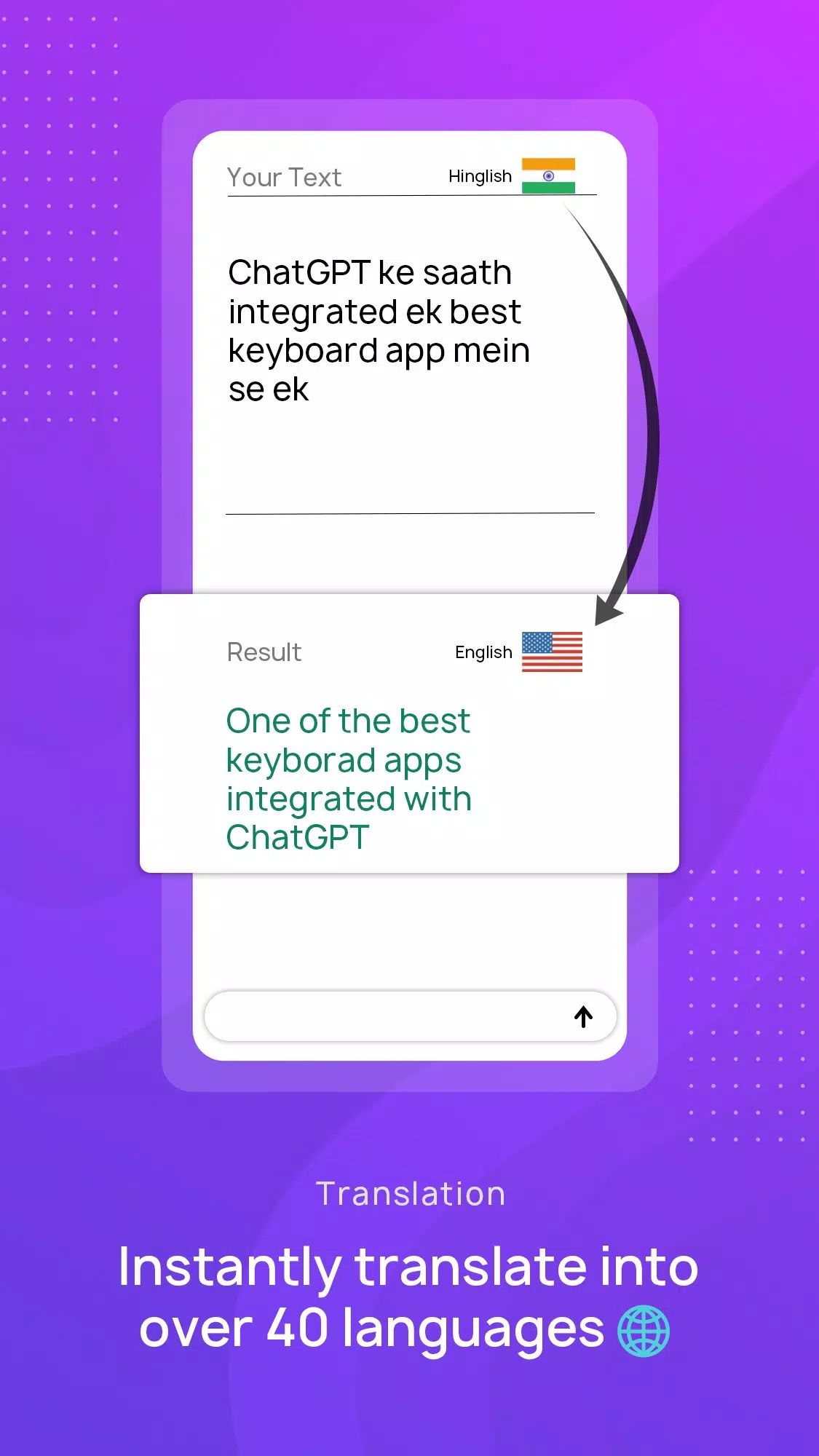
AI Translation in 40+ Languages
CleverType functions as a translation keyboard that converts text into more than 40 languages while preserving tone and context. Unlike basic translation tools, this AI-powered keyboard ensures natural and accurate multilingual communication during typing.
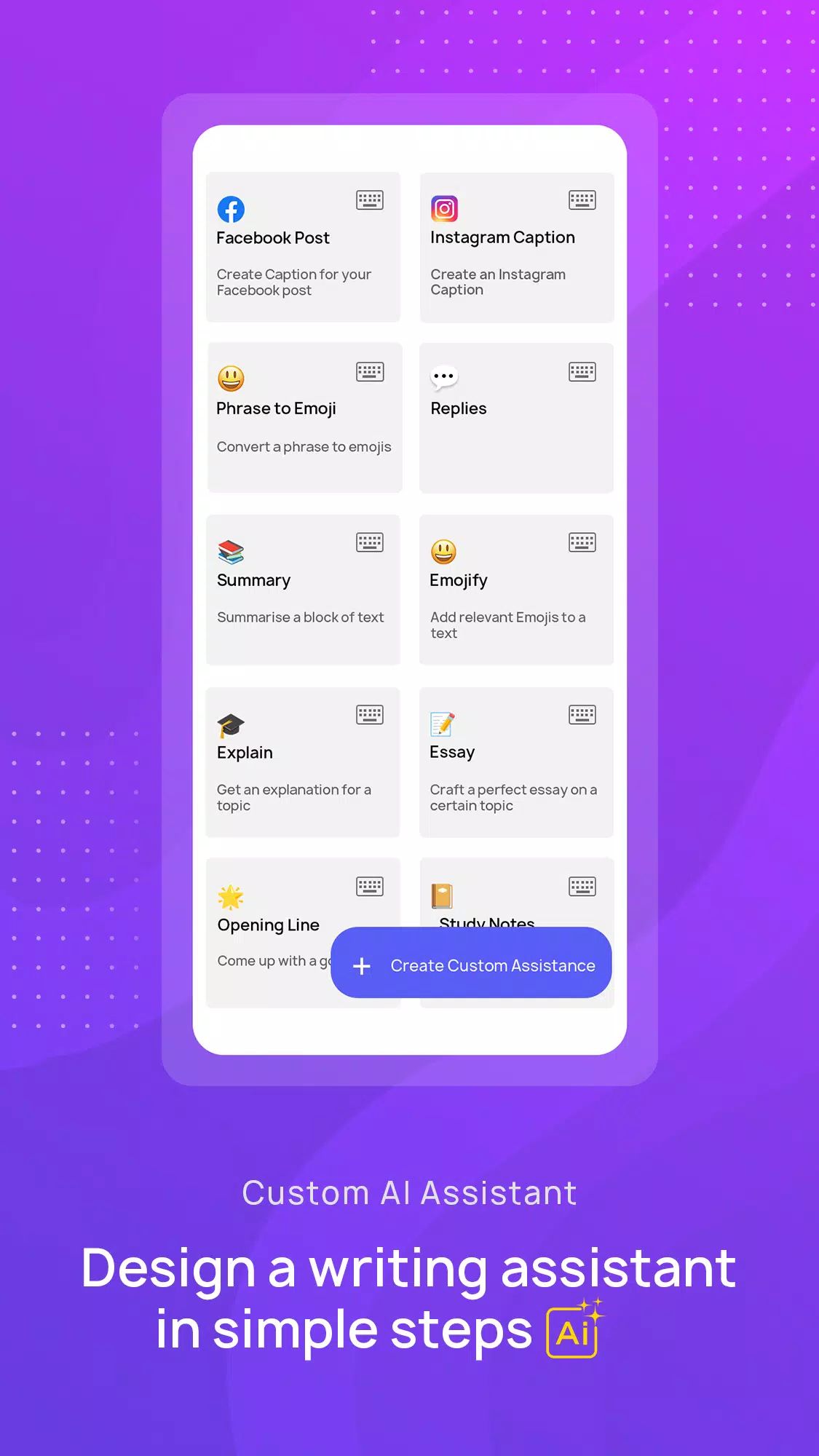
30+ AI Assistants & Custom Tools
With access to over 30 AI assistants, CleverType supports summarization, grammar improvement, content rewriting, and productivity tasks. Custom AI assistants can be created using personalized instructions, making the keyboard adaptable for professional writing, social media management, and creative projects.
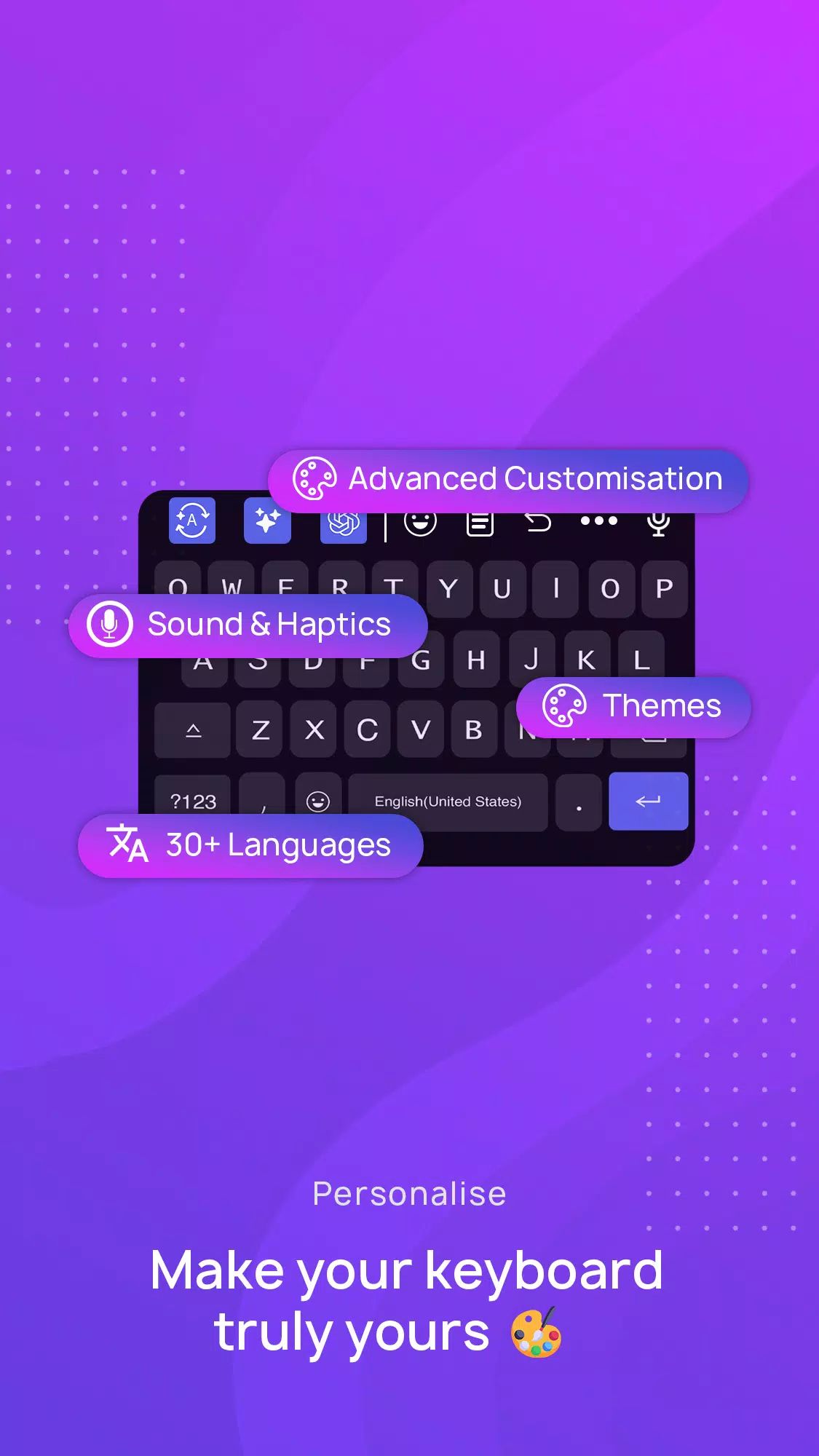
Theme Customization
The keyboard offers extensive theme customization, including colors, layouts, and visual styles. Users can select from pre-designed AI keyboard themes or create fully personalized designs for a unique typing experience.
Advanced Writing Support
CleverType includes vocabulary enhancement, punctuation correction, and proofreading tools. Acting as a complete writing companion, the AI grammar assistant refines text in real time for clarity and accuracy.
Fast Keyboard Performance
Optimized for speed and responsiveness, CleverType delivers smooth typing with regular updates to ensure consistent performance on Android devices.
Multiple Keyboard Options
CleverType adapts to various typing needs, functioning as an English keyboard app, an iOS keyboard alternative, or a dyslexia-friendly keyboard. Its flexible design supports diverse user preferences and accessibility requirements.
Free AI Keyboard Download & Privacy Protection
CleverType is available as a free AI keyboard for Android, offering essential features at no cost, with optional subscription access for advanced tools. User privacy is protected, with no tracking or storage of typed data.
FAQs
1. What makes CleverType AI Keyboard different from standard keyboards?
CleverType combines a fast keyboard with advanced AI tools such as grammar correction, paraphrasing, translation, and ChatGPT access, all built directly into the typing experience.
2. Does CleverType support multiple languages?
Yes, CleverType supports grammar correction and translation in over 40 languages, ensuring accurate and natural multilingual typing.
3. Is CleverType free to use?
CleverType offers a free version with essential AI features. A subscription unlocks unlimited access to advanced writing and AI assistant tools.
4. How does the ChatGPT keyboard integration work?
The ChatGPT integration allows AI assistance directly within the keyboard, enabling content generation, answers, and writing support without switching apps.
5. Is typing data stored or tracked by CleverType?
No, CleverType prioritizes privacy and does not track, save, or store user typing data, ensuring a secure typing experience.
Version History
v7.9.4—27 Nov, 2025
We've given the entire app a fresh new look!
- Revamped UI with a modern, clean design
- Smoother navigation and faster performance
- Improved readability and accessibility
- Added option to backup your dictionary into Google Drive
v7.9.3—4 Nov, 2025
We've given the entire app a fresh new look!
- Revamped UI with a modern, clean design
- Smoother navigation and faster performance
- Improved readability and accessibility
- Added option to backup your dictionary into Google Drive
v7.9.0—28 Oct, 2025
We've given the entire app a fresh new look!
- Revamped UI with a modern, clean design
- Smoother navigation and faster performance
- Improved readability and accessibility
- Added option to backup your dictionary into Google Drive