Welcome to Magic Eraser!
Magic Eraser is a cutting-edge AI-powered photo editing app designed to help users easily remove unwanted objects, backgrounds, text, logos, and watermarks from their photos. With its intuitive tools and advanced AI algorithms, Magic Eraser allows you to edit your images with precision and create clean, professional-looking photos effortlessly. Whether you're looking to clean up a photobomb, erase distractions, or generate new content, Magic Eraser provides all the tools you need in one place. Download Magic Eraser now!
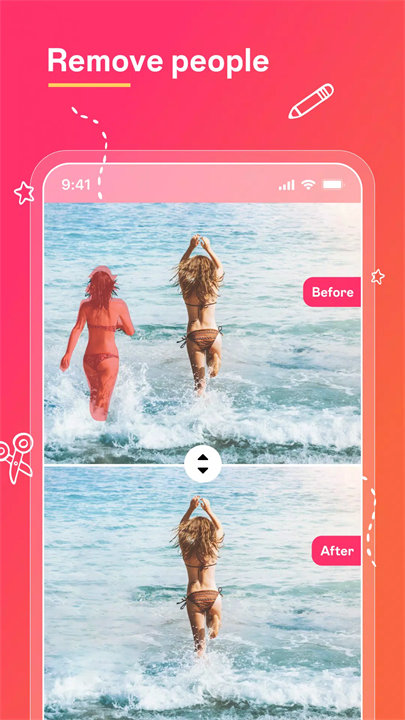
Features:- AI Object Remover:
Instantly remove unwanted objects from your photos, such as photobombers, blemishes, and distractions. The AI automatically fills in the gaps seamlessly for a flawless result.
- Background Removal:
Remove or change the background of your images effortlessly. Perfect for isolating subjects or creating transparent backgrounds for product photography or portraits.
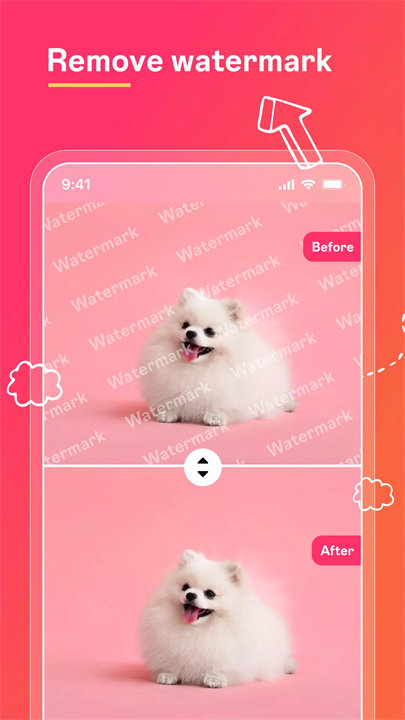
- Watermark & Logo Remover:
Remove watermarks, logos, and other branded elements from your photos with precision. Ideal for cleaning up images for professional use.
- Photo Retouching:
Retouch your photos to remove imperfections like blemishes, acne, or redness. Enhance your images with AI-powered touch-ups that make your photos look flawless.
- Text & Emoji Removal:
Get rid of distracting text and emojis on your photos. Whether it's unwanted captions or emoji overlays, the app helps restore your images to their original beauty.
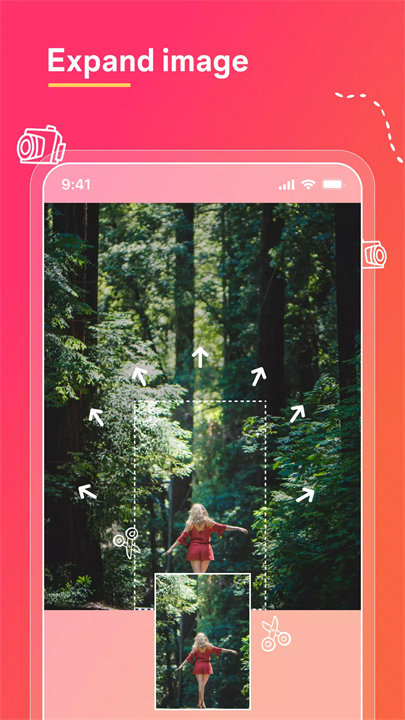
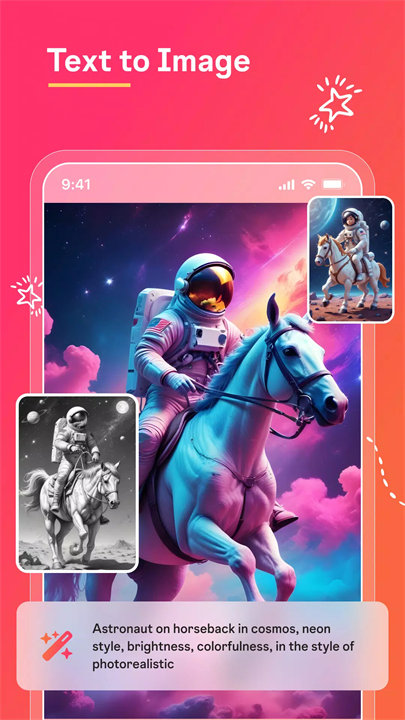
- AI Image Generation:
Expand and generate new sections in your image with AI. If you've removed an object, the app can help fill the empty space with AI-generated content that blends seamlessly with the rest of the photo.
- Easy-to-Use Interface:
The app offers a simple, user-friendly interface that allows both beginners and professionals to edit their photos with ease.
Top 5 FAQs on Magic Eraser:How do I remove an object from a photo?
To remove an object, simply select the eraser tool, mark the object you want to erase, and the app’s AI will seamlessly remove it and fill in the space with a background that matches the rest of your image.
Can I remove the background from a photo?
Yes! Magic Eraser has a background removal tool that allows you to erase or replace the background of your photos with just a few taps, leaving your subject isolated.
Is there a way to remove watermarks or logos from photos?
Yes! Magic Eraser includes a watermark and logo removal feature that lets you remove unwanted branding from your images, leaving your photos looking clean and professional.
How accurate is the AI in removing objects from photos?
The AI is highly accurate. It uses advanced algorithms to identify and remove unwanted elements, ensuring the area looks natural and blends well with the rest of the image.
Is the app free to use?
Magic Eraser offers a free version with basic features. For access to premium tools such as AI image generation and advanced editing features, a subscription or in-app purchases are required.
<3
v2.19.3——1 Mar 2025- Reduce the speed of animation in Home screen.
- Fix zoom function in background removal.
- Allow to go back to AI Filter selections after save.