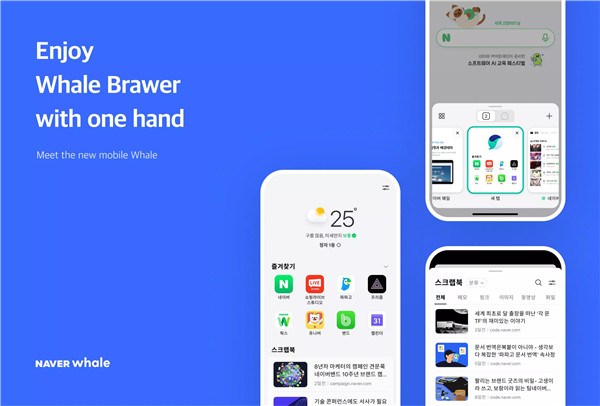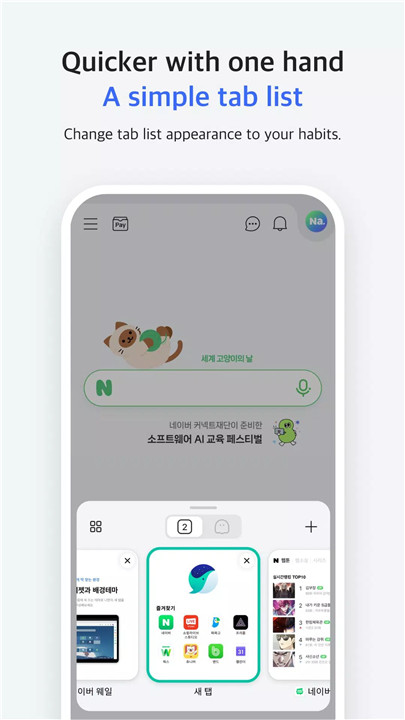
Naver Whale Browser offers a fast, intuitive, and secure browsing experience, combining advanced search tools, cross-device syncing, and ad-blocking features. Designed to enhance productivity and streamline web usage, Whale integrates innovative tools like QuickSearch, QuickBar, and Scrapbook to make information retrieval and website management easier than ever. By providing seamless synchronization across devices, users can access their bookmarks, history, and saved content from anywhere. Whale also focuses on safe and clean browsing by blocking abusive ads and optimizing performance, making it a modern browser suited for both casual and professional use.
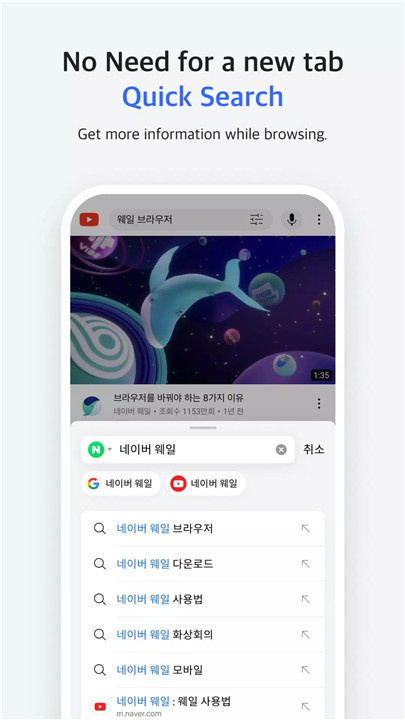
QuickSearch for Instant Browsing
Whale’s QuickSearch panel allows searching and website usage without opening a new tab. This feature saves time and makes multitasking more efficient by displaying search results and relevant content in a compact, interactive panel.
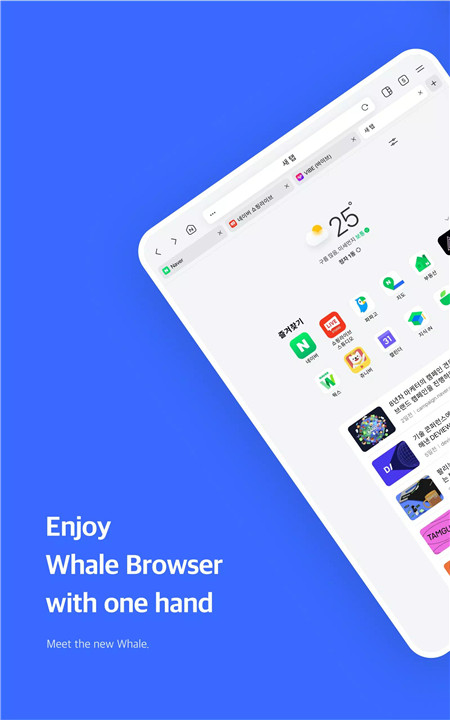
QuickBar for Easy Navigation
QuickBar is a bottom toolbar that functions like a desktop bookmark bar. By swiping on the toolbar, users can quickly access frequently visited websites, improving browsing speed and convenience.
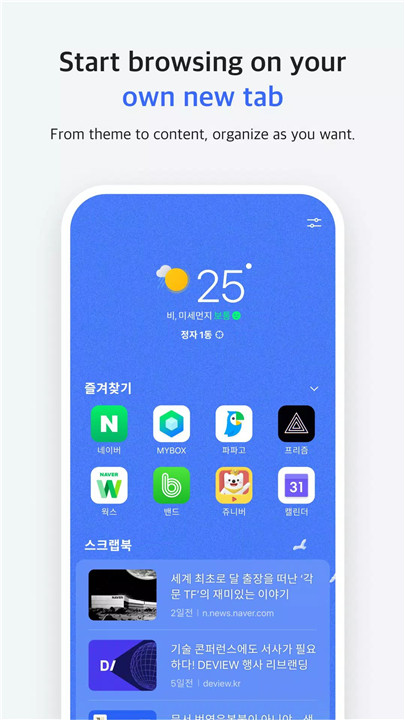
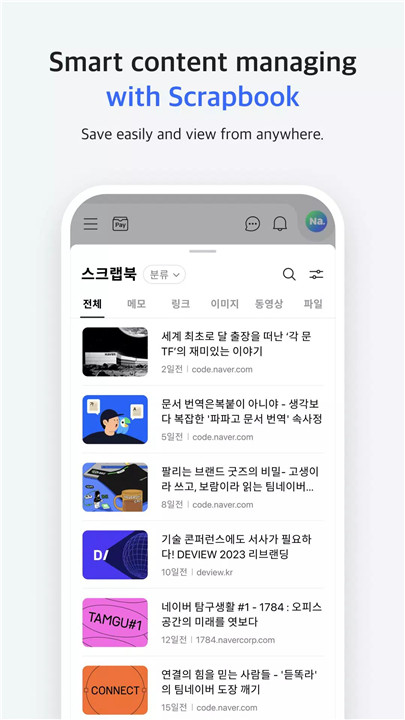
Scrapbook for Organizing Content
The Scrapbook feature lets users save websites, images, and other content for later reference. It offers a simple and organized way to collect and revisit online resources, helping streamline research, project management, or personal interests.
Sync Across All Devices
By signing into Whale, users can synchronize their browsing data—including history, bookmarks, and saved content—across multiple devices. This ensures a consistent experience whether on desktop, tablet, or mobile, allowing seamless transition between devices.
CleanWeb for Ad-Free Browsing
CleanWeb blocks abusive and intrusive ads to provide a faster and cleaner browsing experience. By reducing distractions and improving page load times, Whale ensures more secure and efficient web navigation.
Additional Features
Whale ON Video Meetings: Supports camera, microphone, and Bluetooth connectivity for virtual meetings directly in the browser.
Location and Contact Access: Provides location and contact information when needed on websites for enhanced functionality.
User-Friendly Interface: Intuitive navigation and customizable tools make Whale suitable for all types of users, from casual browsing to professional use.
FAQs
Q1: What makes Naver Whale different from other browsers?
Naver Whale combines instant search, ad-blocking, and cross-device syncing with unique features like QuickBar and Scrapbook for efficient and organized browsing.
Q2: Can Whale sync data across devices?
Yes, signing in allows bookmarks, history, and saved content to sync across all devices, ensuring a consistent browsing experience.
Q3: How does CleanWeb improve browsing?
CleanWeb blocks abusive ads and reduces distractions, resulting in faster page loads and a cleaner, safer web experience.
Q4: What is the Scrapbook feature used for?
Scrapbook lets users save websites, images, and content for easy access later, making it convenient to organize and revisit online resources.
Q5: What permissions does Whale require and why?
Whale may request camera, microphone, location, contacts, phone, and nearby device access for features like video meetings, voice commands, website functionality, and Bluetooth connections.
Version History
v3.9.10.2—24 Mar, 2026
We have worked to improve the completeness by correcting usability-oriented problems.
1. Modify the UI related to OmniBox, Secret Mode, and Toolbar
2. Provide recommended encode area
3. WhaleOn modification
4. Pull to refresh color change
5. Crash Correction
v3.9.9.2—11 Feb, 2026
Fixed some errors after applying Chromium 138
1. Modifying Bookmark Edit
2. Modifying the bottom toolbar while playing a video
3. Fix Crash and UI bugs
v3.9.9.1—30 Jan, 2026
1. Updated to Chromium 138: Upgraded the core engine for better performance.
2. Data Separation: Separated local and account storage for bookmarks and passwords.
3. UI Improvements: Enhanced the basic Toolbar UI.
4. Bug Fixes: Fixed crashes and other known issues.