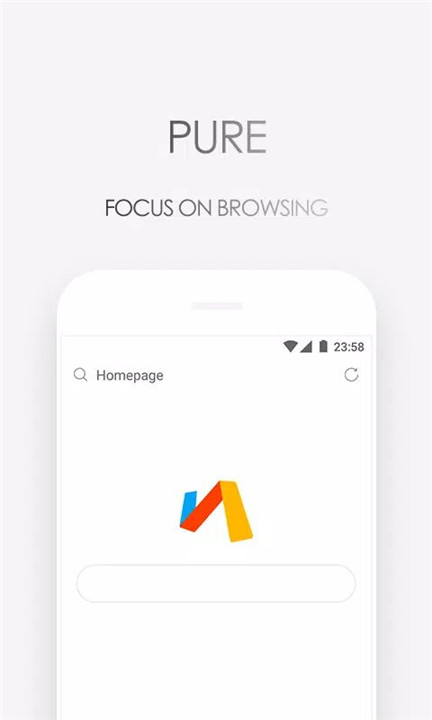
Via Browser – Fast & Light is designed for simplicity, speed, and efficiency. Built with a minimalist philosophy, it delivers a quiet browsing experience without news pushes or unnecessary distractions. Its tiny app size and low memory usage help Android devices stay fast and responsive, even on older hardware. Via Browser focuses on making complex browsing tasks simple, combining a clean interface with powerful features that support both everyday use and advanced customization.
Fast and Smooth Performance
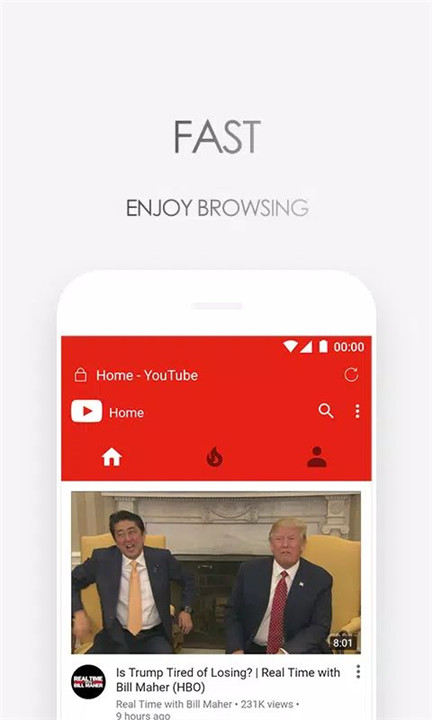
Via Browser is optimized for lightning-fast performance, from app launch to web page loading. Speed improvements ensure quick entry and exit, smooth scrolling, and efficient browsing across most Android devices.
Lightweight and Mini Size
Designed as a mini browser, Via Browser uses significantly less storage space and memory compared to traditional browsers. Its tiny APK size helps Android devices run smoothly while maintaining full browsing functionality.
Quiet and Distraction-Free Browsing
Via Browser avoids unnecessary notifications and content pushes. By removing background noise such as news feeds and promotions, it provides a clean and focused browsing environment that respects device resources and user attention.
Minimalist Design for Efficiency
Built with a minimalist interface, Via Browser delivers a fresh and uncluttered experience. Every element is designed to be functional and efficient, making it especially appealing to users who prefer clean layouts and fast interactions.
Powerful Customization Options
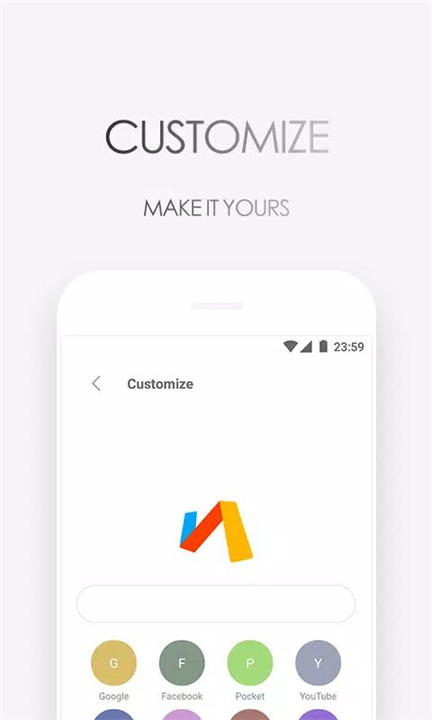
Via Browser allows extensive customization, including homepage design, search engine switching, and layout adjustments. These tools make it easy to create a personalized browser that fits individual browsing habits and preferences.
Privacy and Data Protection
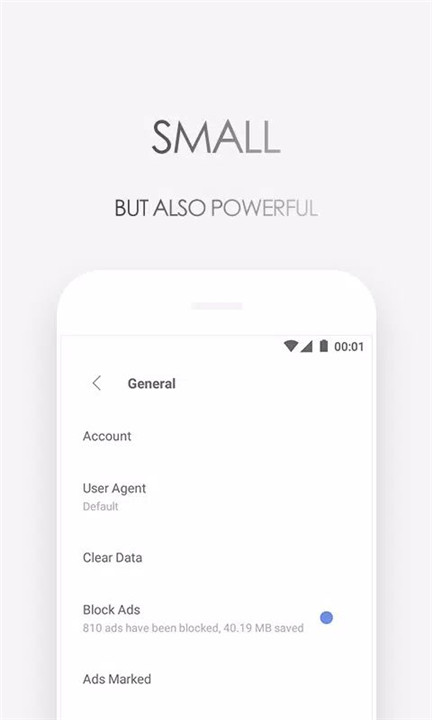
Privacy protection is a core feature of Via Browser. Built-in ad blocking, data-saving tools, and private browsing options help reduce tracking and unnecessary data usage while maintaining a secure browsing experience.
Smart Browsing Tools
Via Browser includes practical tools such as night mode, computer mode, translation, find-in-page, bookmarks, and web page saving. Intelligent image loading helps reduce data consumption without compromising content visibility.
Advanced Features for Power Users
Despite its lightweight design, Via Browser supports advanced functions such as webpage code viewing, weblog tools, and add-ons. This balance of simplicity and capability reflects its core concept of making hard things simple.
FAQs
1. What makes Via Browser different from other Android browsers?
Via Browser combines a mini app size, fast performance, and advanced customization while remaining lightweight and distraction-free.
2. Does Via Browser use a lot of memory?
No, Via Browser is designed to use minimal memory and storage, helping Android devices stay smooth and responsive.
3. Does Via Browser support privacy features?
Yes, it includes ad blocking, data-saving tools, and privacy protection features to support safer browsing.
4. Can Via Browser be customized?
Yes, users can design their homepage, switch search engines, enable add-ons, and adjust browsing settings easily.
5. Is Via Browser suitable for advanced users?
Yes, Via Browser offers advanced tools like webpage code access and add-ons while keeping the interface simple and efficient.
Version History
v6.9.0—25 Dec, 2025
- Add support for Custom Tabs
- Improve clipboard permission handling
- Enhance ad-blocking support
- Add search functionality to the Downloads page
- Improve downloaded file renaming behavior
- Fix some bugs
v6.8.0—27 Oct, 2025
- Support for opening MHT files
- Optimize desktop mode
- Optimize search suggestions
- Optimize password filling
- Optimize web audio pause logic
- Optimize file import and export logic
- Fix issue with empty passwords in the password manager
- Fix issue where tabs could not be restored
- Some bug fixes
v6.7.1—8 Sep, 2025
- Optimize script installation flow
- Optimize password list page
- Optimize password autofill
- Optimize reading mode
- Improve custom font rendering
- Improve URL detection
- Add search support in password list page
- Fix biometric authentication issue on certain devices
- Fix issue where night mode overlay might not display
- Some bug fixes