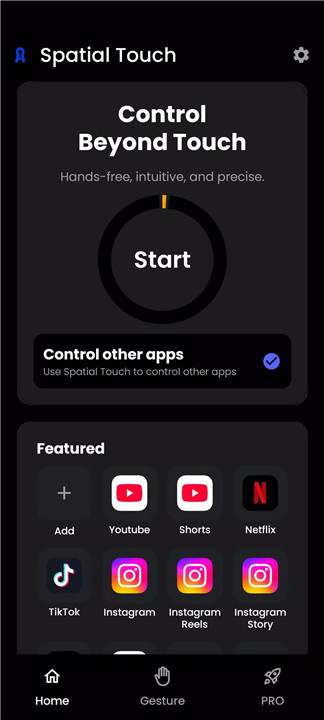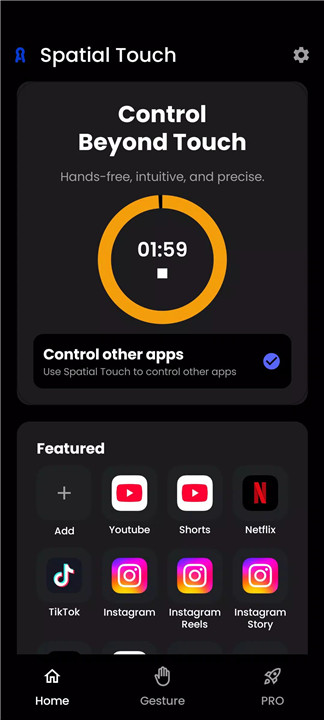
Spatial Touch™ introduces a new way to interact with mobile devices by eliminating the need for physical touch. Powered by advanced on-device AI, Spatial Touch™ enables seamless control of social media, video streaming, and music apps through intuitive air gestures.
Designed for convenience and efficiency, the app is ideal for situations where touching the screen is impractical—such as cooking, exercising, or multitasking. The latest update brings a complete redesign, focusing on improved performance, smoother interaction, and broader accessibility across devices. With enhanced gesture recognition and optimized system usage, the experience becomes faster, more reliable, and energy-efficient.
Advanced Air Gesture Controls
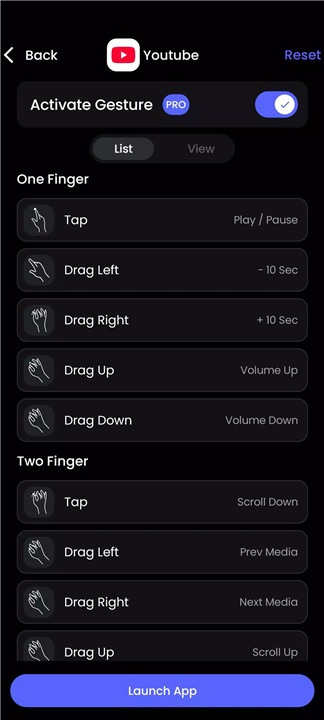
Spatial Touch™ allows full control of device functions using simple hand gestures. Actions such as play, pause, scrolling, and navigation can be performed without touching the screen. New pinch gesture controls make interactions feel more natural and intuitive, improving overall usability.
Optimized Performance and Efficiency
The latest redesign significantly enhances speed, responsiveness, and stability. Reduced battery consumption and lower device heat ensure a smoother experience even during extended use. Expanded compatibility also allows the app to perform effectively on lower-end devices.
Wide App Compatibility
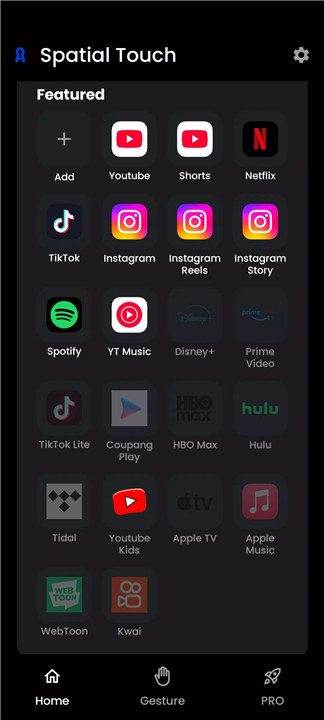
The application supports a broad range of popular platforms, including social media, video streaming, and music services. From video playback to browsing content, users can control multiple apps effortlessly without physical interaction.
Precision Gesture Recognition
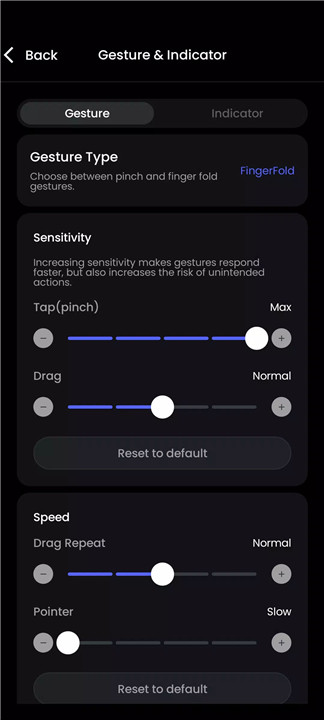
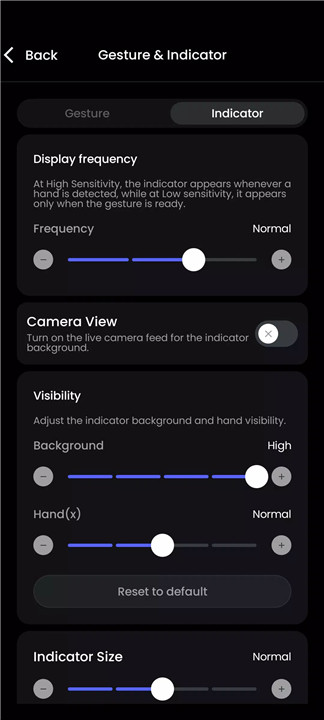
State-of-the-art gesture detection minimizes errors and false inputs. Adjustable sensitivity settings allow customization based on preference, ensuring accurate and responsive control in various environments.
Privacy-Focused On-Device AI
All gesture processing occurs directly on the device, ensuring that no images or videos are stored or transmitted. This approach prioritizes user privacy while maintaining high performance.
WebView Mode for Accessibility-Free Use
A newly introduced WebView mode enables control of supported platforms without requiring accessibility permissions. This feature offers an alternative method for users who prefer enhanced privacy or simplified setup.
Remote Control Flexibility
Spatial Touch™ supports operation from a distance, making it suitable for different postures and scenarios. Whether relaxing, working, or handling tasks, the app provides consistent and convenient control.
Pro Features for Enhanced Control
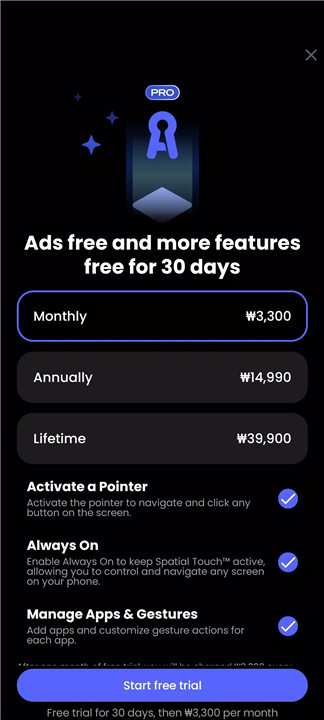
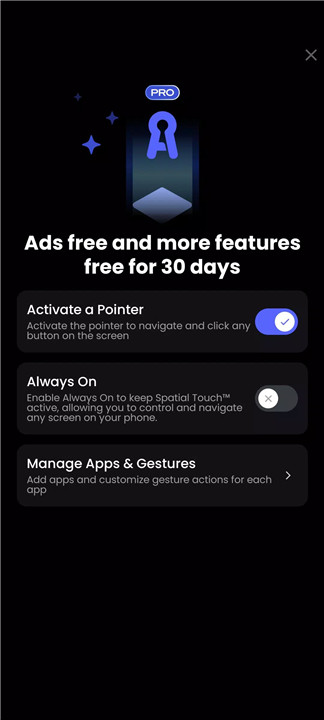
Upgrading to the Pro version unlocks additional capabilities, including a virtual cursor for precise interaction, extended app support, always-on functionality, and an ad-free experience. These features elevate usability and provide greater flexibility.
FAQs
Q1: What is Spatial Touch™ used for?
A1: It allows hands-free control of smartphones using AI-powered gestures for apps like video streaming, social media, and music.
Q2: Does Spatial Touch™ require an internet connection?
A2: No, gesture recognition is processed on-device, so it can function without constant internet access.
Q3: Is it safe to use in terms of privacy?
A3: Yes, all processing happens locally on the device, and no images or videos are stored or shared.
Q4: What devices are compatible with the app?
A4: Devices running Android 8.0 or higher with at least 4GB RAM are supported, with better performance on higher-end chipsets.
Q5: What additional features are included in the Pro version?
A5: The Pro version includes a virtual cursor, more app support, always-on functionality, and an ad-free experience.
Version History
v1.1.16—4 Apr, 2025
v1.1.15—20 Jan, 2025
- Bug fixes for accessibility setting and camera permission. Improved stability
- Bug fix for Ads skip for Reels and Shorts
- New app support: Kwai (Beta)
v1.1.14—13 Dec, 2024
- Bug fixes for accessibility setting and Improved stability
- Gesture sensitivity optimized
- Indicator frequency optimized