YouCam Video: AI Video Editor
Overview
• Transform your creative vision into reality with YouCam Video, the premier AI-driven platform designed to make professional content creation accessible to everyone.
• Whether you are a social media influencer, a business owner, or a casual storyteller, this intuitive tool empowers you to produce high-impact videos with unprecedented ease and speed.
Next-Generation AI Video Creation
• Convert text prompts or static images into high-quality cinematic footage instantly.
• Use advanced AI style transfer to reimagine your videos as stunning anime, manga, or 3D animations.
• Modify outfits and environments within your existing footage using simple text commands.
Revolutionary Frame Expansion and Scene Control
• Expand your video’s borders intelligently to fit any screen size, such as turning horizontal clips into vertical Reels without losing detail.
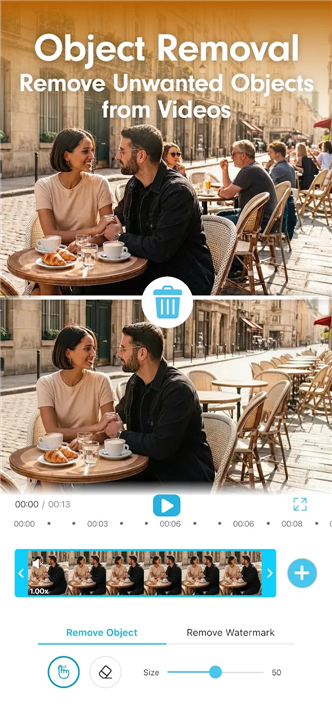
• Replace backgrounds or remove unwanted objects with one-tap precision.
• Utilize intelligent outpainting to add breathing room to shots that were framed too tightly.
Professional-Grade Editing and Audio
• Edit with frame-by-frame accuracy using tools for cutting, merging, and adjusting playback speed.
• Access a vast library of cinematic transitions to ensure your narrative flows seamlessly.
• Enhance vocal clarity and eliminate background noise with automated audio tools.
• Generate accurate auto-captions and royalty-free soundtracks to maximize viewer engagement.
High-End Visual Enhancement
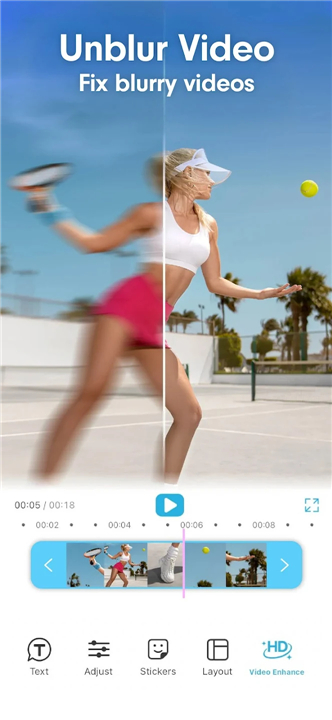
• Upscale low-resolution or blurry footage into crisp, high-definition clarity.
• Minimize grain in low-light shots and apply automatic color correction for a vibrant finish.
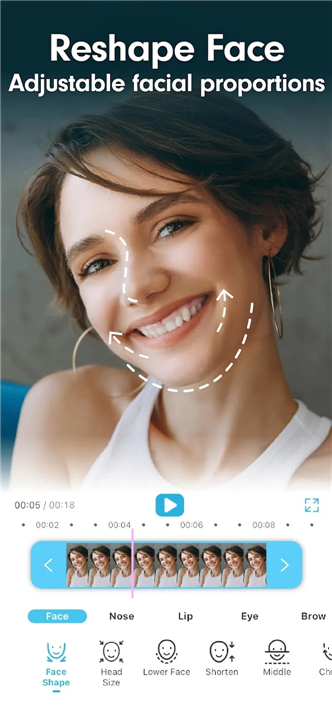
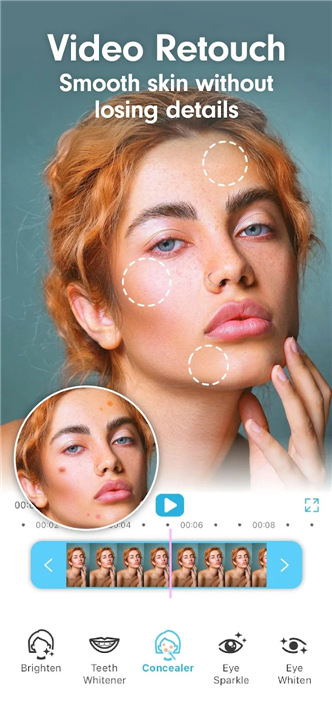
• Refine facial features with natural-looking skin smoothing and blemish removal.
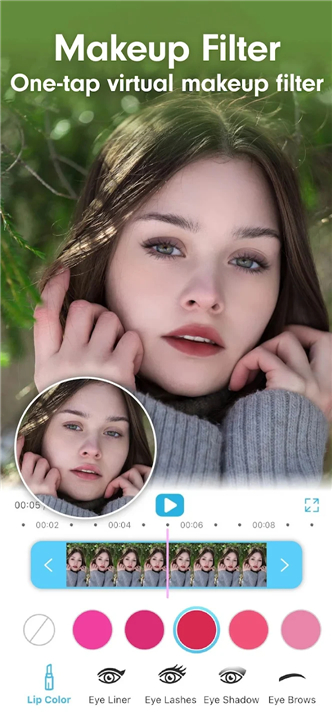
• Apply realistic virtual makeup that moves perfectly with you using advanced motion tracking.
Optimized for Every Platform
• Transition from raw footage to viral-ready content in seconds using trending templates.
• Save time on production without sacrificing the aesthetic quality demanded by modern audiences.
• Scale your brand or personal presence by creating polished advertisements and vlogs effortlessly.
Experience the future of digital storytelling today
• Download YouCam Video and unlock the tools you need to create your next viral masterpiece.
FAQ
Q: How does the AI video creation feature turn text into cinematic footage?
A: The app utilizes next-generation artificial intelligence to interpret your text prompts or static images and convert them into high-quality cinematic footage instantly. This means you can generate entirely new visuals from scratch just by describing what you want to see, which is a massive time-saver for creators who need quick b-roll or unique backgrounds.
Q: Can I transform my standard footage into different artistic styles like anime?
A: Yes, the AI style transfer feature is specifically designed to reimagine your existing videos as stunning anime, manga, or even 3D animations. This tool goes beyond a simple filter by intelligently re-rendering your footage to match the chosen aesthetic while maintaining the fluid motion and structure of the original clip.
Q: What is frame expansion and how does it help with social media formatting?
A: Frame expansion, or outpainting, is a revolutionary tool that intelligently adds new visual data to the borders of your video to fit different screen sizes. For instance, if you have a horizontal video that you want to post as a vertical Reel, the AI will fill in the top and bottom of the frame naturally so you don't have to crop out important details.
Version History
v1.61.2——13 Apr 2026
Video Editor & Maker: AI Image-to-Video & Text-to-Video Generator. Download the latest version of YouCam Video: AI Video Editor to enjoy new features and updates immediately!
*1.61.2
What’s New in YouCam Video:
AI Group Photo/Video: Choose from a variety of templates designed for two-person or pet group photos. Upload multiple images and let AI merge them into one creative, natural-looking group shot.
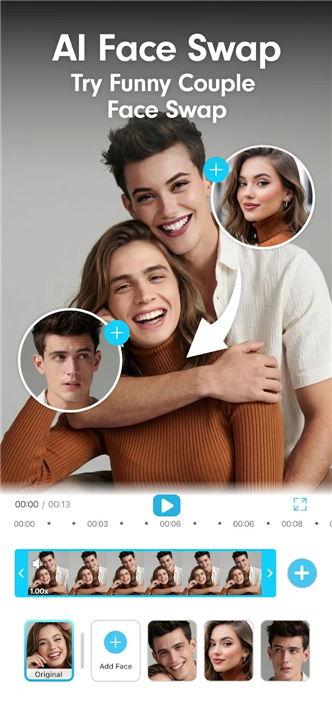
Switch Face: Now you can easily switch between different faces in a photo to apply custom AI retouching and effects to everyone.
*1.61.1
What’s New in YouCam Video:
AI Group Photo/Video: Choose from a variety of templates designed for two-person or pet group photos. Upload multiple images and let AI merge them into one creative, natural-looking group shot.
Switch Face: Now you can easily switch between different faces in a photo to apply custom AI retouching and effects to everyone.
*1.61.0
What’s New in YouCam Video:
AI Group Photo/Video: Choose from a variety of templates designed for two-person or pet group photos. Upload multiple images and let AI merge them into one creative, natural-looking group shot.
Switch Face: Now you can easily switch between different faces in a photo to apply custom AI retouching and effects to everyone.