Mail is more than just an email client—it’s a comprehensive productivity platform that combines communication, organization, and storage in a single application. Designed for both work and personal use, Mail integrates a fast email service, calendar, notes, cloud storage, shopping, and news, helping users stay organized and efficient. The app supports multiple email accounts, intelligent summaries, language translations, and offline access, ensuring seamless management of tasks and communications anytime, anywhere.
Unified Email Management
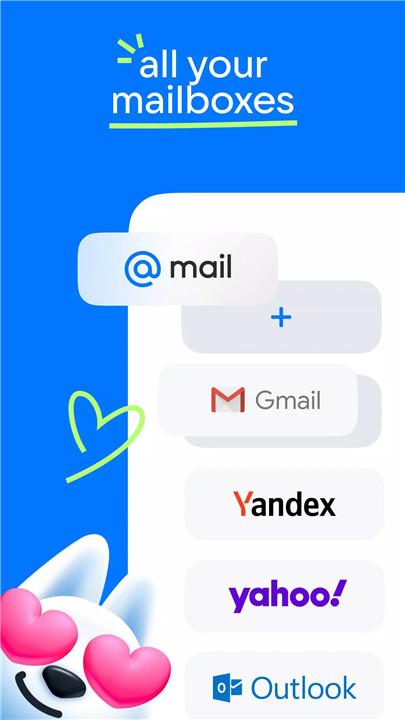
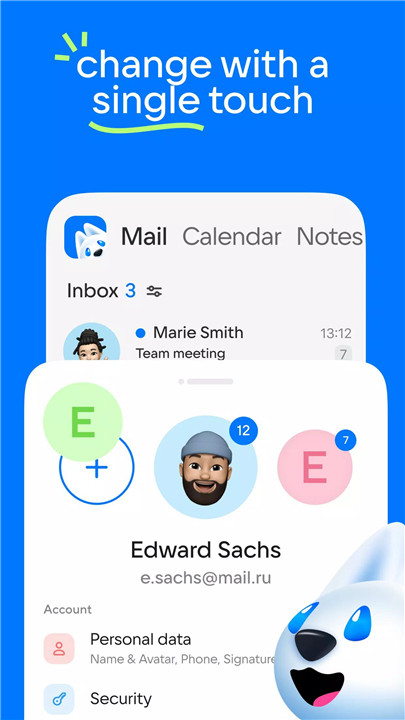
Mail allows integration of accounts from popular services, including Gmail, Microsoft Outlook, Yandex.Mail, Yahoo, Hotmail, Rambler, and Zimbra. All emails can be accessed in one application, with messages automatically grouped by subject, address, and type. Newsletters, social media notifications, and personal emails are organized into folders for a clutter-free inbox.
Smart Summaries & Quick Actions
A neural network reads long emails and provides brief, contextual summaries, saving time and simplifying daily email management. Users can mark emails as important, move messages to folders, delete them, or leave them unread with a single click.
Calendar & Planner
The integrated Calendar calculates optimal vacation periods based on salary and schedules. Users can set reminders, plan meetings, and add checklists. One-click call links simplify organizing work and personal appointments.
Cloud Storage & File Management
The Cloud service securely stores emails, documents, photos, videos, and scanned files. Users can free up smartphone memory by uploading media to the Cloud while maintaining quick access to important files.
Notes, News & Weather
Keep track of ideas, important information, and daily tasks with Notes. Stay updated with personalized news feeds and current weather information.
Language Translation
Mail includes an instant email translator, making it easy to read foreign newsletters or send business correspondence abroad. Users can translate received messages or compose emails in another language instantly.
Notifications & Interface Customization
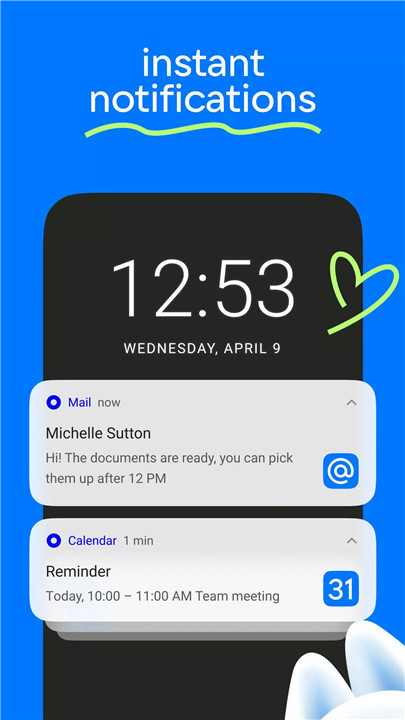
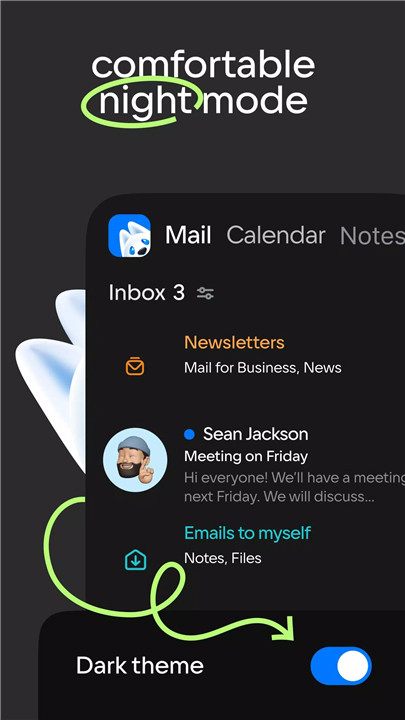
Notifications can be tailored by folder and time preferences, ensuring only relevant messages trigger alerts. A dark mode reduces eye strain during night usage, while a bright mode provides clarity during the day.
Offline Access
Mail supports offline mode, storing emails locally on the device. Users can read, organize, and respond to messages without an internet connection, ideal for travel or remote locations.
Contacts & Quick Access
Contacts are synchronized from the device’s address book and email accounts, making sending emails faster and more intuitive. Suggestions for recipients appear automatically when composing new messages.
Compatibility & Support
Mail is compatible with Android 7.0 and above and supports IMAP, POP, and SMTP protocols. Users can reach out to developers via the “Write to the developer” section or by emailing mailapps@corp.mail.ru for assistance.
FAQs
Q1: Which email services can be added to Mail?
A1: Mail supports Gmail, Microsoft Outlook, Yandex.Mail, Yahoo, Hotmail, Rambler, Zimbra, and any service compatible with IMAP, POP, and SMTP.
Q2: How does Mail summarize long emails?
A2: The app uses a neural network to read lengthy emails and generate brief summaries, providing quick context without reading the full message.
Q3: Can Mail work offline?
A3: Yes, emails are stored locally on the device so they can be read and organized without an internet connection.
Q4: What productivity tools are included besides email?
A4: Mail includes a Calendar, Notes, Cloud storage, news feed, weather updates, and a planner with reminders and checklists.
Q5: Can emails be translated in Mail?
A5: Yes, the app provides instant translations for received or composed emails, supporting communication in multiple languages.
Version History
v15.72.0.131535—4 Feb, 2026
We have updated the app. We have fixed the bugs, improved stability, made a snowman, and even found a carrot for a nose
v15.71.0.131168—28 Jan, 2026
We were working so hard on the update that instead of a developer, we sent bugs on vacation. Plus, stability has been improved
v15.70.0.130771—22 Jan, 2026
We have updated the app. Improved, fixed and optimized: now Mail loads faster than a weekend flies by after a hard week