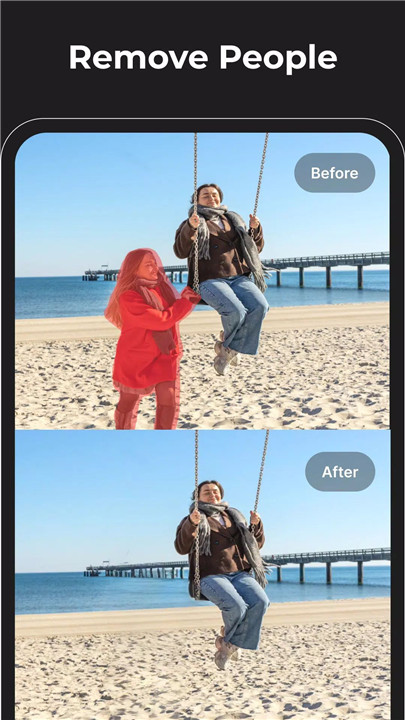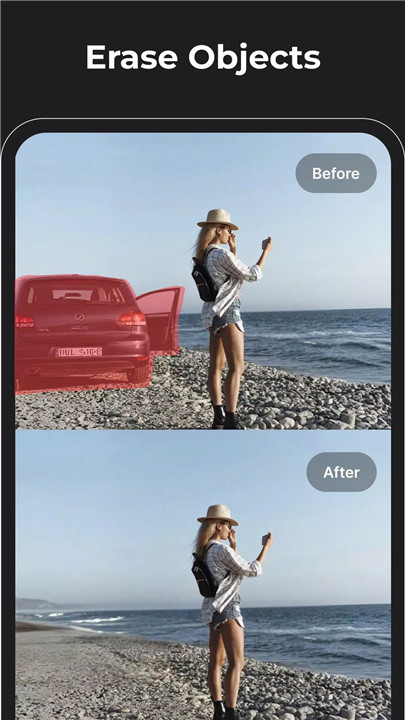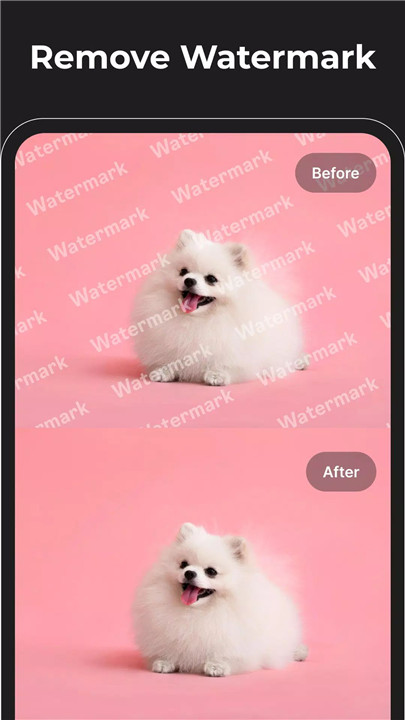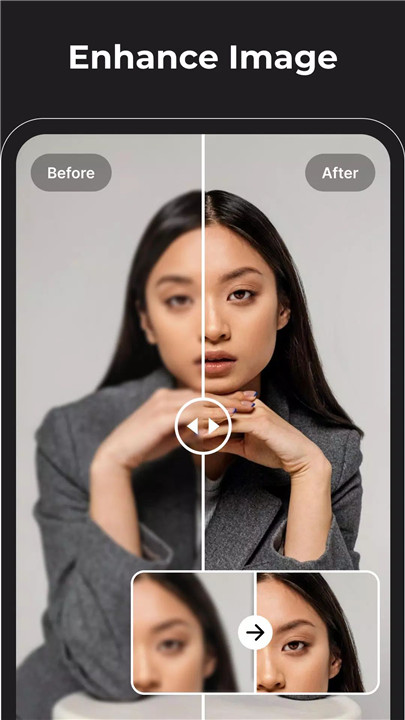
Magic Eraser is the ultimate AI photo editor to remove objects, erase backgrounds, and enhance images—download now for professional results. Designed for both casual users and professional designers, Magic Eraser combines powerful artificial intelligence with an intuitive interface to deliver high-quality photo editing in just a few taps. From cleaning up unwanted elements to transforming images into creative artwork, the app provides an all-in-one solution for modern photo editing needs.
Remove Objects & Text
Magic Eraser’s intelligent eraser tool removes unwanted objects, text, watermarks, logos, and blemishes with precision. Acting as a powerful object remover and retouch solution, this feature enables clean edits while preserving natural textures and details. Tools such as acne removal, wrinkle reduction, and blemish correction help create flawless portraits without harsh or artificial results.
Background Eraser & Enhancement
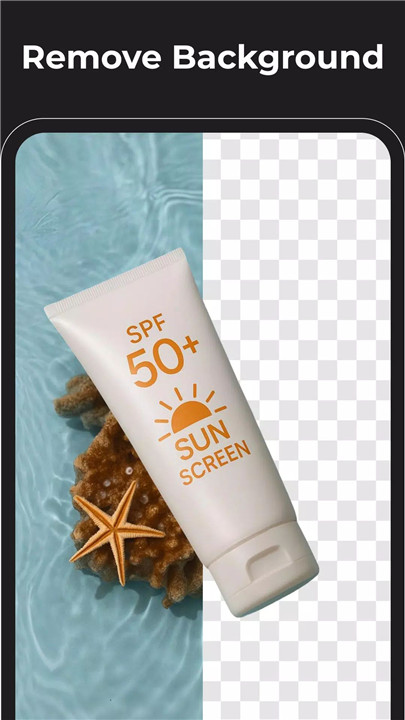
The advanced background eraser separates subjects from backgrounds effortlessly. In addition to background removal, this feature enhances overall image clarity by reducing haze, sharpening blurred areas, and improving definition. The result is HD-quality output suitable for product photos, social media visuals, marketing materials, and professional presentations.
Image Enhancement & Retouching
Magic Eraser includes robust photo enhancement tools to improve sharpness, contrast, brightness, and color balance. Features such as photo reshaping, low-to-high quality image conversion, and advanced retouching refine every detail. From subtle corrections to full enhancements, images gain a clean, vibrant, and professional finish.
Photo to Anime & Creative Effects
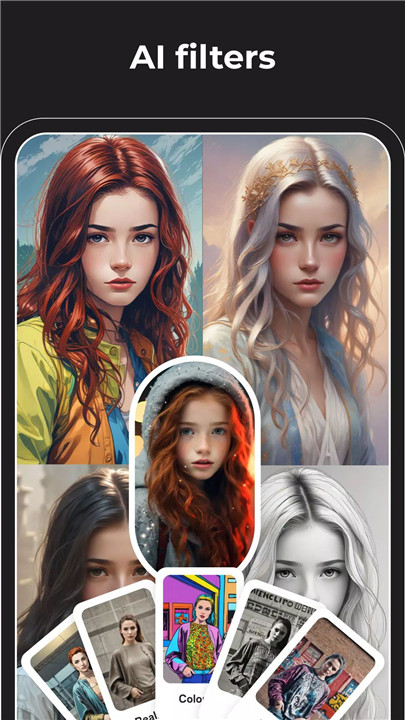
Photos can be transformed into expressive anime-style or cartoon artworks using AI-powered creative effects. The photo-to-anime converter and AI cartoon editor bring dynamic styles, vivid colors, and artistic flair to standard images. These tools are ideal for creating standout content for social media, avatars, and creative projects.
AI Image Generation & Logo Design
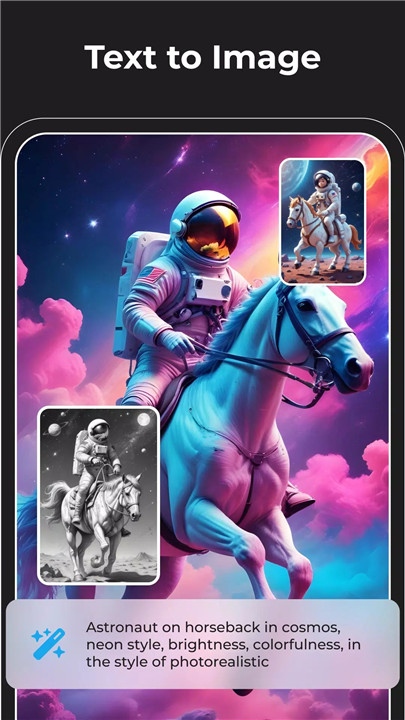
Magic Eraser extends beyond editing with built-in AI image generation tools. Users can experiment with AI-generated art, explore creative visual styles, and design custom logos using the AI logo generator. With unlimited AI art generation capabilities, creative concepts can be visualized quickly and efficiently.
Expand Background for Better Composition
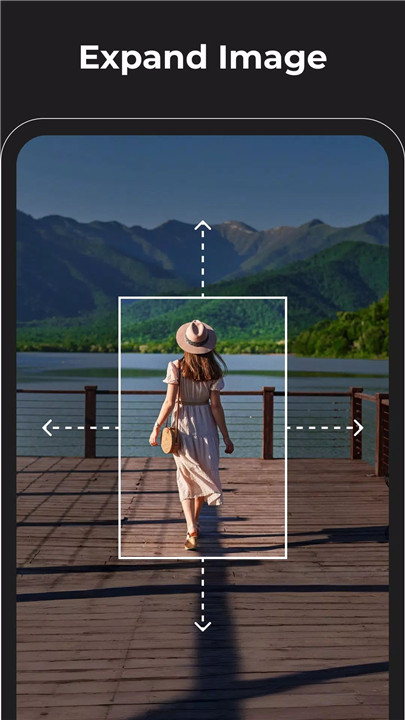
The expand background feature increases canvas size while maintaining visual consistency. This tool improves composition and framing, making it ideal for banners, posters, social media covers, and promotional graphics that require additional space without compromising quality.
Replace Objects on Image (Premium Feature)
The premium object replacement feature allows seamless swapping, adding, or removing of elements such as clothing or accessories. Advanced AI ensures accurate color, lighting, and texture matching, delivering realistic, high-end edits suitable for professional use.
FAQs
Q1: What is Magic Eraser used for?
Magic Eraser is an AI-powered photo editor used to remove objects, erase backgrounds, enhance image quality, retouch portraits, and generate creative visuals.
Q2: Does Magic Eraser support background removal?
Yes. Magic Eraser includes an advanced background eraser that separates subjects cleanly and enhances image clarity for professional results.
Q3: Can Magic Eraser improve photo quality?
Magic Eraser offers tools to sharpen images, reduce blur, enhance colors, and convert low-quality photos into high-definition results.
Q4: Are creative effects like anime or cartoon styles available?
Yes. Magic Eraser features photo-to-anime and cartoon-style AI effects for creating unique and artistic images.
Q5: What features are included in the premium version?
The premium version includes advanced object replacement tools that allow precise swapping and editing of elements with realistic lighting and texture matching.
Version History
v2.25.0—8 Dec, 2025
- Improved performance and stability.
- Enhanced Expand Image feature for better results.
- Bug fixes and minor improvements.
v2.23.11—31 Jul, 2025
v2.23.9—21 Jul, 2025