Text Reader - Text to Speech
Transform Your Reading Experience with SPEAKTOR
• Unlock a more productive way to consume information.
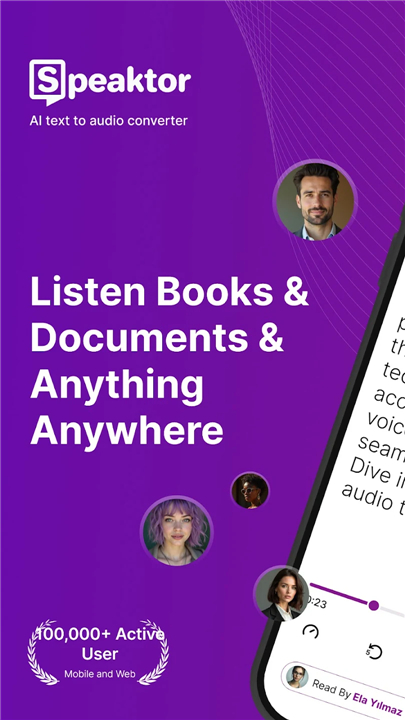
• SPEAKTOR is an advanced AI-powered text-to-speech assistant designed to turn your written world into high-quality audio.
• Whether you are a student, a professional, or someone who simply prefers listening over reading, SPEAKTOR empowers you to finish more in less time.
Versatile Ways to Listen
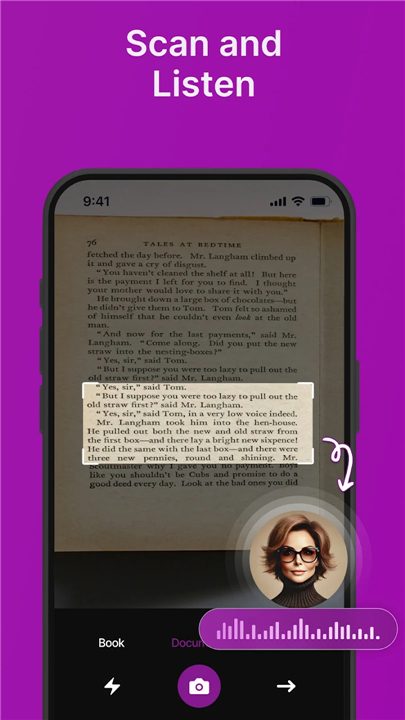
• Instant Photo Conversion: Use the built-in OCR technology to turn pictures of books or documents into clear narration.
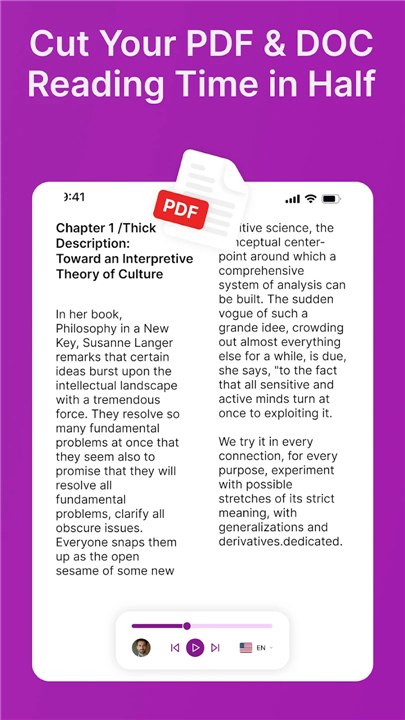
• Digital Library Integration: Seamlessly upload PDF or Word files to hear your reports and essays read aloud.
• Web and Article Narration: Simply paste a URL to listen to the latest news or long-form blog posts while on the go.
• Creative Typing: Use the type-to-talk feature to hear your own writing or create narrations for custom projects.
A World of Professional Voices
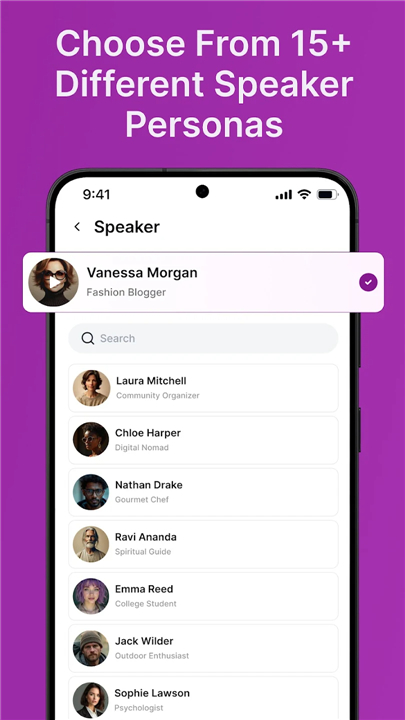
• High-Quality Selection: Choose from over 150 natural-sounding voices that move beyond the robotic tones of traditional readers.
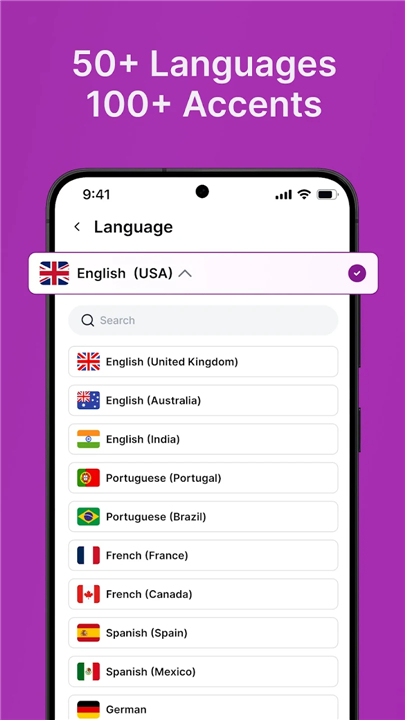
• Global Language Support: Access 38 different languages with various accents and dialects to suit your preference.
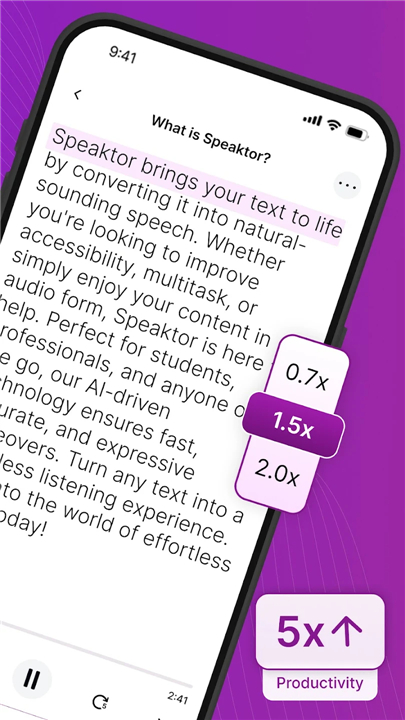
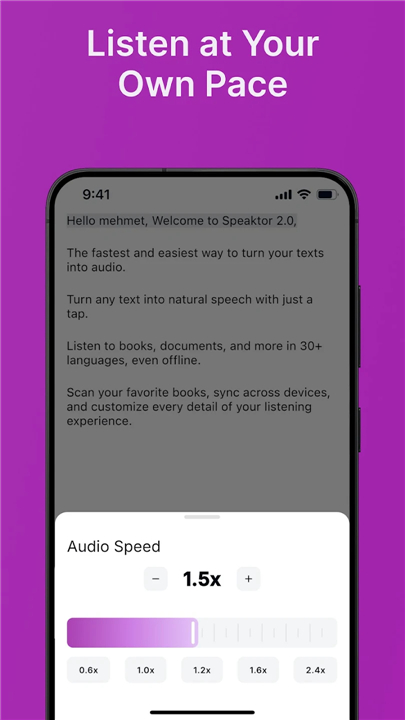
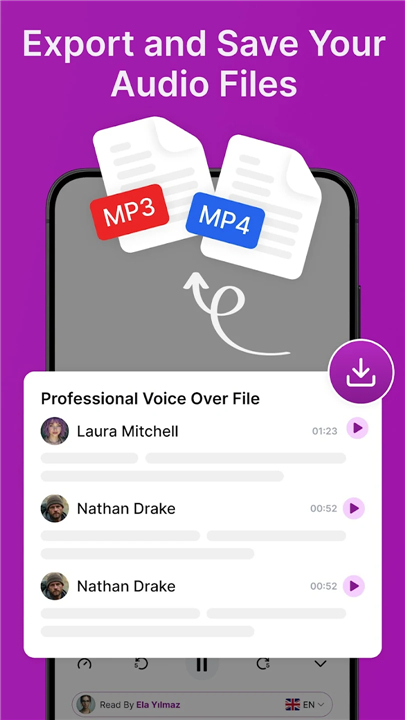
• Customizable Playback: Control the narration speed to match your listening pace and download your favorite audio as MP3 files.
The SPEAKTOR Advantage
• Enhanced Accessibility: A life-changing tool for individuals with dyslexia, visual impairments, or other reading difficulties.
• Content Creation: Generate professional voiceovers for your scripts and videos without the need for expensive recording equipment.
• Effortless Multitasking: Reclaim your time by listening to essential lessons and books during your commute or workout.
• Simplified Learning: Boost your academic and professional performance by engaging your auditory memory.
Elevate your efficiency and give your eyes a rest
• Download SPEAKTOR today and experience the simplest way to convert any text into a natural, spoken voice.
FAQ
Q: I have physical books I need to read for class; does SPEAKTOR have a solution for that?
A: Yes, SPEAKTOR features built-in OCR technology that allows you to take a photo of any printed page or document. The app then scans the text within the image and converts it into a clear narration, making it incredibly easy to listen to physical books or paper reports without needing to type them out.
Q: Can I upload my own digital documents like work reports or school essays?
A: You can seamlessly integrate your digital library by uploading PDF or Word files directly into the platform. This flexibility ensures that you can listen to complex academic papers or professional documents as if they were professionally narrated audiobooks, saving you from hours of screen time.
Q: How does the web narration feature work for online articles and blogs?
A: If you find an interesting news story or a long-form blog post online, you can simply copy and paste the URL into the SPEAKTOR interface. The app will then extract the relevant text and read it aloud, allowing you to stay informed on the latest trends while you are on the go.
Version History
v1.3.31——6 Apr 2026
Speaktor is a TTS reader app with real text to speech voices & file text reader. Download the latest version of Text Reader - Text to Speech to enjoy new features and updates immediately!
*1.3.31
Minor bug fixes and improvements. Install or update to the newest version to check it out!
*1.3.28
Minor bug fixes and improvements. Install or update to the newest version to check it out!
*1.3.26
Minor bug fixes and improvements. Install or update to the newest version to check it out!