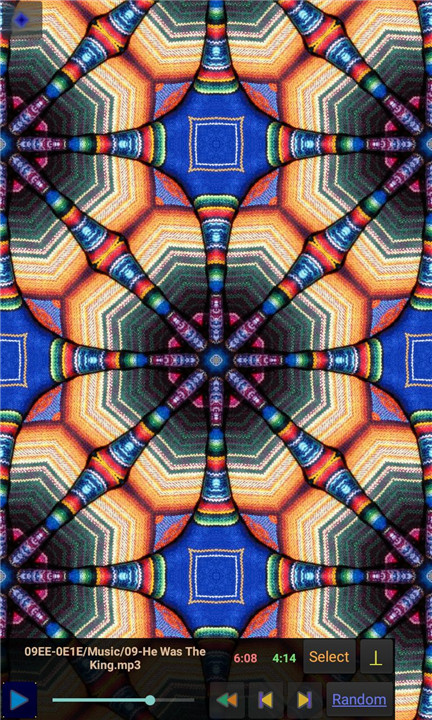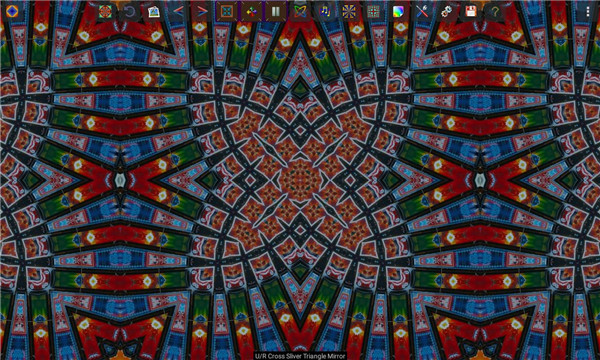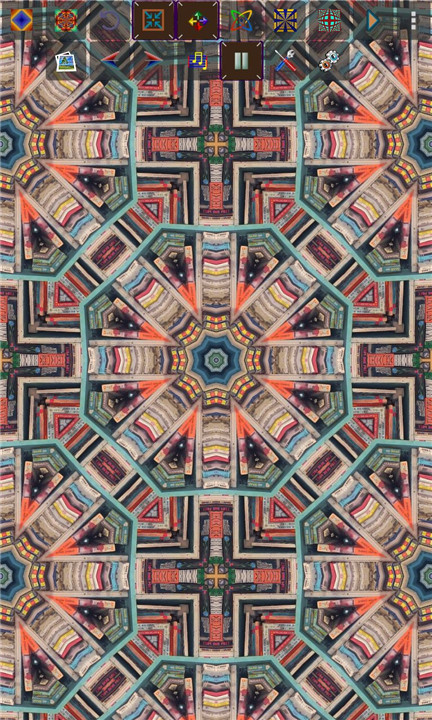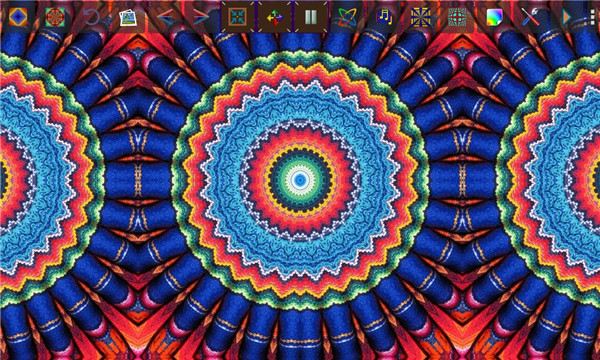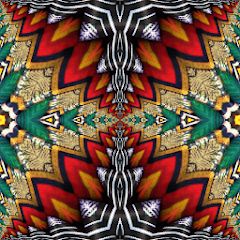
The Kaleider Android app brings much of the creative power of the full Kaleider PC program to mobile devices. Designed for visual experimentation and artistic exploration, the app generates a remarkable range of kaleidoscopic patterns, mirrored designs, 3D environments, and dynamic funnel effects. Any JPEG or PNG image can be used as a source, instantly transforming ordinary pictures into intricate digital artwork.
113 Built-In Visual Effects
Kaleider includes 113 effect varieties across multiple categories:
- 12 Kaleidoscopes
- 41 Rectangular Mirrors
- 33 Diamond Mirrors
- 44 Triangle Mirrors
- 11 3D Mirrors
- 16 Funnels
Effects can be generated instantly at random or selected individually for precise control. Previously rendered designs can be recreated using identical parameters or re-rendered with subtle random variations for fresh results.
Render & Save High-Quality Images
Rendered effects can be saved directly as JPEG or PNG files. This allows artwork to be stored, shared, or further edited using other creative tools. The flexibility to preserve designs ensures that spontaneous creations are never lost.
Interactive Tile Shifting & Zoom
Touch gestures provide hands-on control over visual compositions. Dragging shifts effect tiles interactively, while pinch gestures enable zooming in and out. This tactile manipulation enhances creative precision and makes exploration intuitive.
Wander Motion & Automatic Effects
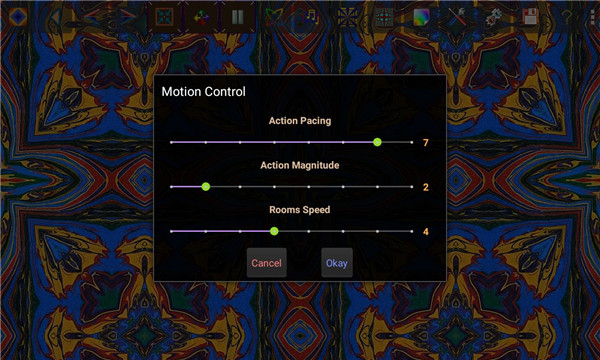
The Wander feature introduces continuous automated motion to rendered tiles, creating fluid, evolving visual experiences. Automatic Effects mode generates random patterns over time, periodically changing the source image and optionally activating motion, 3D rooms, non-flat surfaces, and color shifts.
3D Rooms & Non-Flat Surfaces
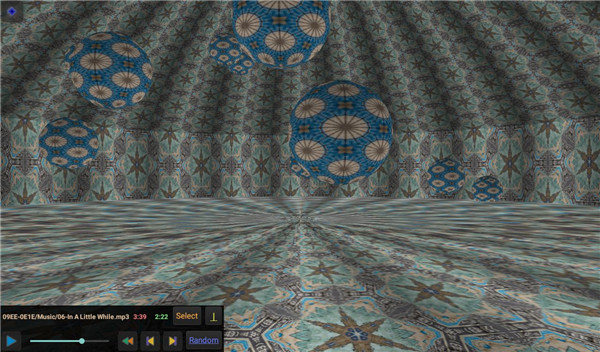
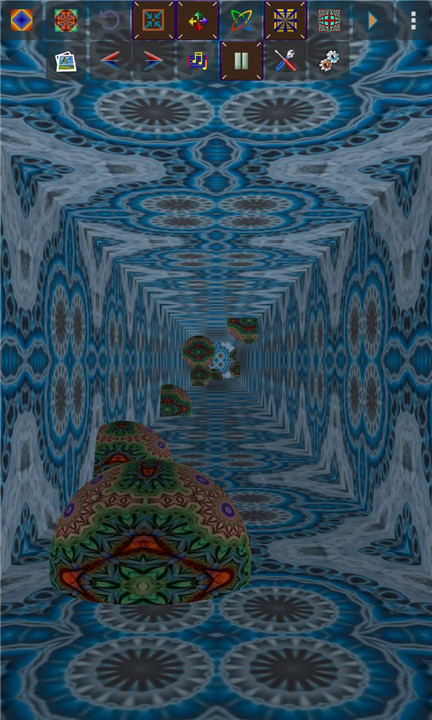
Patterns can be projected onto immersive 3D rooms, covering walls, ceilings, and floors. Navigation is possible through manual controls or automated roaming motion.
In addition, effects can be mapped onto curved and non-flat surfaces, introducing non-linear distortions that create complex, surreal visual perspectives.
Dynamic Color Transformations
Color-shifting tools progressively alter effect pixels according to selectable methods. This allows continuous variation in tone and mood, expanding creative possibilities without changing the base image.
Integrated Music Player
Kaleider effects can optionally be accompanied by music selected from audio files stored on the device. This combination of sound and motion enhances the immersive visual experience.
Customizable Interface
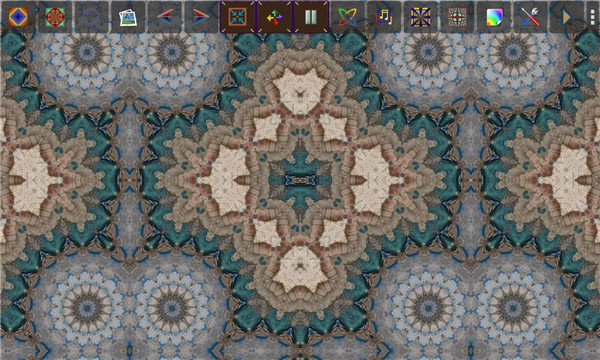
Quick-access buttons enable efficient control over rendering, saving, and effect management. Interface elements can be hidden to maximize screen space and provide an uninterrupted artistic display.
FAQs
Q1: What types of images can be used in Kaleider?
Any JPEG or PNG image can be imported and used as the source for generating visual effects.
Q2: How many visual effects are included in the app?
Kaleider offers 113 built-in effects, including kaleidoscopes, multiple mirror types, 3D mirrors, and funnels.
Q3: Can created effects be saved?
Yes, rendered effects can be saved as JPEG or PNG image files.
Q4: Does Kaleider support animated or moving visuals?
Yes, features such as Wander and Automatic Effects create continuous motion and evolving visual patterns.
Q5: Can music be added to the visual experience?
Yes, Kaleider includes an optional music player that allows effects to be accompanied by audio files stored on the device.
Version History
v5.1—31 Aug, 2024
** The app has been updated to comply with the most recent Android release, Version 14.0 (UpsideDownCake - API Level 34).
** The C code for the Kaleider App has been reworked, and compiled with the latest Android NDK.
** Control of Tile Zooming options has been fixed.
** Various other improvements and fixes.
v5.0—6 Mar, 2023
** A new category of effects has been added: Equilateral Triangle Mirrors,
which are rendered within an equilateral triangle shape. 46 varieties of these new Mirrors are available, some of which produce rather radical scenes.
** The app has been updated to comply with the most recent Android release, Version 13.0 (Tiramisu - API Level 33).
** Numerous other improvements and fixes.
v4.8.1—5 Mar, 2022
** Numerous updates were made to comply with the most recent Android OS versions. Also the Java code has been converted to the more reliable and efficient Kotlin programming language.
** Extensive changes were made to minimize the possibility that the app will crash.
** Version 4.8.1 fixed more glitches that could cause crashes.