Zoho Forms is a powerful form-building solution designed to simplify data collection and streamline workflows for businesses of all sizes. With its intuitive interface and robust feature set, it enables organizations to create, distribute, and analyze forms without any coding knowledge.
Offline Data Collection
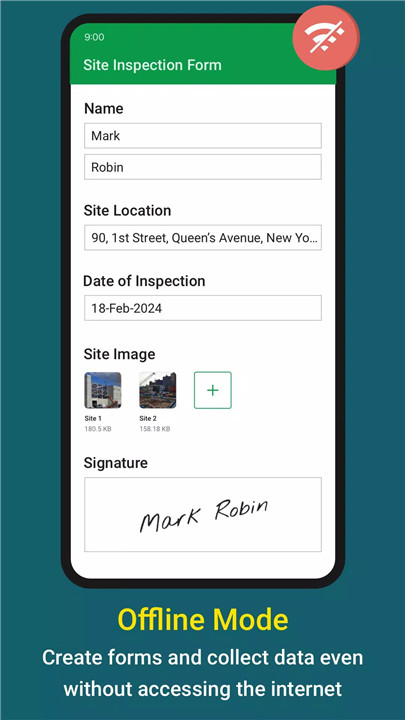
Zoho Forms supports offline functionality, allowing data collection without an active internet connection. Information is securely stored and automatically synced once connectivity is restored, ensuring uninterrupted workflows in any environment.
Powerful Form Builder
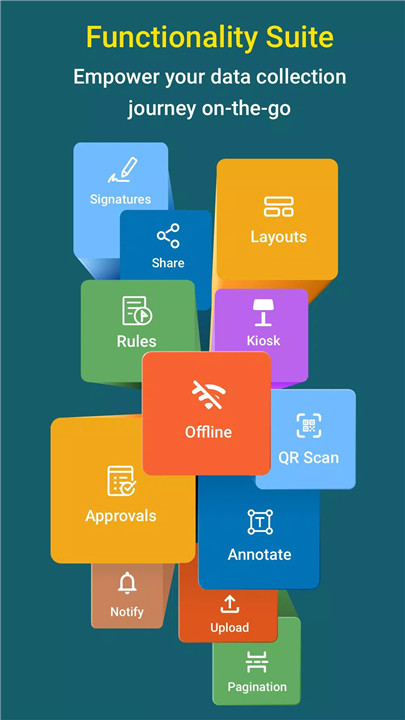
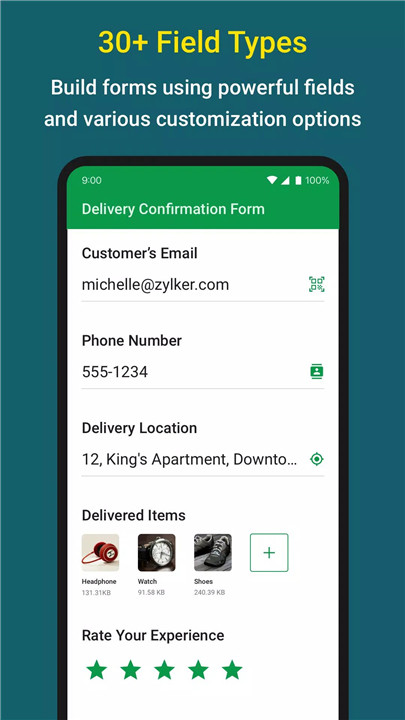
With over 30 field types, users can create customized forms tailored to specific needs. The platform supports a wide range of inputs, from basic text fields to advanced data collection elements.
Media and Advanced Input Options
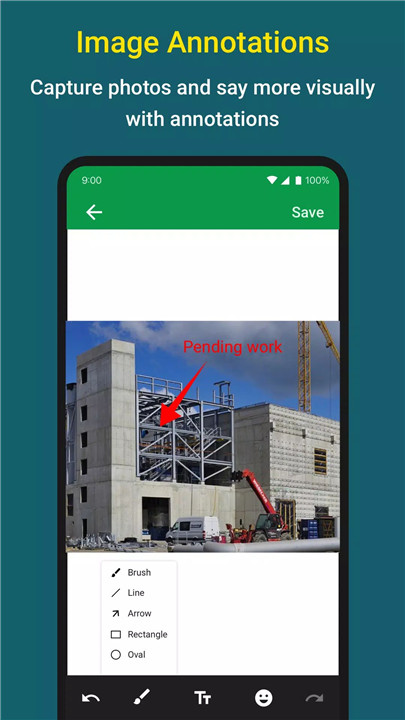
Forms can include image uploads, audio files, and videos for richer data collection. Features like barcode and QR code scanning enable quick and accurate data entry, while image annotation allows additional context to be added directly within forms.
Digital Signatures and Location Capture
Zoho Forms supports digital signature collection for document approvals and agreements. Geo-location features capture device coordinates, automatically filling address fields to improve accuracy.
Kiosk Mode for Events
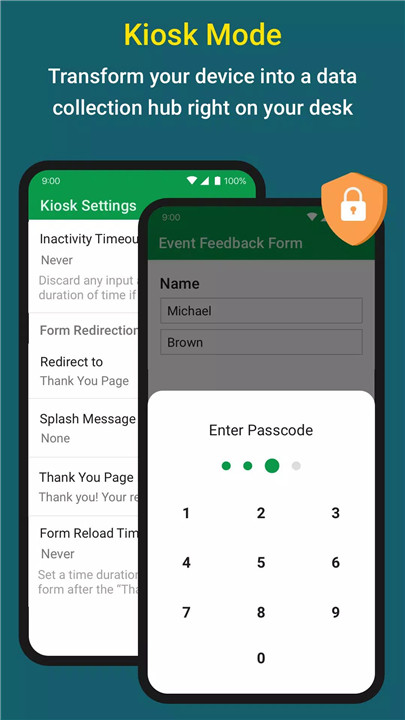
Devices can be transformed into kiosks for collecting responses at events, exhibitions, or on-site registrations. This makes it easy to gather large volumes of data efficiently.
Smart Automation with Logic and Workflows
Conditional logic and built-in formulas allow forms to trigger automated actions and perform calculations. Multi-level approval workflows and task assignments help streamline business processes and improve team collaboration.
Flexible Sharing and Notifications
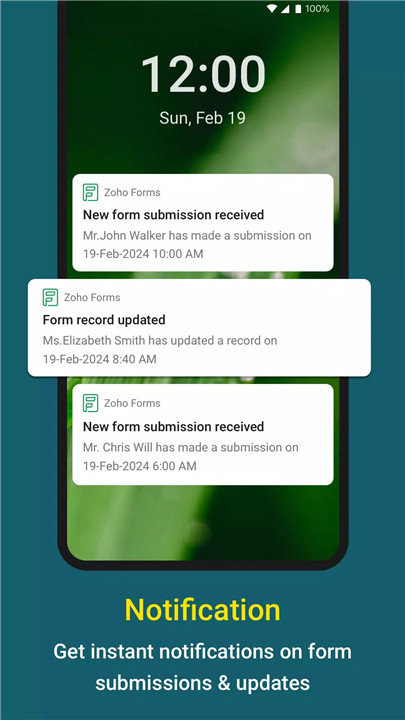
Forms can be shared via links, embedded on websites, or distributed through email. Real-time notifications via email, SMS, push alerts, or messaging platforms keep teams updated on new submissions and changes.
Data Management and Export
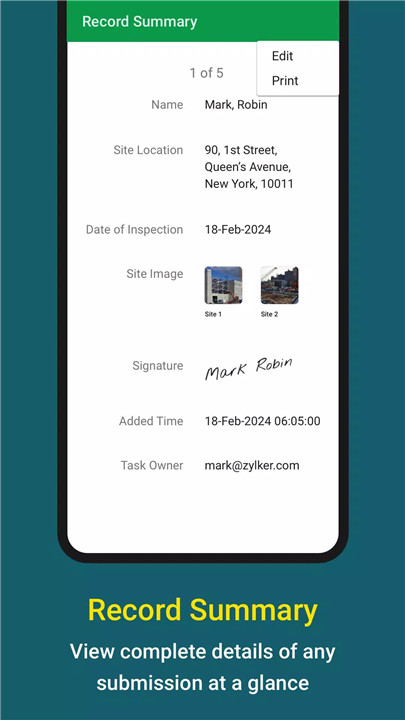
Collected data can be filtered, analyzed, and exported in formats such as CSV or PDF. Integration with business tools ensures seamless data flow and further processing.
Secure and Compliant
Zoho Forms ensures data protection through encryption and compliance with industry standards. This guarantees secure storage and handling of sensitive information.
Integrations and Connectivity
The platform integrates with popular applications such as Zoho CRM, Salesforce, Google Sheets, Google Drive, Microsoft Teams, and Google Calendar, enabling a connected ecosystem for business operations.
FAQs
Q1: Can Zoho Forms be used without an internet connection?
Yes, Zoho Forms supports offline data collection, allowing users to capture data and sync it later when online.
Q2: What types of forms can be created?
Zoho Forms supports a wide variety of forms, including surveys, feedback forms, registration forms, and business workflow forms.
Q3: Does Zoho Forms support automation?
Yes, it includes conditional logic, formulas, and approval workflows to automate tasks and streamline processes.
Q4: How can collected data be shared or exported?
Data can be exported as CSV or PDF files and integrated with other applications for further processing.
Q5: Is Zoho Forms secure for business use?
Yes, it uses encryption and complies with data protection standards to ensure secure handling of information.
Version History
v3.10.0—10 Jul, 2024
3.10.0
- Embed Field:
Playback support for audio and video embeds is available in the live form.
- Bug fixes and performance enhancements.
v3.9.3—14 Jun, 2024
v3.9.2—30 Apr, 2024
3.9.2
- Address Field:
Auto-generate list of states based on the selected country for quicker form completion.
- Single Line and Name Fields:
Ensure consistency in the data collected with the newly-introduced Input Text Case Proper Case and various Input Types.
- Bug fixes and performance enhancements.