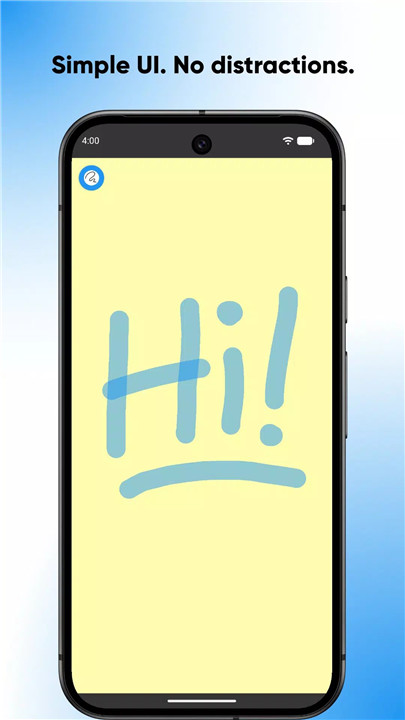
SketchPad is a minimalist drawing app designed for everyone, providing a clean, distraction-free canvas for doodles, sketches, and creative expression. Unlike many apps, it does not require accounts, cloud uploads, or internet connectivity—your creations stay securely on your device.
Simple by Design
SketchPad keeps the core drawing experience uncluttered and straightforward:
- Fast startup with no setup required
- Clean, distraction-free canvas
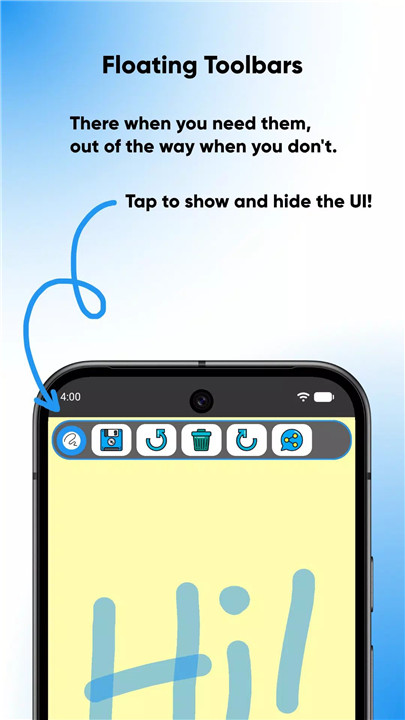
- Hide toolbars to focus entirely on your sketch
- Designed for quick doodles or extended drawing sessions
Tools & Drawing Features
A variety of tools allow full creative control:
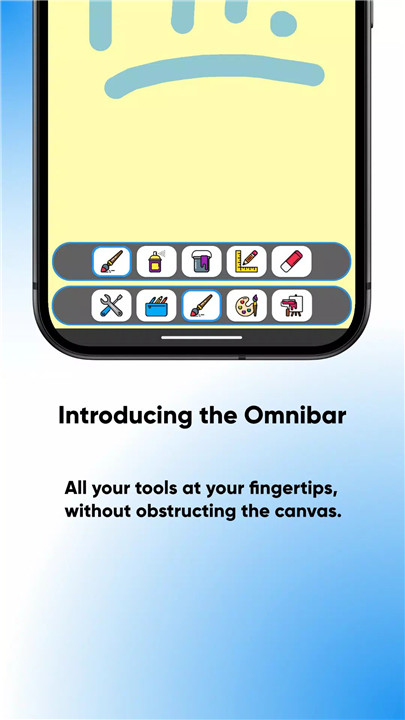
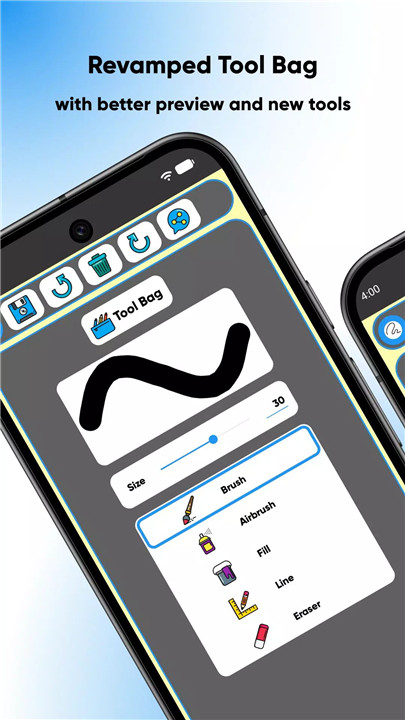
- Brush, airbrush, line, fill, and eraser tools
- Customizable brush size with instant preview
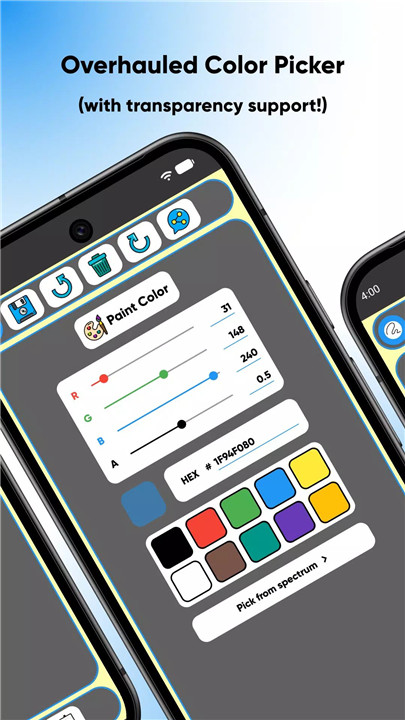
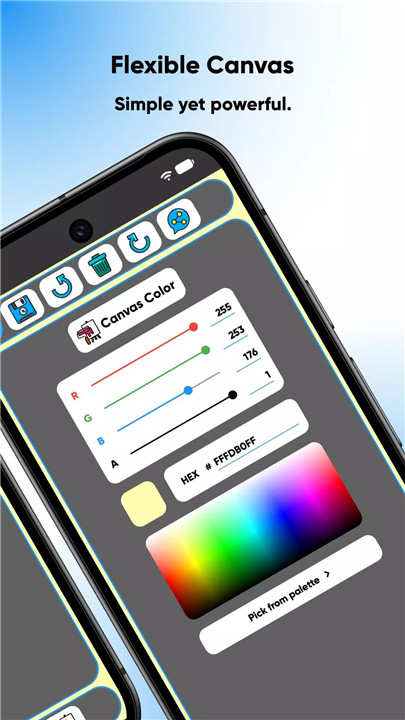
- Advanced color selection: RGBA sliders, HEX codes, palette, spectrum
- Unlimited undo/redo (limited only by device memory)
- Optional “Shake to Clear” for instant canvas reset
These tools make it easy to explore ideas freely while maintaining precision and flexibility in every stroke.
Export & Sharing
SketchPad supports high-quality output and easy sharing:
- Export drawings as PNG
- Save directly to device storage
- Share sketches via other apps
SketchPad works completely offline, though sharing may require an internet connection.
Privacy & Storage
SketchPad prioritizes privacy:
- No accounts or sign-ups required
- All drawings are stored locally on the device
- Data such as date of birth is used only for compliance and remains local
- Storage access is limited to saving sketches—no external tracking or uploads
Ads & Premium Option
The app is free to use with ads. Users can remove ads with a one-time purchase for a cleaner, uninterrupted experience.
Designed for Everyone
SketchPad is suitable for all ages:
- No social feeds or public uploads
- No external interactions or distractions
- Focus is entirely on creating art in a safe, private environment
With SketchPad, the emphasis is on simplicity, creativity, and respect for the user experience.
FAQs
Q1: Do I need an account to use SketchPad?
No. SketchPad does not require accounts, sign-ups, or cloud storage. All sketches remain on the device.
Q2: Can I share my drawings?
Yes. Drawings can be exported as PNG files and shared via other apps, though sharing requires an internet connection.
Q3: What tools does SketchPad offer?
SketchPad includes brush, airbrush, line, fill, and eraser tools, customizable brush sizes, advanced color options, and unlimited undo/redo.
Q4: Is SketchPad suitable for children?
Yes. The app is designed for all ages, with no social feeds, public uploads, or external interactions.
Q5: Can I remove ads in SketchPad?
Yes. Ads can be removed with a one-time purchase for a cleaner, uninterrupted drawing experience.
Version History
v2.2.3—6 Dec, 2024
Bug fixes and policy compliance
v2.2.2—2 Jan, 2024
Bug fixes and performance improvements
Happy new year 2024!
v2.2.1—1 Dec, 2023
Bug fixes and performance improvements