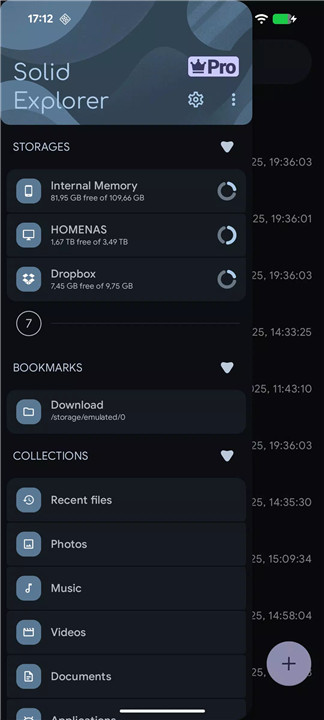
Solid Explorer is a powerful file management app inspired by classic file commander applications. Designed to combine simplicity with advanced functionality, it offers a seamless way to organize, access, and protect files on Android devices, Chromebooks, and remote storage systems.
Explore Your Device
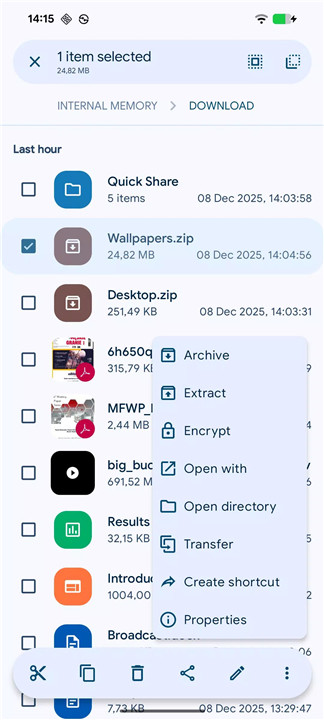
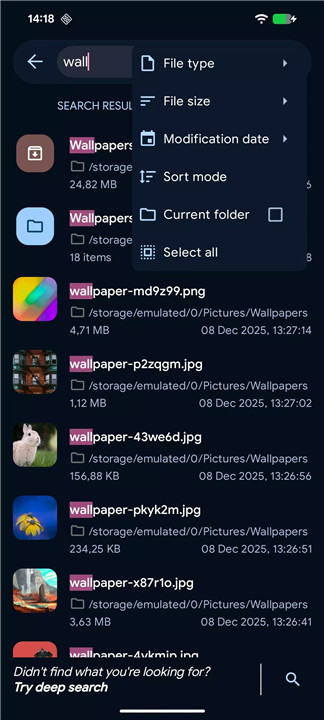
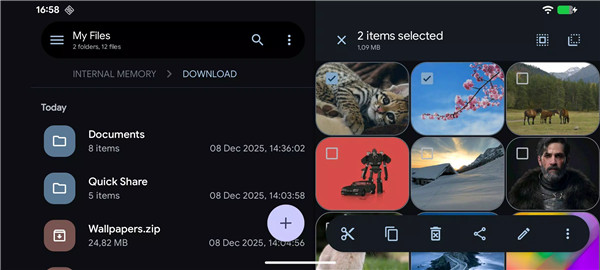
Solid Explorer automatically organizes files into collections such as Downloads, Recent, Photos, Videos, Music, Documents, and Apps. Files can be viewed, moved, renamed, deleted, or shared with ease. Indexed search with filters makes finding files fast, even across large storage systems.
Secure File Storage
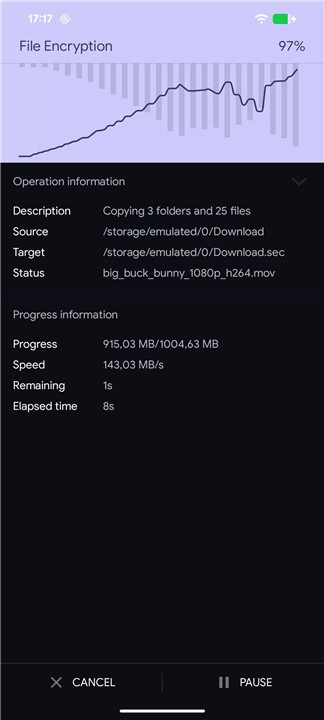
Files can be protected with strong AES encryption and stored in a secure folder requiring password or fingerprint access. Encrypted files remain protected even if Solid Explorer is uninstalled, ensuring privacy and security at all times.
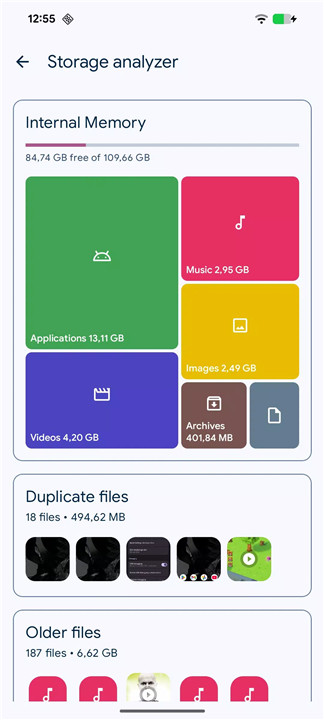
Analyze Storage Usage
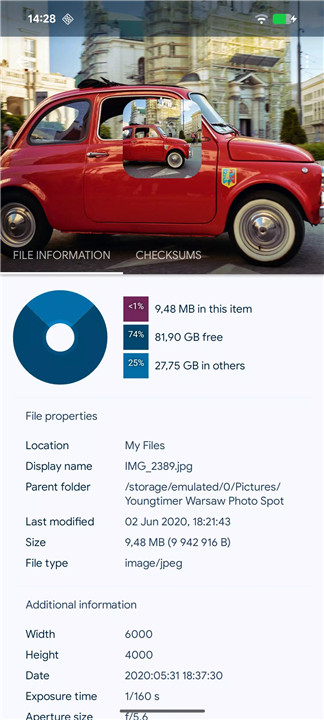
Although Solid Explorer does not have a dedicated storage analyzer, users can check folder properties to see which files occupy the most space. Searches can be filtered by file size to identify and manage large files efficiently.
Cloud and Remote File Management
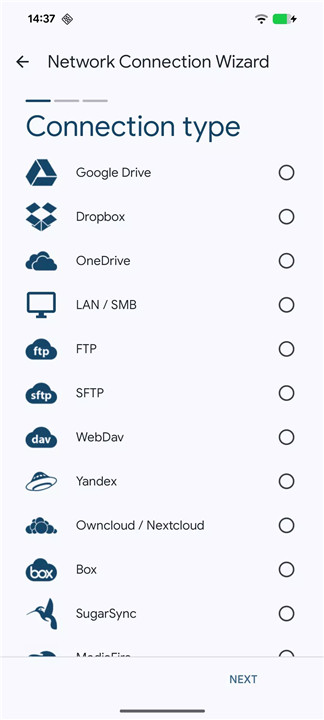
Solid Explorer supports a wide range of cloud providers including Google Drive, OneDrive, Dropbox, Box, Owncloud, SugarSync, MediaFire, Yandex, and Mega* (with paid add-on). It also supports NAS protocols such as FTP, SFTP, SMB (Samba), and WebDav. Users can transfer files between locations simply by dragging files from one panel to another.
Advanced Tools
Root Explorer: Browse system files on rooted devices
Archives: Support for ZIP, 7ZIP, RAR, and TAR
Batch Rename: Quickly rename multiple files using naming patterns
FTP Server: Access local files from a PC
Media Preview: Internal image viewer, music player, and text editor
Customization: Themes and icon sets for a personalized experience
Chromebook Support
Solid Explorer works seamlessly on Chromebooks with full mouse and keyboard input support, making it versatile across devices.
FAQs
1. Can Solid Explorer manage cloud storage?
Yes, it supports Google Drive, OneDrive, Dropbox, Box, Owncloud, SugarSync, MediaFire, Yandex, and Mega (paid add-on).
2. How does Solid Explorer secure files?
Files can be encrypted with AES and stored in a secure folder that requires a password or fingerprint for access.
3. Can I manage network drives or NAS?
Yes, Solid Explorer supports FTP, SFTP, SMB (Samba), and WebDav, allowing file management across remote servers.
4. Does Solid Explorer work on Chromebooks?
Yes, it supports mouse and keyboard input for file management on Chromebook devices.
5. Can I preview files without opening another app?
Yes, the app includes an internal image viewer, music player, and text editor for quick file previews.
Version History
v2.8.63—1 Sep, 2025
v2.8.62/63
- fixed orientation of HEIC images
- improved Android 15 compatibility
- stability improvements
v2.8.61
- fixed opening archives on remote servers
- fixed notification sounds
- other minor fixes
v2.8.58/59/60
- Shizuku support - access to Android/data and Android/obb folders
- minor fixes