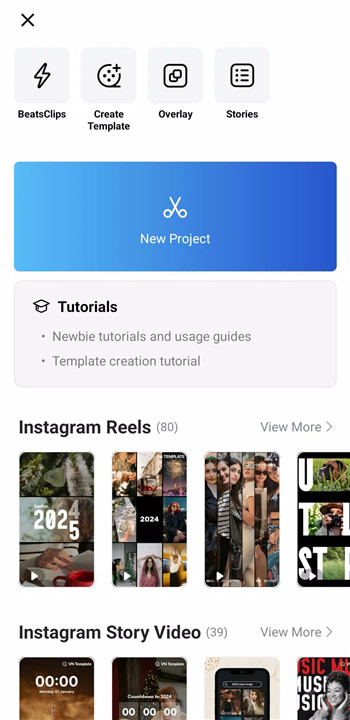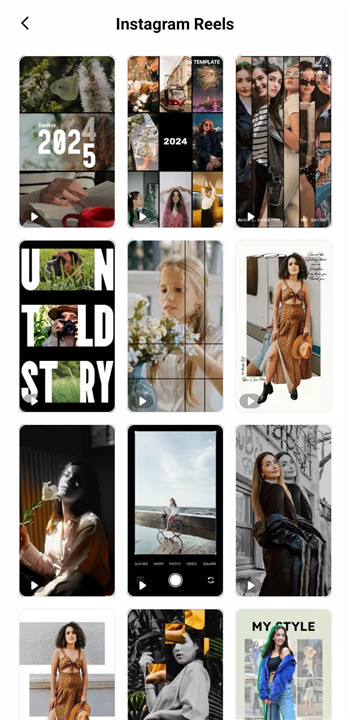
VN is an easy-to-use, free video editing app designed to deliver professional and high-quality results without adding watermarks. With an intuitive interface and powerful editing tools, VN simplifies the video creation process and removes the need for prior editing experience.
Intuitive Multi-Track Video Editor
VN provides a powerful multi-track timeline that supports precise and efficient editing. The Quick Rough Cut feature enables accurate trimming with keyframes as short as 0.05 seconds, allowing detailed control over every frame. Video clips can be deleted or reordered effortlessly using swipe gestures and drag-and-drop actions. The multi-track timeline supports picture-in-picture videos, photos, stickers, and text, all enhanced with keyframe animation.
Easy-to-Use Music Beats
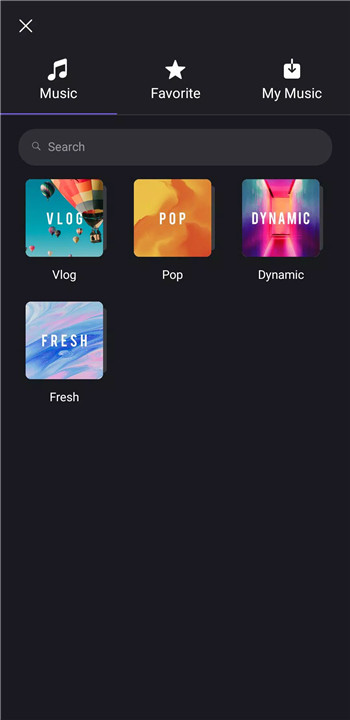
VN simplifies audio-driven editing with built-in music beat markers that help align video cuts perfectly with rhythm. This feature enhances storytelling and visual flow. High-quality voice-over recording can be added directly within the app, making it easy to create engaging and expressive videos in minutes.
Trending Effects & Color Grading Filters
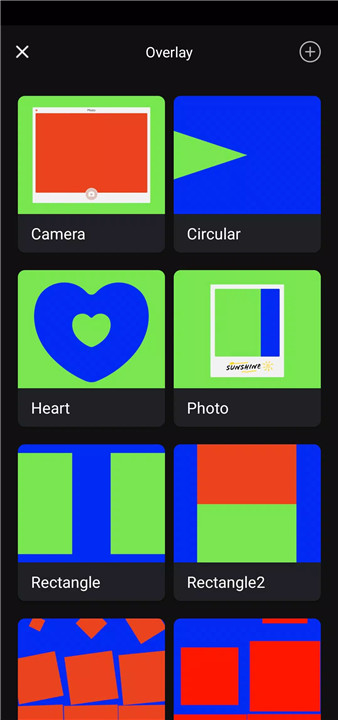
VN includes advanced tools such as Speed Curve, which allows dynamic speed changes similar to time remapping in professional desktop software. Six preset speed curves are available for creative motion effects. A wide selection of transitions, overlays, and blur effects adds depth and energy to videos. Cinematic color grading is supported through rich filters and the ability to import LUT (.cube) files for professional-level visual styling.
Advanced Video Editing Tools
Keyframe animation enables detailed customization with 19 built-in animation effects, as well as additional curves for refined control. Reverse playback and zoom effects add creativity and visual interest. The Freeze Frame feature creates dramatic pauses by generating a still image with a default duration of 1.5 seconds.
Flexible Use of Materials
VN allows flexible importing of music, sound effects, fonts, and stickers through Wi-Fi, messaging apps, or Zip files. Bulk importing simplifies workflow efficiency. A built-in material library offers a variety of stickers, fonts, and assets to enhance video content.
Rich Text Templates
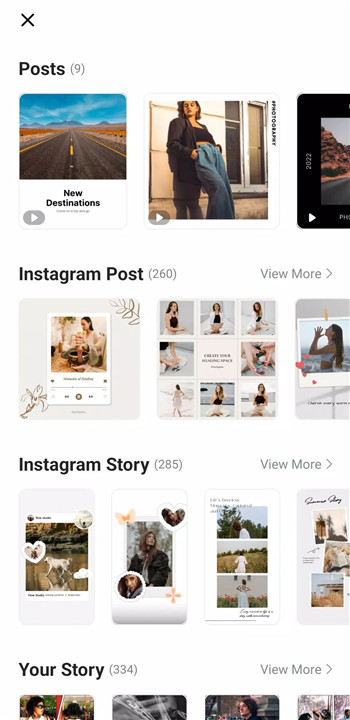
A wide range of text templates and fonts helps match different video styles. Text can be fully customized by adjusting color, size, spacing, and other typographic settings for precise visual control.
Create Effectively & Share Securely
VN supports seamless collaboration by enabling project transfers between mobile and desktop devices via cloud services. Protection Mode secures drafts and templates with passwords and expiration dates. Custom export settings allow control over resolution, frame rate, and bit rate, supporting up to 4K resolution at 60 FPS for high-quality output.
FAQs
1. Is VN Video Editor completely free to use?
Yes, VN is a free video editing app that provides professional tools without requiring subscriptions or adding watermarks.
2. Does VN add a watermark to exported videos?
No, VN allows exporting videos without any watermark, even at high resolutions.
3. What platforms does VN support?
VN is available on mobile and desktop platforms, with seamless project transfer between devices.
4. Can VN export videos in 4K quality?
Yes, VN supports custom export settings, including 4K resolution at up to 60 frames per second.
5. How can support or community help be accessed?
Support is available via email, and users can join the official VN community on Discord or YouTube for tutorials and updates.
Version History
v2.9.7—11 Dec, 2025
- Support AI Template
- Bugfixes and performance improvements.
If you encounter problems during using VN app, please feedback in the Settings on the VN app and contact us at vn.support+android@ui.com for emergency. We will help you out as soon as possible.
v2.9.6—24 Nov, 2025
- Support TTS
- Bugfixes and performance improvements.
If you encounter problems during using VN app, please feedback in the Settings on the VN app and contact us at vn.support+android@ui.com for emergency. We will help you out as soon as possible.
v2.9.5—21 Oct, 2025
- Bugfixes and performance improvements.
If you encounter problems during using VN app, please feedback in the Settings on the VN app and contact us at vn.support+android@ui.com for emergency. We will help you out as soon as possible.