eNotify Email Alerts is a powerful and reliable solution for email and SMS notifications on Android devices and Android Wear smartwatches. Designed for users who need full control over their incoming messages, eNotify ensures that important emails are never missed while minimizing distractions from less urgent communications. With high configurability and robust background operation, eNotify prioritizes security, reliability, and convenience.
Highly Customizable Alerts
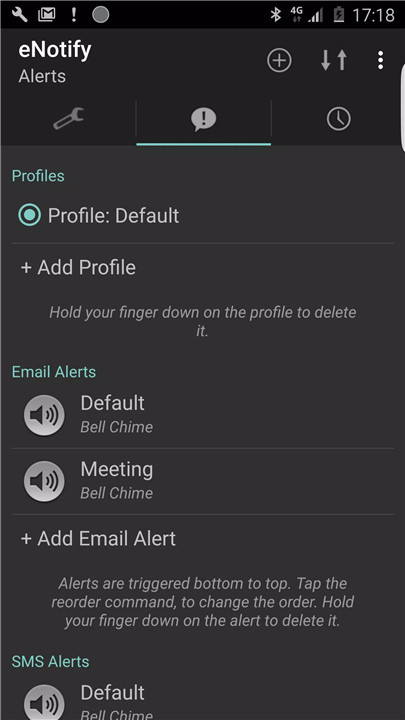
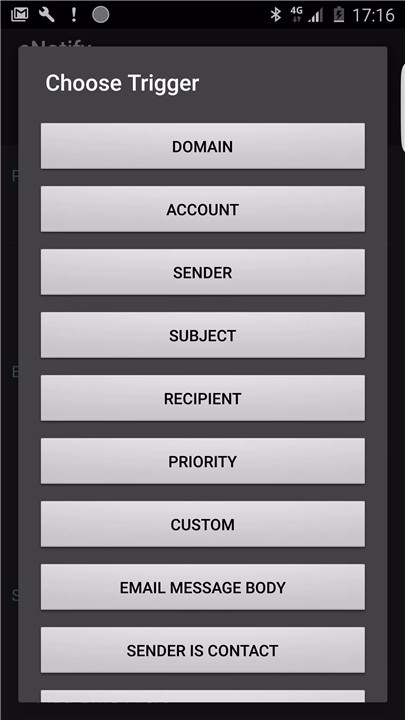
eNotify allows users to set unique notification rules for different accounts, senders, subjects, recipients, or phone numbers. Each rule can include custom alert sounds, vibration patterns, and text-to-speech options. For instance, it is possible to configure a special alert for an email from your boss during work hours or repeat notifications for critical messages from an accountant.
Email and SMS Notification Support
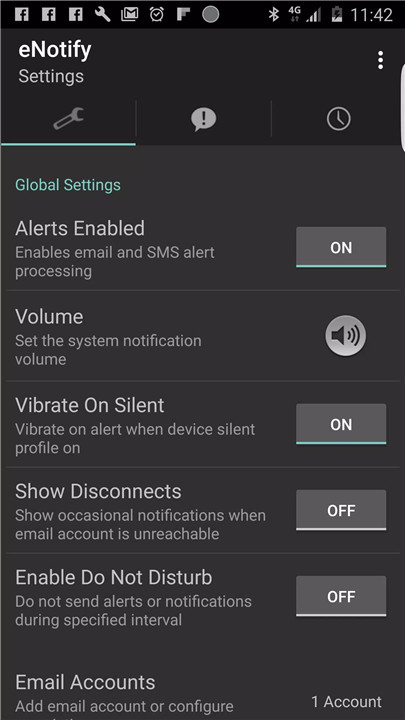
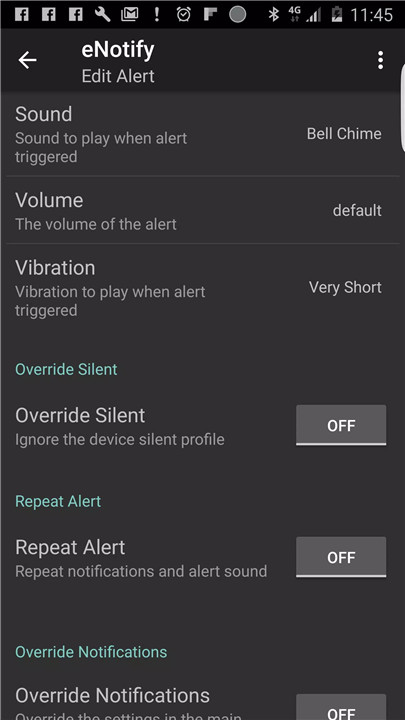
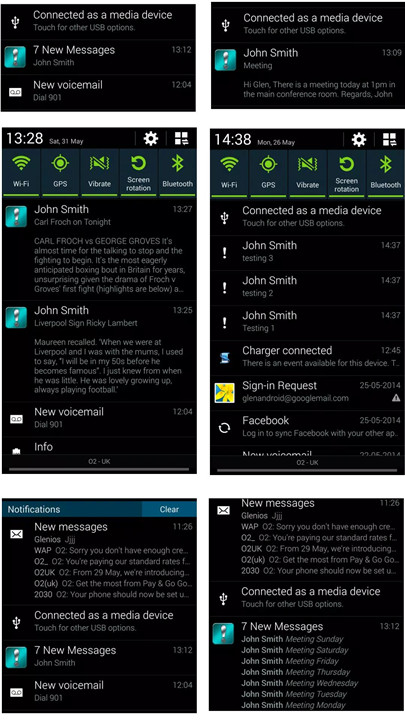
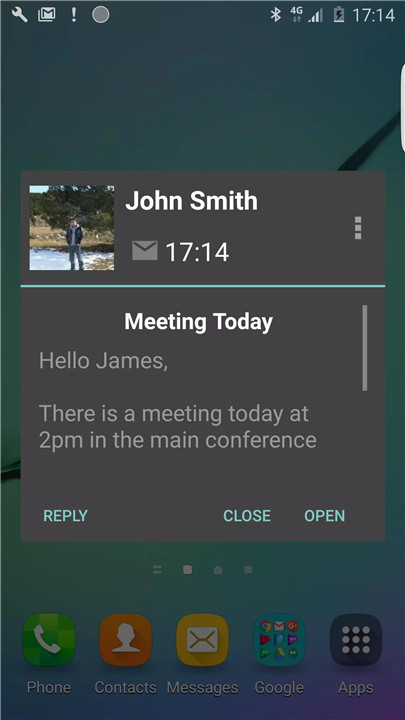
The app supports multiple types of notifications, including status bar alerts, popups, and smartwatch alerts. Notifications can be set to override the device's silent profile, ensuring critical messages are never missed. Users can also configure alerts to repeat at specific intervals and enable Do Not Disturb during selected times.
Mail Protocol Compatibility
eNotify supports a wide range of mail protocols, including IMAP, IMAP IDLE (push mail), POP3, and Exchange Web Services (EWS) for Microsoft Exchange 2007/2010. Compatible services include Gmail, Yahoo, Exchange, and many others, making it a versatile solution for both personal and professional email accounts.
Secure, On-Device Operation
All email monitoring and alert processing happens entirely on the device. No email content or personal data is transmitted or stored elsewhere, keeping information secure and private.
Notification Commands
The app provides actionable commands directly from notifications, allowing users to quickly open emails, reply without opening the email app, archive messages, mark them as read, delete them from the server, or move spam messages automatically.
Custom Alerts and Sounds
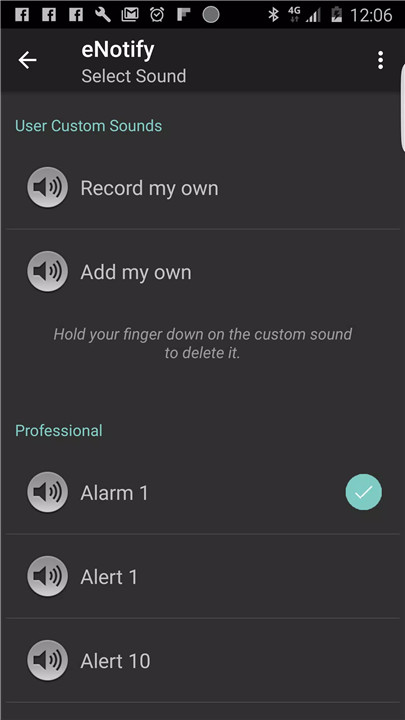
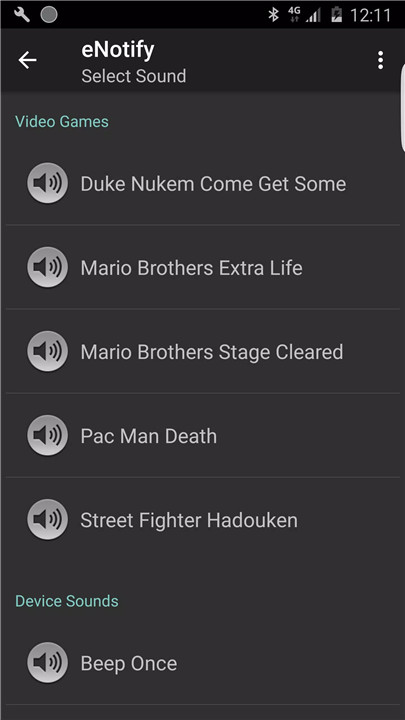
With over 150 built-in email alert sounds, users can assign different tones to each sender or subject, or even add custom audio files. Vibration patterns are also fully customizable, and text-to-speech functionality can read notifications aloud with user-defined modifications.
Optimized Performance
Updated for Android 14 in November 2024, eNotify offers 99.9% crash-free sessions and an ad-free full version for uninterrupted usage. Lite users can access early updates to confirm stability and quality before full release.
Sample Use Cases
Play a unique sound for emails from the boss between 9 am and 7 pm on weekdays.
Override silent mode for messages from a spouse.
Repeat alerts until canceled for high-priority emails like those from an accountant.
FAQs
1. Does eNotify require an internet connection to work?
eNotify operates entirely on the device, so alerts are generated locally without sending email content or personal data to external servers.
2. Can different sounds be assigned to different senders or subjects?
Yes, eNotify supports unique alert sounds for specific senders, subjects, accounts, recipients, or phone numbers, with over 150 built-in options or custom uploads.
3. Which email services are supported?
eNotify works with IMAP, IMAP IDLE (push), POP3, and Exchange Web Services (EWS), supporting Gmail, Yahoo, Microsoft Exchange, and most other email providers.
4. Can notifications override silent mode or repeat alerts?
Yes, certain email alerts can override the device’s silent profile, and repeating notifications can be set for high-priority emails until they are acknowledged.
5. Is eNotify compatible with Android Wear smartwatches?
Absolutely. The app delivers notifications to both Android devices and compatible Android Wear smartwatches, ensuring alerts are never missed.
Version History
v4.191—5 Jan, 2026
Minor bug fixes and improvements. Install or update to the newest version to check it out!
v4.186—2 Aug, 2025
v4.185—25 Jul, 2025