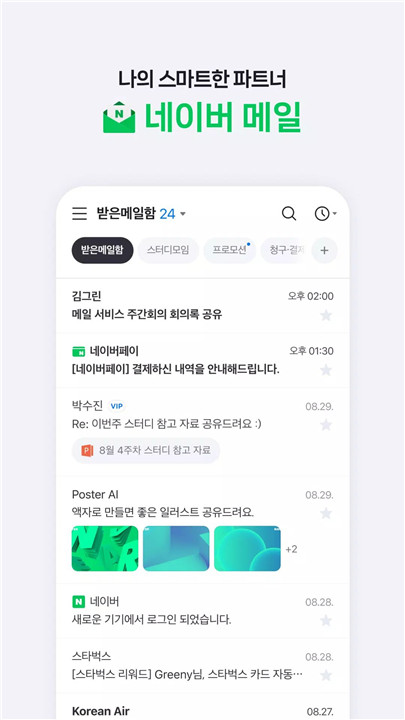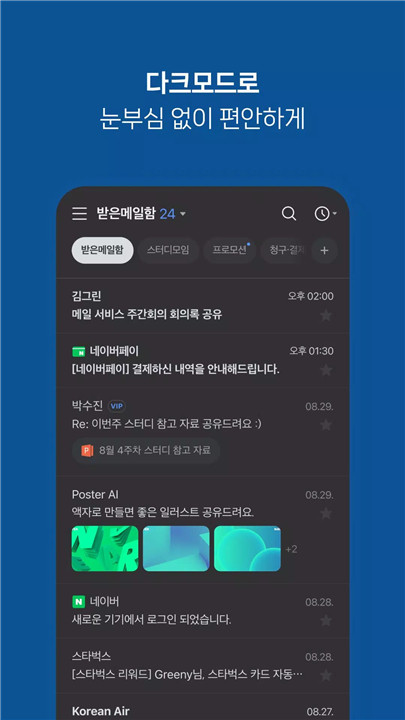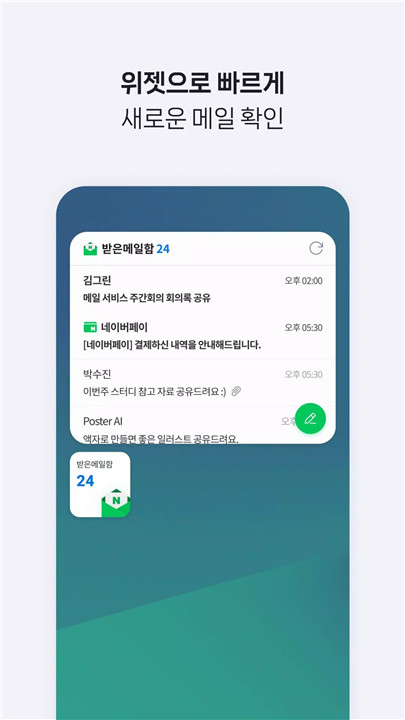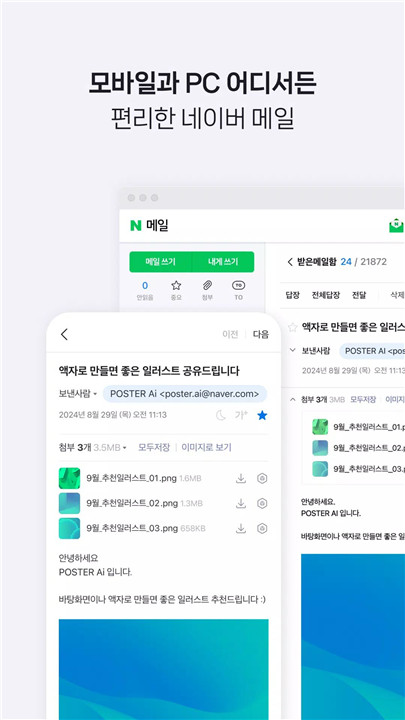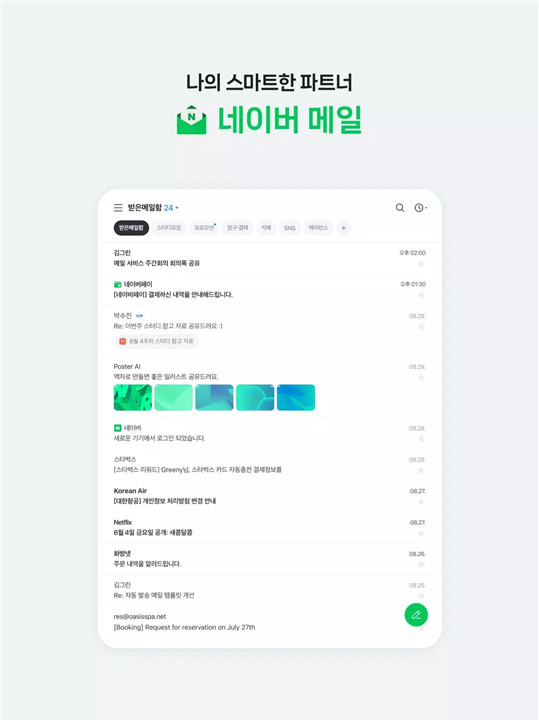
The NAVER Mail app is designed for seamless email management on Android devices running OS 9.0 and higher. It offers smart organization, enhanced writing tools, and advanced security features, making it easy to manage personal and work emails efficiently. The app supports both NAVER accounts and frequently used external accounts such as Gmail and Outlook, providing a centralized hub for all email communications. .
Smart Email Organization
NAVER Mail offers multiple ways to quickly locate and manage emails:
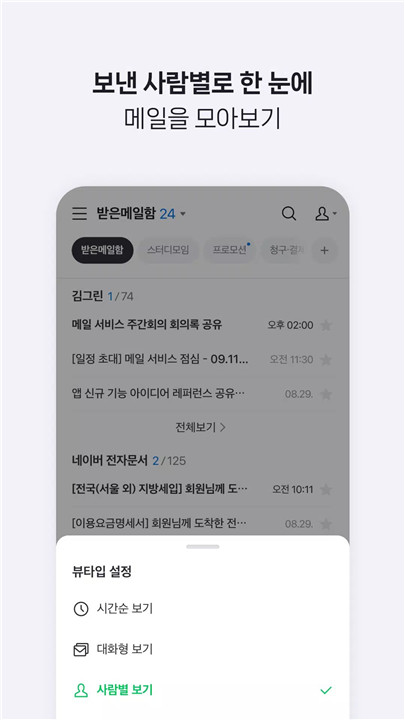
Conversation & Person View: Emails can be grouped chronologically by conversation threads or by sender.
Filters: Quickly access unread mails, important mails, mails with attachments, and VIP emails.
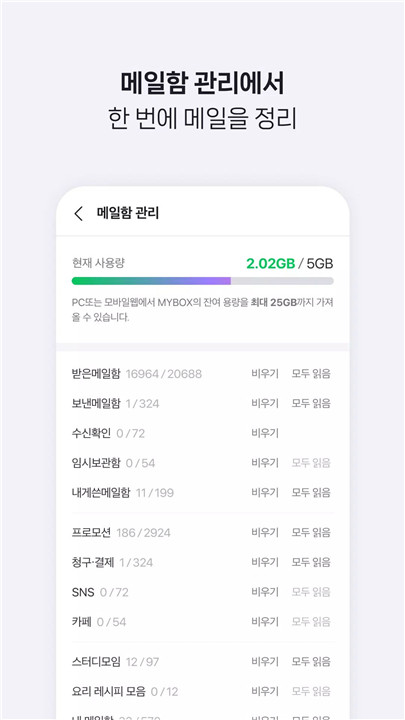
Smart Mailbox: Automatically classifies promotion emails, invoices, payments, social media notifications, and NAVER Café messages for easier navigation.
External Account Management: View and manage Gmail and Outlook accounts directly from the app.
Enhanced Email Composition
Writing emails is more expressive and efficient with NAVER Mail:
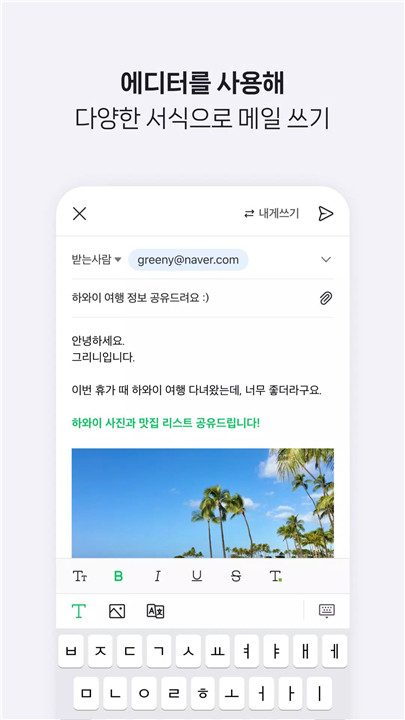
Formatting Options: Use bold, underline, and colored fonts to emphasize key points.
Image Insertion & File Attachments: Embed images directly in emails and attach files stored in MYBOX.
Translation Feature: Compose emails in foreign languages easily, removing language barriers.
Advanced Security Features
NAVER Mail prioritizes safety with multiple protective measures:
Virus & Malware Detection: The app alerts users about potentially harmful files before they are attached or downloaded.
Password Lock: Protect access to the mail app and sensitive communications.
App Permissions for Full Functionality
The app requires certain permissions to optimize performance:
Contacts: Access contact information to simplify addressing emails.
Notifications: Receive alerts for new emails, delivery failures, and other updates (OS 13.0+).
Files & Media: Save and upload email attachments to the device (OS 9.0 only).
Customer Support
For inquiries or assistance, users can contact NAVER Customer Center via this link for prompt resolution.
FAQs
Q1: Which Android versions support the NAVER Mail app?
The app is compatible with devices running Android OS 9.0 and higher.
Q2: Can NAVER Mail manage non-NAVER accounts?
Yes, it supports external accounts such as Gmail and Outlook, allowing centralized email management.
Q3: How does NAVER Mail help organize emails?
It groups emails by conversation or sender, filters unread/important/VIP emails, and uses smart mailboxes to classify promotions, invoices, and social media messages.
Q4: What features help compose better emails?
The app offers formatting options, image insertion, MYBOX attachments, and translation capabilities for writing emails efficiently.
Q5: How does NAVER Mail protect my inbox?
It detects files with viruses or malicious codes and allows users to secure the app with a password lock.
Version History
v3.1.3—24 Dec, 2025
v3.1.2—15 Sep, 2025
- 본문에 이미지가 있는 메일을 답장/전달할 때 발송, 임시저장이 되지 않던 오류를 수정했어요.
v3.1.0—13 Aug, 2025
- 태블릿 가로모드 지원
- 공지사항 메뉴 추가
- 큰 이미지가 포함된 메일의 글자 가독성 개선
- 기타 오류 수정 및 안정성 강화