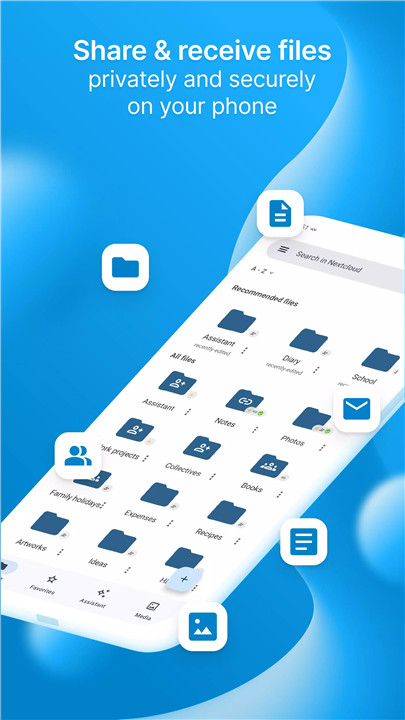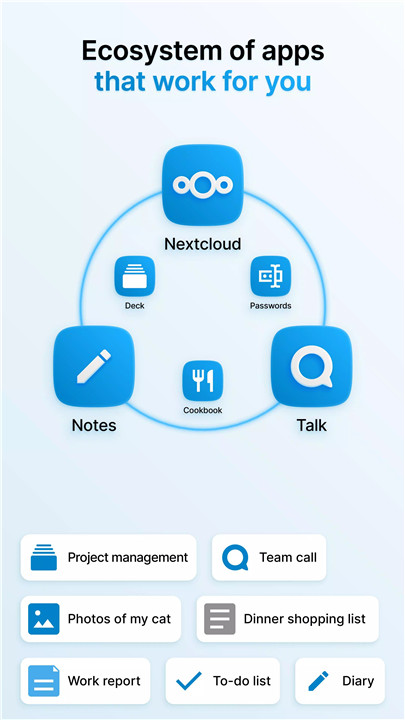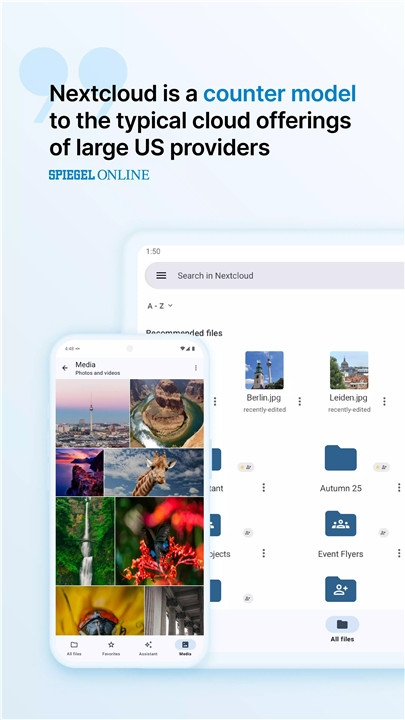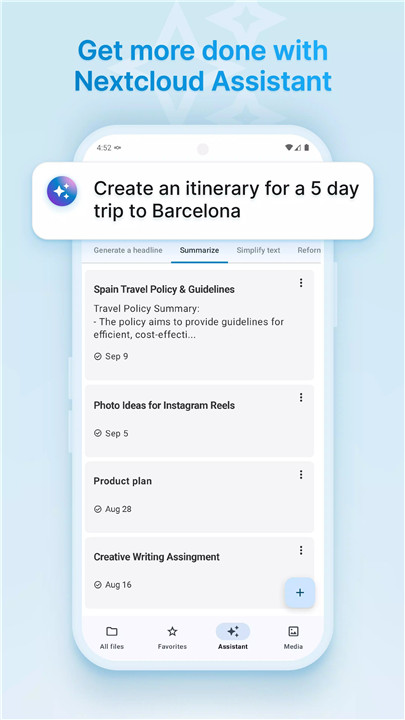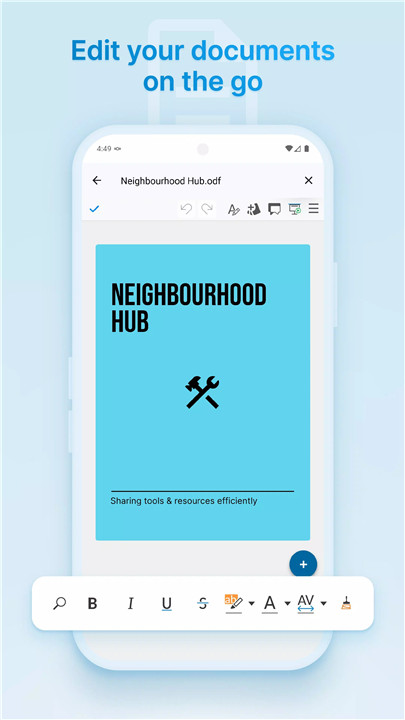
The Nextcloud Android app is an open source solution for accessing, managing, and sharing all files stored on a Nextcloud server. It offers a modern and intuitive interface designed for secure and seamless file synchronization. Whether hosting Nextcloud personally or using a service provider, the app ensures complete control over photos, documents, contacts, calendars, and more.
Easy, Modern Interface
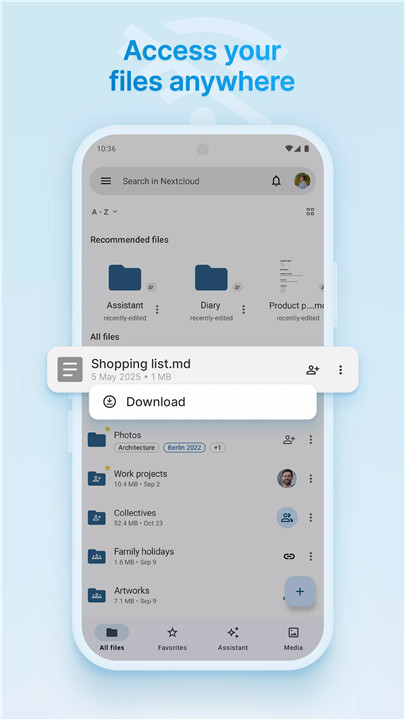
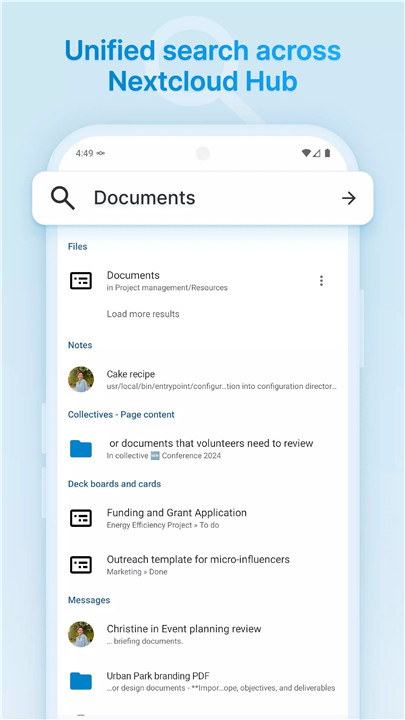
The app provides a clean, user-friendly interface that simplifies navigation and file management. Users can quickly browse files, folders, and shared content without unnecessary complexity.
File Upload and Instant Upload
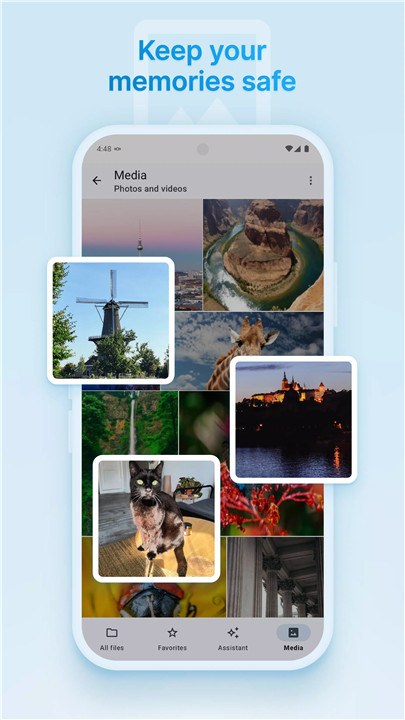
Files can be easily uploaded to a Nextcloud server directly from the app. Photos and videos captured on the device can be automatically uploaded using Instant Upload, ensuring media is securely backed up in real-time.
File Sharing
Nextcloud allows sharing of files and folders with colleagues, friends, or family. Sharing options include generating links, setting passwords, and applying expiration dates to keep control over shared content.
Sync Favorites
Files and folders marked as favorites can be kept in sync across devices. This ensures offline access and keeps critical files readily available, even without internet connectivity.
Multi-Account Support
The app supports multiple Nextcloud accounts, making it easy to switch between personal and work servers or manage several projects without logging in and out repeatedly.
Community Support and Open Source
Nextcloud is fully open source, and the Android app encourages community engagement. Users can report issues at Nextcloud GitHub and participate in discussions at Nextcloud Help Forum. This transparency allows the app to evolve with user input while maintaining security and privacy standards.
FAQs
Q1: What is the Nextcloud Android app?
The app is an open source client for accessing, uploading, and managing files on a Nextcloud server from Android devices.
Q2: Can I automatically back up photos and videos?
Yes, the Instant Upload feature automatically uploads media captured on your device to your Nextcloud server.
Q3: Does the app allow sharing files with others?
Yes, files and folders can be shared securely, with options for links, passwords, and expiration dates.
Q4: Can I use multiple Nextcloud accounts in the app?
Yes, the app supports multiple accounts, making it easy to manage personal and work servers simultaneously.
Q5: Is Nextcloud open source and private?
Yes, Nextcloud is fully open source. Users can host their own server or use a provider to maintain full control over their data.
Version History
v33.0.0—20 Feb, 2026
## 33.0.0 (February 18, 2026)
- Auto upload improvements
- Bug fixes and performance improvements
Minimum: NC 20 Server, Android 9 Nougat
For a full list, please see https://github.com/nextcloud/android/milestone/120
v3.35.2—27 Jan, 2026
## 3.35.2 (January 26, 2026)
- Bugfixes
Minimum: NC 20 Server, Android 9 Pie
For a full list, please see https://github.com/nextcloud/android/milestone/121
v3.35.1—23 Jan, 2026
## 3.35.1 (January 23, 2026)
- Auto-upload fixes
Minimum: NC 20 Server, Android 9 Pie
For a full list, please see https://github.com/nextcloud/android/milestone/119