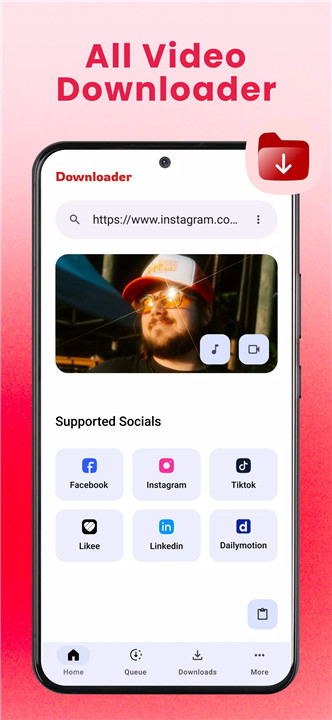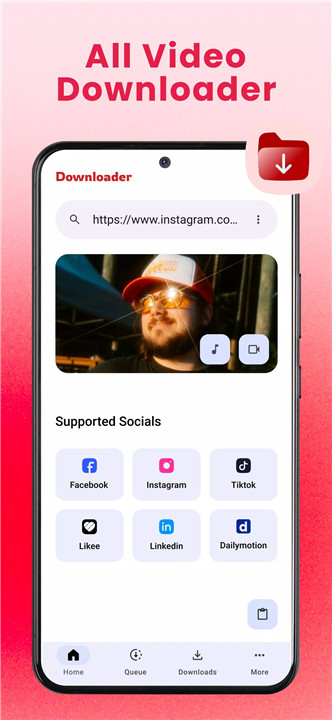
VidGet: All Video Downloader provides a simple and efficient way to save and manage favorite videos from supported platforms. Designed for speed and convenience, VidGet allows users to download videos in multiple formats, preview them before saving, and organize files with ease. With intuitive controls like pause and resume, it ensures uninterrupted downloads, while the built-in smart file manager makes organization seamless.
Fast Video Downloads
VidGet enables lightning-fast downloads from supported websites. Users can quickly grab videos without long waiting times, ensuring efficient offline access.
All Format Support
The application supports a wide range of video formats including MP4, AVI, MKV, MOV, and more. This flexibility allows compatibility with various devices and media players.
Preview Before Download
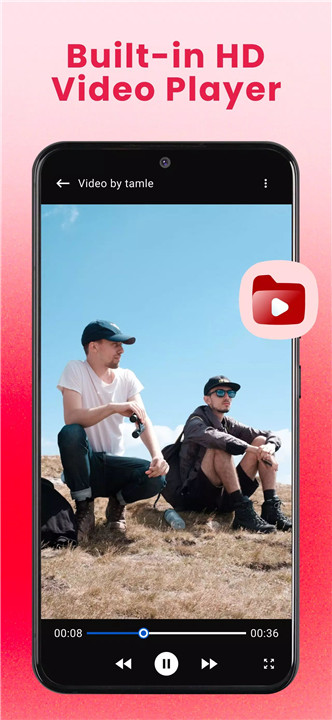
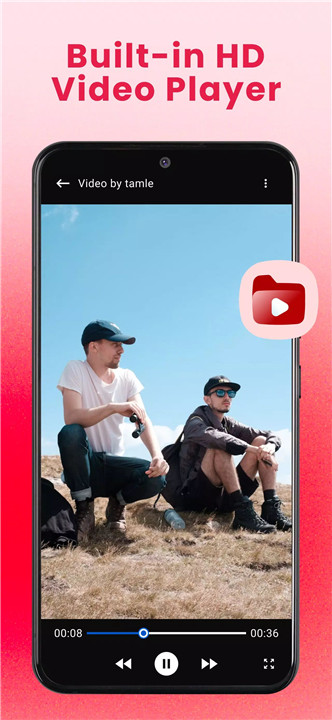
Before committing to download, videos can be previewed directly within VidGet. This feature ensures that only desired content is saved, saving storage space and time.
Smart File Manager
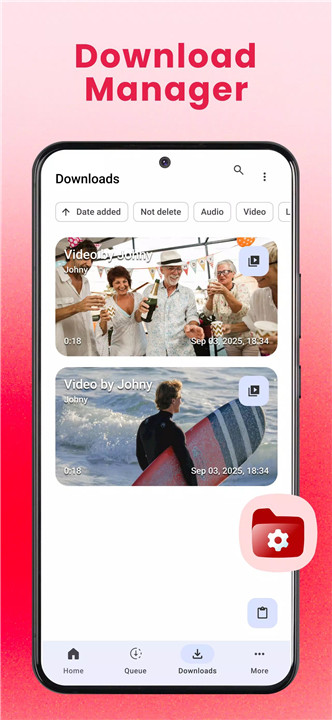
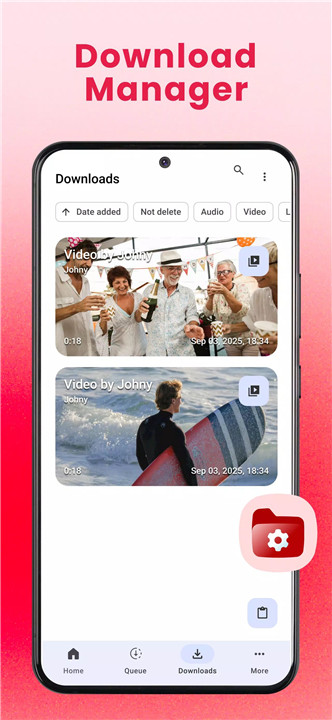
VidGet comes equipped with a file management system that allows videos to be easily organized, renamed, and shared. The smart file manager simplifies storage and retrieval, making the app ideal for users who manage large video libraries.
Pause & Resume Downloads
Control over downloads is simple with one-tap pause and resume functionality. Users can interrupt downloads without losing progress, making it convenient for unstable internet connections or scheduling downloads during off-peak hours.
How It Works
- Open the VidGet application.
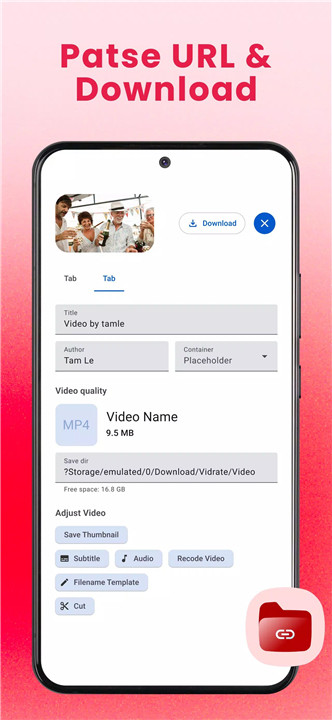
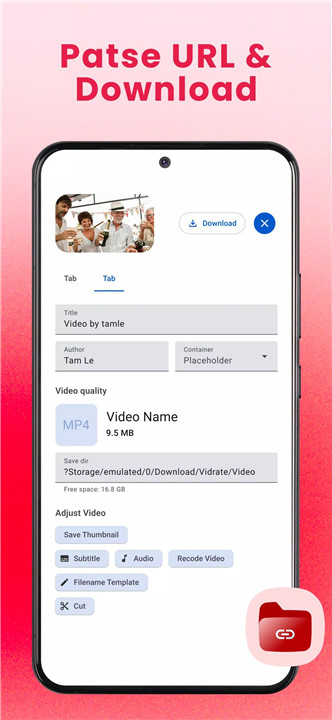
- Paste or share the video link directly into VidGet.
- Tap the download button and select the desired quality.
- Access downloaded videos offline anytime, anywhere.
Disclaimer
VidGet is not affiliated with, endorsed, or supported by any social media platform such as Instagram, Facebook, TikTok, or Twitter. Users are responsible for ensuring that downloaded content complies with copyright laws. Unauthorized downloading, sharing, or reposting of copyrighted material is prohibited.
FAQs
Q1: Which video formats does VidGet support?
VidGet supports MP4, AVI, MKV, MOV, and several other popular formats for maximum compatibility.
Q2: Can I pause a download and resume later?
Yes, downloads can be paused and resumed with one tap, ensuring flexibility for users with varying internet conditions.
Q3: How do I download a video using VidGet?
Simply paste or share the video link into VidGet, select the desired quality, and tap download.
Q4: Does VidGet allow previewing videos before downloading?
Yes, users can preview videos to confirm content before saving, helping manage storage efficiently.
Q5: Is it legal to download videos with VidGet?
Downloading videos is legal only if permission from the content owner is obtained. Users must comply with copyright laws in their country.
Version History
v1.0.9—24 Nov, 2025
We’re constantly working to make VidGet better for you.
In this version:
• Fixed some bugs and improved overall quality.
v1.0.6—12 Oct, 2025
We’re constantly working to make VidGet better for you.
In this version:
• Fixed some bugs and improved overall quality.
v1.0.3—9 Oct, 2025
We’re constantly working to make VidGet better for you.
In this version:
• Fixed some bugs and improved overall quality.