dfndr security is a powerful, easy-to-use mobile antivirus solution designed to safeguard smartphones from digital threats. With advanced protection against malware, phishing attempts, identity theft, fake news, and other online scams, dfndr security delivers comprehensive defense for everyday mobile use. Trusted globally, the app has earned multiple industry awards and has been installed more than 200 million times, proving its reliability and effectiveness in modern mobile protection.
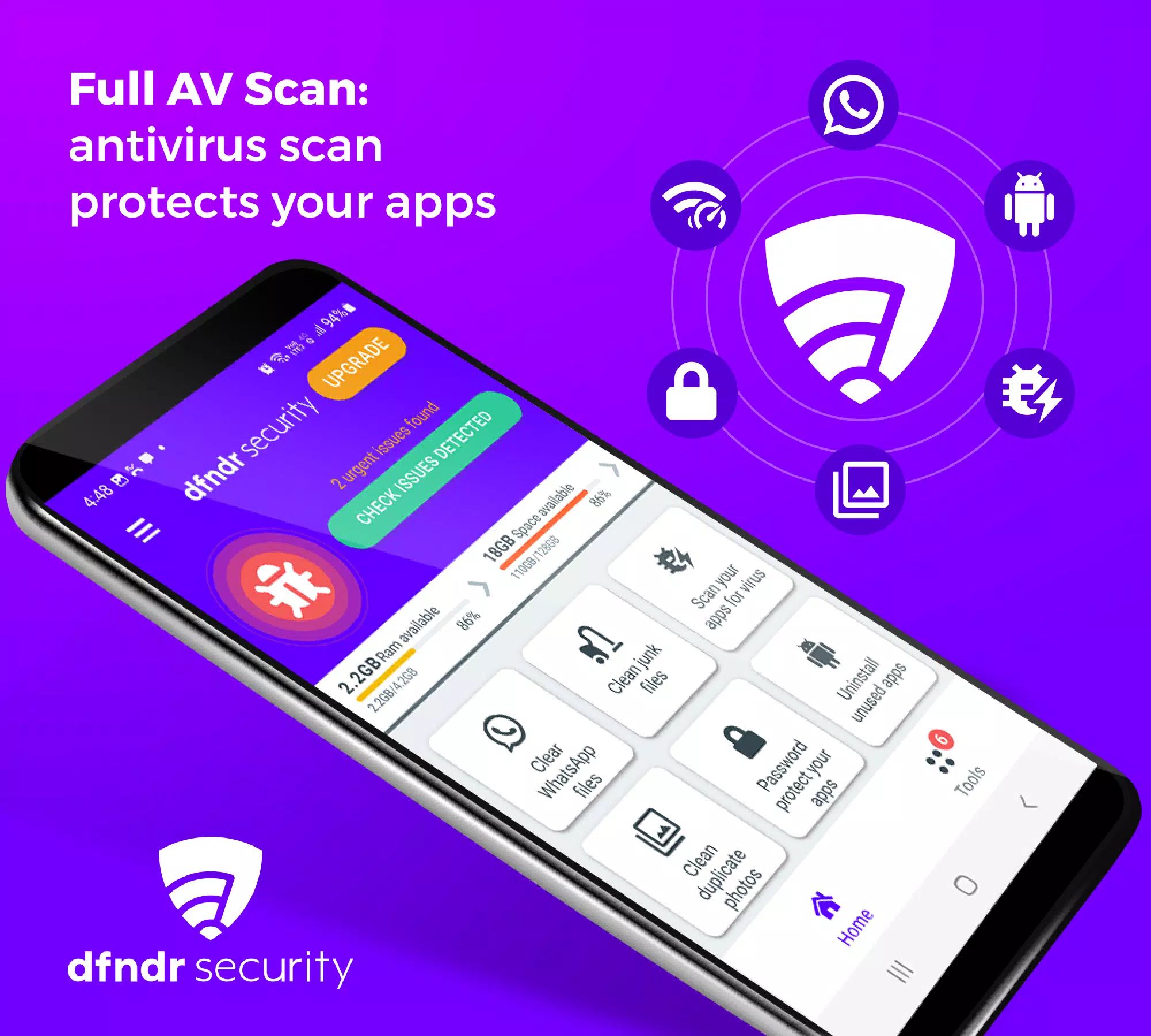
Full AV Scan for Complete Protection
dfndr security offers real-time antivirus scanning that detects and eliminates malware, suspicious apps, and privacy risks automatically. It shields users from harmful websites, phishing links, and fake news, helping prevent identity theft and unauthorized access. Digital credentials are monitored around the clock, with alerts issued immediately if a data leak is detected.
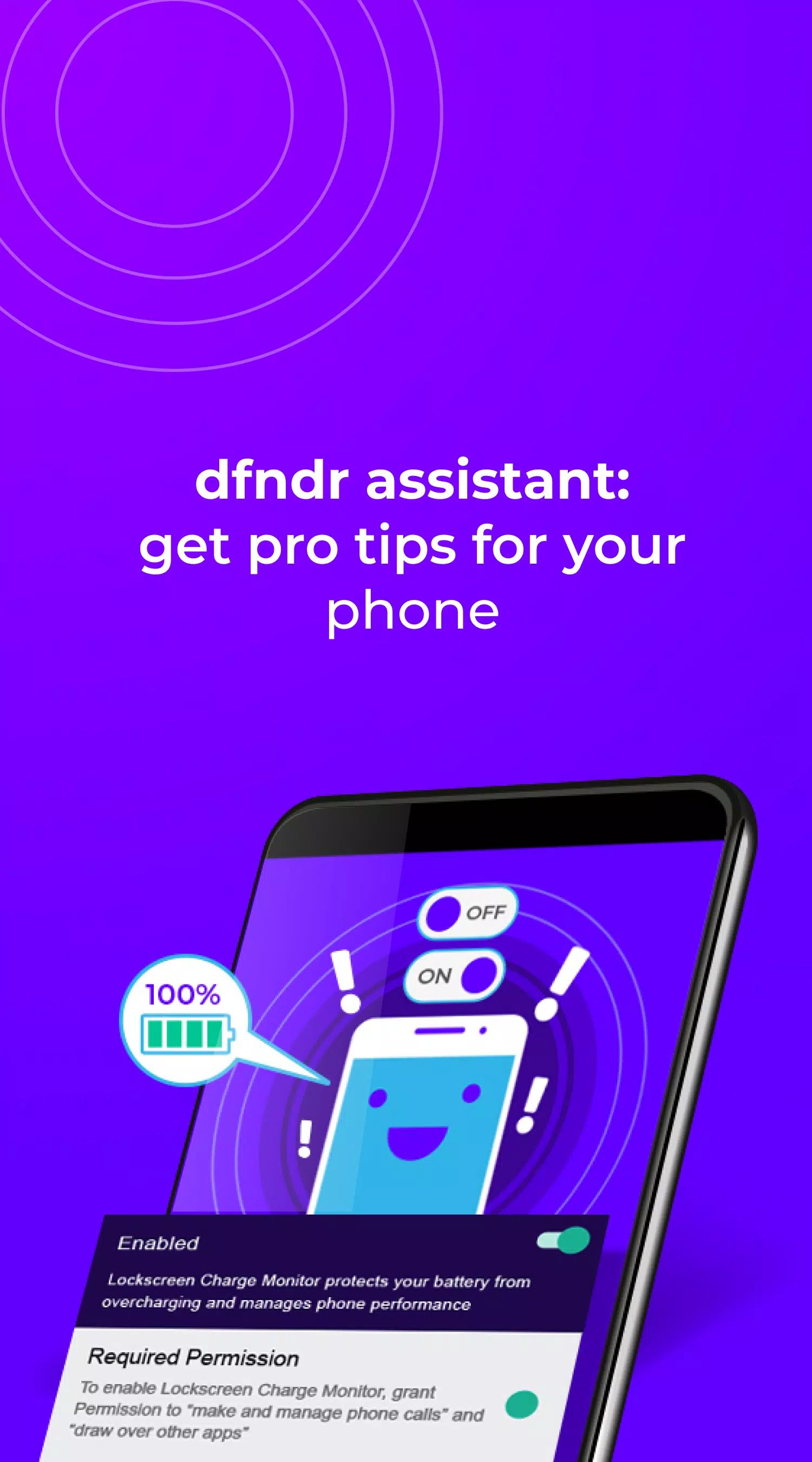
dfndr Assistant for Smart Alerts
The integrated dfndr assistant provides actionable notifications to enhance device protection and optimize performance. With a single tap, users can follow guided recommendations to strengthen security, resolve issues, and maintain a safer mobile experience.
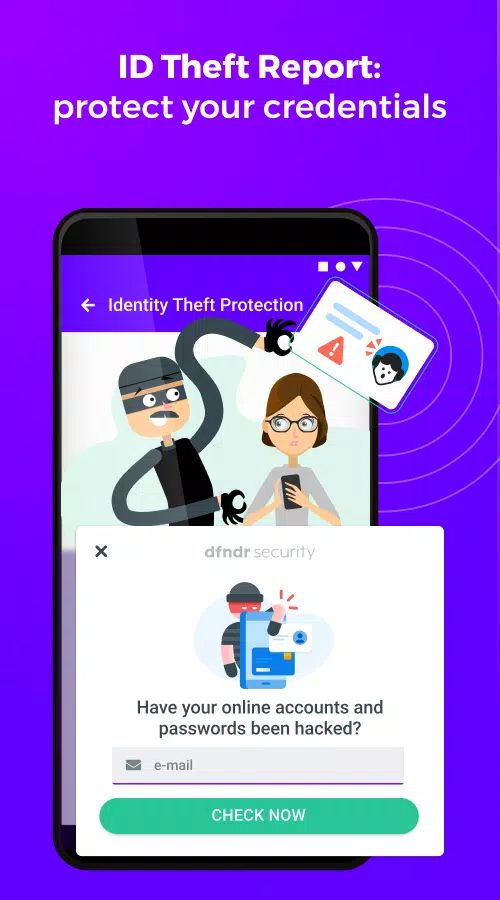
ID Theft Report for Credential Monitoring
Multiple emails can be registered for continuous monitoring. If an email or associated password appears in a known data breach, dfndr security instantly alerts the user. This 24/7 monitoring helps reduce the risk of identity theft by allowing quick action when personal information is compromised.
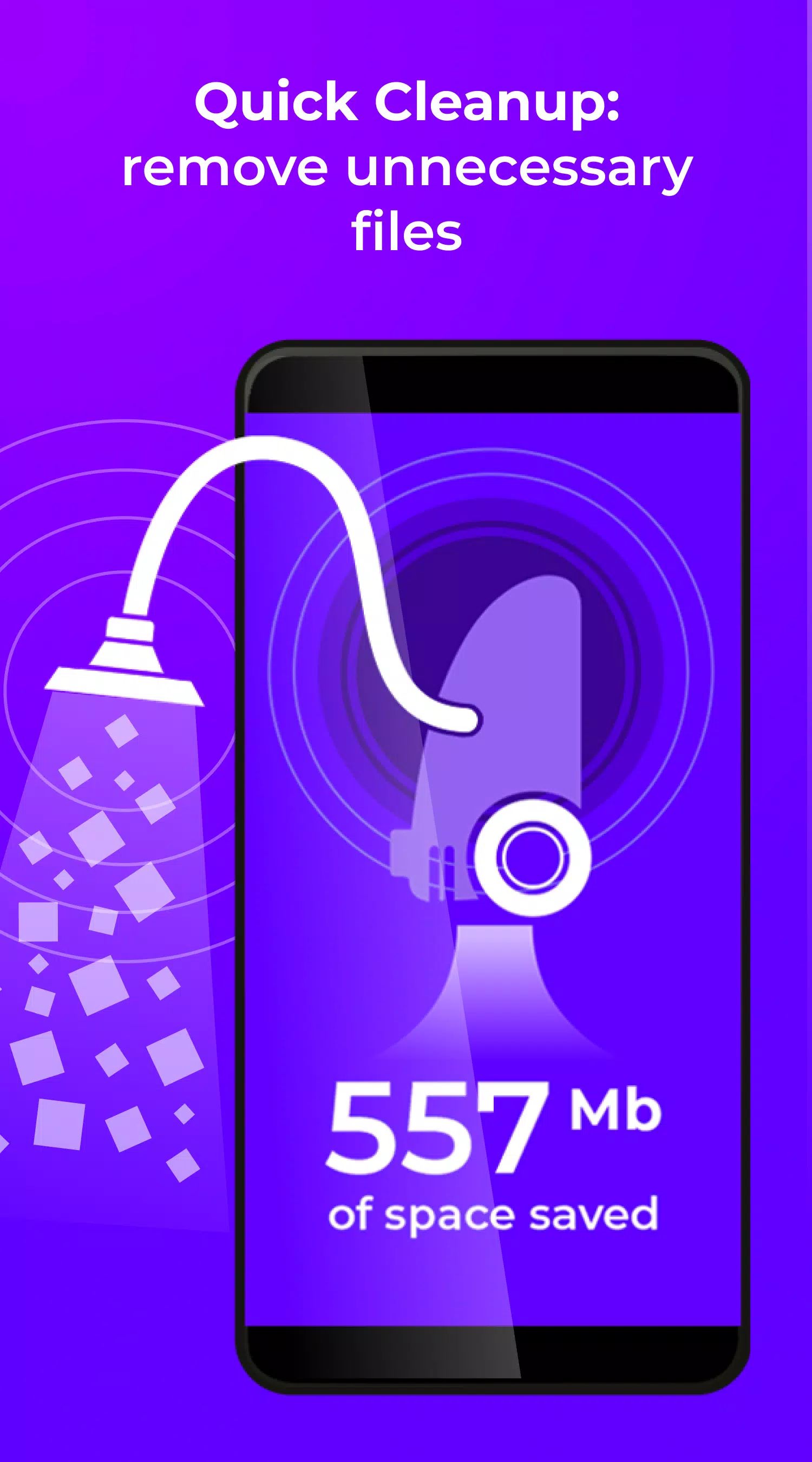
Quick Clean Up for Better Performance
The built-in cleaning tool removes junk files, cache data, and duplicate photos, creating more storage space and improving overall device performance. This feature helps keep smartphones organized and running smoothly.
Advanced Threat and Scam Protection
dfndr security includes advanced anti-hacking features that warn users about malicious links, infected downloads, and phishing attempts. A dedicated WhatsApp hacking alert feature notifies users of unauthorized intrusion attempts, helping secure important conversations and personal data.
Anti-Theft & Device Security Tools
In the event of loss or theft, dfndr security enables remote locking, data deletion, geolocation tracking, and unauthorized access photo capture. These tools increase the chances of recovering a device and protecting sensitive information.
Premium Versions: Pro and Ultra
dfndr security Pro and Ultra offer enhanced features, including expanded identity monitoring and exclusive security tools. Both versions come with a 3-day free trial, allowing users to experience premium protection before upgrading.
Safe App Installer & AppLock
With safe app installation guidance, dfndr security informs users whether new apps are safe to download. Sensitive apps can be secured individually with passwords through the AppLock feature.
dfndr security uses Accessibility permissions to assist with safe app installations and provide scam alerts.
FAQs
1. Is dfndr security free to use?
dfndr security includes free protection features, with optional upgrades available through Pro and Ultra versions for enhanced security tools.
2. What should be done if a device is lost or stolen?
dfndr security provides remote locking, data deletion, geolocation tracking, and photo capture to help secure and recover the device.
3. How does dfndr security protect against identity theft?
The app monitors registered emails 24/7 and sends alerts when credentials appear in known data breaches, helping prevent unauthorized access.
4. Does dfndr security detect malicious apps and links?
Yes. Real-time scanning identifies malware, risky apps, phishing attempts, fake websites, and suspicious links to keep the device safe.
5. Are premium features available for testing?
A 3-day free trial is offered for the Pro and Ultra plans, allowing users to explore advanced tools before committing.
Version History
v11.2.0—2 Feb, 2024
Thank you for using dfndr security! =)
v10.3.1—27 Jun, 2023
Thank you for using dfndr security! =)