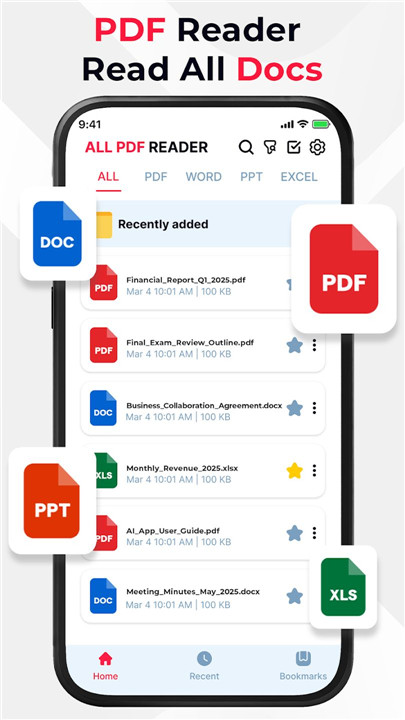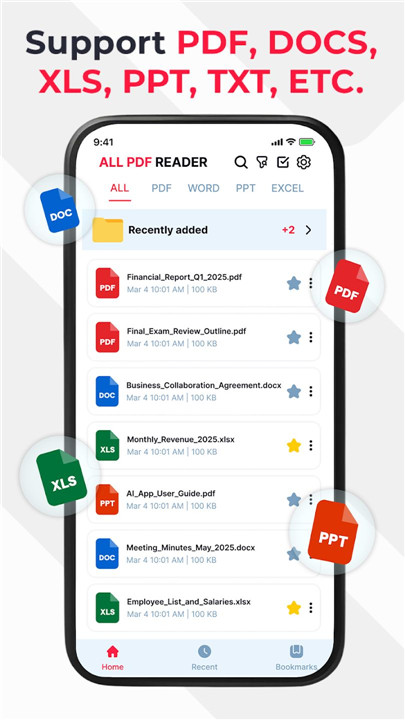
PDF Viewer – All PDF Reader is a powerful and versatile document management app designed for Android users who need to view and edit multiple file formats in one place. It supports all major document types, including PDF, Word (DOC, DOCX), Excel (XLS, XLSX), and PowerPoint (PPT, PPTX), making it an essential tool for productivity on the go.
PDF Viewing and Annotation Tools
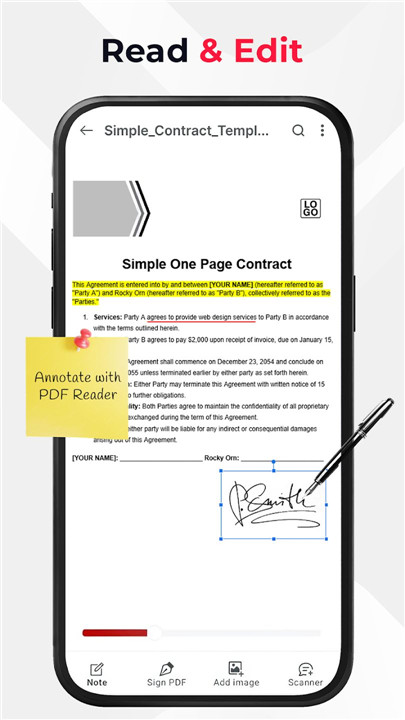
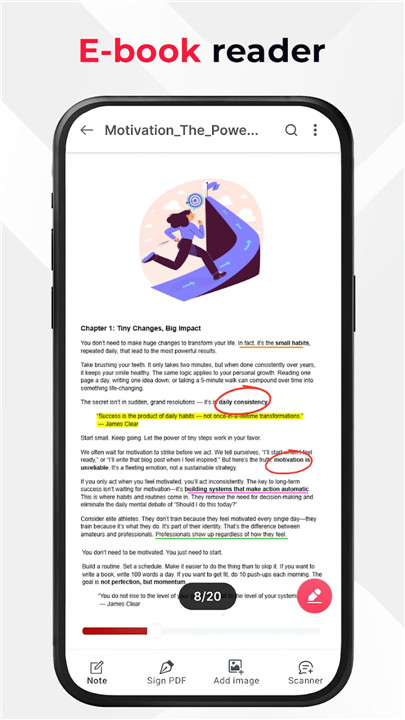
More than a basic PDF reader, the app includes powerful annotation tools for productive document review. Users can highlight text, underline important sections, and draw freely using the brush tool. These features are ideal for studying, reviewing contracts, or marking up reports directly on the device.
Word Document Editor (DOC & DOCX)
PDF Viewer – All PDF Reader allows seamless opening and editing of Word documents. It supports text formatting, font styles, alignment options, bullet points, and structured layouts. This makes it easy to update resumes, edit reports, or revise notes anytime, anywhere.
Excel Spreadsheet Editor (XLS & XLSX)
Spreadsheets can be viewed and edited with full control over rows, columns, and cells. Users can enter data, apply basic formulas, format cells, and manage tables efficiently. This feature is ideal for budgeting, data tracking, and reviewing work-related spreadsheets on the move.
PowerPoint Presentation Editor (PPT & PPTX)
Presentations can be opened and edited in real time. Slide text can be modified, images and shapes inserted, and basic formatting adjusted. This ensures last-minute presentation updates are handled quickly before meetings, classes, or presentations.
All-in-One Document Management
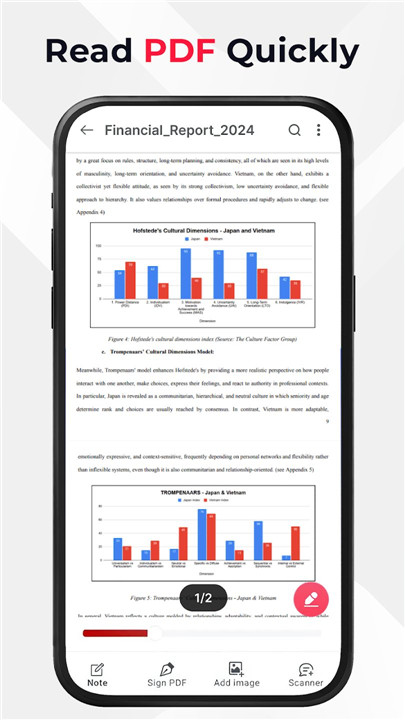
The app supports PDF, DOC, DOCX, XLS, XLSX, PPT, and PPTX files in one unified workspace. Fast loading performance ensures even large files open smoothly with minimal waiting time, while fluid navigation allows easy scrolling through pages, sheets, and slides.
Optimized Viewing Experience
Zoom in and out for better readability or precision editing. Both portrait and landscape modes are supported for flexible use across different tasks. The clean and user-friendly interface ensures efficient workflows without unnecessary complexity.
Offline and Secure Access
All files are accessed locally on the device, with no mandatory cloud uploads. This ensures privacy, security, and full functionality even without an internet connection.
FAQs
1. What file formats does PDF Viewer – All PDF Reader support?
The app supports PDF, DOC, DOCX, XLS, XLSX, PPT, and PPTX file formats.
2. Can documents be edited offline?
Yes. All features work offline, with files stored securely on the device.
3. Does the app allow PDF annotations?
Yes. PDFs can be highlighted, underlined, and annotated using drawing tools.
4. Can Word, Excel, and PowerPoint files be edited?
Yes. The app provides editing tools for text documents, spreadsheets, and presentations.
5. Is the app suitable for students and professionals?
Yes. It is designed for students, professionals, and anyone who needs to manage and edit documents efficiently on Android.
Version History
v1.1.9—9 Dec, 2025
- Improve performance
- Fix minor bugs
v1.1.8—9 Dec, 2025
- Improve performance
- Fix minor bugs