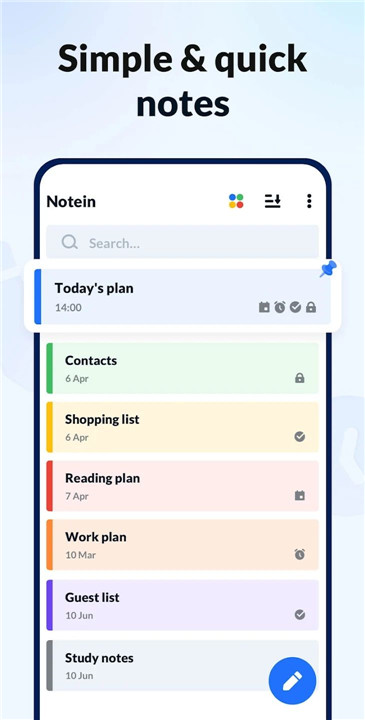
Notein - Notepad, Notes, Lists is a versatile, free note-taking app designed for Android devices. It combines the convenience of a digital notepad, sticky notes, and a memo pad to help users capture ideas, tasks, and reminders efficiently. With colorful note management, calendar integration, and widgets, Notein provides an intuitive and organized approach to daily life, whether for work, school, or personal use.
Handy Note-Taking App
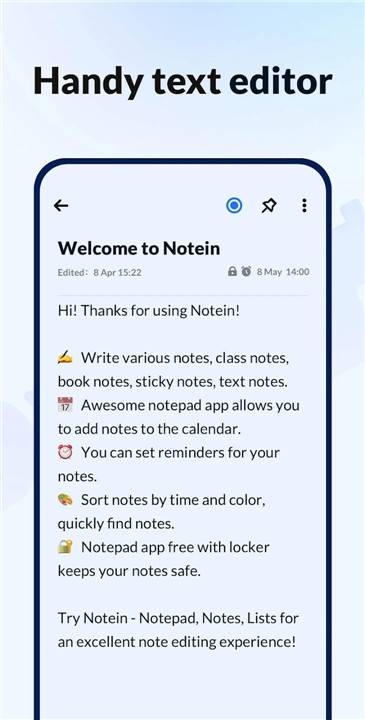
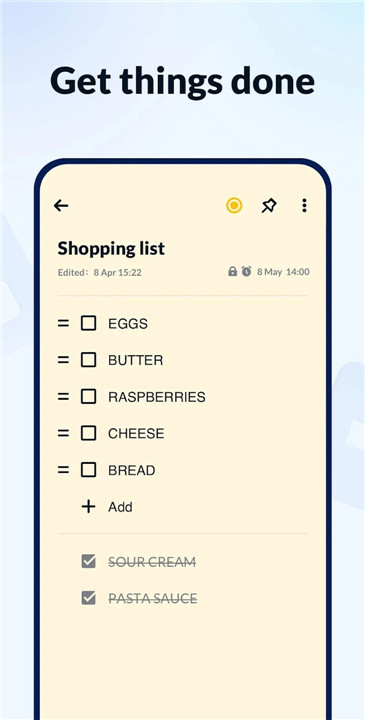
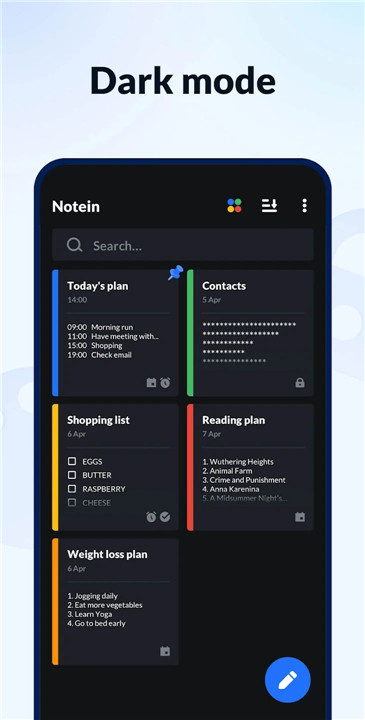
Notein provides two note-taking modes: text mode, featuring a lined-paper style, and checklist mode for tasks or shopping lists. Notes are automatically saved as they are typed. Users can quickly create memos, to-do lists, school notes, meeting notes, or any other note type. Notes can be edited, archived, deleted, shared, or checked off, making task management simple and efficient.
Calendar Notes and Memos
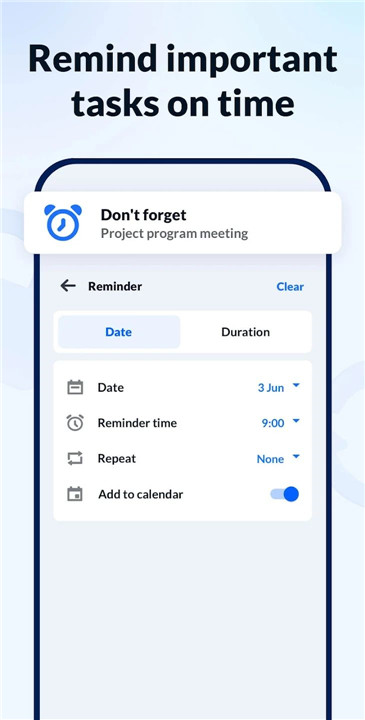
Notein integrates notes with a calendar view, enabling users to schedule tasks and view memos by date. This calendar mode allows better organization of schedules, deadlines, and important events, ensuring nothing is overlooked.
Reminders for Notes and To-Do Lists
The app allows setting reminders for individual notes or tasks. Notifications ensure deadlines are met and important tasks are never forgotten, making Notein an effective tool for personal productivity.
Sticky Notes Widgets on Home Screen
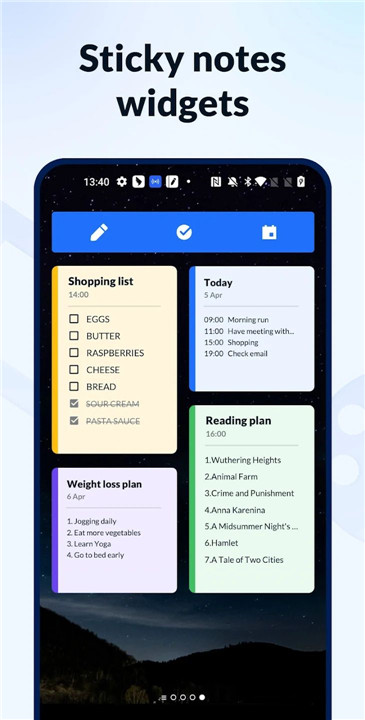
Notein supports colorful sticky notes widgets that can be added directly to the home screen. Compatible with Android devices from Samsung, Xiaomi, Huawei, and Redmi, these widgets allow fast access to notes, making it easier to view, edit, and check tasks at a glance.
Manage Notes by Color
Color coding is supported to organize notes visually. Users can sort and filter notes by color, improving efficiency when locating important notes or categorizing tasks, memos, and ideas.
Notes with Password Protection
For sensitive or private information, Notein offers password protection. Notes can be locked to maintain privacy, ensuring that confidential information remains secure.
Backup and Restore
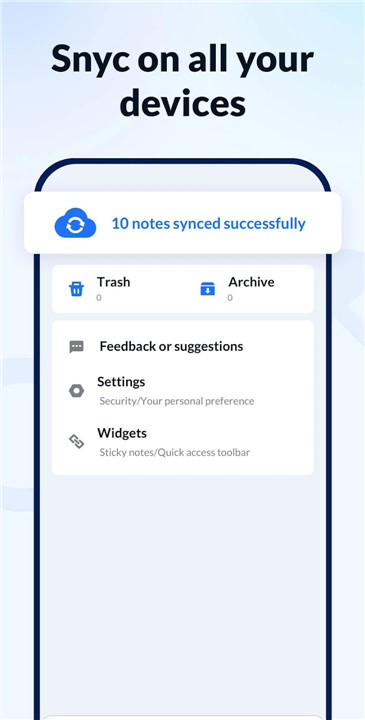
Notein provides cloud backup options to secure notes and lists. In addition, notes can be restored in case of device loss or app reinstallation, ensuring data remains safe and accessible.
Additional Features
· Share notes via Twitter, SMS, WeChat, Email, and more
· Pin important notes for quick reference
· Display notes in list, grid, or detailed modes
· Lightweight, fast, and reliable app for quick note-taking
· Notification bar reminders for important tasks
FAQs
1. Can I use Notein without an internet connection?
Yes, Notein works offline, and notes are automatically saved on the device.
2. Can I set reminders for my notes and tasks?
Yes, Notein allows users to set notifications for notes and to-do lists to ensure important tasks are not missed.
3. Does Notein support sticky notes on the home screen?
Yes, the app supports colorful sticky note widgets for quick access on devices from Samsung, Xiaomi, Huawei, and Redmi.
4. Can I protect my notes with a password?
Yes, Notein provides password protection to secure private notes.
5. Is it possible to backup and restore my notes?
Yes, notes can be backed up to the cloud or restored via the app’s account-free backup system, keeping data safe.
Version History
v1.3.9.93—27 Dec, 2025
v1.3.9—22 Dec, 2025
New! Image notes are now supported
Add images from gallery or camera to make your notes more visual
v1.3.8—22 Dec, 2025
New! Image notes are now supported
Add images from gallery or camera to make your notes more visual