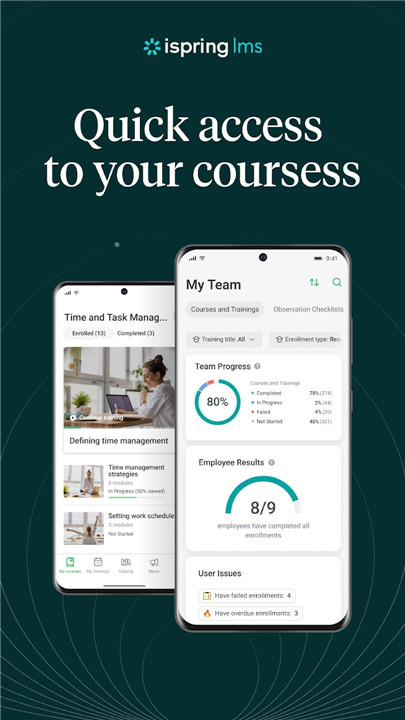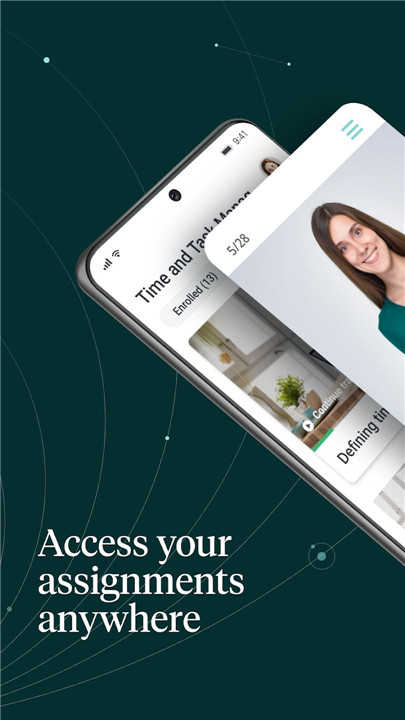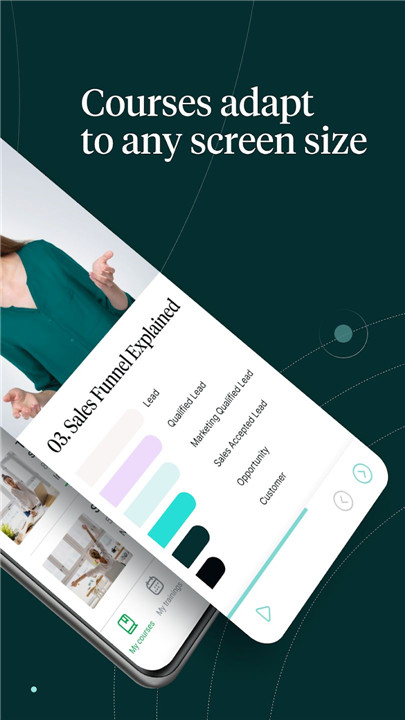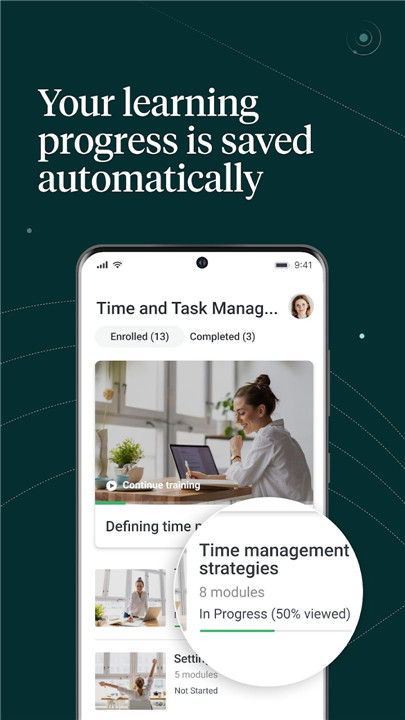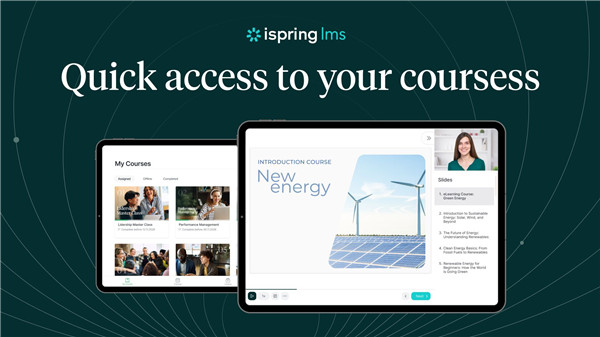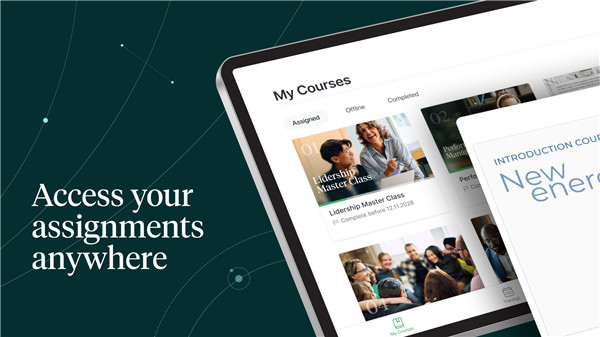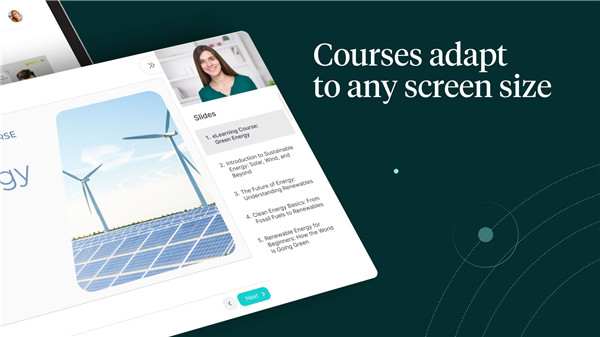
iSpring LMS mobile app empowers employees and learners to access training materials conveniently from any device. The intuitive mobile platform ensures that learning is seamless and engaging, whether on a smartphone, tablet, or desktop. With no onboarding required, users can start courses immediately, and content automatically adapts to any screen size or orientation. iSpring LMS provides a consistent learning experience across all devices, making corporate training flexible, accessible, and efficient.
Offline Learning
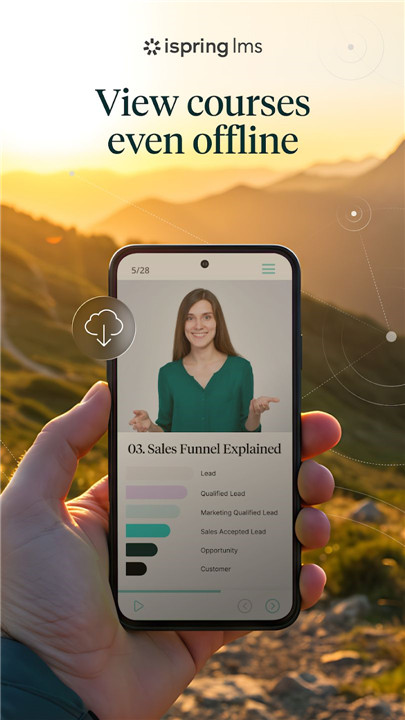
Trainees can save courses and training materials directly to their mobile devices, enabling access without an internet connection. Learning progress is preserved offline, and all data syncs automatically once the user is back online. This ensures continuous learning without interruptions, even in locations with limited connectivity.
Push Notifications and Reminders
The app keeps learners on track with timely notifications for new course assignments, webinar alerts, and schedule updates. Employees never miss an important session, helping organizations maintain consistent training engagement and progress.
Corporate Knowledge Base Access
Essential workplace information, critical instructions, and company resources are available at a tap. Employees can download materials from the internal Knowledge Base for quick reference anytime, improving efficiency and reducing downtime.
Simple Onboarding
Starting is straightforward. Learners only need their iSpring LMS account credentials provided by a corporate trainer or LMS administrator. This eliminates lengthy setup processes and allows immediate access to courses and quizzes.
Supervisor Dashboard for Managers and Trainers
Managers and trainers can track training impact with a comprehensive dashboard that monitors employee competencies, course completions, and key performance indicators. Identify strengths, weaknesses, and areas for improvement, all from a single mobile interface.
On-the-Job Training Tools
iSpring LMS allows the creation of targeted checklists for specific roles and tasks. Trainers can lead observation sessions, evaluate work standards, and provide actionable feedback directly from their smartphones. This feature enhances practical learning and ensures that employees meet organizational performance standards.
Multi-Language Support
The app offers an intuitive interface in 30 languages, making training accessible to global teams and supporting diverse corporate environments.
FAQs
1. Can I access courses offline?
Yes, all course materials can be downloaded to your device for offline learning, and progress syncs automatically when back online.
2. Do learners receive reminders for new courses?
Yes, push notifications alert users about new course assignments, webinars, and schedule updates.
3. How do I access the corporate knowledge base?
Critical resources and instructions can be downloaded directly from the app’s Knowledge Base for easy reference anytime.
4. Do I need prior training to use the app?
No onboarding is required. Users simply log in with their iSpring LMS account and can start courses immediately.
5. Can managers track employee training progress?
Yes, the Supervisor Dashboard provides a comprehensive view of competencies, course completions, and KPIs, making it easy to monitor performance.
Version History
v4.96.0—7 Dec, 2025
Building a better app! This update focuses on improved functionality and bug fixes for a more enjoyable experience.
v4.95.0—26 Nov, 2025
Building a better app! This update focuses on improved functionality and bug fixes for a more enjoyable experience.
v4.91.2—1 Sep, 2025
Building a better app! This update focuses on improved functionality and bug fixes for a more enjoyable experience.