Zoho Projects app lets you manage tasks, track progress, and collaborate on the go—download now to stay organized and boost productivity anywhere. Designed as a modern and flexible project management solution, it supports seamless coordination for teams and individuals alike. With millions of users worldwide, the platform combines efficiency and accessibility, allowing project activities to continue without interruption. The mobile application complements the web version, ensuring that important updates, decisions, and actions can be handled anytime and from anywhere.
Easy Onboarding and Accessibility
Getting started with Zoho Projects is quick and straightforward. New users can sign up directly from their mobile devices, eliminating the need for additional steps. The application is designed for convenience, ensuring that essential tools and features are accessible immediately after setup. This ease of access allows project work to begin without delays, making it suitable for both beginners and experienced users.
Real-Time Feeds and Updates
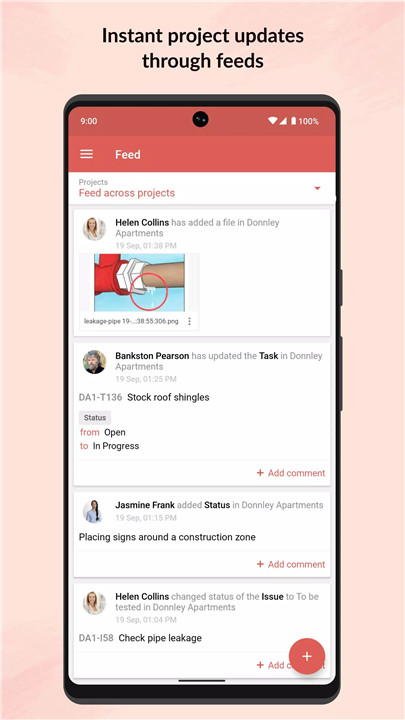
The Feeds feature provides a centralized space to monitor all ongoing activities. Users can quickly review discussions, tasks, and comment threads in one place. This real-time overview ensures that no important update is missed, even when away from a desk.
Task and Collaboration Management
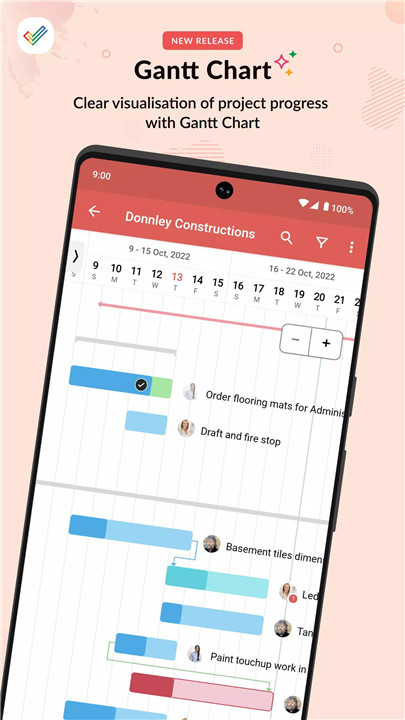
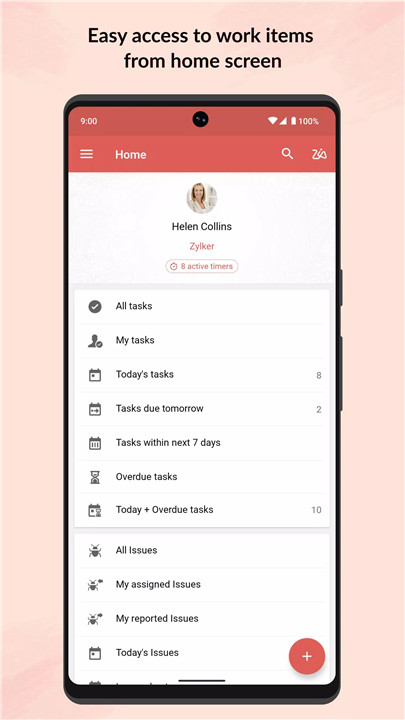
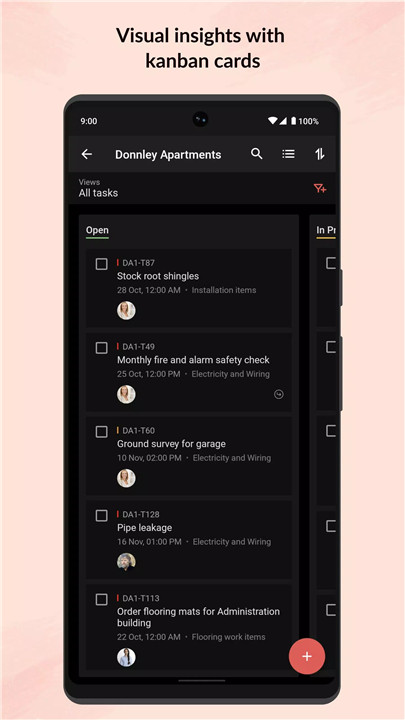
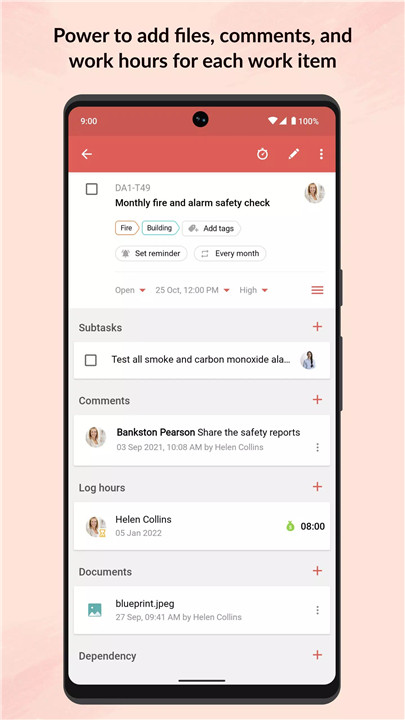
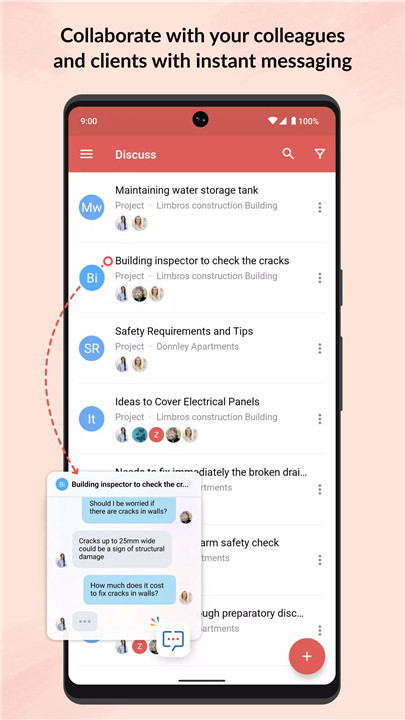
Zoho Projects enables efficient task management with the ability to create tasks, set milestones, and update statuses directly from a mobile device. Users can also participate in forums, share updates, and upload files instantly.
Timesheet Tracking
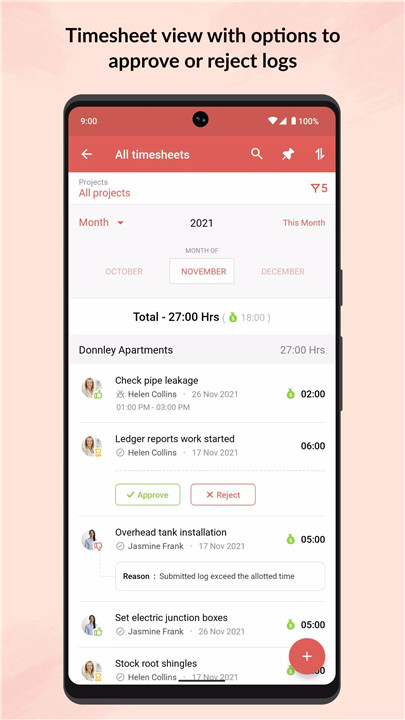
The integrated timesheet module simplifies time tracking for both individuals and teams. Users can log work hours conveniently while working remotely or outside the office.
The module provides detailed views of logged hours on a daily, weekly, and monthly basis. This helps maintain accurate records, improve accountability, and support better project planning and resource allocation.
Document Management
All project-related documents are easily accessible within the app. Users can view files instantly and upload new documents or updated versions as needed.
The flexibility to display documents in list or thumbnail formats enhances usability, making it easier to locate and manage files. This feature ensures that important resources are always within reach, supporting efficient workflow management.
Optimized Tablet Experience
For users working on tablets, Zoho Projects offers an enhanced interface with a split-screen design. This allows multiple sections of the app to be viewed simultaneously, improving multitasking capabilities.
The optimized layout ensures a more productive and comfortable experience, especially for users who rely on larger screens for project management tasks.
FAQs
Q1: What is Zoho Projects used for?
Zoho Projects is a project management tool used to plan tasks, track progress, collaborate with teams, and manage project workflows efficiently.
Q2: Can new users sign up through the mobile app?
Yes, new users can quickly create an account directly from the mobile application without needing a desktop.
Q3: How does the Feeds feature help users?
Feeds provide real-time updates on tasks, discussions, and activities, helping users stay informed about project progress.
Q4: Does the app support time tracking?
Yes, the timesheet module allows users to log hours and view reports on a daily, weekly, and monthly basis.
Q5: Can documents be managed within the app?
Yes, users can view, upload, and update project documents, with options to display them in different formats for convenience.
Version History
v3.8.15—5 Apr, 2024
We've carried out a few enhancements and addressed a few crash scenarios in this update.
v3.8.12—18 Mar, 2024
Introducing Web Tabs—configure your browser tabs seamlessly on the web and access them anytime on the mobile app.
v3.8.3—2 Jan, 2024
We've carried out a few enhancements and addressed a few crash scenarios in this update.