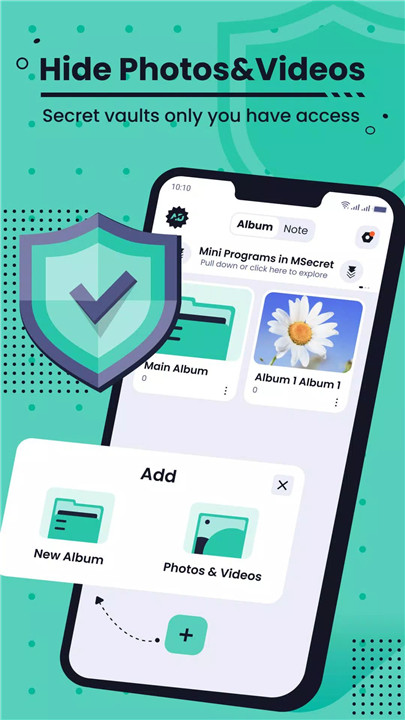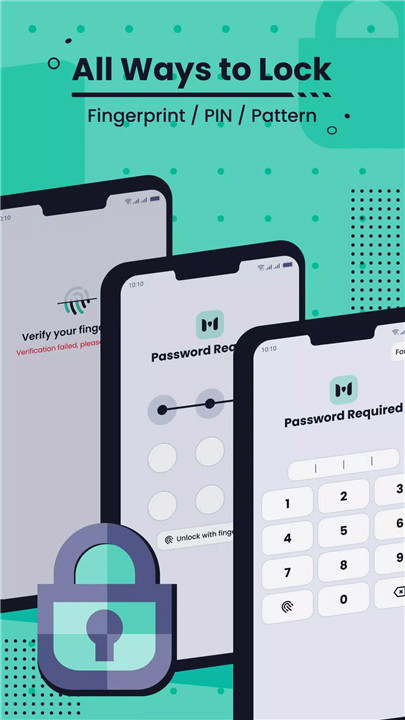
MSecret is a privacy-focused app designed to keep personal files secure and accessible only by the owner. It allows users to hide photos, videos, notes, and other media within secret albums protected by pattern or fingerprint locks.
Hide Photos & Videos
MSecret securely stores media files in secret albums, keeping them hidden from galleries, photo albums, and file managers. Private photos, videos, and movies remain protected, ensuring that sensitive content is accessible only by the owner.
Video Player & Built-in Photo Viewer
Hidden videos can be played directly within the app using MSecret’s video player. Features such as adjustable play progress and one-key mute enhance the viewing experience, making it convenient to watch private videos without leaving the app.
Neat and Organizable File Management
Albums within MSecret are organized with an intuitive design, allowing users to manage files effortlessly. Users can rename albums, move files between albums, or unhide content, providing full control over their private media collection.
Selectable Unlocking Method
MSecret offers multiple unlocking methods for secure and convenient access. Users can choose between pattern locks or fingerprint authentication to unlock albums safely without compromising privacy.
Fake Vault
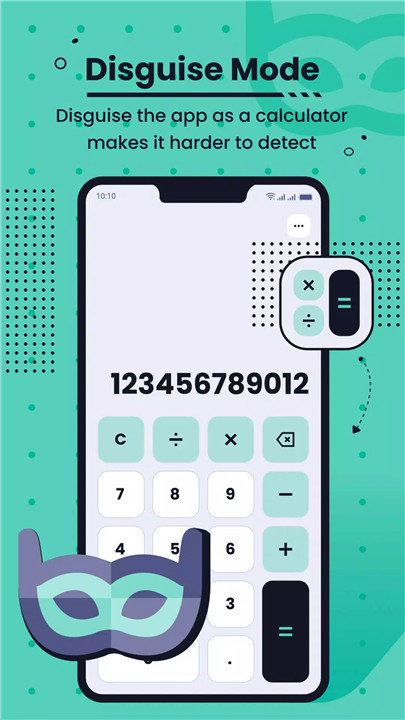
A fake vault provides an additional layer of security. Entering a fake password opens a decoy vault, ensuring that sensitive content remains protected even if the app is opened accidentally or under scrutiny. Users can also create a second fake vault for further privacy protection.
Other Fun Features
MSecret includes extra functionalities like a news browser, jigsaw puzzles, and Stick Master, offering entertainment and utility beyond basic file protection.
FAQs
Q1: How can photos and videos be hidden in MSecret?
Files are stored in secret albums within the app, keeping them invisible in other galleries or file managers. Pattern or fingerprint locks protect access.
Q2: Can hidden videos be played inside the app?
Yes, MSecret has a built-in video player that allows playback of hidden videos with features like adjustable play progress and one-key mute.
Q3: What is the fake vault feature?
The fake vault opens when a fake password is entered, showing decoy content to protect real files in case of accidental or unauthorized access.
Q4: How can albums and files be managed?
Users can rename albums, move files between albums, or unhide files easily within the app’s neat and organized interface.
Q5: Is MSecret ad-free?
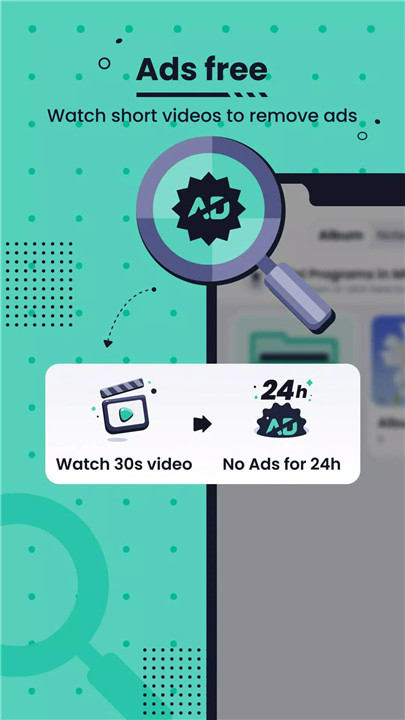
Yes, the latest version includes a Remove Ads function, providing a completely ad-free experience for secure file management.
Version History
v1.7.0.50—6 Jan, 2026
Stability improvement and bug fixes.
v1.7.0.48—24 Sep, 2025
Stability improvement and bug fixes.
v1.7.0.47—13 Sep, 2025
Stability improvement and bug fixes.