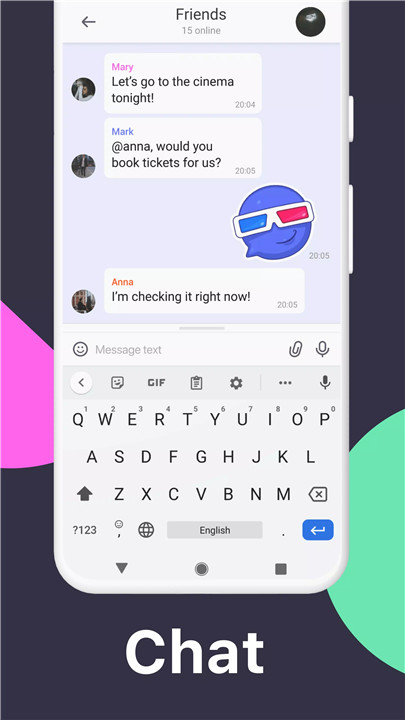
Versatile Communication: Whether you're in a public chat with thousands or a private conversation with a close friend, TamTam handles it all. Invite up to 20,000 participants to a chat and manage the conversation with up to 50 administrators.
Dynamic Media Sharing: Express yourself with thousands of unique stickers and GIFs. Customize your chats with your favorite stickers or create and upload your own sets. If stickers aren’t enough, explore a vast library of GIFs contributed by Tenor.
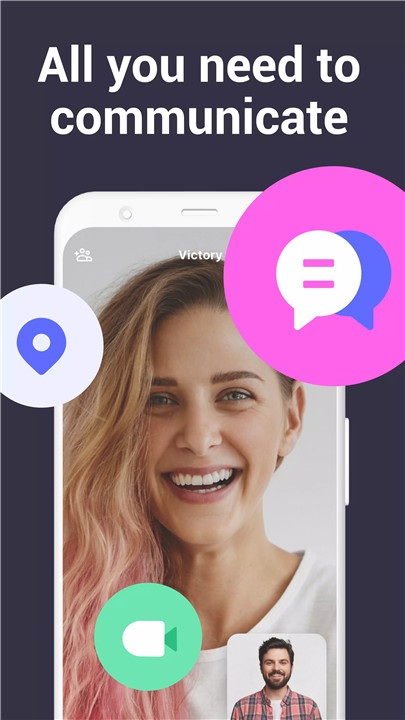
Robust Calling Features: Connect with up to 100 participants in group video calls. Broadcast your screen during calls from a PC and allow users to join via link without needing a TamTam account.
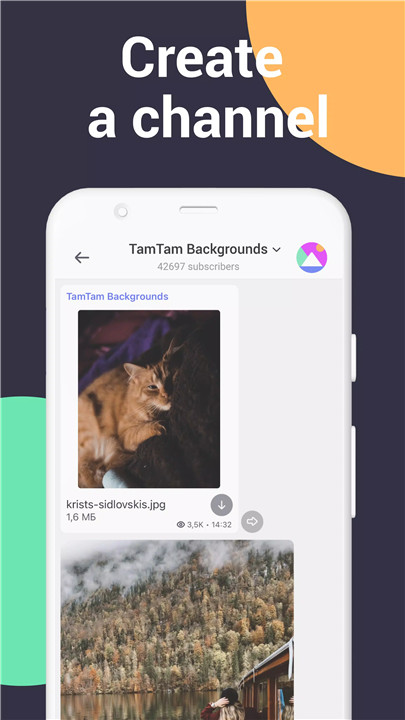
Flexible Channels: Create both private and public channels with unlimited participants. Moderate channels with administrative controls and access public channels without needing to register on TamTam.
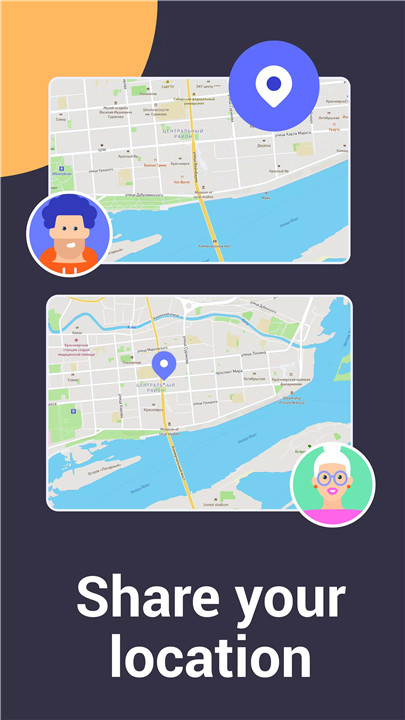
Enhanced Geolocation Services: Share your location or send map points effortlessly. Enable continual location sharing with your loved ones or use live location broadcasting for both personal and work-related chats.
Top-Notch Security: Your conversations are protected by TLS encryption, using our own protocol and standard protection algorithms. Data is stored securely on a distributed server network, ensuring your information remains confidential.
Cross-Platform Accessibility: Enjoy TamTam on Android, iOS, and desktop platforms, including Windows, Mac, and Linux. Access TamTam from any web browser, making it easy to stay connected wherever you are.
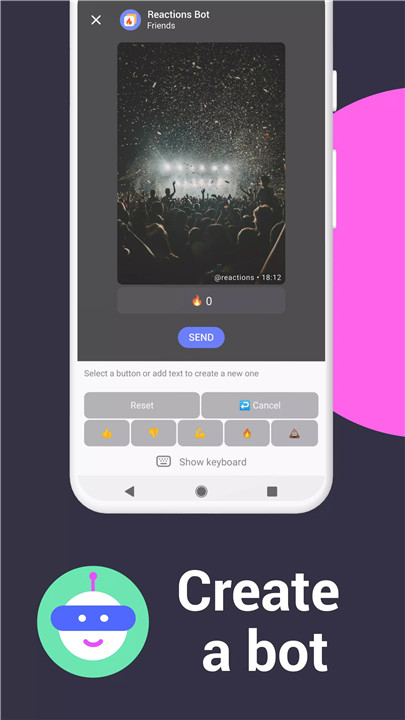
Developer-Friendly Features: With TamTam’s Bot API, developers can create custom bots, add new functions, and enhance their messaging experience. Official bots include @reactions for likes, @comments for discussions, and @antispam for chat protection.
User-Friendly Experience: TamTam offers quick registration via phone number or Gmail, easy search functionalities, short links for profiles and channels, and supports 16 languages. Access TamTam offline and enjoy a user-friendly interface without ads.
How Does It Work?
TamTam combines simplicity with functionality to deliver a seamless user experience. Here’s a quick overview of how it works:
Registration: Sign up quickly using your phone number or Gmail account. TamTam makes it easy to get started without hassle.
Chats and Communication: Once registered, you can create and join chats, manage participants, and use features like quoting and message forwarding to streamline conversations.
Media and Stickers: Browse and add stickers and GIFs to your messages to make conversations more lively. Upload your own sticker sets or select favorites from a vast collection.
Video Calls and Screen Sharing: Initiate group video calls and invite up to 100 participants. Use screen sharing to collaborate effectively during calls.
Channel Creation and Management: Set up public or private channels for various purposes. Manage and moderate channels with administrative tools, and share content with a broad or select audience.
Geolocation Services: Share your real-time location or send map points. Customize location sharing settings based on your privacy preferences.
Security and Privacy: Rest assured knowing your conversations are encrypted and your data is securely stored on distributed servers.
Cross-Platform Use: Download TamTam on your preferred platform—mobile or desktop—and enjoy consistent functionality across devices. The web version ensures you can access TamTam from any browser.
Bot Integration: Utilize the Bot API to create and integrate custom bots into your chats, enhancing your messaging experience with additional features and functionality.
FAQ
Q: Is TamTam free to use?
A: Yes, TamTam is completely free. You only need to pay for internet usage. There are no ads in TamTam, so you can enjoy uninterrupted communication.
Q: Can I use TamTam on multiple devices?
A: Absolutely! TamTam supports Android, iOS, Windows, Mac, Linux, and any web browser. Your conversations and data sync seamlessly across all devices.
Q: How secure is TamTam?
A: TamTam uses TLS encryption to protect your conversations. Personal data is transferred using our own secure protocol and stored on a distributed server network for added security.
Q: How do I create and manage channels?
A: You can create both public and private channels with unlimited participants. Administrators can manage and moderate channels, and public channels can be accessed without registration on TamTam.
Q: What are bot integrations and how can I use them?
A: TamTam’s Bot API allows developers to create custom bots and add new functionalities to TamTam. You can use official bots for likes, comments, and anti-spam protection.
Q: How do I share my location with others?
A: You can share your current location or send map points directly in your chats. Additionally, you can enable continual location sharing with select contacts for real-time updates.
What's New in the Latest Version 2.34.14
Last updated on Jul 2, 2024
We made improvements and fixed bugs. Enjoy the new update!