Why Download UC Browser?
Blazing Fast Speed: UC Browser is built for speed. Its unique U4 engine ensures a 20% improvement in web connection and overall performance, making your browsing experience smoother and faster.
Efficient Performance: Whether you're downloading files, streaming videos, or just surfing the web, UC Browser's enhanced stability and storage management provide a seamless experience.
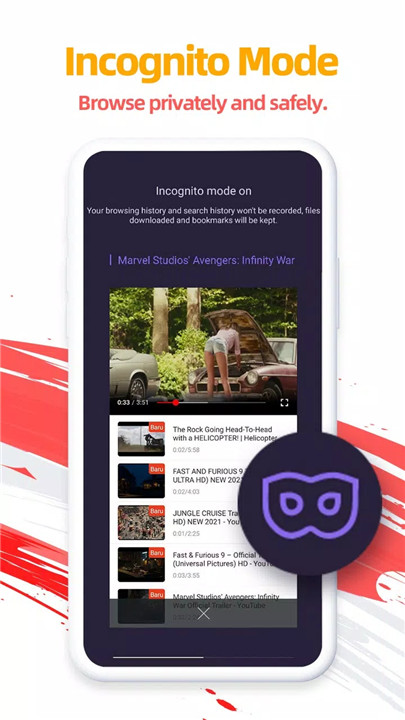
Privacy First: With features like Incognito Mode, you can browse the internet without leaving any traces, ensuring your privacy is always protected.
How Does UC Browser Work?
UC Browser operates using its proprietary U4 engine, which optimizes web connections and supports modern web standards. This engine is designed to provide a superior browsing experience, whether you're accessing websites, downloading files, or watching videos. Here's a closer look at some of its standout features:
Upgraded Web Browsing Experience: The U4 engine not only enhances web connection speeds but also improves video playback, personal information security, and overall stability.
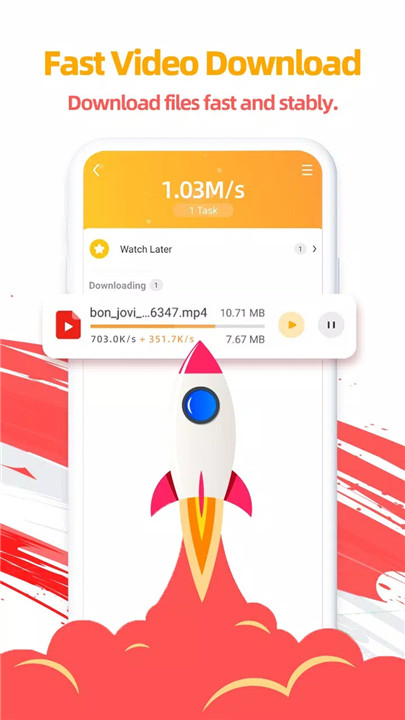
Fast Downloads: UC Browser's servers accelerate download speeds and ensure stability. Even if your connection drops, UC Browser can resume downloads from the breakpoint, saving you time and hassle.
Small Window Mode: This feature allows you to keep watching videos in a small, movable window while multitasking. Chat with friends, shop online, or browse other sites without interrupting your video.
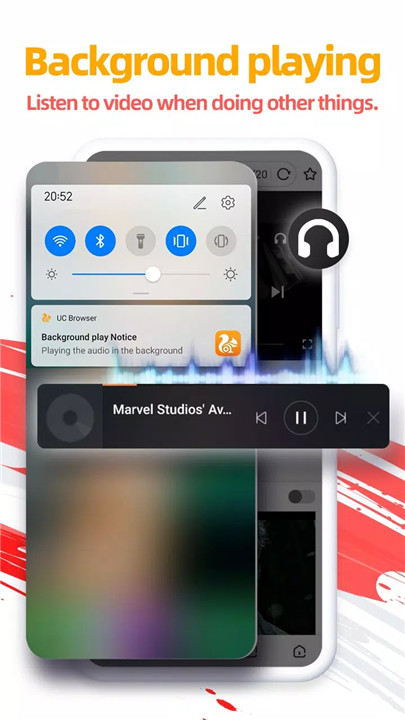
Video Playing in Background: Enjoy listening to videos in the background while using other apps. Just one tap, and your videos keep playing while you multitask.
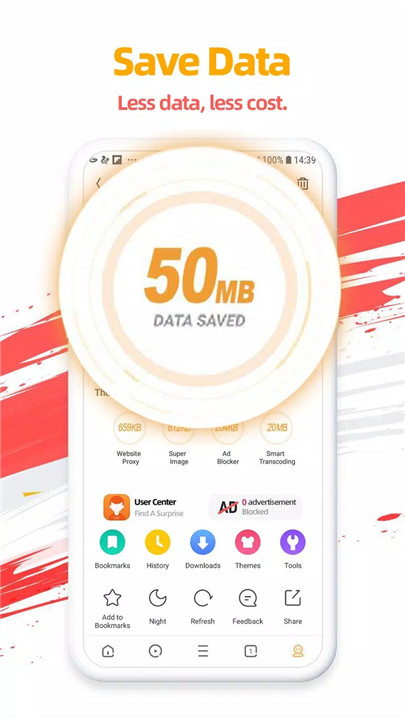
Data Saving: UC Browser compresses data to speed up navigation and save on cellular data. The more you browse, the more data you save.
Ad Block: Say goodbye to annoying ads. UC Browser's Ad Block feature blocks various forms of ads, ensuring an uninterrupted browsing experience.
Smooth Video Playing: With its self-developed video player, UC Browser provides smooth and high-quality video playback.
Incognito Mode: Browse privately with Incognito Mode, which leaves no history, cookies, or caches behind.
Facebook Mode: This unique feature speeds up your Facebook experience, regardless of your network condition.
Night Mode: Read comfortably at night by switching to Night Mode, which reduces screen brightness to prevent eye strain.
FAQ
1. What makes UC Browser faster than other browsers?
UC Browser's unique U4 engine boosts web connection speeds and overall performance by 20%, providing a noticeably faster browsing experience.
2. Can I download large files using UC Browser?
Yes, UC Browser's download manager handles large files with ease, and it can resume interrupted downloads from where they left off.
3. How does Small Window Mode work?
Small Window Mode allows you to move the video window around your screen, enabling you to multitask without pausing your video.
4. Is my data safe with UC Browser?
Absolutely. UC Browser compresses data to save on cellular traffic while ensuring your browsing remains private with Incognito Mode.
5. Does UC Browser block ads on all websites?
UC Browser's Ad Block feature is designed to block most ads, providing a cleaner browsing experience across various websites.
6. What makes UC Browser's video player special?
Our self-developed video player offers smooth and high-quality playback, ensuring an excellent video viewing experience.
7. How does Facebook Mode enhance my experience?
Facebook Mode speeds up your browsing on Facebook, ensuring faster loading times and a smoother experience.
8. Can I browse at night without straining my eyes?
Yes, UC Browser's Night Mode adjusts the screen brightness for comfortable reading in low light, reducing eye strain.
What's New in the Latest Version 13.4.2.1307
Last updated on Jul 15, 2024
Minor bug fixes and improvements. Install or update to the newest version to check it out!