Welcome to UC Mini!
UC Mini is a compact, fast, and smart video browser for Android developed by the UC Team. It’s designed for users looking for quick access to search results, entertainment videos, and a seamless browsing experience—all within a small, efficient app. With video downloading, face-swap video creation, ad blocking, and private browsing, UC Mini packs powerful tools into a lightweight footprint, making it ideal for devices with limited storage or slower internet connections. Download UC Mini now!
Key Feature:
1. Fast Browsing Speed:
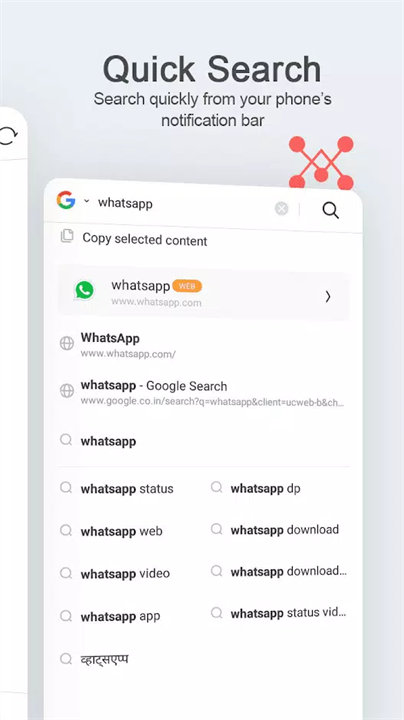
Optimized for speed, UC Mini loads pages quickly and delivers instant search results, even on slower networks.
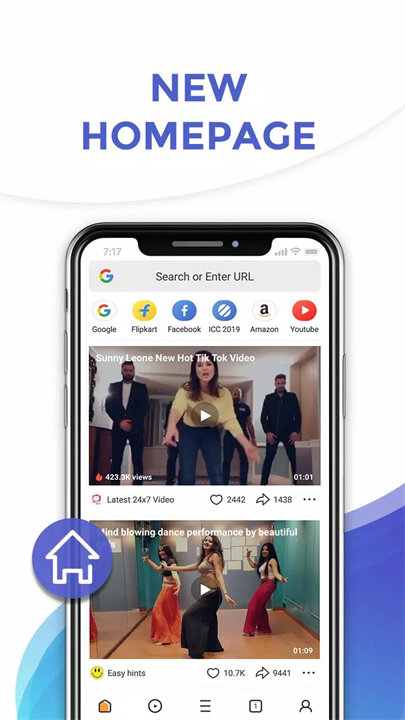
2. All Videos in One App:
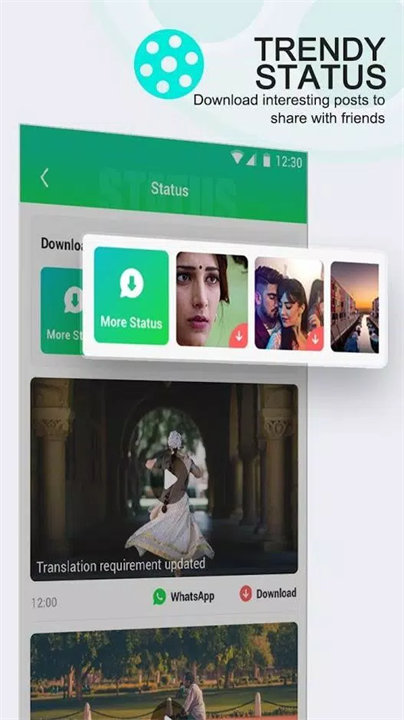
Enjoy trending movies, TV shows, funny clips, and celebrity content all in one place. You can watch, like, comment, and download.
3. Star Zone:
Follow content from your favorite stars and get tailored video suggestions based on your celebrity preferences.
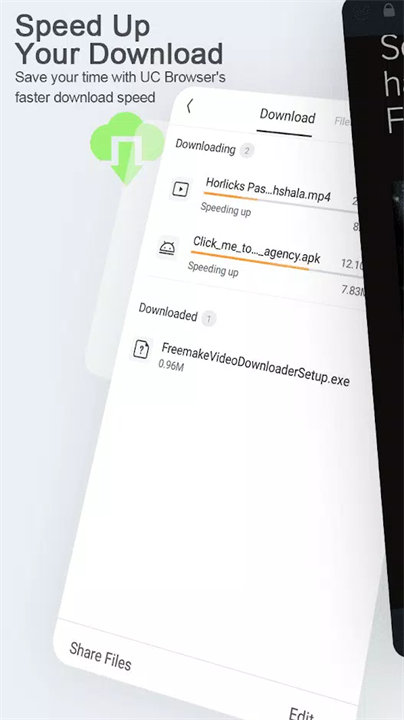
4. Boosted Video Downloader:
Supports high-speed, multi-video downloads with background support, so you can keep watching or browsing while your videos download.
5. Face Change Video Maker:
Create entertaining videos by swapping your face with celebrities or characters—perfect for social sharing and fun.
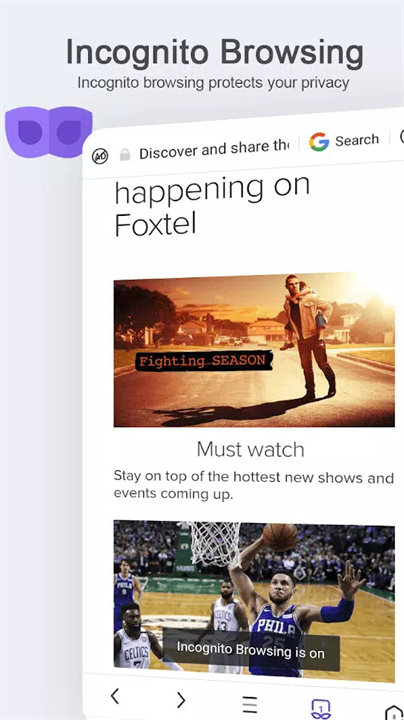
6. Incognito Mode:
Browse privately without saving history, cookies, or cache. A must-have for those who value online privacy.
7. Ad Blocker:
Built-in ad blocker ensures a smoother browsing experience by eliminating pop-ups and intrusive ads.
Top 5 FAQs on UC Mini:
1. Q: What makes UC Mini different from other UC browsers?
A: UC Mini is smaller in size, optimized for faster browsing, and designed primarily for users interested in video content and quick web access. It also includes unique features like the face-swap video maker.
2. Q: Can I download multiple videos at once?
A: Yes! UC Mini’s Boosted Video Downloader allows you to download several videos at the same time, even in the background.
3. Q: How does the Incognito Mode work?
A: When enabled, Incognito Mode prevents the browser from saving any browsing history, cookies, or cache, ensuring complete privacy for your session.
4. Q: Is the Face Change Video Maker safe to use?
A: Yes, it’s a built-in feature that lets you upload photos or take selfies and apply them in fun, creative videos. It’s designed for entertainment and social sharing.
5. Q: Does UC Mini block all types of ads?
A: While UC Mini’s ad blocker removes most pop-ups and intrusive ads, some native ads may still appear depending on the site. You can manually flag and block similar styles in the future.
<3
About UCWeb:
Facebook: https://www.facebook.com/UCBrowser
Twitter: https://twitter.com/UCBrowser
YouTube: http://www.youtube.com/ucwebvideo
For help & feedback, please contact our help center via UC Browser Mini-Menu-Feedback.
Version History
v99.9.9.9999——25 Mar 2025
Minor bug fixes and improvements. Install or update to the newest version to check it out!