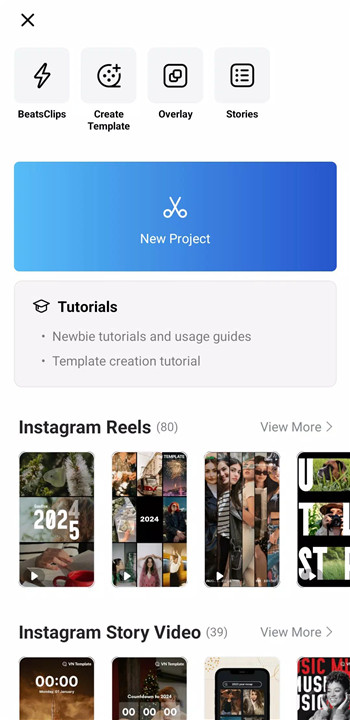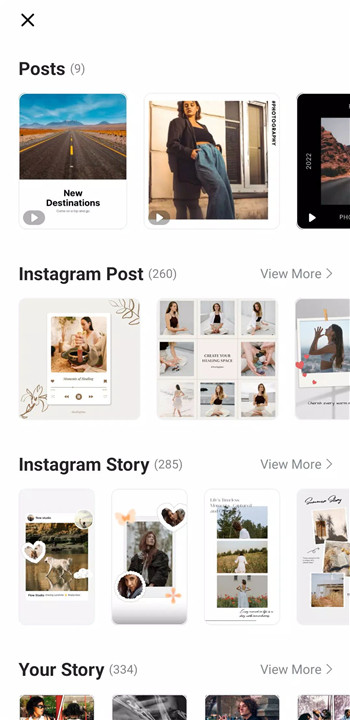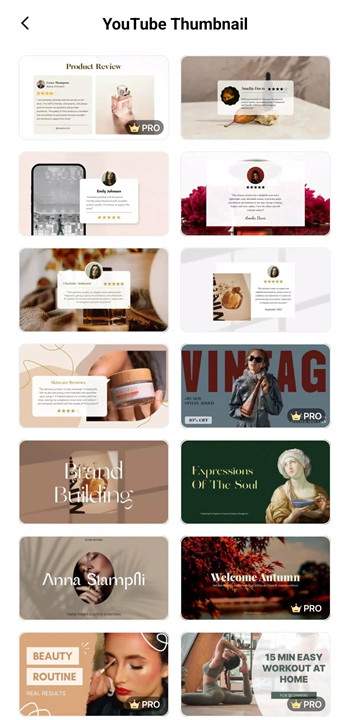
Built for simplicity without sacrificing professional capability, VN Video Editor delivers a complete editing experience for creators of all levels. The clean and intuitive interface removes the need for prior editing knowledge while still offering advanced features found in professional desktop software.
Intuitive Multi-Track Video Editing
VN Video Editor features a multi-track timeline that allows precise control over every element of a project. Video clips can be trimmed down to 0.05-second accuracy using a professional-style track editing design. Clips are easily deleted, reordered, or rearranged through simple swipe and drag-and-drop gestures. Picture-in-picture videos, images, stickers, and text layers can be added seamlessly, while keyframe animation enables full creative control. Drafts can be saved at any time, and non-destructive editing ensures original files remain untouched.
Music Beats and Audio Tools
Music-based editing is streamlined with built-in beat markers that align video cuts directly to the rhythm of a soundtrack. This feature helps create dynamic and engaging edits with minimal effort. High-quality voice-overs can also be recorded directly within the app, making it easy to add narration or commentary to videos.
Effects, Transitions, and Color Grading
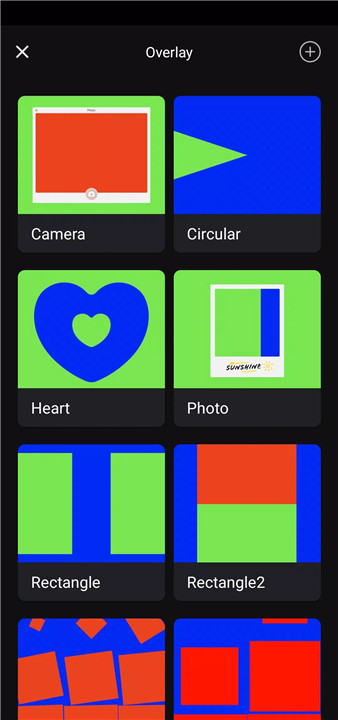
VN includes a wide range of visual tools designed to enhance storytelling. Speed Curve functionality allows clips to accelerate or slow down smoothly, similar to professional time-remapping tools. A variety of transitions and effects—such as overlays and blur—can be customized by timing and speed. Cinematic filters and LUT (.cube) file support make advanced color grading accessible, helping videos achieve a polished and professional look.
Advanced Editing Capabilities
For more creative control, VN offers keyframe animation with 19 built-in effects and additional curve customization. Reverse playback, zoom effects, and freeze-frame tools add visual interest and motion emphasis. Creative templates for music and video projects can be created and shared, supporting faster workflows and consistent styles.
Flexible Material Management
VN supports flexible importing of music, sound effects, fonts, and stickers through Wi-Fi, messaging apps, or bulk ZIP files. A built-in material library provides additional stickers and fonts, allowing editors to expand creative options without leaving the app.
Text Tools and Typography
Rich text templates and font selections make titles and captions easy to design. Text elements can be customized by adjusting color, size, spacing, and style to match any video theme.
Efficient Creation and Secure Sharing
Projects can be transferred between mobile and desktop devices via cloud services such as Google Drive or OneDrive, enabling seamless collaboration and editing anywhere. Protection Mode allows drafts and templates to be secured with passwords and expiration dates. Custom export settings support up to 4K resolution at 60 FPS, with adjustable frame rates and bitrates for complete output control.
FAQs
1. Is VN Video Editor completely free to use?
Yes, VN Video Editor is free to download and use, and exported videos do not include watermarks.
2. Does VN Video Editor support professional-level editing?
Yes, the app includes advanced tools such as multi-track timelines, keyframe animation, speed curves, and LUT color grading.
3. Can projects be edited across different devices?
Yes, projects can be transferred between mobile and desktop devices using cloud services like Google Drive or OneDrive.
4. What export options are available in VN Video Editor?
Videos can be exported with custom resolution, frame rate, and bitrate, including support for 4K resolution up to 60 FPS.
5. Are editing materials like fonts and music customizable?
Yes, custom music, sound effects, fonts, and stickers can be imported easily, and additional assets are available in the built-in library.
Version History
v2.9.9—25 Dec, 2025
- Support Santa Call
- Bugfixes and performance improvements.
If you encounter problems during using VN app, please feedback in the Settings on the VN app and contact us at vn.support+android@ui.com for emergency. We will help you out as soon as possible.
v2.9.8—15 Dec, 2025
- Bugfixes and performance improvements.
v2.9.7—11 Dec, 2025
- Support AI Template
- Bugfixes and performance improvements.
If you encounter problems during using VN app, please feedback in the Settings on the VN app and contact us at vn.support+android@ui.com for emergency. We will help you out as soon as possible.