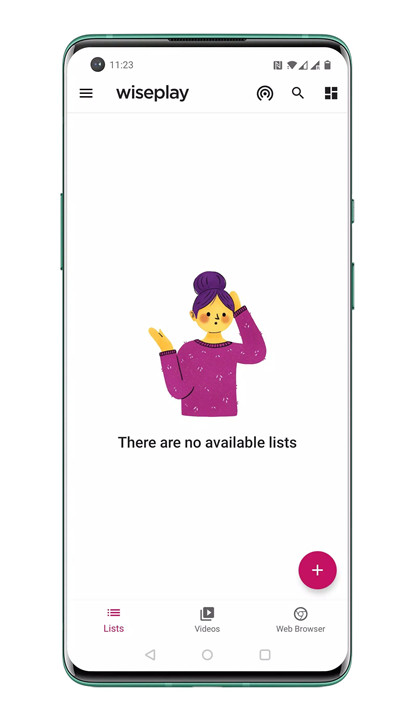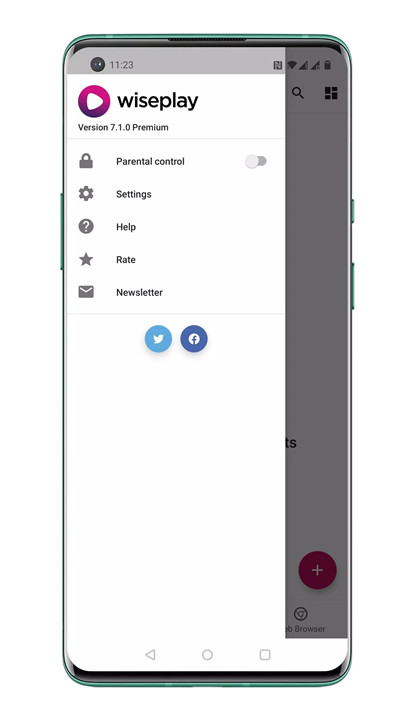
Wiseplay is a free and versatile multimedia player designed to offer seamless playback of a wide range of video formats and playlists. With a simple and intuitive interface, it allows effortless viewing of both local videos stored on a device and online videos hosted on remote servers. Wiseplay also supports casting to TVs via DLNA or Chromecast, VR playback, and custom video lists, making it a complete solution for video enthusiasts.
Play Videos
Wiseplay supports most common video and audio formats, including AAC, AVI, ASF, AMR, DIVX, FLV, H264, HEVC, M3U8, MKV, MOV, MP3, MP4, MPG, MTS, OGG, RM, RMVB, TS, VP9, and WMV. It also works with various streaming protocols such as HTTP, HTTPS, MMS, RTMP, and RTSP. This wide compatibility ensures smooth playback of almost any video or audio file.
Video Lists
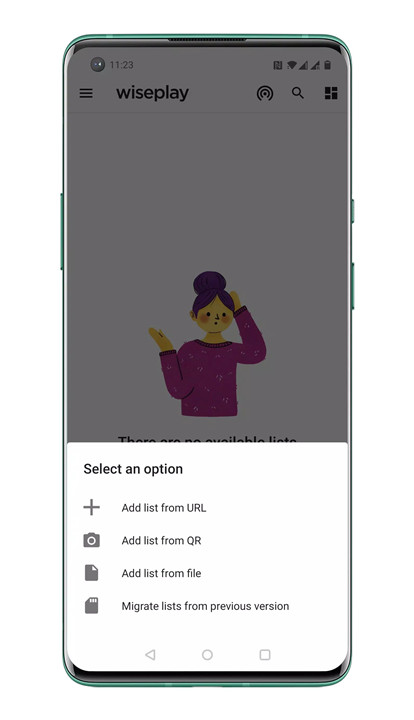
Users can load video playlists in W3U and M3U formats directly from a file, a URL, or by scanning a QR code. These playlists help organize content efficiently and provide quick access to favorite media collections.
Cast to TV
Wiseplay allows compatible videos to be cast to TVs using Chromecast or DLNA devices. The app automatically detects available devices on the same network, making streaming from a mobile device to a larger screen simple and convenient.
Android TV Version
The app is fully optimized for Android TV devices, delivering a smooth viewing experience on larger screens. All the standard features, including video lists and casting, are available on TV platforms.
VR Player
Wiseplay includes a VR player for 3D and Virtual Reality video playback. Users can watch videos directly from their gallery or via a link using VR glasses. A Cinema Mode is also included, offering an immersive VR experience for any video.
Premium Version Features
The premium version of Wiseplay removes advertisements entirely, allowing uninterrupted playback.
Important Notes
Wiseplay does not include or provide multimedia content. Users must load their own videos, and the app is not responsible for content created by others. Illegal or protected content should not be played unless users have proper rights. If videos only play audio without video, deactivating hardware acceleration in preferences can resolve the issue.
FAQs
1. Which video formats are supported by Wiseplay?
Wiseplay supports formats such as MP4, MKV, AVI, MOV, FLV, MP3, AAC, HEVC, and many more, along with protocols like HTTP, RTMP, and RTSP.
2. Can Wiseplay cast videos to my TV?
Yes, it supports casting via Chromecast or DLNA, automatically detecting compatible devices on the same network.
3. How can I use video playlists in Wiseplay?
Users can load W3U or M3U playlists from a file, URL, or QR code for organized and convenient playback.
4. Does Wiseplay support VR and 3D videos?
Yes, it includes a VR player and Cinema Mode for immersive 3D and VR video experiences using compatible VR glasses.
5. Is Wiseplay responsible for content provided by others?
No, Wiseplay does not include content and users are responsible for loading their own videos. The app does not guarantee access to third-party content.
Version History
v8.1.26—16 Feb, 2024
-Removed certain Android Manifest permissions.
v8.1.25—16 Feb, 2024
-Removed certain Android Manifest permissions.
v8.1.22—21 Dec, 2023
- Fix App Not Responding issues on the mobile version of the app.
- Fix crash on older Android mobile devices.