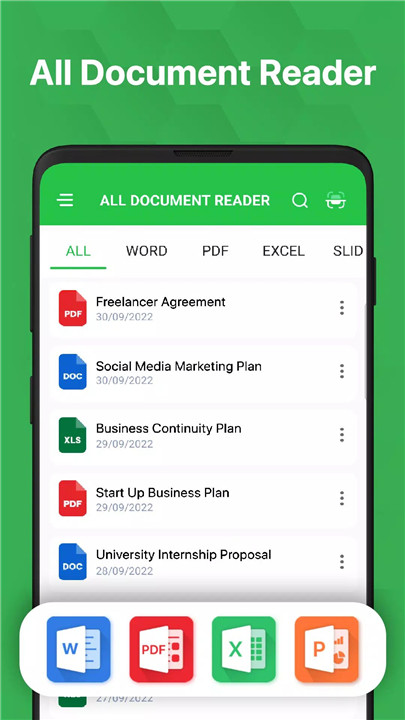
All Document Reader & Viewer is a powerful, all-in-one office app designed to help you read, edit, manage, and organize every major document format directly from your mobile device.
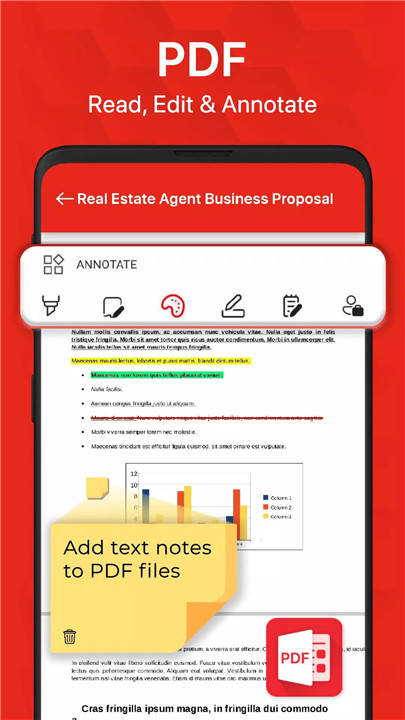
PDF Reader & PDF Editor
The app includes a feature-rich PDF Viewer and Editor that allows you to handle your PDF documents with ease.
· Add text and images directly onto PDF pages
· Highlight, annotate, and sign documents
· Enjoy fast loading speeds and smooth scrolling
· Read in full-screen mode or switch to night mode to protect your eyes
· Search within PDFs, zoom in or out, and print or share instantly
· Use the PDF reader as an ebook-style viewer for long-form reading
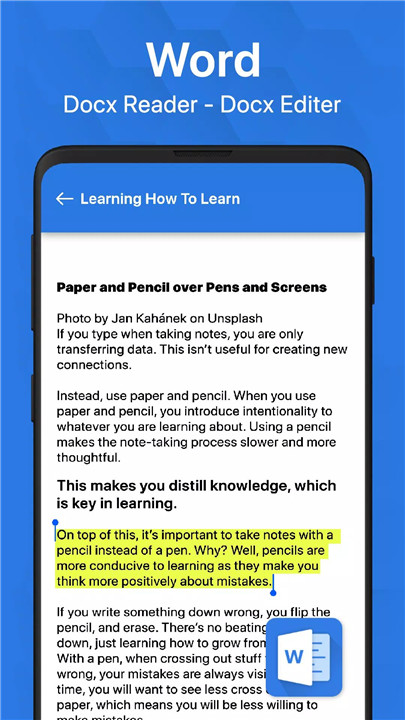
Docx Reader & Document Editor
Quickly open, view, and edit your DOCX files with a fast, responsive interface.
· Edit, search, and take notes on documents
· Access files quickly through the smart search tool
· Enjoy smooth scrolling and clean readability for long documents
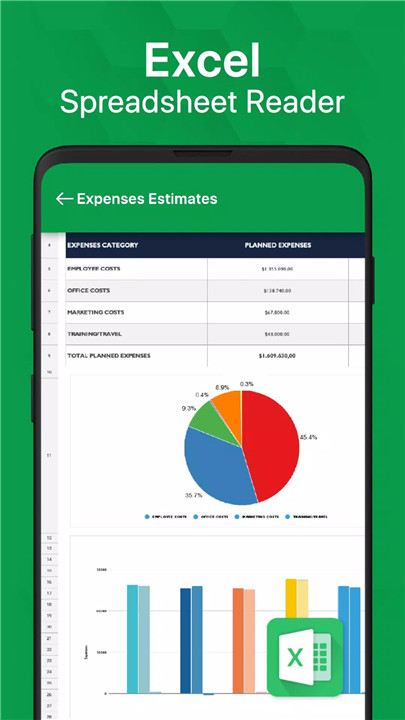
Excel Reader & XLSX Viewer
Manage spreadsheets with ease using advanced Excel tools.
· View XLS, XLSX, and CSV files in high quality
· Navigate large tables effortlessly
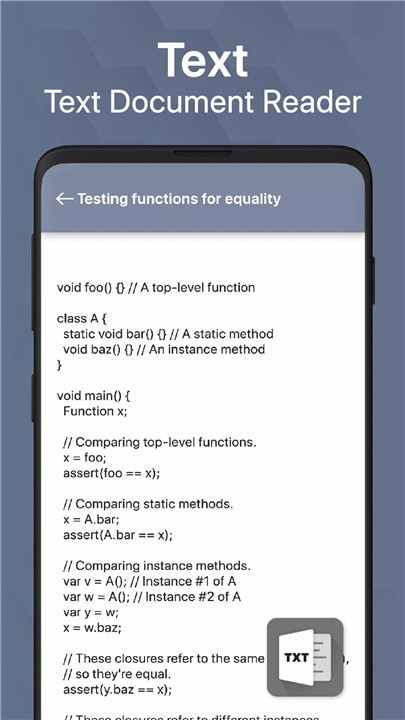
· Access text files and spreadsheets in a simple, optimized layout
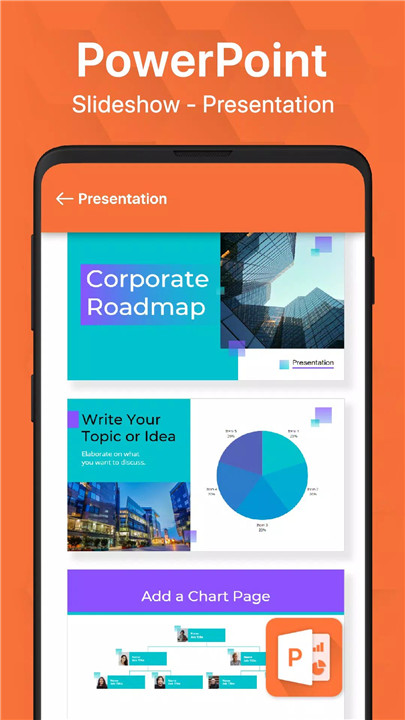
PowerPoint Reader
Open and review your presentations wherever you are.
· Support for PPT, PPTX, PPS, and PPSX files
· High-resolution slides and fast loading
· Search and manage presentation files easily
Document Scanner with OCR
Turn your phone into a portable scanner.
· Scan documents, receipts, notes, reports, and photos anytime
· Use OCR text recognition to extract text from scanned images
· Save recognized text as editable documents
· Share or store scanned files instantly
Supports All Major Formats
All Document Reader & Viewer supports a wide array of file types, including:
· Word: DOC, DOCX, DOCS
· PDF files
· Excel: XLS, XLSX, CSV
· PowerPoint: PPT, PPTX, PPS, PPSX
FAQs
1. What types of files can All Document Reader & Viewer open?
The app supports PDFs, Word documents, Excel spreadsheets, PowerPoint presentations, text files, and more.
2. Can I edit documents inside the app?
Yes. You can edit PDF and DOCX files, add text, highlight content, sign documents, and insert images.
3. Does the app include a built-in scanner?
Absolutely. It includes a document scanner with OCR, allowing you to scan pages and extract text from images.
4. Can I search for files easily?
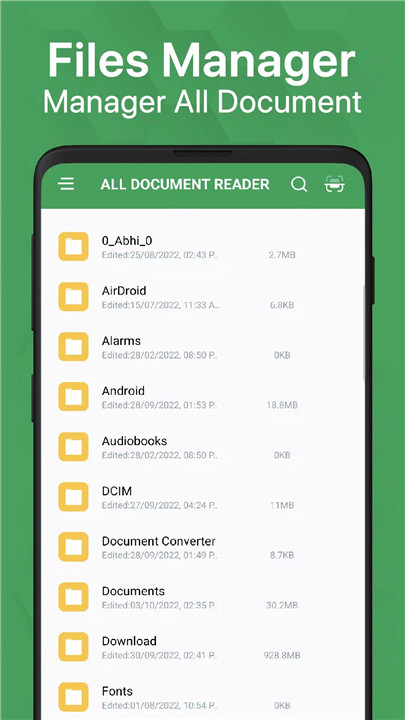
Yes. The app offers a fast search tool to help you quickly find any document stored on your device.
5. Is it possible to read files offline?
Yes. Once your documents are saved on your device, you can view, edit, and manage them entirely offline.
Version History
v1.3.8—17 Dec, 2023
- All Document Reader
- Convert PDF to Docx
- Full screen reader
- Support all fomart: Docx, PDF, Excel, Powerpoint
v1.3.5—11 Dec, 2023
- All Document Reader
- Convert PDF to Docx
- Full screen reader
- Support all fomart: Docx, PDF, Excel, Powerpoint
v1.3.4—11 Dec, 2023
- All Document Reader
- Convert PDF to Docx
- Full screen reader
- Support all fomart: Docx, PDF, Excel, Powerpoint