For users who value speed, security, and customization, XBrowser offers the perfect solution. At only 1MB in size, it provides lightning-fast performance while consuming minimal system resources.
Minimalist and Super Fast
This browser is designed to be as fast and resource-efficient as possible. At just 1MB in size, it uses minimal system resources and starts up in an instant. Its lightweight nature ensures that it runs smoothly without draining your device’s performance, making it an excellent choice for those who value speed and efficiency.
Ad Blocking
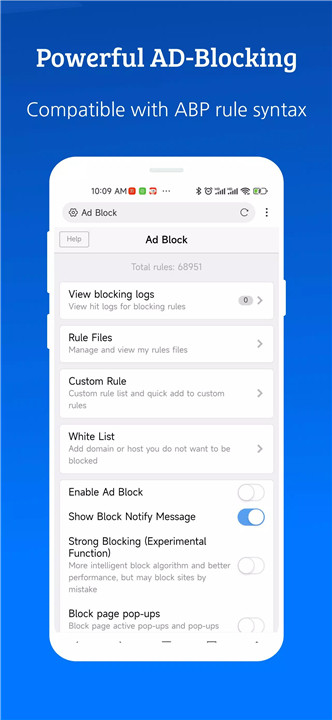
One of the standout features of this browser is its powerful ad-blocking capabilities. It removes up to 80% of malicious ads, significantly improving the browsing experience by eliminating distractions and reducing loading times. Additionally, it supports importing and subscribing to third-party blocking rules, giving users even more control over the types of ads they want to block.
Video Sniffing
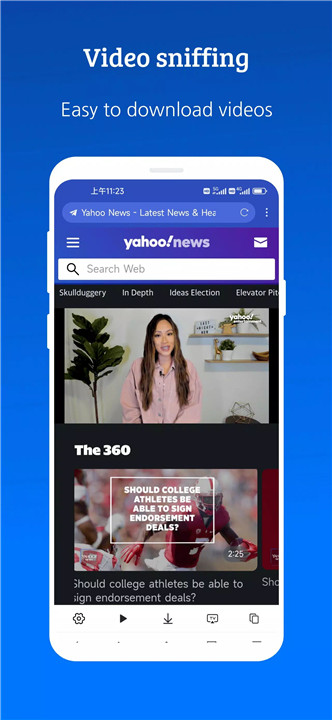
With its advanced video sniffing capabilities, this browser makes it easy to save internet videos for offline viewing.
User Script Support (GreaseMonkey & TamperMonkey)
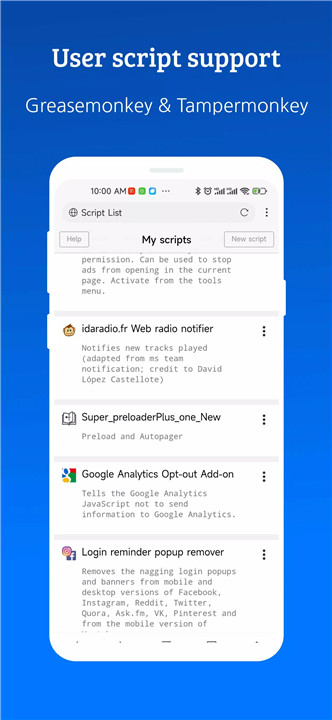
The browser comes with built-in support for GreaseMonkey and TamperMonkey user scripts, which significantly enhance the browser’s functionality. These scripts allow users to modify and improve their browsing experience by adding new features, automating tasks, and customizing the appearance of websites, making the browser more versatile and personalized.
Security and Privacy
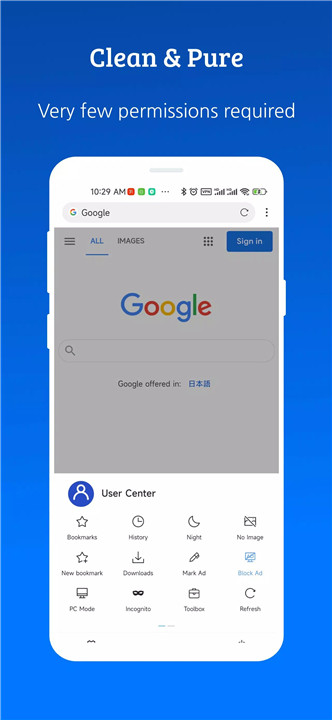
User privacy and security are top priorities. The browser requires only a few permissions, which ensures minimal data collection and protection against unnecessary background processes. There are no push notifications, no background services, and no excessive tracking.
Autofill Forms
The browser also features an autofill option, which automatically fills out forms with your saved information, such as your username, password, and address. This can save time and effort, especially when filling out repetitive forms on different websites, while ensuring accuracy.
Personalized Customization
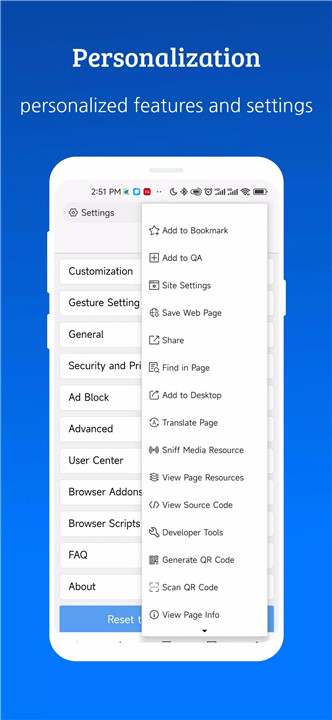
For users who like to tweak their browser experience, this browser offers a wide range of personalization options. You can adjust the appearance, gestures, and shortcuts to fit your preferences.
Addons and Extension Support
The browser supports third-party add-ons and extensions, such as downloaders and media players, giving users the flexibility to enhance their browsing capabilities further. Built-in support for TamperMonkey and GreaseMonkey scripts also enables users to extend functionality with custom scripts, ensuring that the browser can meet a wide variety of needs.
FAQs
1. How fast is this browser?
The browser is extremely fast, with a lightning-fast startup and minimal resource usage. It is only 1MB in size, which allows it to run smoothly without consuming excessive system resources.
2. Does this browser block ads?
Yes, the browser has a powerful ad-blocking feature that removes up to 80% of malicious ads. It also supports importing and subscribing to third-party blocking rules for enhanced control over your browsing experience.
3. What is video sniffing, and how does it work?
Video sniffing is a feature that allows you to easily detect and save videos from the internet. It automatically identifies videos on websites, making it simple to capture and store them for offline viewing.
4. Can I customize the browser?
Absolutely! The browser offers extensive customization options, allowing you to adjust the appearance, gestures, and shortcuts according to your preferences. Whether you prefer a different theme or quick access to certain actions, you can tailor the browser to suit your needs.
5. Is this browser secure and private?
Yes, security and privacy are top priorities. The browser requires minimal permissions, does not run background processes, and does not send push notifications. It offers a range of privacy options to ensure that your browsing experience is as secure and private as possible.
Version History
v5.5.1—24 Dec, 2025
- Optimized user avatar strategy: support fetching global Gravatar .
- Added bookmark sorting: Bookmarks can now be sorted by type and date (folders prioritized first, followed by bookmarks, both ordered by the latest modification date).
- Improved script loading timing: Enhanced script compatibility by optimizing the execution timing.
- Optimized video sniffing: Resolved performance issues caused by video sniffing in specific scenarios.
v5.5.0—12 Nov, 2025
### Features
- Supports searching for tags within the tag list
- Long-press to create a new private tag. (New private tag creation replaced with search button)
- Supports Gopeed third-party downloader
### Optimizations
- Optimized compatibility issues with Greasemonkey-related APIs
- Improved full-text reading functionality to resolve inaccuracies in content extraction
- Optimized desktop mode to address issues where it failed to activate on certain pages
v5.3.2—12 Oct, 2025
- Optimized for Android 15 devices