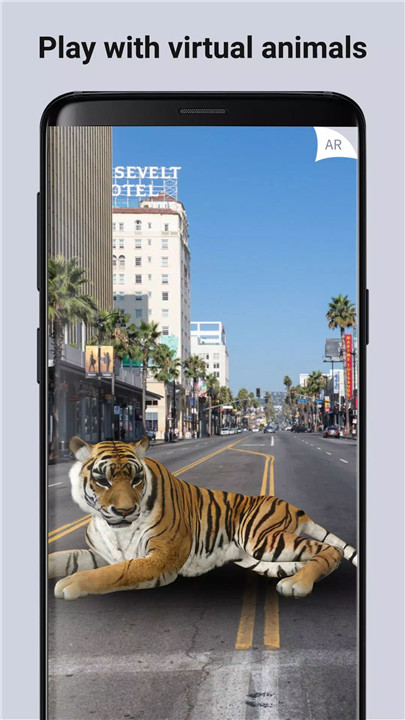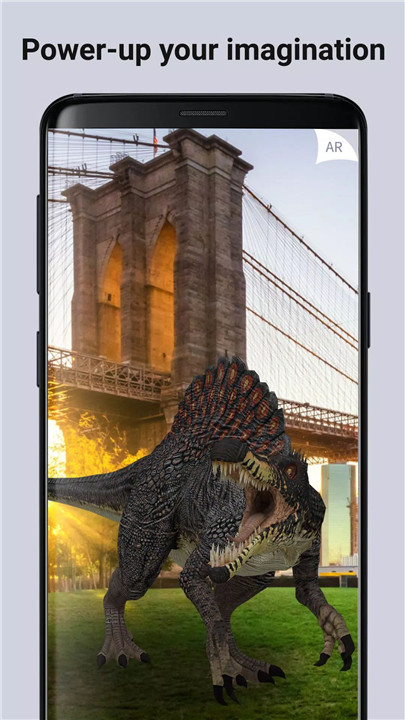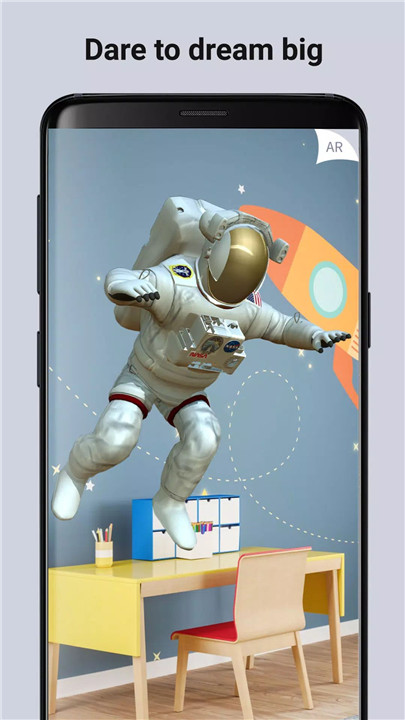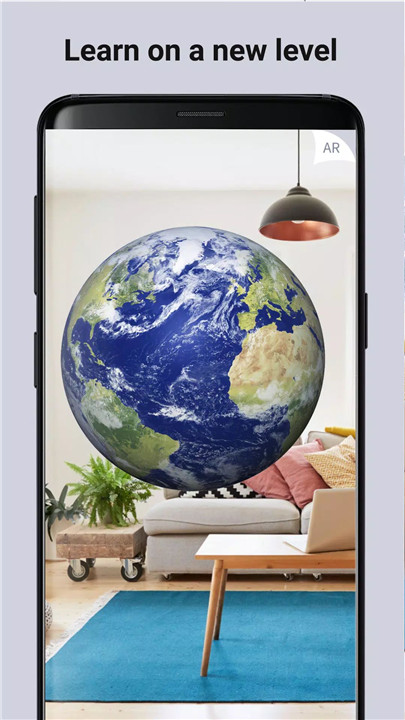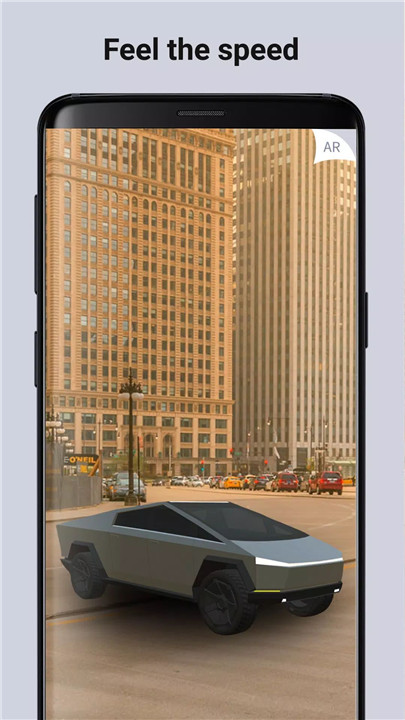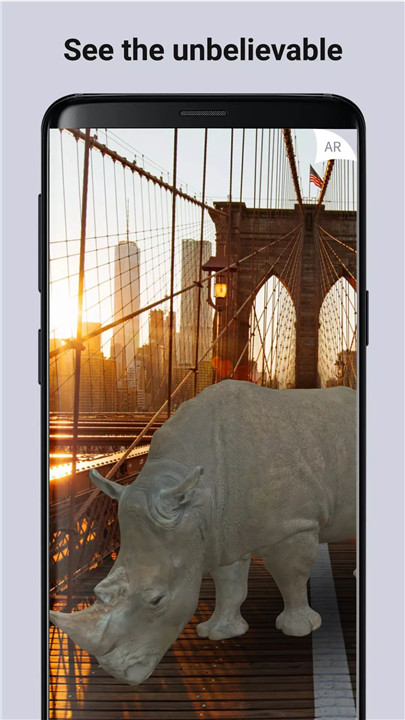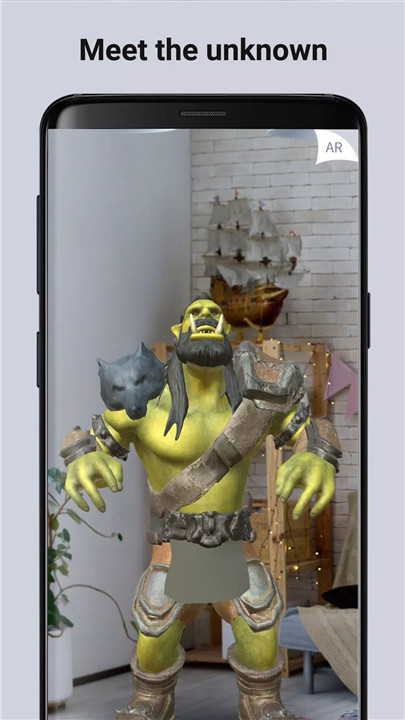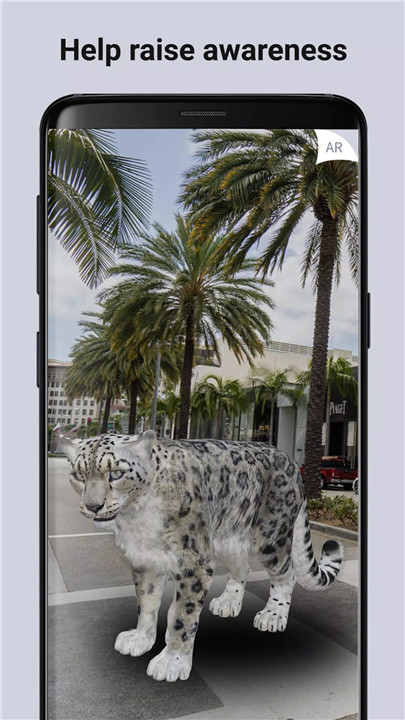
ARLOOPA is an advanced augmented reality camera and 3D scanning app designed to transform real-world spaces into immersive digital experiences. With powerful AR visualization tools, hyper-realistic 3D models, and AI-driven creation, the app enables seamless interaction between physical environments and virtual content. From placing furniture and art to exploring sci-fi worlds or educational models, ARLOOPA blends creativity, technology, and mixed reality into a single platform.
AI-Powered 3D Creation with Genie AI
Genie AI introduces text-to-3D generation, allowing ideas to be transformed into fully interactive 3D models. Simple text prompts such as objects, characters, or concepts are instantly converted into detailed models that can be placed directly into real environments using AR. This removes traditional barriers to 3D design and accelerates creative workflows.
AR Furniture, Art, and Object Preview
ARLOOPA enables realistic visualization of furniture, décor, and artwork at true scale. Objects can be positioned, rotated, and explored within real spaces, supporting confident design decisions and creative experimentation.
Interactive 3D Scenes and Virtual Worlds
Multiple AR elements can be combined to build complex scenes, from virtual zoos and space labs to fantasy landscapes. Augmented reality portals allow seamless entry into immersive metaverse environments filled with robots, sci-fi worlds, and imaginative adventures.
Education, Science, and Exploration
Life-size planets, moons, and scientific models can be placed in any environment for engaging educational experiences. These features support interactive learning and visual discovery across science and space topics.
AR Scanner and Marker Detection
Murals, posters, labels, and printed materials can be scanned to reveal hidden augmented reality content. This feature bridges physical media with interactive digital layers.
Location-Based Augmented Reality
Virtual objects and media can be tied to real-world locations, enabling discovery of AR content in specific places or leaving digital elements for others to explore nearby.
Media Capture and Sharing
Photos, videos, and GIFs of AR scenes can be captured directly in the app. Creations are optimized for easy sharing across social platforms, making AR content creation accessible and social-ready.
Mixed Reality, VR, and Joystick Mode
Mixed Reality and VR support allows experiences through compatible headsets. Joystick Mode enables animated characters and creatures to walk or run naturally within real environments, enhancing realism and interactivity.
FAQs
Q1. What is ARLOOPA used for?
ARLOOPA is used to create, visualize, and interact with augmented reality content, including 3D models, AI-generated objects, educational scenes, and immersive virtual worlds.
Q2. How does Genie AI work?
Genie AI generates 3D models from text prompts. A short description is converted into a detailed 3D object that can be instantly placed and explored in AR.
Q3. Can ARLOOPA be used for education and design?
Yes. The app supports educational models such as planets and scientific elements, as well as practical design use cases like furniture and art preview.
Q4. Does ARLOOPA support content sharing?
AR scenes can be recorded as photos, videos, or GIFs and shared directly on social media platforms.
Q5. What is ARLOOPA Studio?
ARLOOPA Studio is a no-code platform for building custom augmented reality experiences using images, videos, 3D models, and audio, which can be published directly to the app.
Version History
v5.0.30—4 Feb, 2026
Hello there. We brought some cool update today:
- Now you can create and view Geospatial based (VPS) based AR content. You can create them in ARLOOPA Studio.
- The application is now supported in Japanese.
- UI Improvements.
- Minor bug fixes.
v5.0.29—27 Jan, 2026
Hello there. We brought some cool update today:
- Now you can create and view Geospatial based (VPS) based AR content. You can create them in ARLOOPA Studio.
- UI Improvements.
- Minor bug fixes.
v5.0.28—19 Nov, 2025
Hello there. We brought some cool update today:
- Now you can create and view Geospatial based (VPS) based AR content. You can create them in ARLOOPA Studio.
- UI Improvements.
- Minor bug fixes.