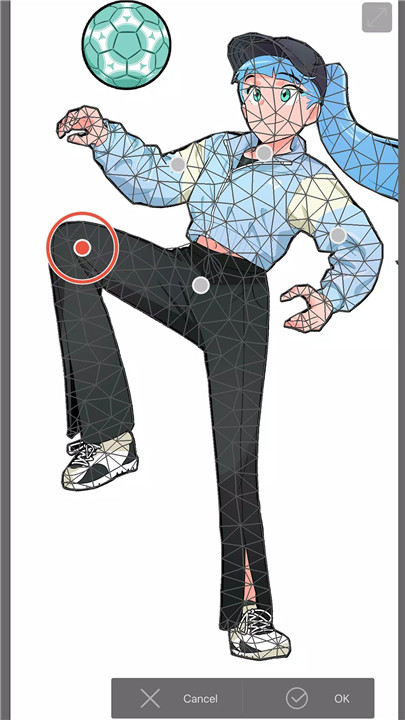
Clip Studio Paint is a versatile drawing and illustration app for Android devices, offering a professional-quality experience for artists on the go. Designed to adapt to mobile workflows, Clip Studio allows users to sketch, paint, create comics, webtoons, and animations without needing a desktop. The app provides a stable setup through the Clip Studio APK, enabling easy installation and control of updates while connecting users to a rich library of tools, materials, and community resources.
Natural Brushes with Realistic Color Mixing
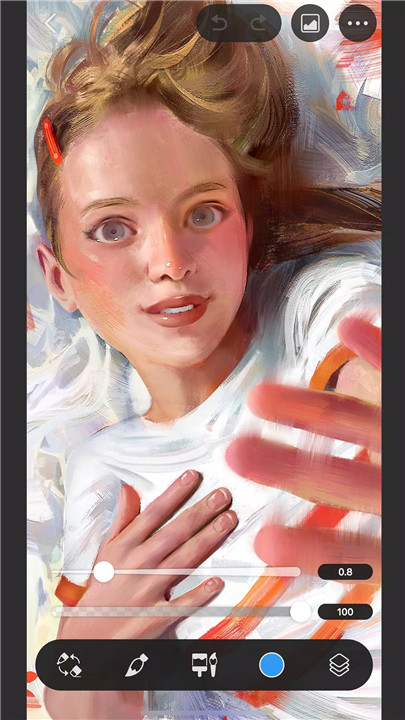
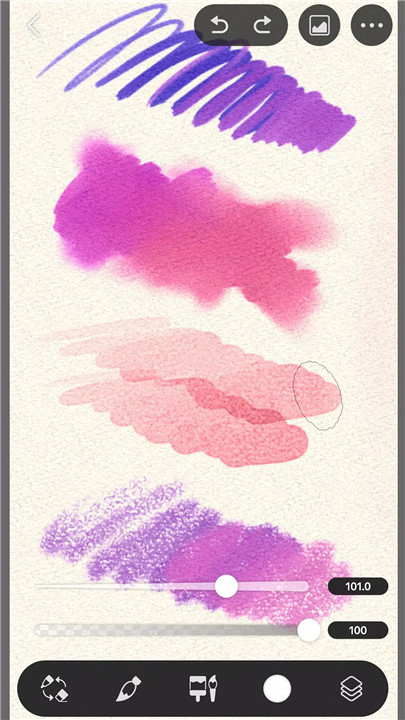
Clip Studio Paint’s customizable brush engine mimics traditional media with natural pen pressure and smooth strokes. The real-time color mixing allows for seamless blending and layering, perfect for shading, highlights, and painting techniques on a digital canvas.
Extensive Materials and Community Assets
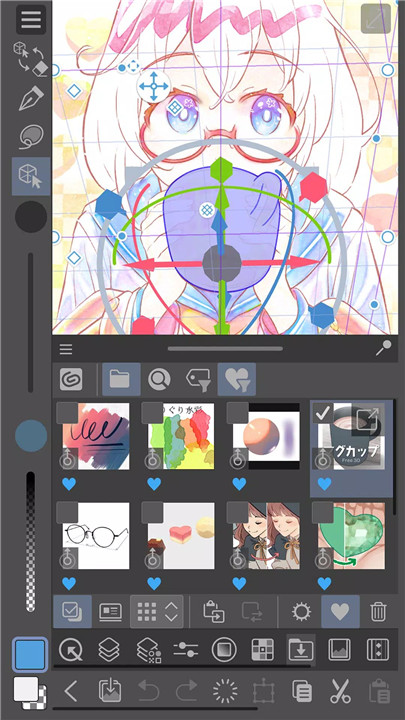
Access tens of thousands of materials, including brushes, textures, gradients, and patterns. Community-created assets expand creative possibilities and can be saved in personal libraries to reuse across projects, reducing repetitive tasks and accelerating workflow.
3D Reference Tools and Hand Scanner
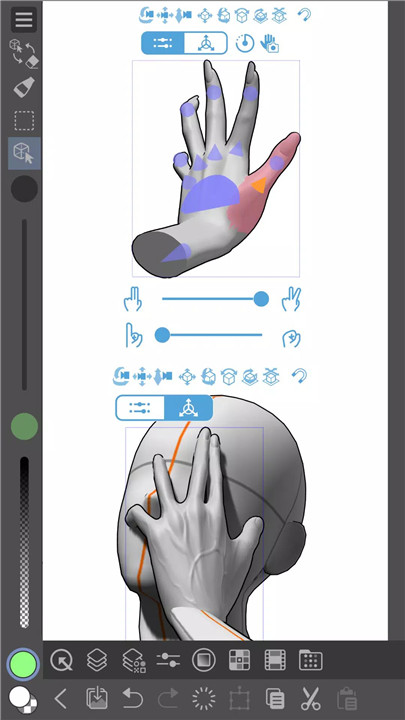
Artists can use adjustable 3D figures and head models to study poses and angles. The Hand Scanner captures hand poses via live video, translating them into accurate 3D references. These tools ensure consistent proportions and perspective throughout a project.
Vector Layers and Smart Coloring
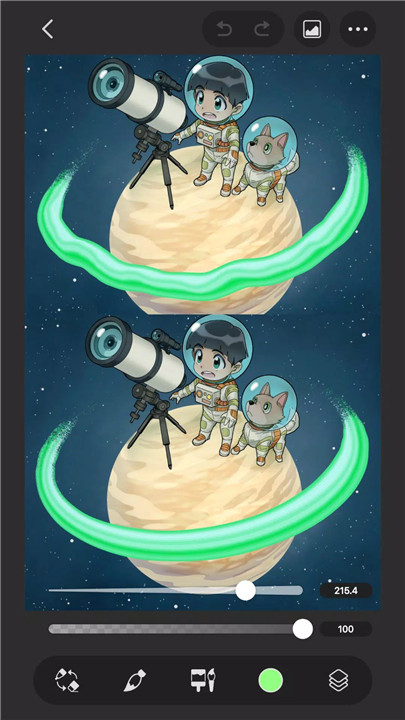
Vector layers maintain crisp and scalable line art, ideal for inking. Line stabilization ensures smooth strokes, while Smart Fill and lock transparency simplify base coloring and shading. Edits remain precise and scalable, improving efficiency in complex illustrations.
Comic, Webtoon, and Animation Tools
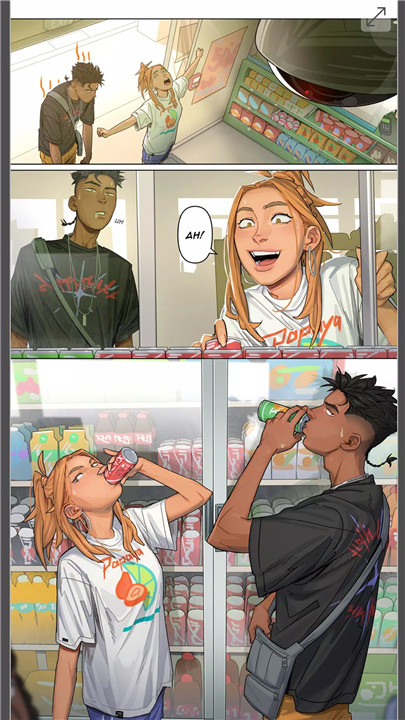
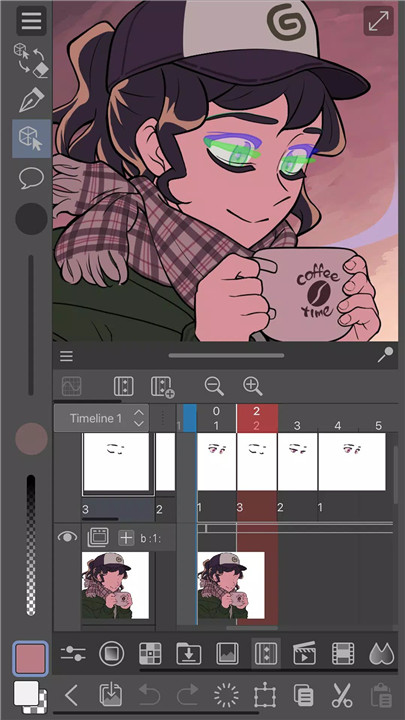
Clip Studio supports sequential art creation with panel frames, speech balloons, screentones, and effect lines. Animation tools include onion skinning and light table support for planning frames. Multi-page management in the EX tier enables longer comic projects with consistent quality.
Flexible Plans and Cross-Device Workflow
Mobile users receive 30 hours of free use per month. Tablets and desktop devices offer free trials or promotional months. Subscriptions are available monthly or annually, and desktop versions can be purchased outright. Clip Studio supports cloud syncing with 10GB storage, enabling work to continue across devices without interruptions.
Mobile Optimized Interface
Simple Mode offers a beginner-friendly interface, while Studio Mode provides access to the full toolset. The interface supports both touch and pen input, making drawing and editing intuitive on Android devices.
FAQs
Q1: Can Clip Studio Paint be used on Android phones and tablets?
Yes, Clip Studio Paint runs on Android phones and tablets with full touch and pen support.
Q2: What drawing tools are included in Clip Studio?
Clip Studio offers natural brushes, vector layers, line stabilization, Smart Fill, and customizable pens with realistic color mixing.
Q3: Can I use 3D models as references in my artwork?
Yes, adjustable 3D figures, head models, and the Hand Scanner allow precise pose and proportion references.
Q4: Does Clip Studio support comics and animation?
Yes, it includes panel frames, speech balloons, screentones, onion skinning, and multi-page project management for comics and animations.
Q5: Can projects sync across devices?
Yes, Clip Studio provides cloud sync with 10GB storage, allowing work to continue seamlessly on mobile, tablet, or desktop.
Version History
v4.2.7—4 Feb, 2026
[Ver.4.2.7]
Several issues have been fixed.
v4.2.2—11 Dec, 2025
v4.2.1—7 Dec, 2025